

Ultra’s tough case is made from brushed aluminum, and given a black finish (it’s not anodized, but rather painted). The overall design of the case is rather blocky, with hard angles and no girly-man curves. The case is slightly taller than your average mid-tower, but is marginally wider and longer at nearly 9.5 inches wide x 20.5 inches deep!
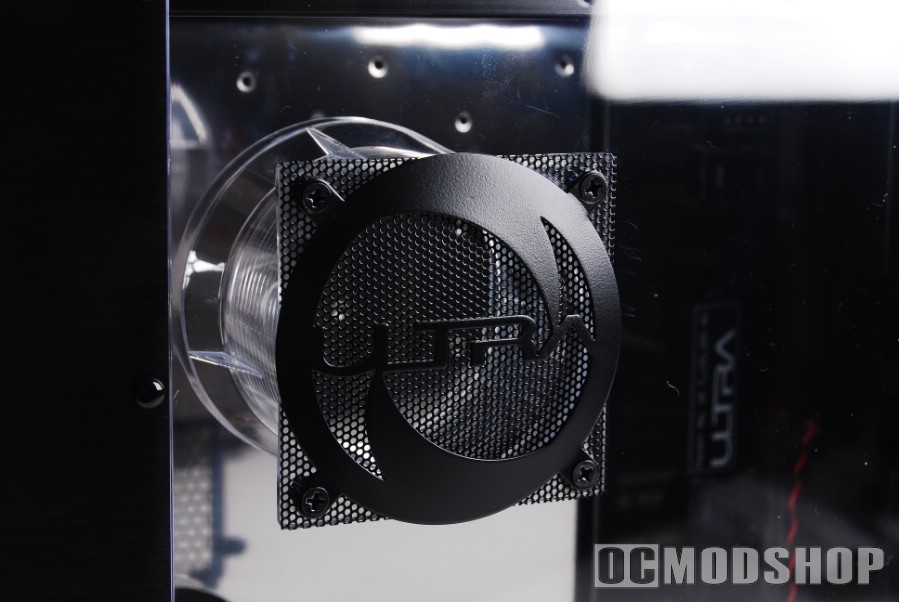
The side of the case is dominated by a clear plexiglass window, which allows you to see the beastly hardware within. There are two air-holes cut from the side, which are covered with black mesh vents. The top hole is circular (there goes that no-curve theory), and has a clear vent that gives your CPU access to fresh outside air. The bottom hole is oblong and covered with a hexagonal cover, which supplies air to installed peripheral cards.
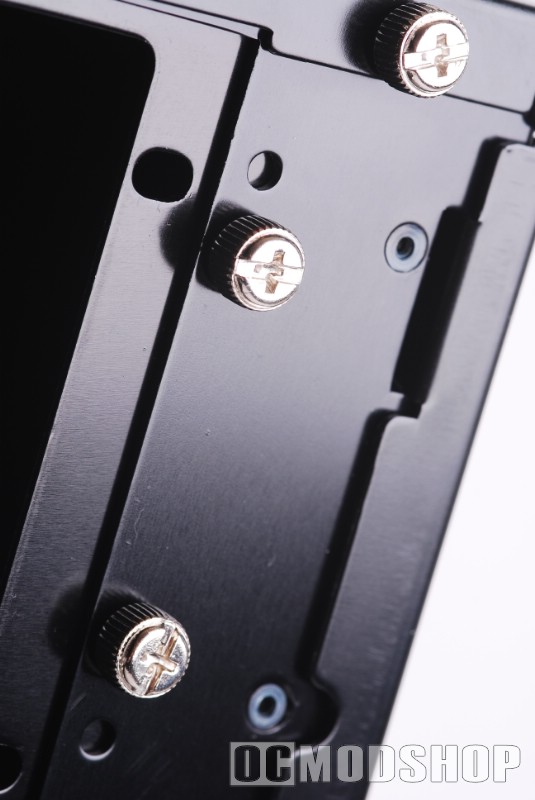
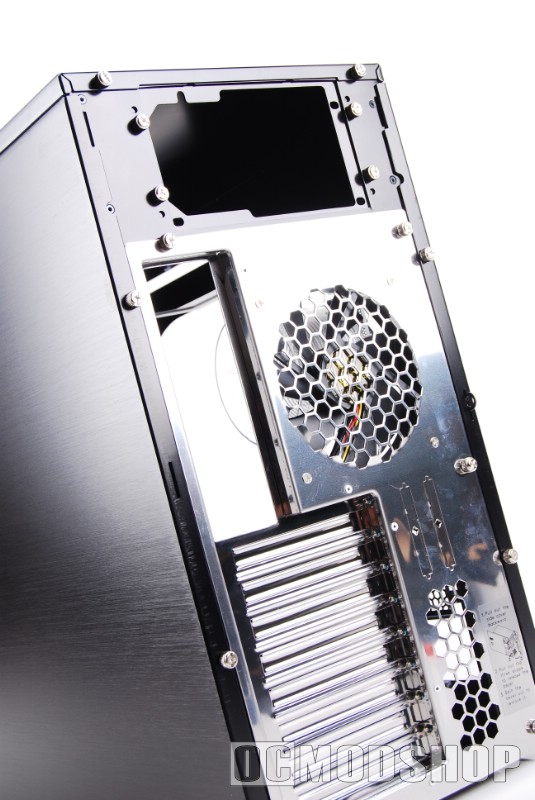
The back of the case has air-vents stamped out out in honeycomb shapes. The entire silver part of the back-side is actually part of the slide-out motherboard tray, so there’s no need to remove your VGA or sound cards when doing maintenance – the peripherals (including the exhaust fan) travel with the motherboard. The motherboard tray is secured in place with several chrome thumbscrews.
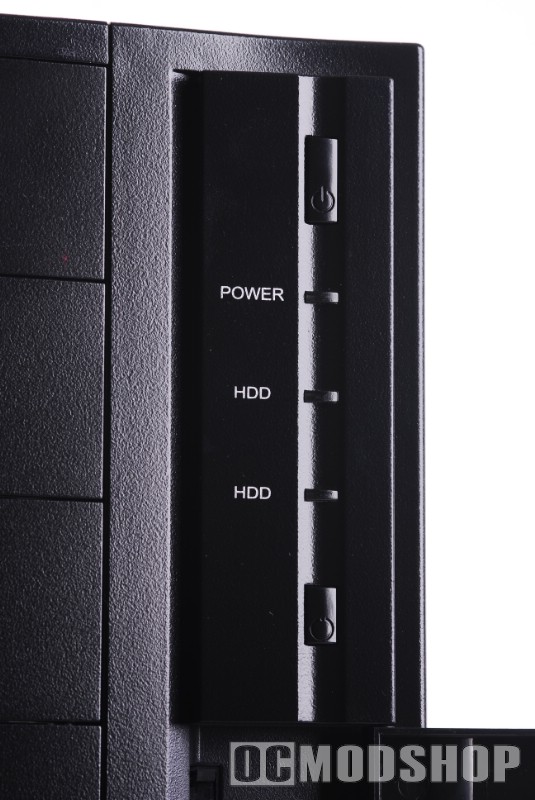
The front of the case is a complete paradigm shift when it comes to the quality and workmanship we’ve seen up to this point. The front is made of brittle plastic. The top right of the front panel has a standard Power button, and below that is a single blue Power LED, and two orange HDD (hard drive) activity lights. A reset button sits underneath the LED array.
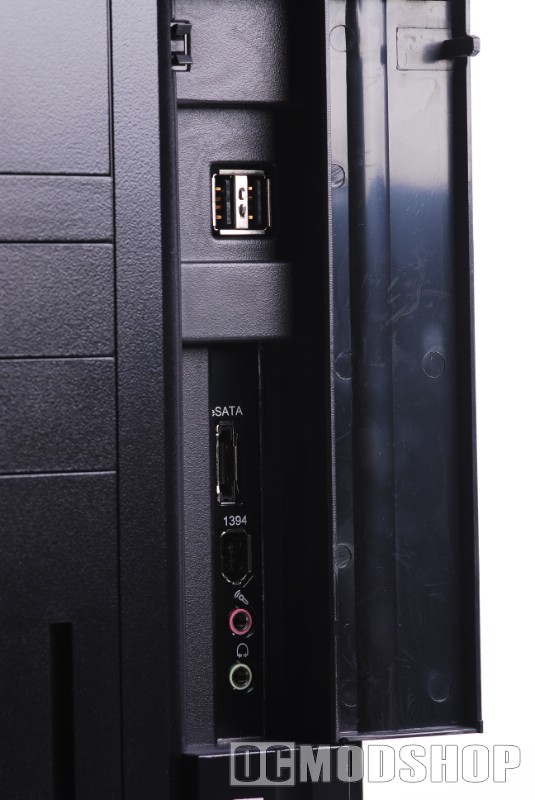
Below this is a cover that hides two USB ports, an eSATA port, a firewire port, and audio and microphone jacks. The cover is unlocked by pushing the top left corner of the lid, and locked again by closing shut.
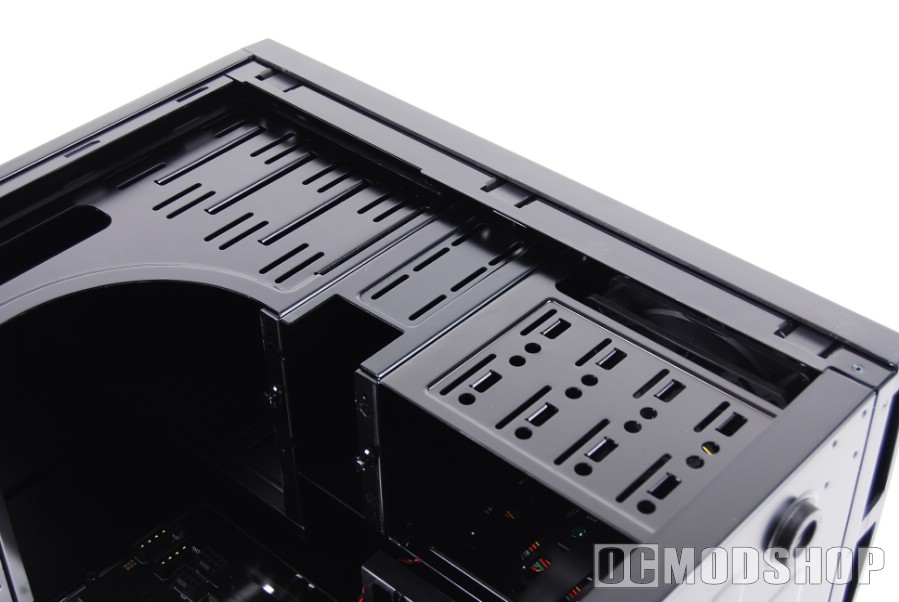
The inside of the case looks very sleek, which is painted with a shiny black durable paint. The silver part of the case is actually the slide-out motherboard tray (yes, it is attached to the back). The hard drive cage is removable, and is secured in place with two thumbscrews. There is plenty of room at the top of the case, where you can easily stuff unsightly cables or watercooling equipment out of the way.
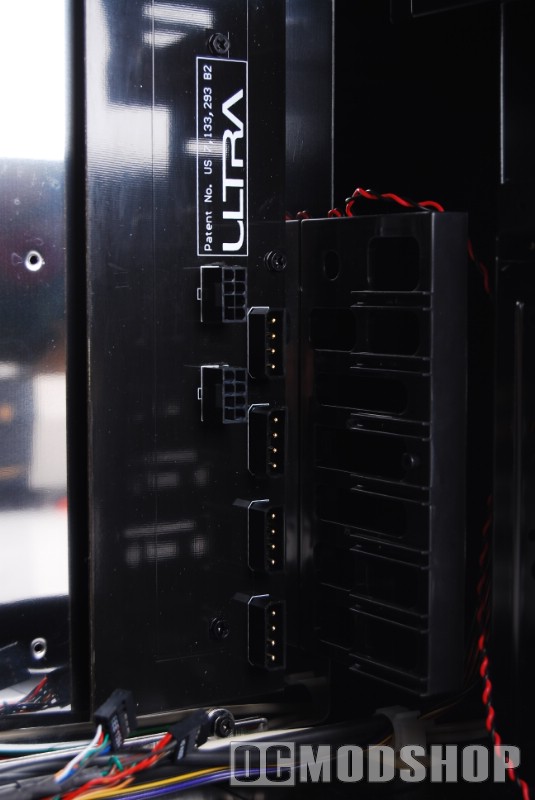
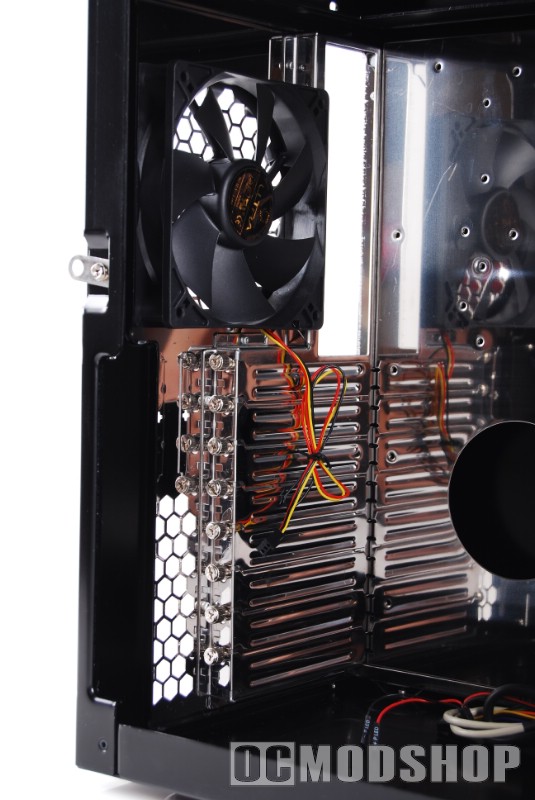
One of the most notable features of the case’s innards is the PowerBar, which is a power distribution board that allows you to provide power to your hardware without having to route cables to them. The case’s power supply can be plugged into the top of the board, which provides power to the ports at the bottom of the board. You can then route modular cables to your PCI-e video cards, hard drives, sound cards (in the case of Asus’ D2X), or any other internal device that needs a PSU lead. This method keeps the inside nice and tidy, as you don’t have unnecessary molex connectors dangling uselessly.

