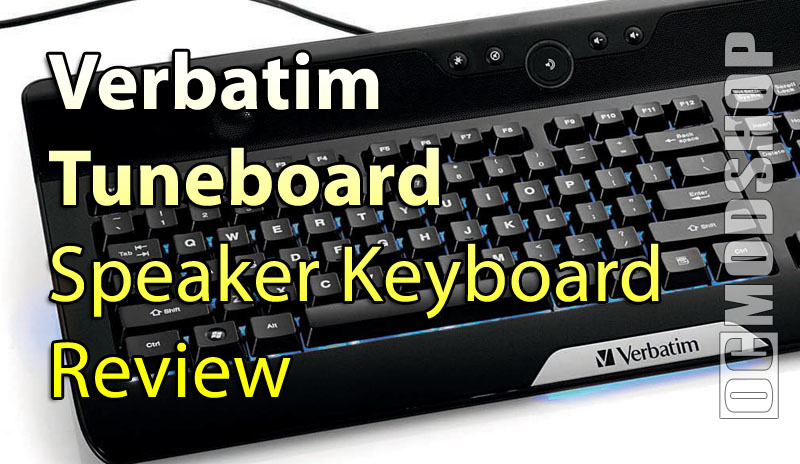
Really, it’s a cool little peice of hardware. It plays your music through full controls and integrated speakers, and has backlit illumination so you can find your keys in the dark. Could you imagine how much the little goth kids are going to love this? Now they can play Marilyn Manson all night long with the lights off and not even need a set of speakers or a keyboard lamp. There you go, Verbatim. Another marketing approach from me to you. I’m going to have to start charging you for this crap.
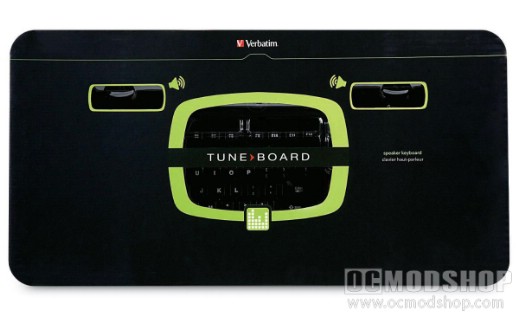
Out of the box it’s pretty much ready to go. No drivers required. It comes covered with thin plastic to protect the piano black finish. With the magnificent blue backlight and the lusterous finish of the board it somewhat resembles the Razer Lycosa. Other than, the only other thing in the box is the folded poster sized instruction paper. But really you don’t even need the instructions. It’s about as Plug N Play as it gets. As soon as I plugged the keyboard in Windows found drivers for it and the sound worked automatically. At the top of the board where the speakers are, on the back, are ports for a microphone and headphones. Talk about freaking convenient.
The sound is transferred from the system’s onboard audio through the USB port, which is then played through the keyboard’s speakers. Next to the cable leading to the PC are the ports for microphone and headphone attachments, as well as a USB port. Audio quality to lower end, outlet-powered speakers tend to lose quality even with decent sound cards. The components that make up the speaker vibrate to make sound, but if the coil doesn’t go far enough then bass is lost and we here cracking when the speaker is pushed to its limits. So while the keyboard does use a steady source for its sound, this is also where the keyboard draws its power for the lights and the inner components. This is also where the microphone draws its power should you plug on in. Combine that with a USB flash drive or whatever you decide to plug in there and you have one major component sucking up quite a bit of power. So when you crank the sound up to listen to the latest Lil’ Jon song, it’s not going to sound as good as full-sized speakers.
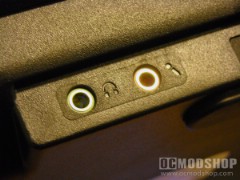
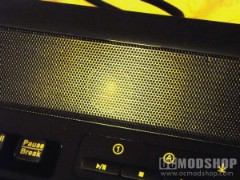
The layout of the keyboard is pretty standard stuff. Some keyboards today have an enlarged “delete” key and/or do away with the Scroll Lock key. This keyboard has the standard home/end key bank that most people are familiar with. There’s no fancy ergonomics built in here, other than a beveled front. The usb cable is of adequate length, and terminates in a standard USB plug, along with green headphone and pink microphone plugs, which extend the sound of your PC to this keyboard.
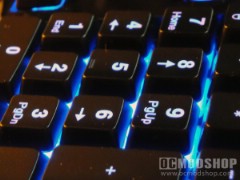
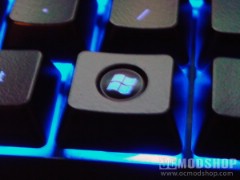
So it’s all plugged in. Windows has detected its presence and installed it. The sound seems to be working, at least according to my friend Richard Cheese, who’s sweet voice is caressing my ears through the keyboard’s speakers as I write. None of the keys seem to have a problem with sticking, and so far none have stopped working, as was the case with the Lycosa (reviewed here). Using the controls at the top of the board, I find the options to turn on or off the backlit lighting, and to control bass boost. Just above the 10-Key are the controls for the music player of choice. Personally, I am a user of WMP10, but to each his own. So everything works, the lighting is brilliant, and I can’t seem to find a single problem with this thing.
The speakers themselves will suffice for the average user listening to their Myspace Playlist while they surf for a new BFF. Any dreams of throwing an ass-kicking house party with this as the music source are going to be quickly dashed for you. Even compared to the very cheap speakers I picked up at the local supermarket, the TuneBoard’s onboard audio still lacked in presence. The bass seemed almost non-existent and the sound cracked and sometimes lagged. For your average teen sitting in his room, this board would be okay, but to a power user this is just one more thing to stick in the closet before going out to buy a Creative sound card.