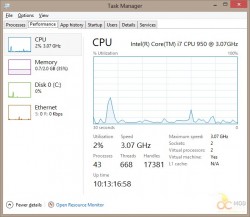
One of the things that has been completely changed for the better in Windows 8 is its new Task Manager. Not only does it have a style that doesn’t look like an 80s terminal, but it incorporates a lot of features of Performance Monitor, such as disk and network useage.
Even though you may have an 8-core or 12-core CPU, you may have noticed that the Windows 8 task manager just shows you one big graph. You may be used to seeing all the activity on each seperate core. It’s very easy to get this back, but like many things in Windows 8 it’s not apparently obvious.
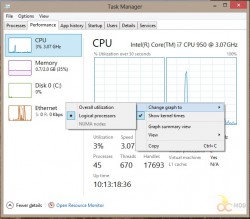
To get the Logical CPU graphs back, all you need to do is:
- Right-click in the CPU graph area
- Select “Change graph to”
- Select “Logical processors”
You can easily switch back to “Overall utilization” if you prefer.