
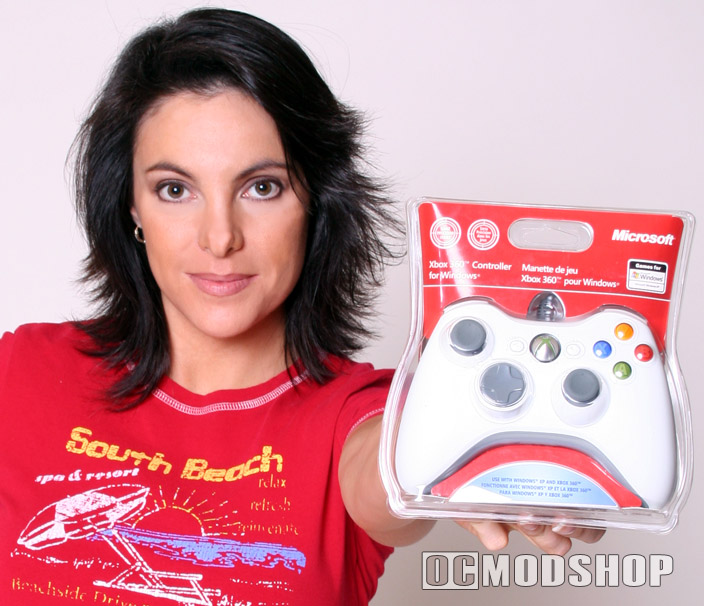
A lot of thought has been put into this controller, and has the best usability of any console or PC controller yet. The ABXY buttons are brightly colored and spaced just enough apart to be pressed with a thumb without accidentally pressing others.
The back/select buttons have been moved to the center on either side of the Xbox Live button to avoid accidental depressions. The left and right “bumper” buttons are placed on the top of the controller, and meant to be used with the index fingers. They have a satisfying click to them, much like a mouse button.
Below the bumper buttons are the left and right triggers, which are spring-loaded and offer variable sensitivity (referred to as the Z-axis), so they can be used as throttle or as a digital trigger. The controller is easily gripped with the palms, even when all fingers are on the trigger and bumper buttons
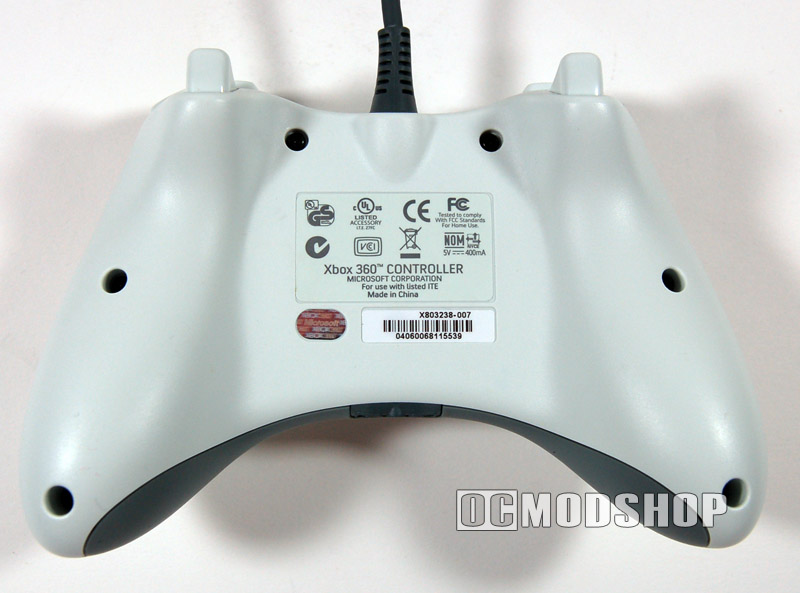
Both analog sticks are grey and (although made of plastic) have a slightly rubbery texture to prevent accidental slippage from underneath one’s thumb. The analog sticks also double as two more buttons by pressing straight down on the analog stick. The analog sticks have a full circular range of motion (I have seen some analog sticks surrounded by a square opening, which are easy to get stuck into.
The original Xbox expansion port has been removed for this next generation controller, which is a huge usability improvement. These ports were placed on the top of the original xbox controller, and many players plugged their Xbox Live headsets into these. The problem with this implementation is that the wires would drape over the player’s hands, or otherwise get in the way.
With the Xbox 360 controller, the headset port is placed on the bottom of the controller, underneath the player’s hands and therefore not in the way. On the Xbox 360, the Xbox Live button glows when active, and the “ring of light” surrounding the button indicates the player number.
This functionality is lost on the PC, although rumor has it that Microsoft may be implementing these features soon. The controller is well built and sturdy. All in all, 13 different functions can be triggered by the buttons alone. Many games implement use of the D-pad independently of the analog sticks, which can add other in-game functions.
The drivers for the Xbox 360 controller are available on Microsoft’s website, which allow use of any wired Xbox 360 controller on your PC. The software included on the retail CD is only 45MB and offers no frills beyond the basic drivers. Once installed, the controller can be tested and configured in Window’s standard “game controller” applet in Control Panel.
The cord is rather long at 8 feet, and the USB plug is extra long and very grippable. This extra length is needed because the Xbox 360 hides its recessed USB ports behind a swinging door. The only thing that could make this controller better is if it were wireless, which is the killer feature of the Xbox 360. Unfortunately, the wireless controllers are not supported with the PC drivers, even with the optional link cable attached. There is a rumor that Microsoft may support wireless controllers in the future, along with the Xbox Live buttons.
The headset jack will accept any 2.5mm headset jack (popular on many wireless phones). Windows will immediately recognize this device as a headset and supports chat in any application (like MSN messenger).


