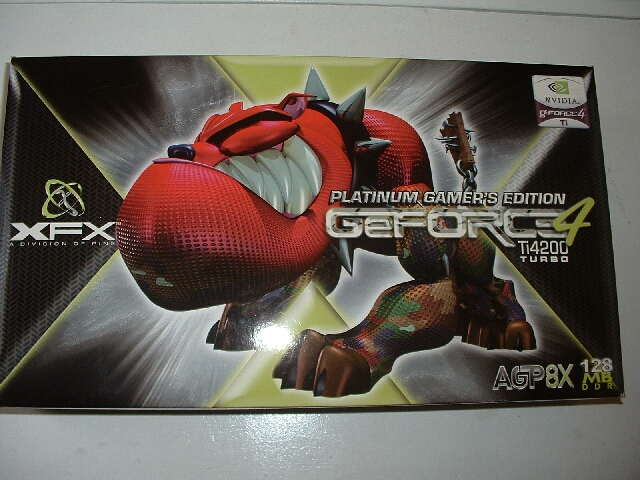
I previously reviewed a XFX Geforce 4 MX440 which has the same style box as this Geforce 4 Ti4200. This box has a picture of a red bull dog it looks like while the old card had what looks like a wolf thing. The back of this box also has two plastic windows, one to see part of the video card and another to see the gamepad that is included with the card. I really feel that the box of a product is very important because it shows that the company has taken the time and effort to make a high quality product from every perspective.
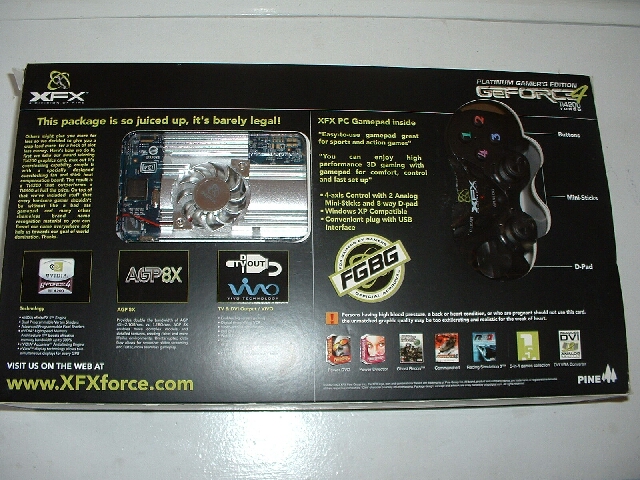
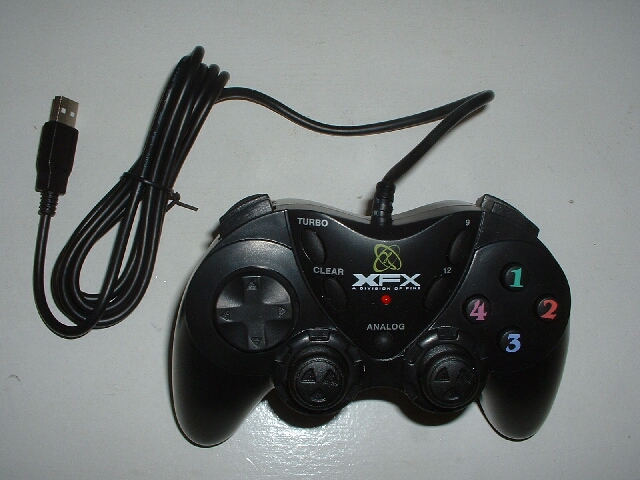
This is the first time I have seen a gamepad included with a video card but I really like it. This video card is geared towards gamers so why not include a USB gamepad to play those games? The gampad has four main buttons, two paddle buttons on each side, two analog joysticks, and the digital gamepad.
There is also a turbo, clear, and two extra buttons on the front of the controller. The best thing about this controller is that it is USB which is great because it’s hot swappable. Also included are all the accessories needed for the DVI, and S-Video connections.
XFX has included a DVI to VGA adapter so that if you want to use two CRTs you can. They have also included a pass through S-Video cable and a S-Video to RCA cable which can be used with almost every TV. The pass through S-Video cable will give you a better output to your TV but the S-Video to RCA will look good as well.
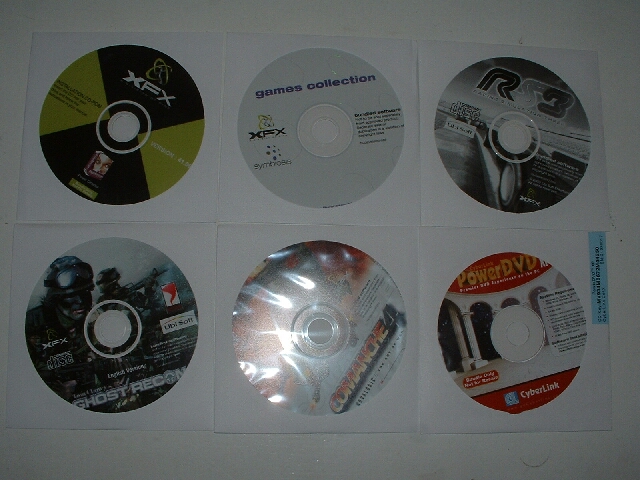
The video card comes bundled with a good amount of software. Three full version games are included which are Ghost Recon, Comanche 4 and Racing Simulation 3, these aren’t the newest games but they arn’t old by any means.
There are also five demo games on one CD which are Ballistics, Delta Force-Black Hawk Down, IL-2 Sturmovik, Serious Sam: The Second Encounter, and Vietcong. Also included are full versions of CyberLink’s PowerDVD XP and Power Director v2.1 Pro VE which can be used for video editing with the VIVO feature.
The documentation for the video card is quite good explaining all you would need to know. There is a quick install guide for both the controller and video card which are always nice to speed the installation process along. There is also a registration card so you can take advantage of the warrantee on your card.


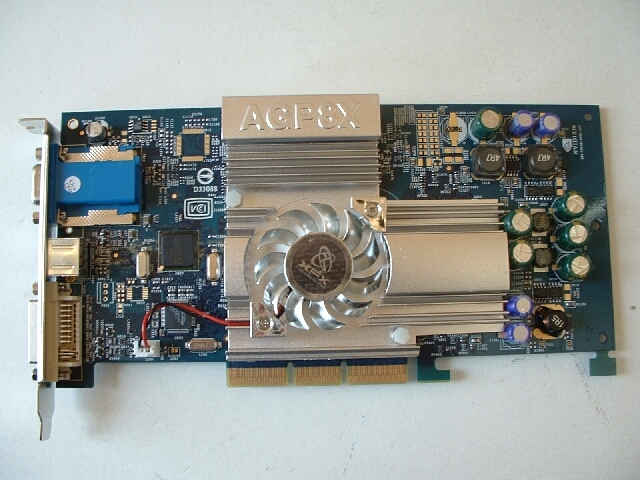
This video card has a blue PCB and looks to follow the Nvidia reference design for the most part. The card is pretty long and because of that fact there might be some interference with components on a motherboard. Both the front and the back of the video card are covered by a really big heatsink which has a fan right above the core of the card.
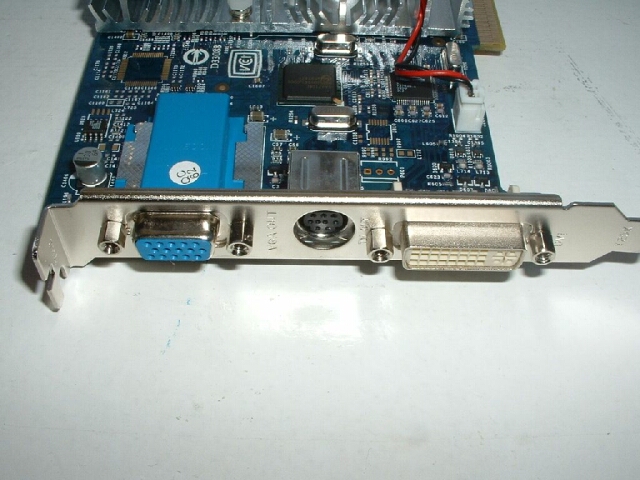
I really like that there is a good amount of cooling on this card because it should be a huge benefit for when it comes time to overclock this thing. From the side of the card you can see the VGA, DVI, and S-Video.

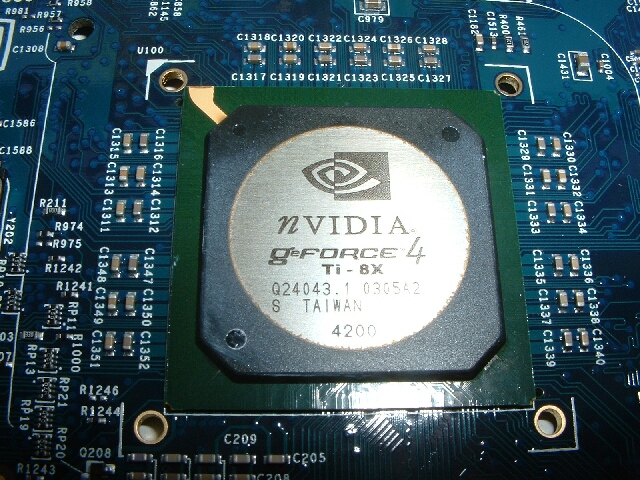
As you can see from the core of this card it is indeed a Geforce 4 Ti4200 8x. Geforce 4 Ti4200 video cards almost always use the older style of RAM rather than the newer BGA kind which are better.
The reason that most Ti4200 cards don’t use the BGA is because the Ti4200 is designed to be a powerful yet low price card and the BGA chips are more expensive. This isnt really a big deal in itself but with the BGA chips I should be able to get a little better overclock. I really like the fact that BGA chips were used, this just goes to show that XFX is willing to use the best components for their cards.
This particular video card is using Samsung 3.3ns chips which are faster than that of the Abit Siluro Geforce 4 Ti4200-8X OTES which used 3.6ns non-BGA chips.
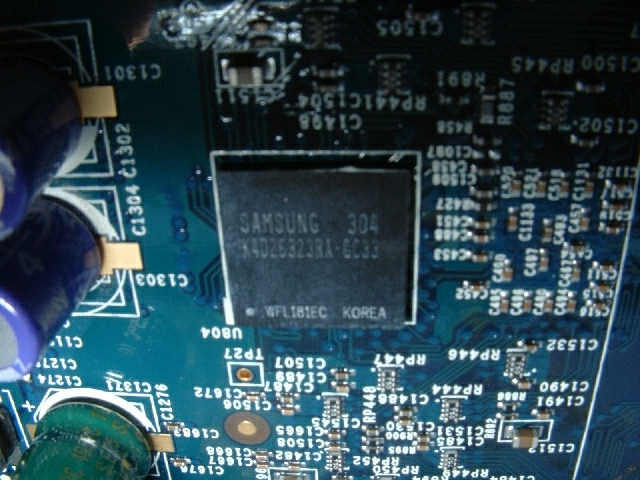
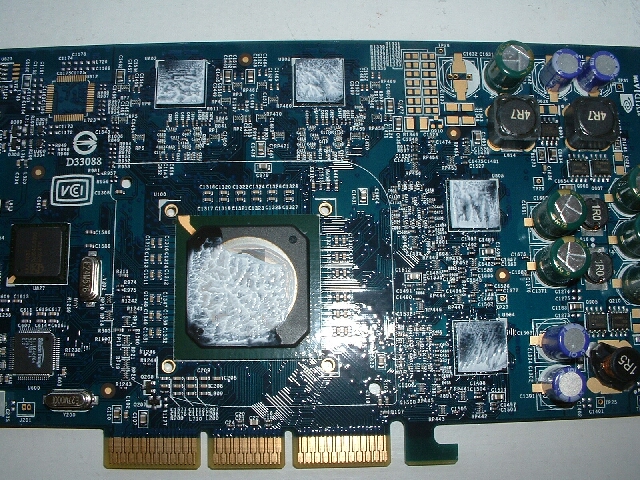
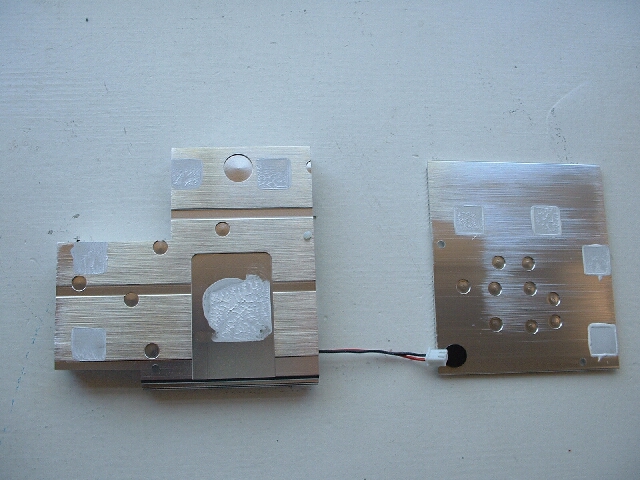
I went ahead and took off the heatsinks from the card because I wanted to see what kind of thermal material was used and if it was sufficient. When I took off the heatsinks I was pretty impressed because all of the RAM chips were covered with a good amount of thermal compound.
The core could have used a little more compound than it had because the upper right hand side didn’t have any but I applied some more to cover it completely. You can also see that the heatsinks themselves have a good amount of compound on them which is the shows one more time that XFX is putting out a very high quality product.
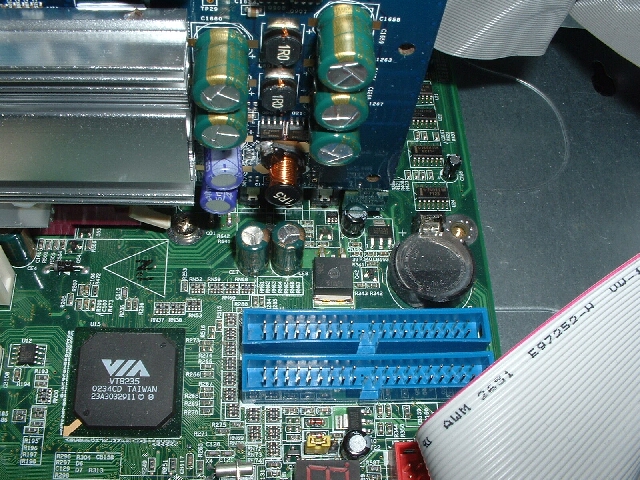
Like I said before I thought there might be a problem with installation of this card because of how long it was and I was right. The card has a little tab on the end of it which got in the way of a capacitor on my motherboard.Luckily this tab serves no real purpose so I went ahead and just snapped it off since it was scored to be easily removed. After removing the little tab the card went in without a problem and didn’t touch anything on the motherboard.