
The back of the keyboard has a single USB 2.0 port and USB mode switch. The switch has five positions: BIOS, 8, 4, 2, and 1. The BIOS setting is the most compatible with PCs, should you have a problem. The numbers indicate the USB polling rate. 1 is 1000Hz, 2 is 500Hz (1,000Hz divided by 2), 4 is 250Hz (1000 / 4), and of course 8 is 125Hz. Most people will want to leave this at the default setting (mode 1) unless they encounter problems.
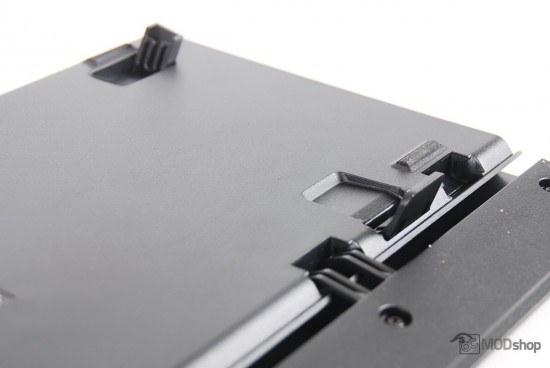
The bottom of the K70 has standard back tilt stilts which raises the back of the keyboard to one position. The front of the keyboard has grooves to accept hinges of the include full-length wrist rest. This wrist rest is one of the reasons to upgrade from the K60 to the K70, as the K60 only has a dinky little rest for your left hand (although its hollow cavity can store the spare WASD and number keys). Also on the front of the underside of the K70 are risers that adjust the front tilt of the keyboards.
One feature that the K70 has that most keyboards do not have: front elevation hinges. It really isn’t very ergonomic for your hands to be tilted up. A more natural approach is for your hands to point down, as your arms do.
Of course, when the front tilt has been lifted, the wrist rest compensates. It does make a more oblique angle for your hands.
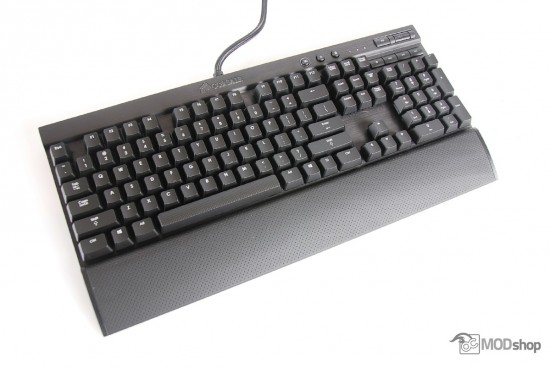
The layout of the keyboard is almost exactly like that of the K95, but with the omission of profile banks. The top right side of the keyboard has a key lighting mode button, backlight level button and Windows lock key. To the right of this are the familiar num lock , caps lock and Scroll lock indicator lights (which illuminate with white LEDs.
Further right of these is a volume mute button and metal volume wheel, which has a nice texture. Below this volume knob are four media keys: Stop, Back, Play/pause and Forward.
Gaming key caps
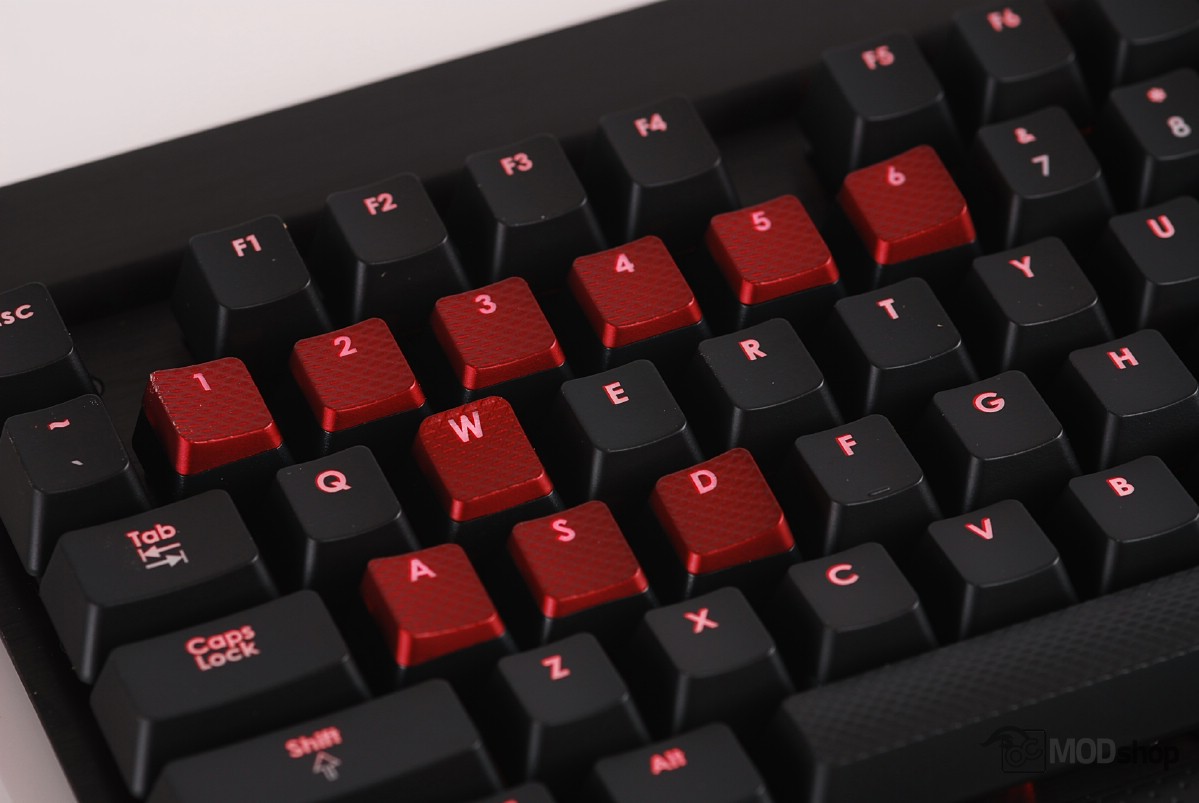
The Vengeance K70 comes with replacement key caps for the WASD and 1 through 7 number keys that are most often used with FPS (First Person Shooter) PC games. When properly placed, the keys form a slight curve so the keys are slightly more reachable. The keys also have a different ridged texture and feel a slightly rubberized so your fingers grip a little more.
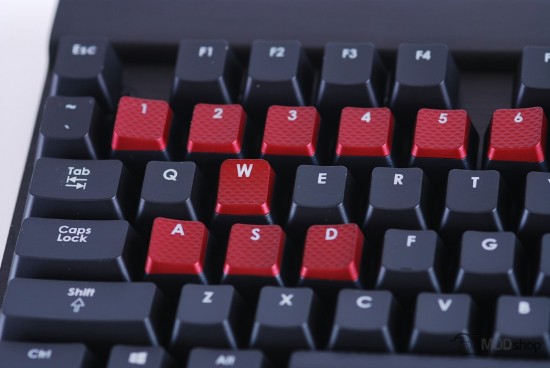
The model of Vengeance I chose uses Cherry Blue switches and red backlight for each key. The brightness level at 100% illumination is just insane, and is actually enough to read by.
Cherry MX Blue Switches
I chose Cherry Blue switches because they are more natural for typists, and since I intended to use this keyboard for programming and writing, then I wanted the tactile and audio feedback that Blue switches provide. If you work in an area with other people, they may get annoyed because typing on one sounds like someone released a bunch of ping-pong balls in a concrete stairway.
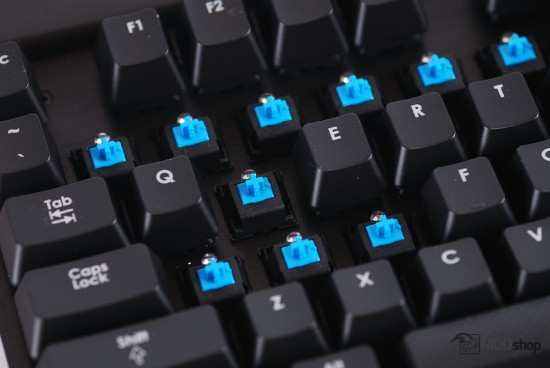
As discussed in our mechanical keyboard overview article, Cherry MX blue switches take the tactile “bump” of the Brown switches when they actuate and add an audible click. Blue switches require additional force (55 grams) to actuate than Red switches (45 grams), but they somehow feel lighter to me. Red switches actuate when the key has been pressed about half-way down (2 millimeters), and have to raise all the way back up before they can actuate again. Blue switches trigger at about 1mm, which produces the tactile bump, and have to raise up a certain amount before actuating again.
I have tried Red, Cherry, and Brown switches and haven’t really had a problem with double-taps with any of them. For me, it’s really about the satisfying tactile response (and how much I want to annoy my co-workers).
