
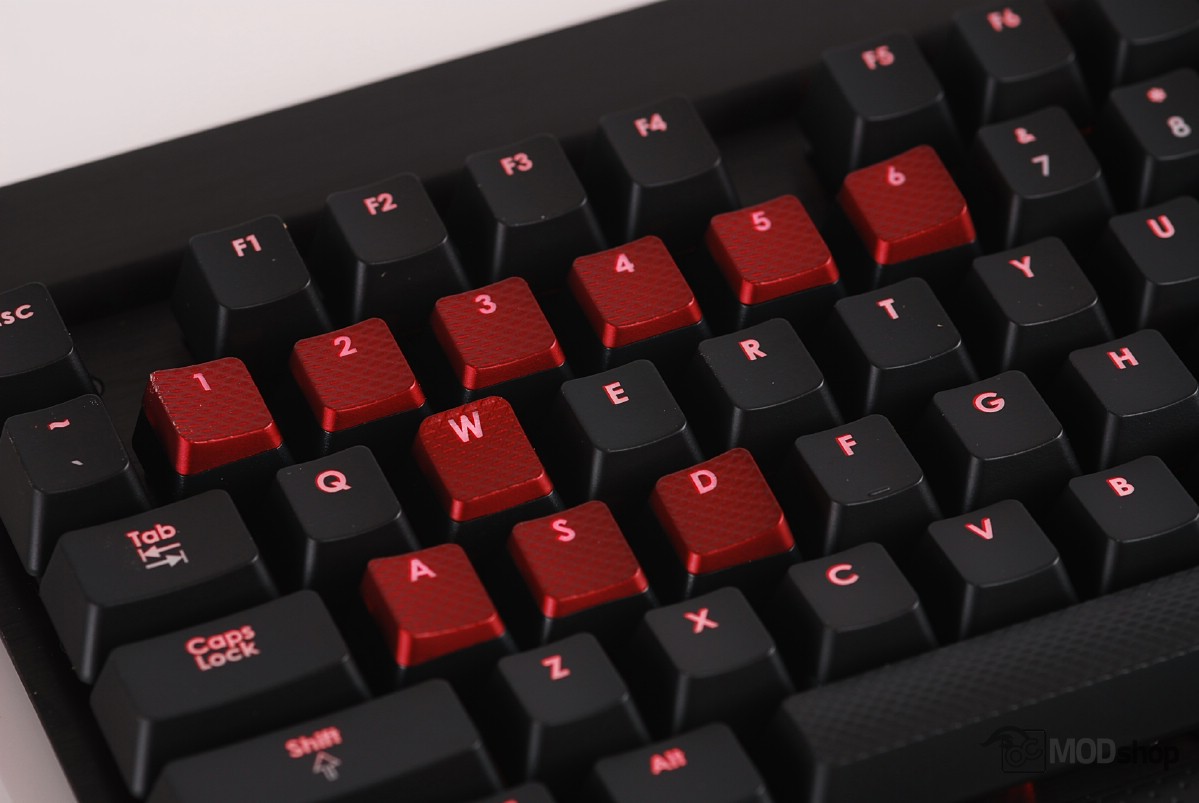
The way many membrane keyboards are wired means that activation of some keys can block any new ones from registering within the same group. A keyboard that has ghosting issues will not be able to do the “forward crouch reload” (Ctrl + W + R).
You can do an anti-ghosting test on your keyboard right now by holding down both the left and right Shift keys and testing out every key. Type a sentence with all the letters, like “The quick brown fox jumps over the lazy dog”. Here are the results as typed:
Corsair K70:
THE QUICK BROWN FOX JUMPS OVER THE LAZY DOG
Crappy integrated notebook keyboard:
TE QUICK BROWN FOX JUO OVER TE LAZY O
The K70 was able to register every key, as every switch is directly wired instead of being arranged in banks of keys. The Corsair K70 passed the ghosting test with flying colors, as do nearly every mechanical keyboard. The keyboard also managed to register 21 consecutive key presses, far above the default 6 keys in USB specifications.
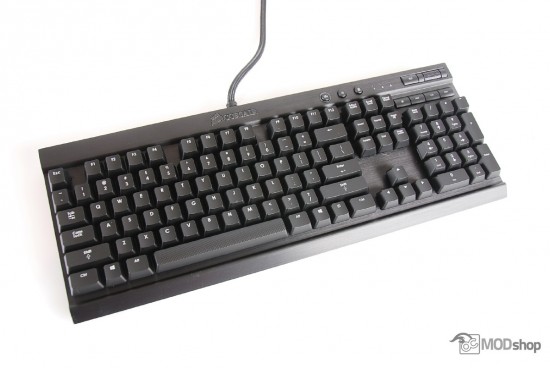
Broken in Mac and Linux
One thing we noticed is that the keyboard’s Caps Lock, NumLock, and Scroll lock LEDs did not work when plugged into a Mac or Linux PC. When we switched the keyboard to BIOS mode via the backplane switch, the CapsLock and NumLock would work, but the ScrollLock LED would blink constantly.
The K70 is recognized as TWO keyboards (HID Keyboard Device) in the Windows Device manager, except when running in BIOS mode. Windows keeps track of the keyboard lock LED states, not the keyboard itself, which is why this does not work for Mac or Linux. You can fix this by putting the keyboard into “BIOS” mode, but then the “Windows” and “context” keys do not work, and the scroll lock LED constantly flashes.
This may or may not be a huge issue to you, as the only time I’ve ever looked at the Caps Lock or Num Lock lights is when troubleshooting failed password attempts.
USB passthrough performance
We tested the file transfer of several flash drives with and without the USB passthrough. Needless to say, the USB drives performed exactly the same, but keep in mind that the port is USB 2.0 so if you plug the passthrough cable into a USB 3.0 port, the port on the back of the keyboard will only use 2.0 speeds. A USB 3.0 flash drive plugged into the K70’s passthrough port will only operate at USB 2.0 speeds (~35 MB/s).
