
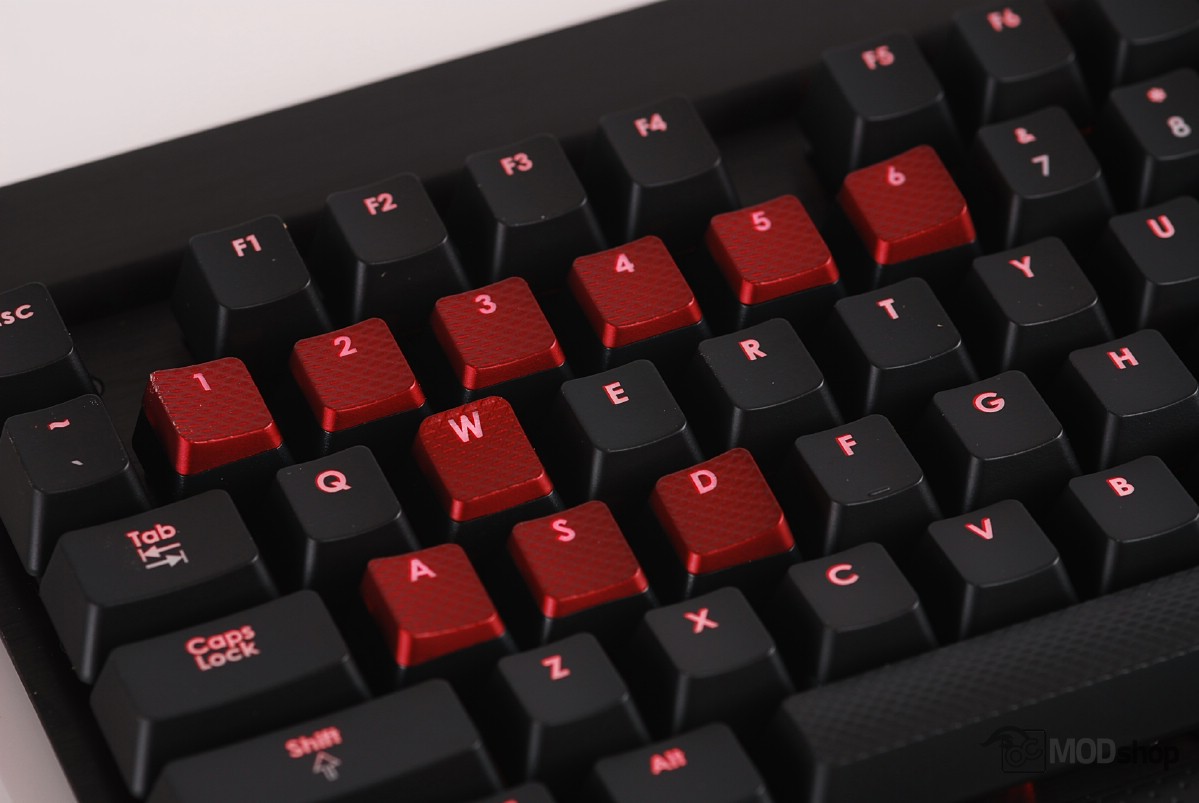
The Corsiar K70 is still one of my favorite keyboards. It has all the features of the K95, but without macro support or multiple profiles. As such, this keyboard does not need software to handle or program the macros, which can be frustrating if you don’t need them.
The K70 also has something the K95 currently does not: a choice in switches. The K70 can be had in Cherry MX Red, Brown, and Blue switches. The Red version is pretty easy to find in stores, but you have to go online to get the other versions. Click here to get the K70 with Cherry Brown switches, or click here to get the K70 with Blue switches.
The K70 also has front tilt, which combined with clicky Blue switches makes this keyboard my favorite for typing.
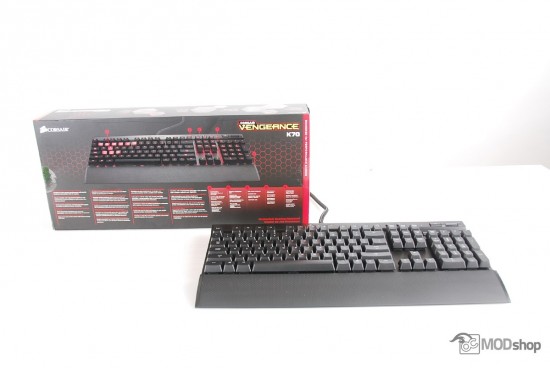
This keyboard would have easily swept a 5 rating if it weren’t for the Mac and Linux issues.
The keyboard indicator LED issues we had with a Mac is disappointing. This is a Windows-only keyboard and there are caveats when used with other operating systems. For as much as you are spending you should not have to troubleshoot, flash firmware, or do anything other than enjoy your nice keyboard.
One of the reasons you’re buying a mechanical keyboard is for longevity. You plan on having it around for a long time. So why in the world would you choose a keyboard that does not work right in anything other than Windows?
A lot of the issues we had with the Corsair K95 keyboard was its software and macro execution. Just like Bob Marley said: “No Macro, No Cry”… The office Interns informed me the reggae title is actually “No Woman, No Cry”. Maybe it was Abraham Lincoln that said the macro thing.
And I need to find some new Interns.

