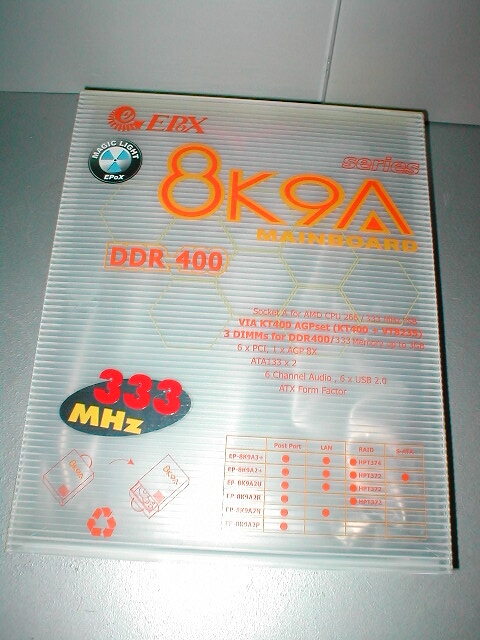
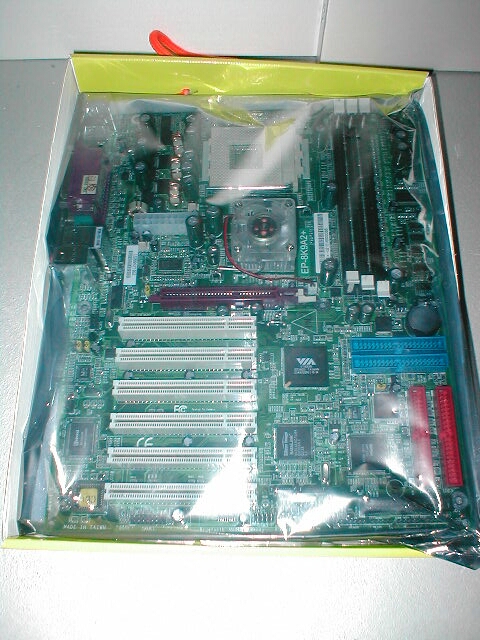
The EPoX 893A2+ comes in the same style box that all of their other motherboards come in, with a handle at the top. I love EPoX motherboards and was really excited to take everything out to see what I got. The motherboard comes in an antistatic bag on top of a sheet of foam to keep it from being damaged by ESD (electro static discharge) which can damage computer hardware.
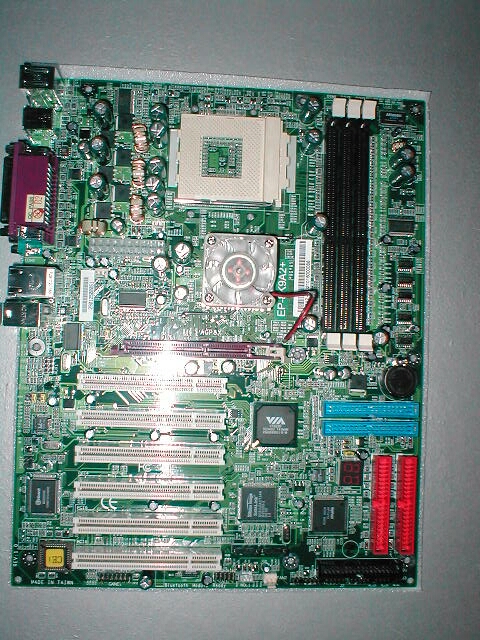
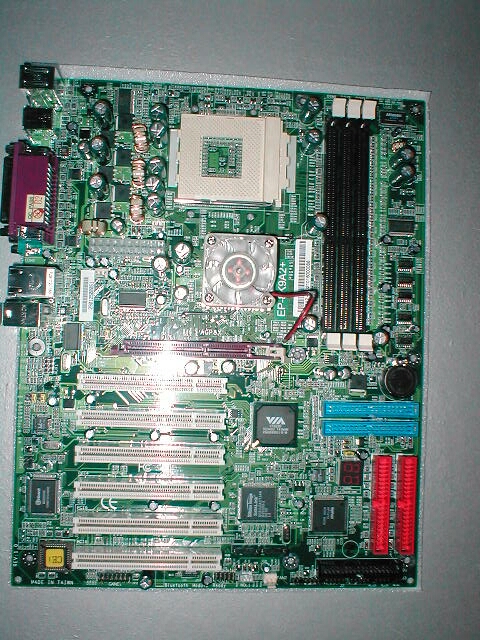
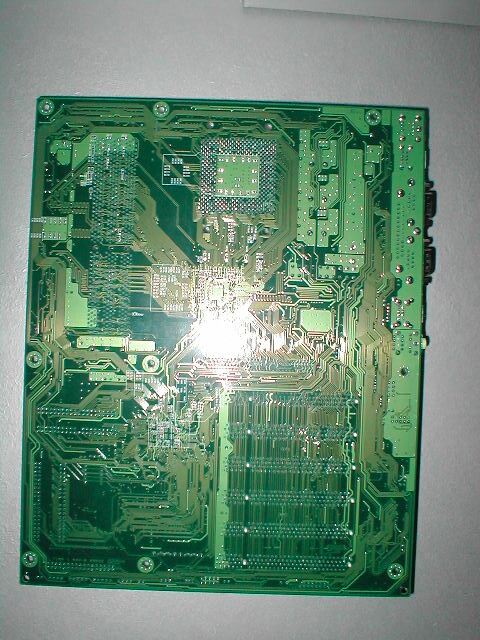
The EPoX 8K9A2+ has the standard green PCB color, EPoX doesn’t need a fancy colored PCB to make their board special though I do like colored PCBs. At a quick glance there are 6 PCI and an AGP 8x slot, 3 DIMM slots which will support up to 3GB of DDR400, and the northbridge is actively cooled. The back of the motherboard is nothing too special just the back of a motherboard, there are no mosfets on the back of this motherboard like their were on the 8K3A+.
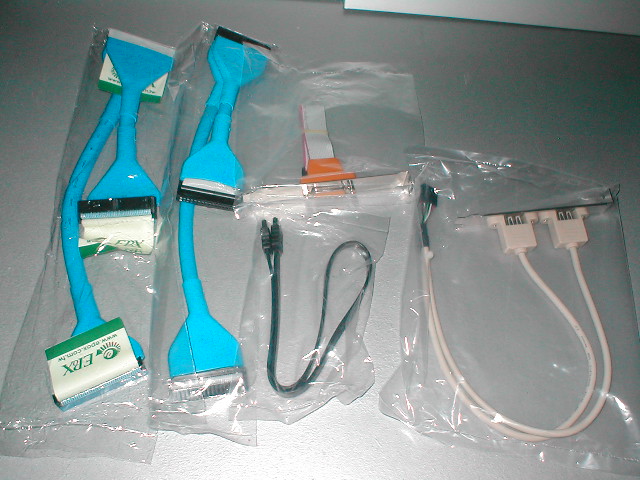
The EPoX 8K9A2+ comes with a ton of extras along with the motherboard. You get a blue rounded IDE and floppy cable which is really cool because plain ribbon IDE and floppy cables are ugly. You get a serial ATA cable, game port header, and a USB 2.0 header which has 2 USB 2.0 ports on it.
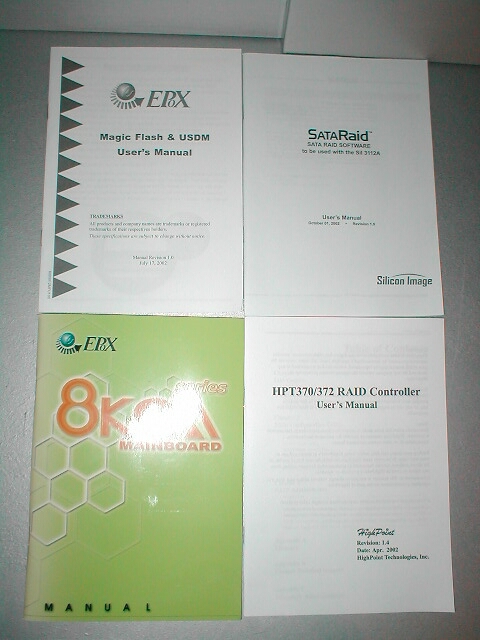
This motherboard comes with a lot of documentation which is a great thing because the more information you have about the product and its features the better you can install, configure, and troubleshoot it if necessary. You also get a I/O panel to match the back of the motherboard, a CD which has motherboard drivers and Norton 2002, PC-Cillen, Norton Ghost along with a few other things, and 2 floppy disks which have the RAID and SATA drivers on them.
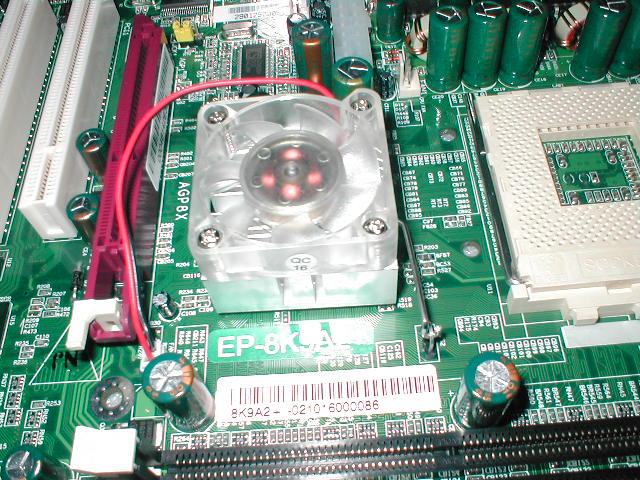
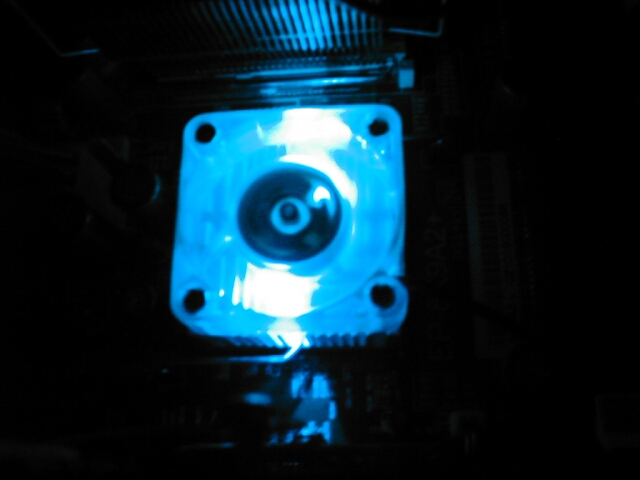
EPoX added a cool new feature to these motherboards which they call “magic light” it is basically the northbrdige heatsinks clear 40mm fan that has blue LEDs in it which light up when the motherboard is powered on. This fan looks really cool on the motherboard especially if you have a modded case with a window in it. I like this a lot because they are the first company that I have seen to offer something like this.
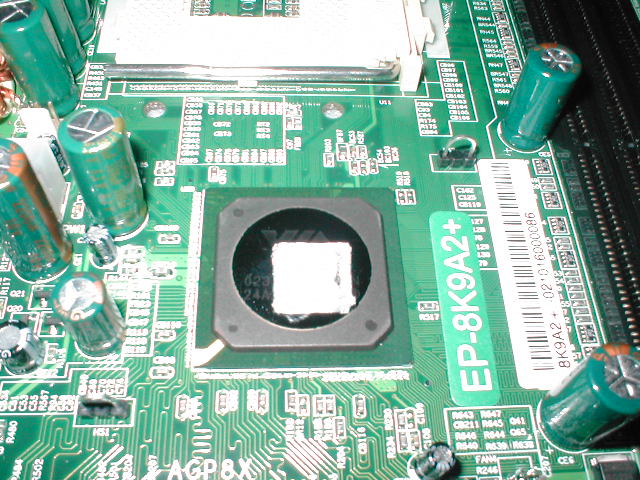
I went ahead and removed the heatsink from the northbridge and was a little disappointed to see that it had a tiny thermal pad under it. It would have been nice to see a good layer of regular thermal compound instead because this little thermal pad is not going to transfer heat well to the heatsink. I tried to get the thermal pad off for a few minutes but didn’t want to damage anything before I got a chance to test the board out. The northbridge markings are covered by the thermal pad but a guarantee that it was the KT400 chipset.
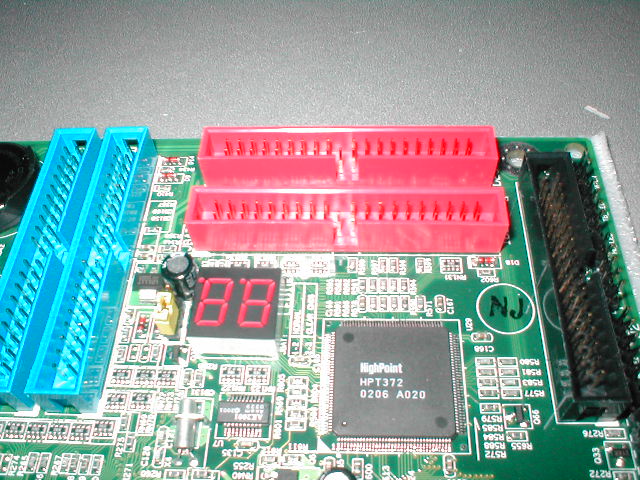
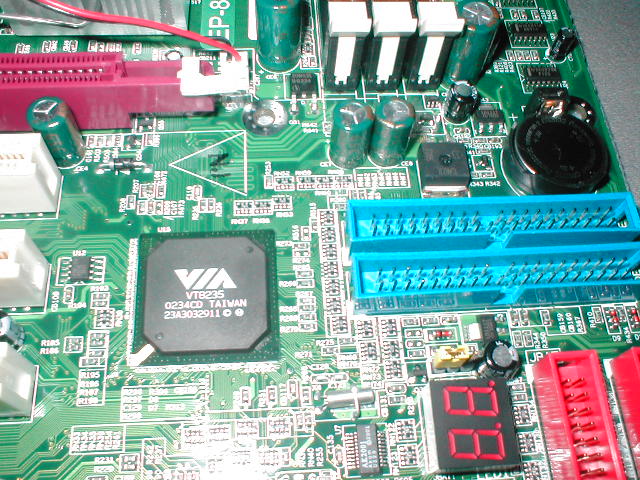
The EPoX 8K9A2+ comes with a POST debug 7-segment LED which is used for troubleshooting. When a motherboard is turned on it goes through a POST (Power On Self Test) which is part of the boot sequence. During the POST hexadecimal codes are displayed on the LED display and if there is an error it will display a combination of letter and number which will give you an idea of what is wrong with your system by looking in the manual.
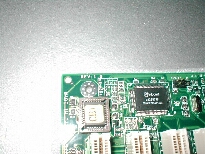
You can also see the Highpoint HPT372 RAID controller which, as you might guess controls the onboard RAID. I don’t want to get too much into what RAID is but if you don’t know I will explain a little. RAID stands for Redundant Array of Independent Disks, with this onboard RAID you have a few different styles of to choose from. RAID 0 which is basically like making the size and speed of 2 disks into one, RAID 1 which is mirroring of one drive to another for backup, RAID 0+1 which is RAID 0 and 1 combined and JBOD which is disk spanning.
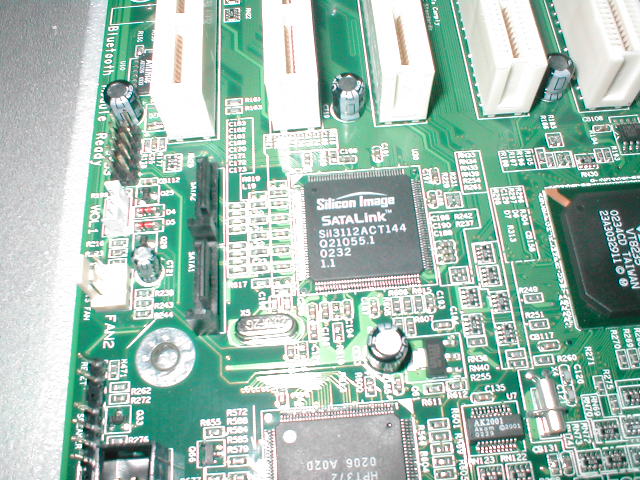
There are also 2 serial ATA connections which are controlled by the Silicon Image SATALink chip. These 2 serial ATA connections can be used with the new serial ATA hard drives that are coming out. Not only does this motherboard support SATA but you can also use it for RAID.
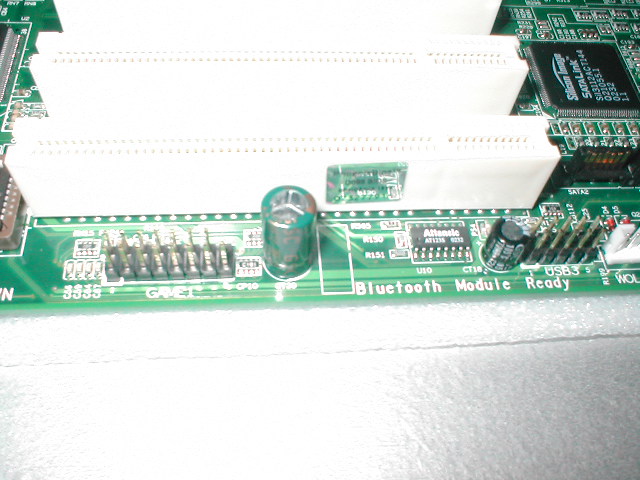
The bottom of the motherboard has a lot of jumpers which are used for many different things. Because there is no game port on the back of the motherboard where it usually EPoX has provided a header with a game port on it that you can connect to the motherboard and place in a slot on the back of your case. Right next to that there is a set of jumper for a blue tooth optional add on which can be used to connect the motherboard to any of your blue tooth devices. There is also of course the standard set of jumpers for your LEDs, switches, and PC speaker. I like these jumpers because they are clearly labeled and are separated so it is easier to install.
This motherboard uses the VT8235 southbridge which controls the PCI, ATA, USB, audio, LAN, serial, parallel, floppy, keyboard, mouse and SATA it connects all of these functions to the KT400 northbridge. One thing I do not like about this motherboard is that the DDR slots are too close to the AGP slot because I was not able to have an AGP card installed and change RAM. The only way to change RAM with this motherboard is to remove the AGP card. I did not have any problems with any of the capacitors being in the way of my Abit Geforce 4 Ti 4200 OTES which I will have a review of soon.
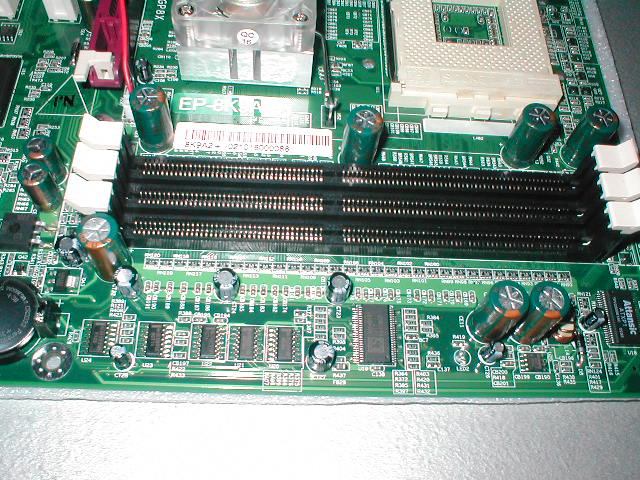
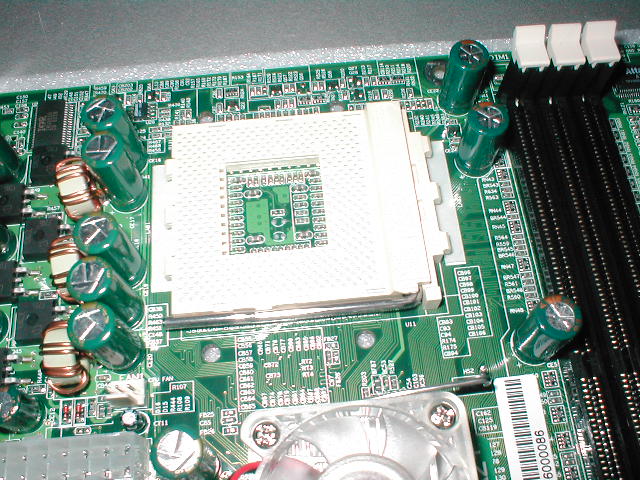
The EPoX 8K3A+ has a good amount of room around the processor and has holes for mounting heatsinks which require them. I like that the socket is horizontal and not vertical because when you install heatsinks onto the motherboard that are already in a case if the socket is vertical the power supply can get in the way. The ATX power supply connection is the standard 20 pin and is in a good place and not in the way of anything. There are two fan headers right around the ATX power supply connection which you can use for your heatsink fan or anything else.
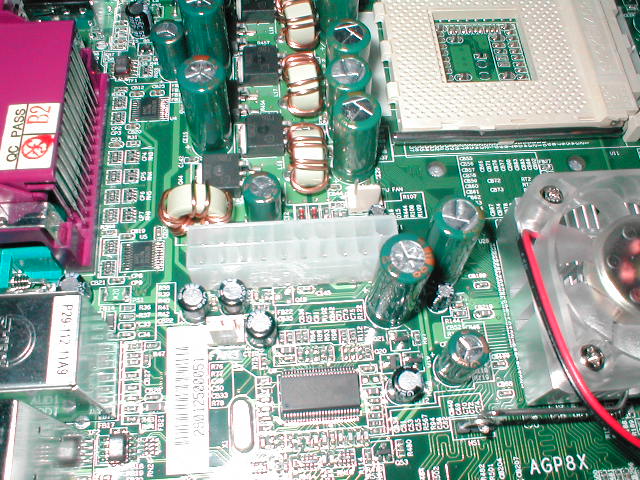
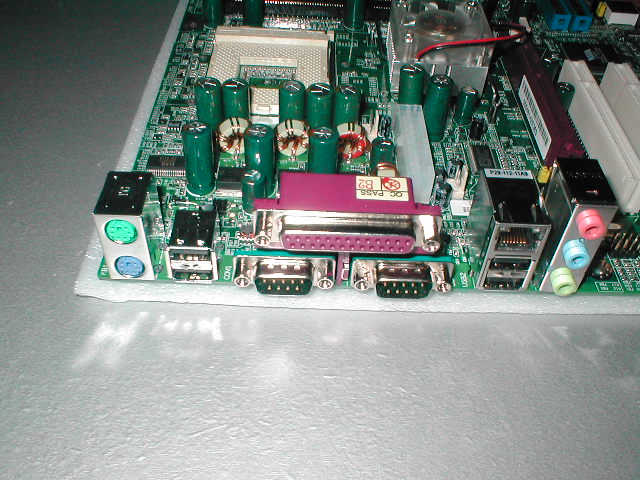
The Winbond W83697HF chip controls the monitoring of voltage, temperature, and fan speed. To the right of the Winbond chip is the ALC650 AC’97 codec which controls the onboard 6.1 audio, next to that is the VIA chip for the Ethernet. The motherboard has optional SPDIF jumpers in between the chips which will allow you to connect to your digital devices like CD player, sampler or DAT. The I/O back panel is a little different than the standard layout, there are 4 USB ports along with the onboard LAN and 6 channel audio. You will more likely than not need to use the I/O plate that came with the motherboard on your case.