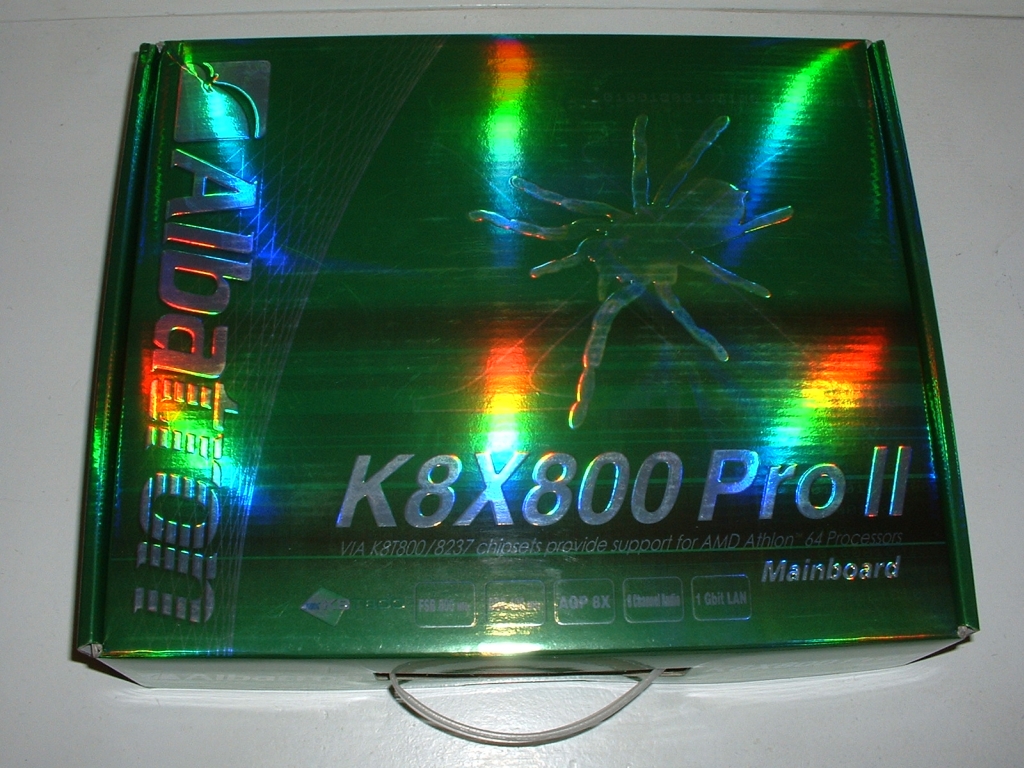
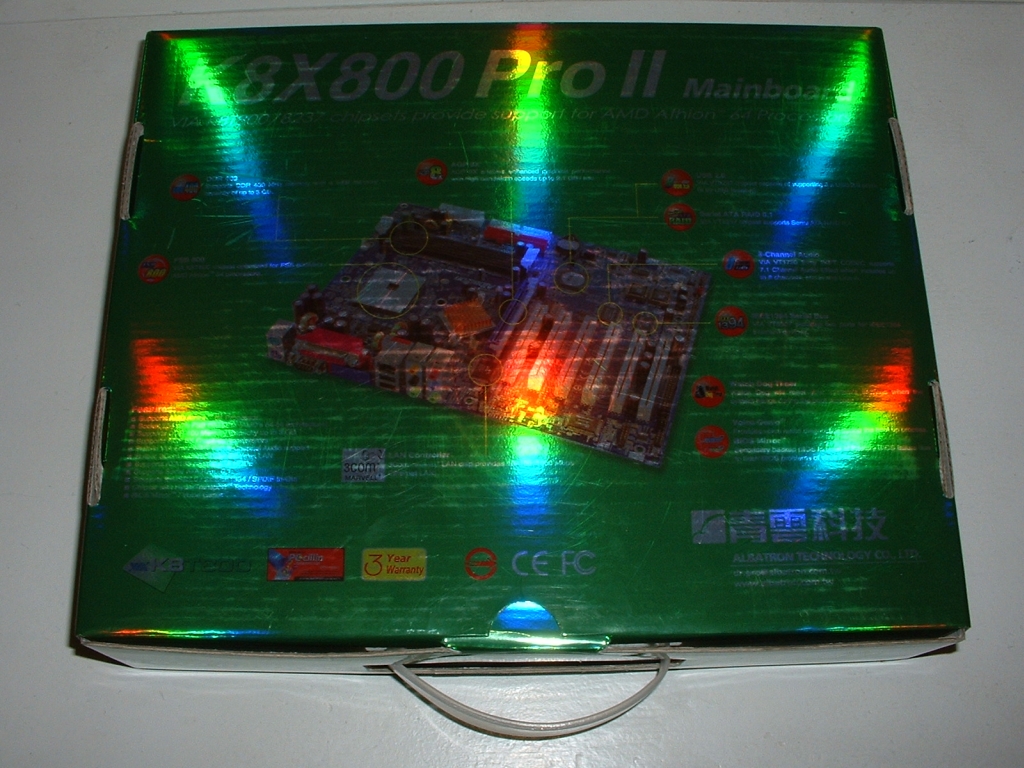
The box of the Albatron K8X800 Pro II is pretty slick looking, as you can tell by all of the colors given off by the light from my cameras flash. The back of the box has some good information on it to let you know what you will be getting and what it can do.
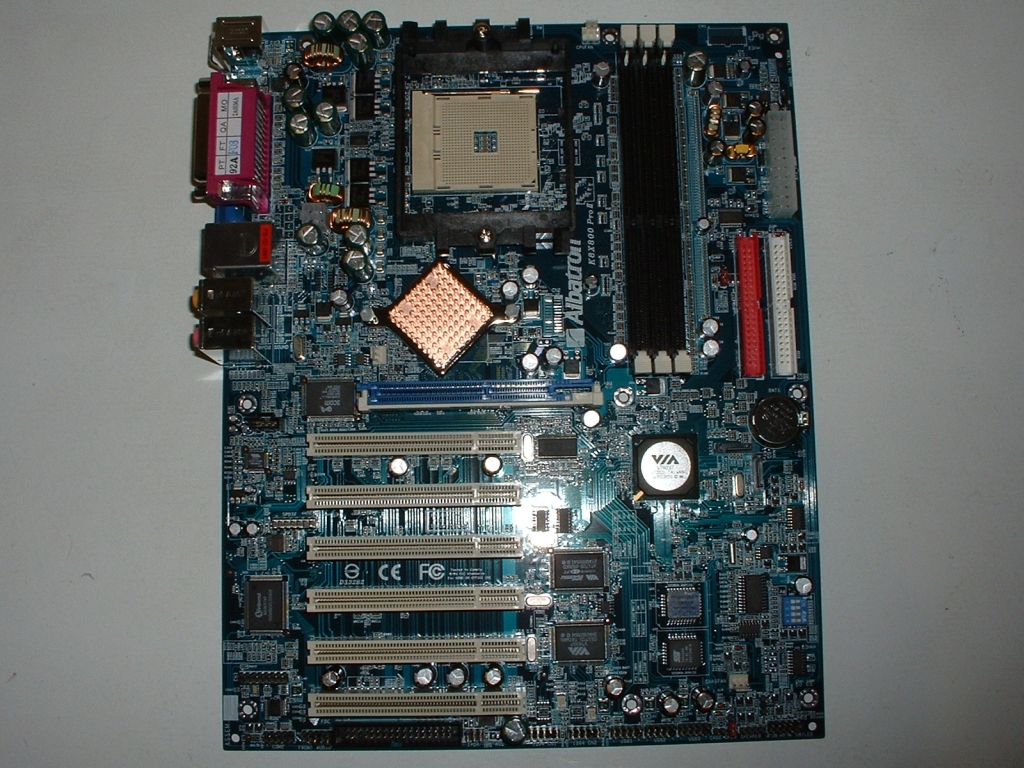
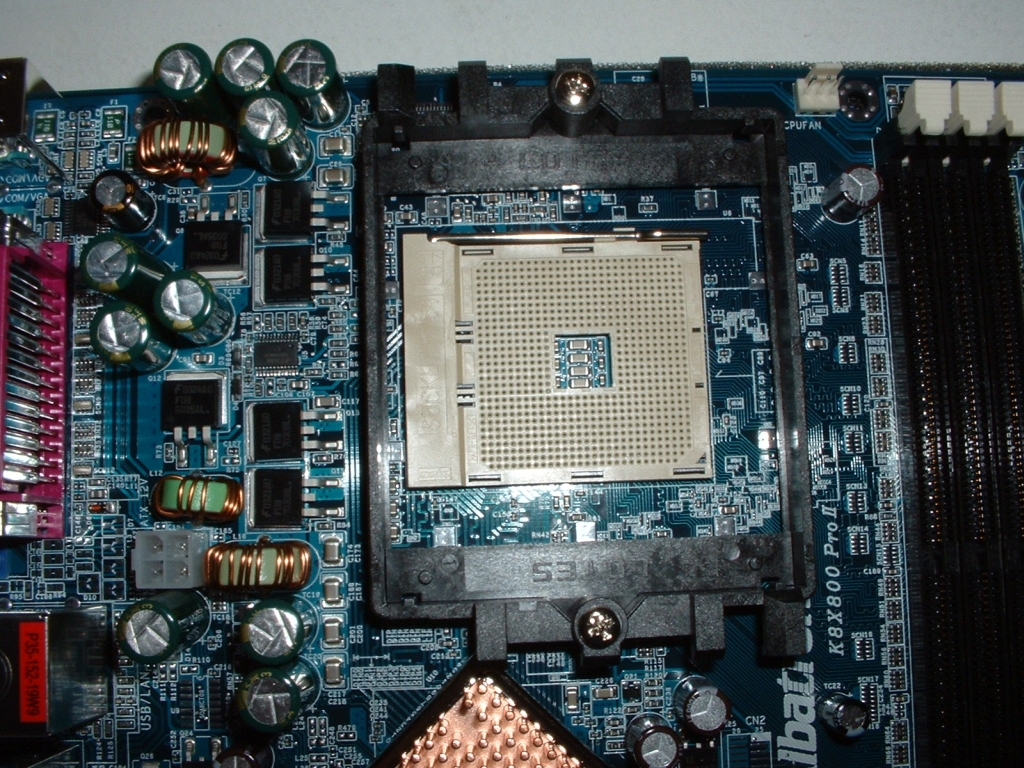
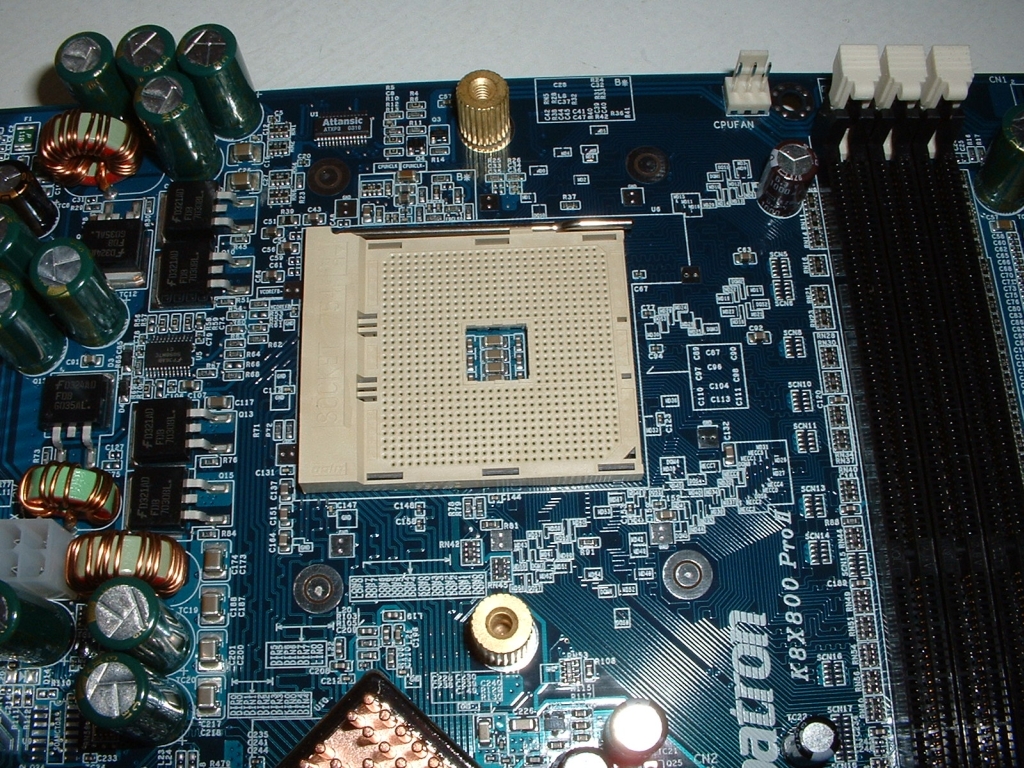
The board itself looks to be laid out pretty well however there are some things that look a little poorly positioned. Clearance around the CPU should not be a problem as there is plenty of room and in most cases the heatsink will be a standard size because of the mounting brackets.
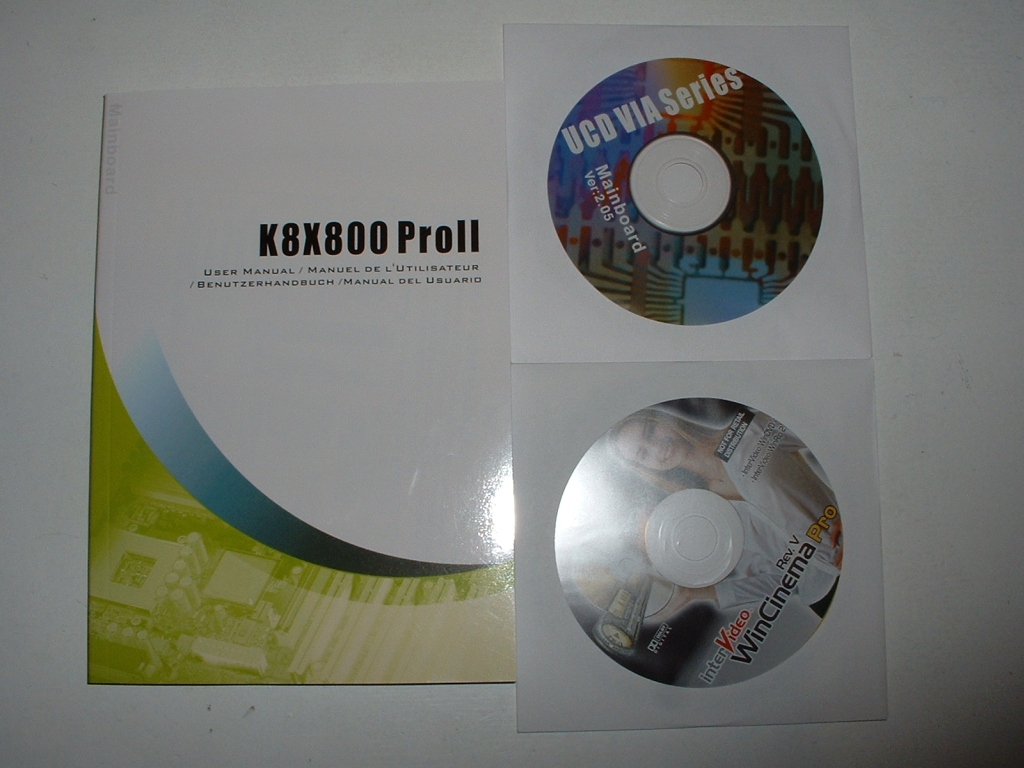
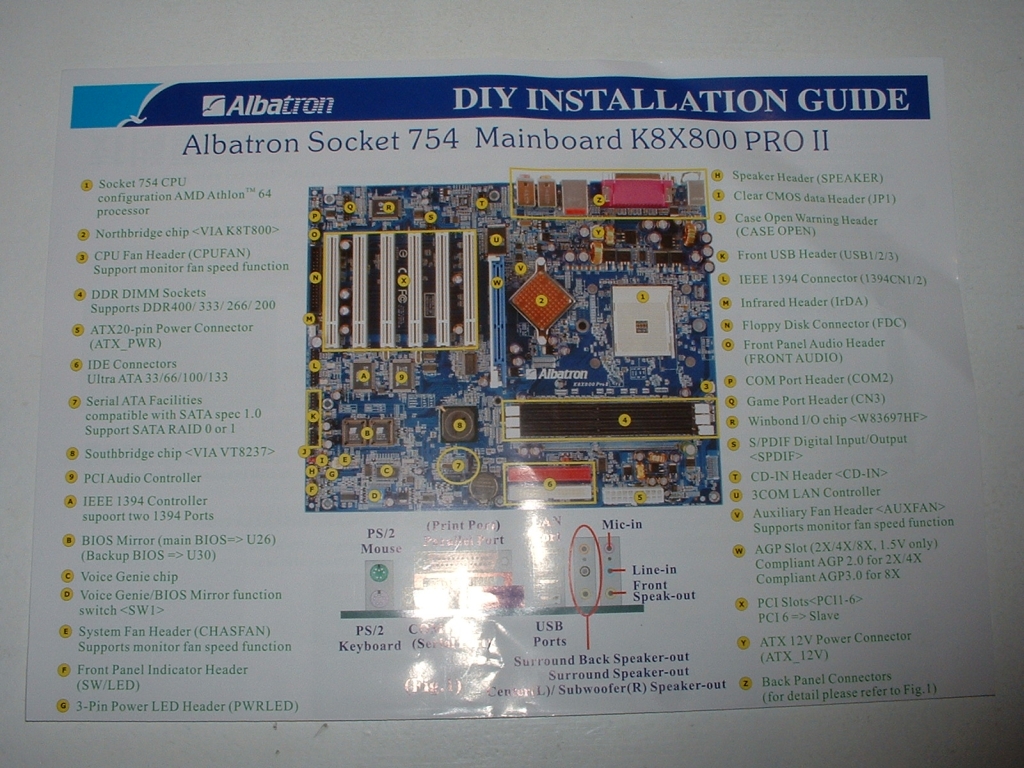
This motherboard comes with a lot of extras, in the first picture you can see the manual and driver CD it comes with. Also included is a copy of WinCinema Pro which does a lot of multimedia functions. Albatron also provides a “DIY installation manual” to easily guide you through setting up your own computer. Finally we see the IDE cables, SATA cable, I/O back plate, and a case badge that come with the motherboard.
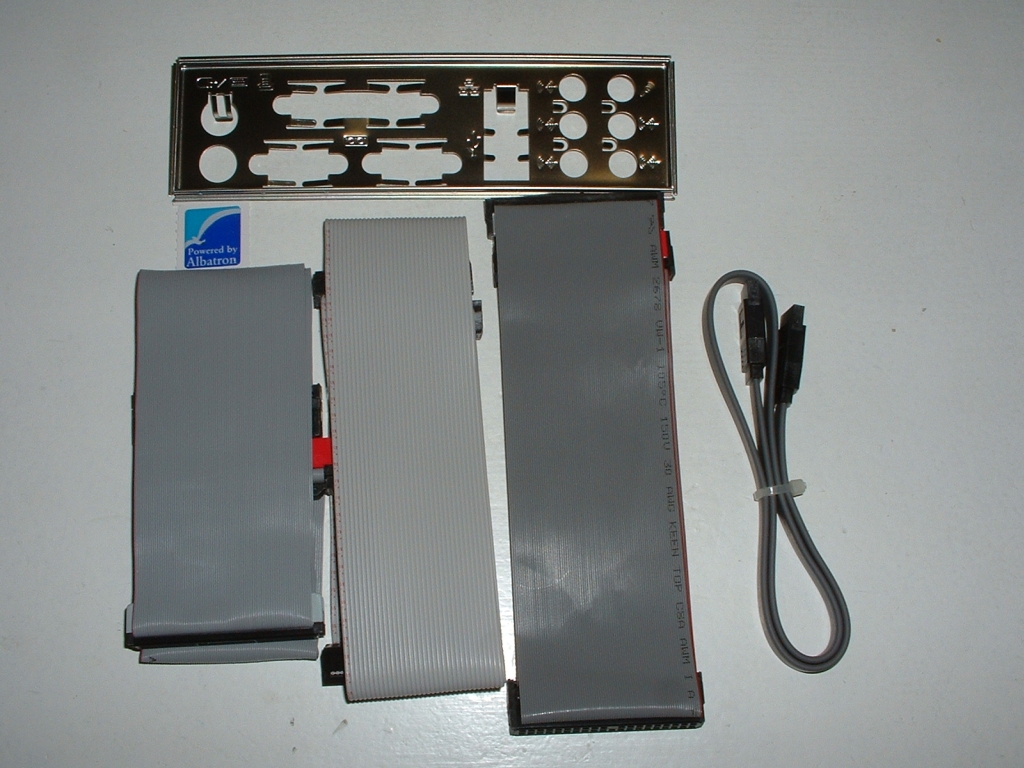
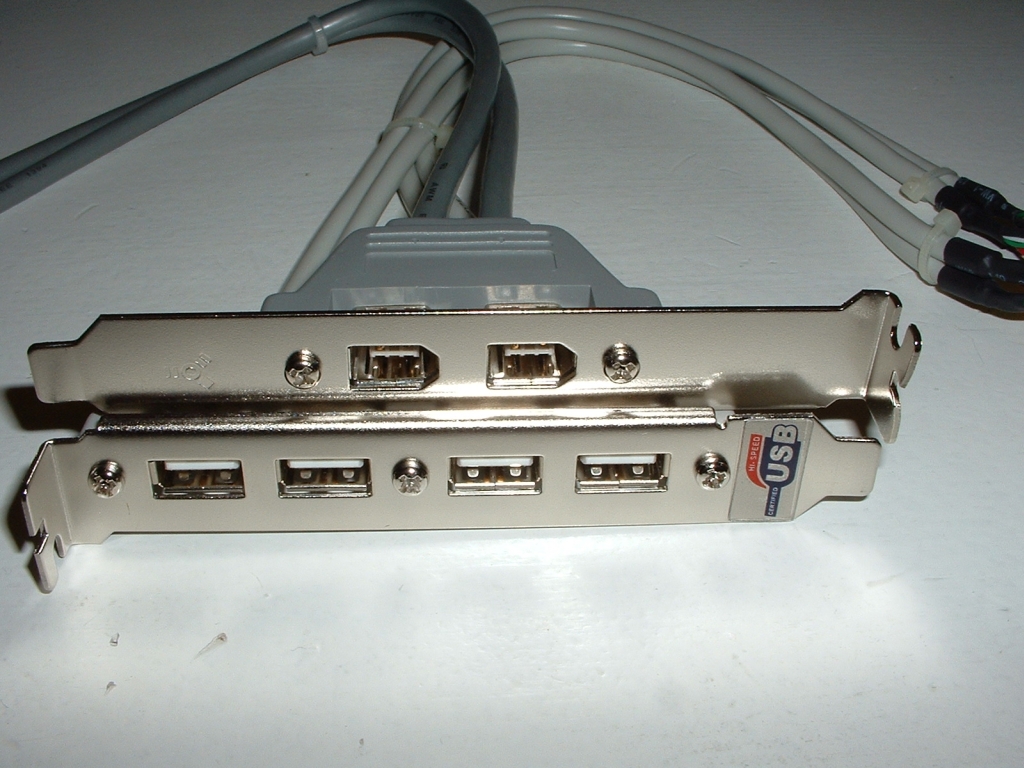
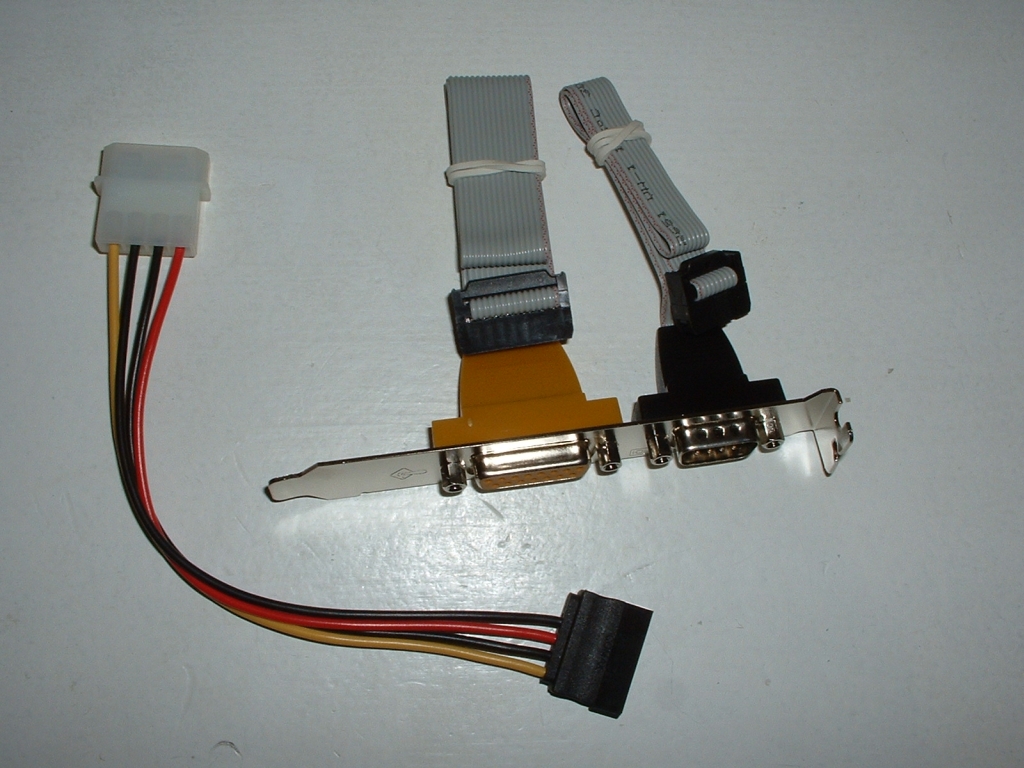
The motherboard features 8 USB 1.1/2.0 ports and you will get four of those from the USB header provided, There is also a header for 2 IEEE1394 ports. Because the motherboard does not have legacy devices onboard they provide a game port and serial port header that you can plug into your motherboard if you need to use them. Also provided is a Molex to SATA power connector to use if you have SATA drives. Finally is the SPDIF2 card which will allow you to take full advantage of the sound capabilities this motherboard has to offer.
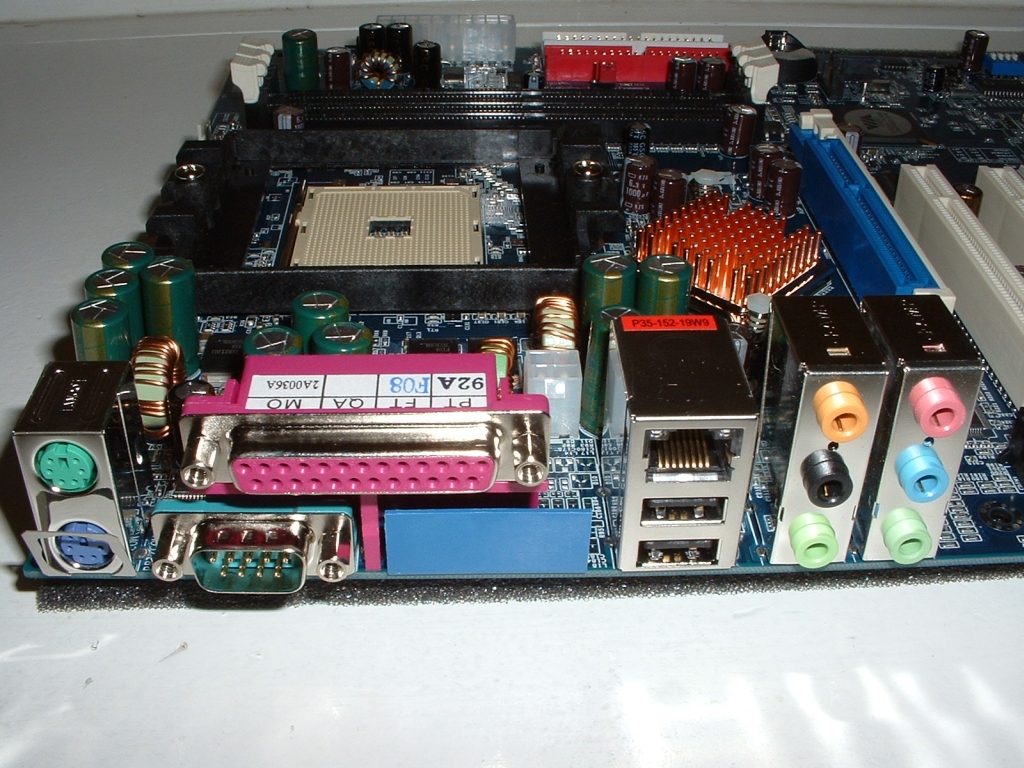
The back panel of the motherboard has the following ports available: 2 PS/2, serial, parallel, 10/100/1000 NIC, 2 USB, and 6 audio connections. It would have been nice to see the parallel and serial ports replaced with USB or firewire but it seems that Albatron has not ditched the old hardware like most of us have.
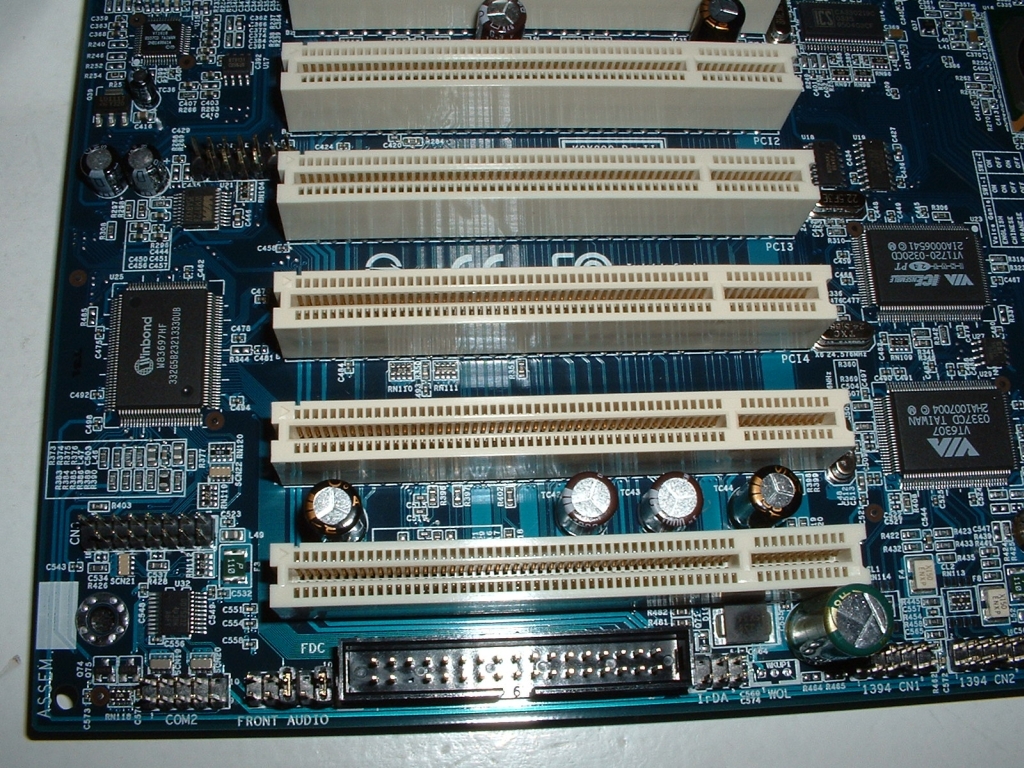
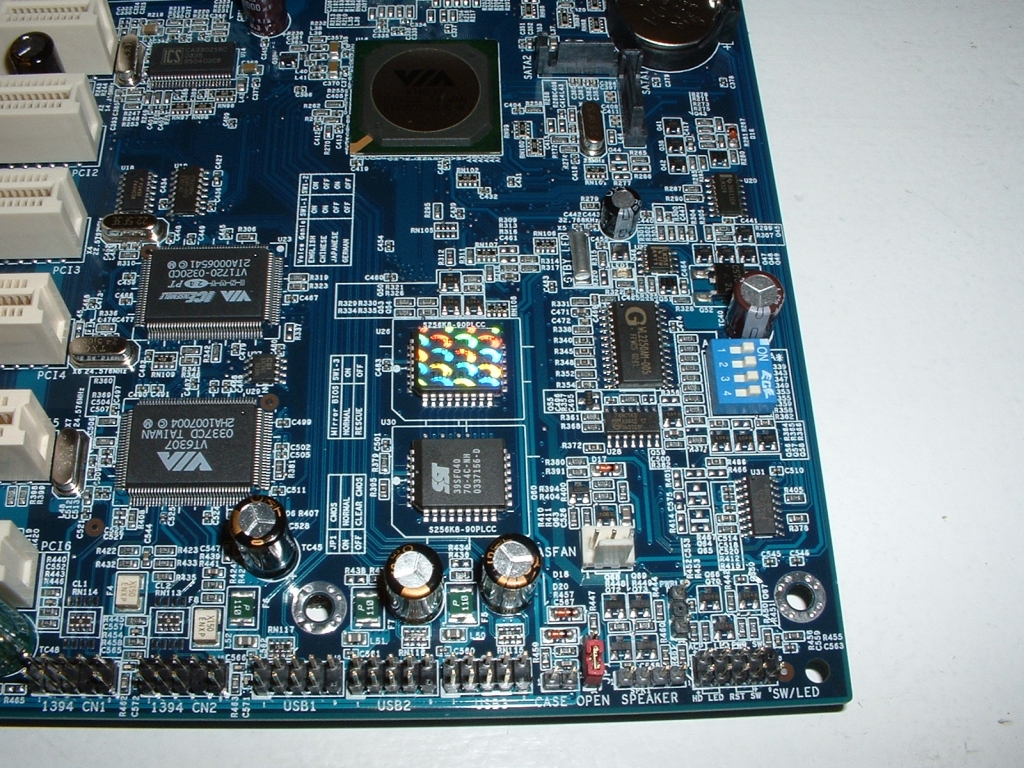
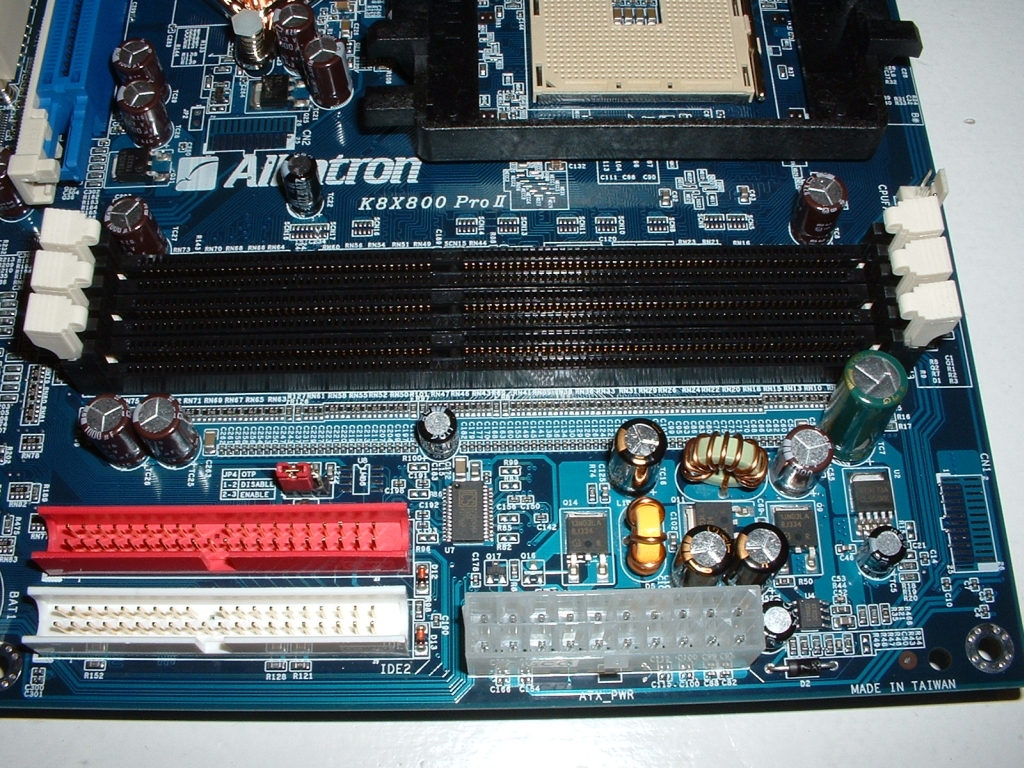
The main thing I want to point about the first picture is the fact that the floppy disk connector is not in the best of locations. I had to use their floppy cable rather than my rounded ones because it is so far away from the actual drive. From the picture you can a. In the second picture you can see all of the USB, firewire, and power/LED jumpers for the motherboard. Also Albatron is still using DIP switches which really shouldn’t be used anymore at least in my opinion. Another feature in the second picture is the dual BIOS which is a pretty good idea incase you incorrectly flash your BIOS or get a virus. The board has 3 DDR slots which can handle up to 3GB of DDR400, also shown is the ATX power connector which is also poorly positioned.
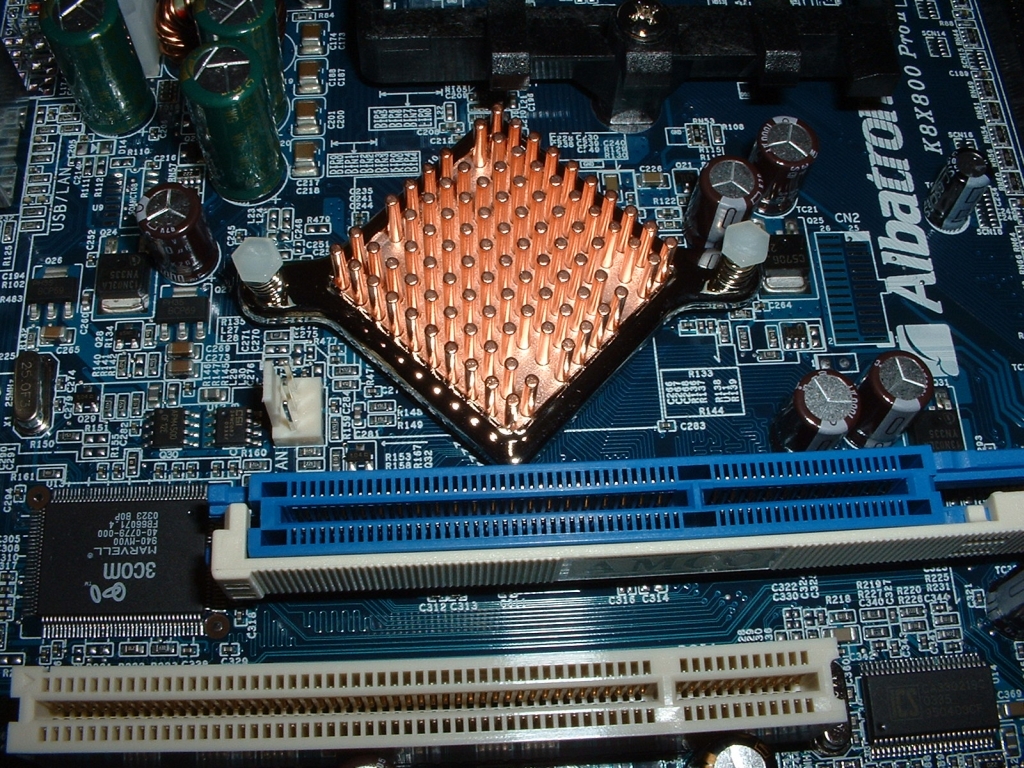
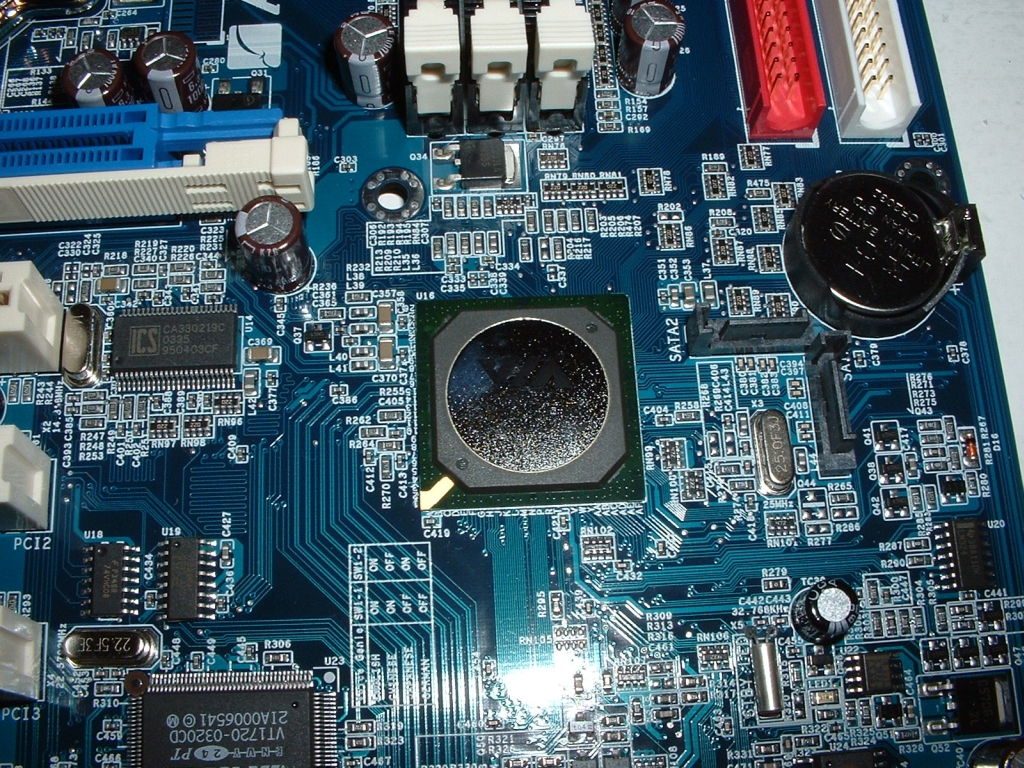
The K8T800 northbridge is covered by a passive copper heatsink while the southbridge has none. I personally like the fact that the heatsink is passive because normally northbridge heatsinks make quite a bit of noise while not improving overclockability by much.
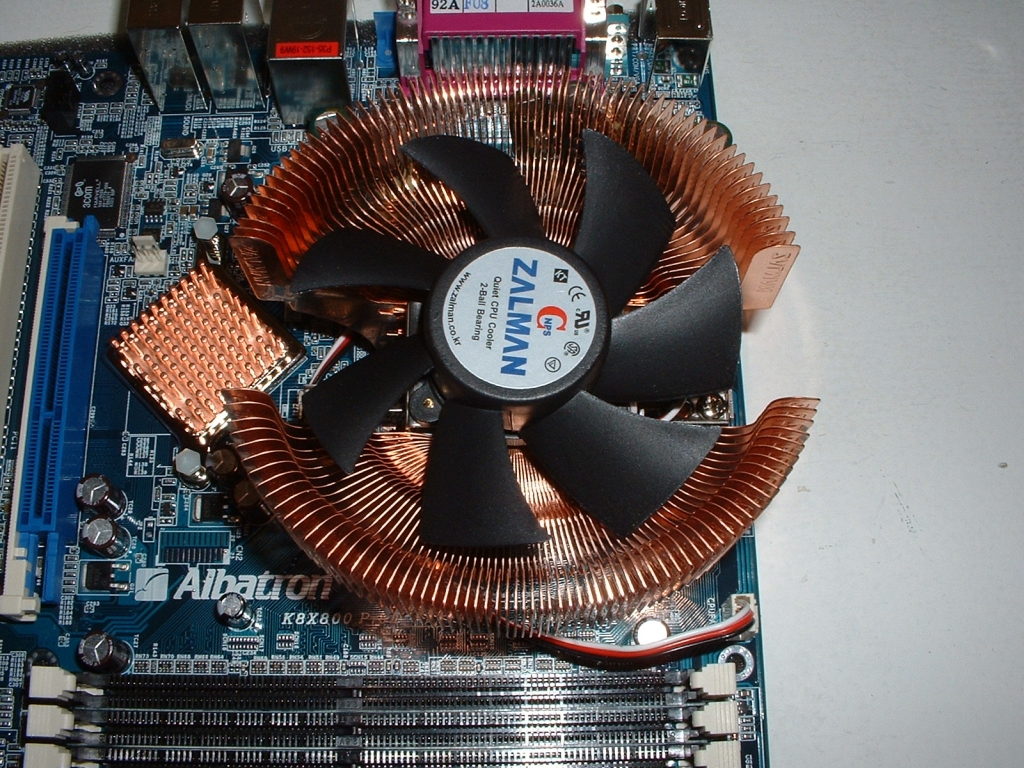
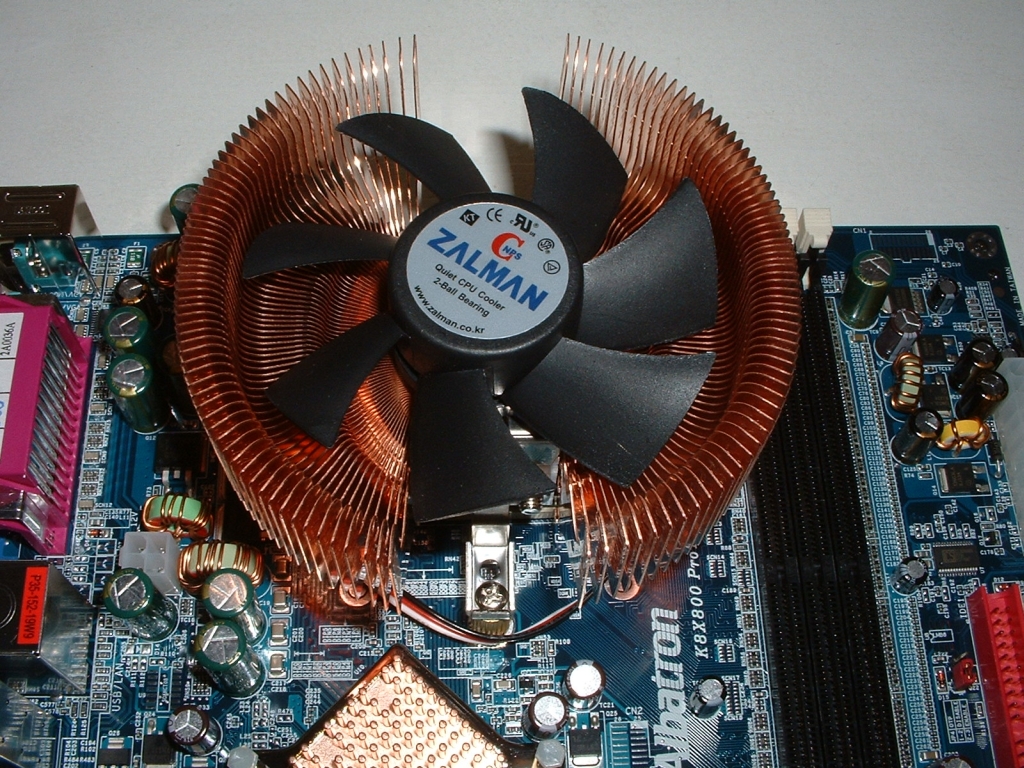
I will be using an AMD Athlon 64 3200+ which was sent over by Directron. Also instead of using a stock heatsink I will be using a Zalman 7000-Cu which was sent over by Sharka Corporation. I removed the heatsink mounting bracket, installed the Zalman mounting bolts, and dropped the CPU into place.
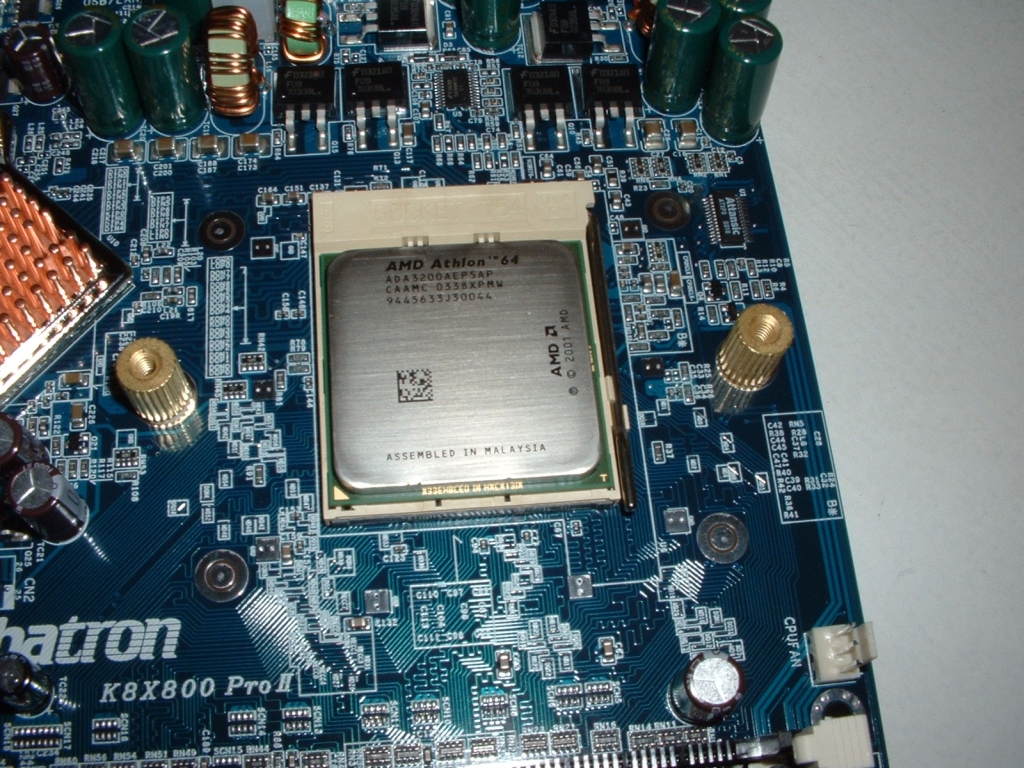
After applying some Arctic Silver 3 I then secured the 7000-Cu into place. As you can see the heatsink is really large and still fit without a problem.