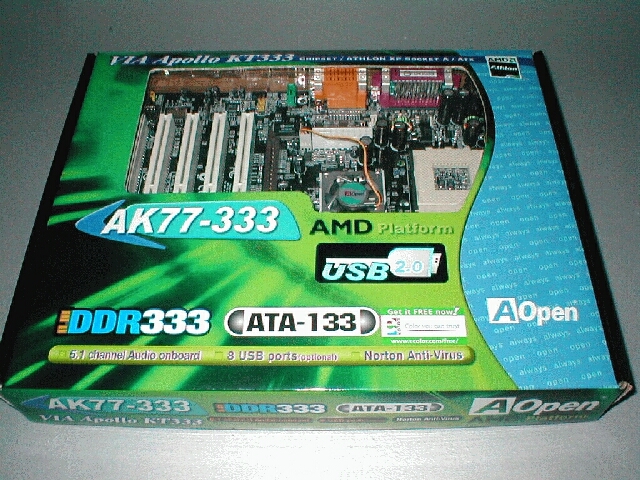
The BIOS is the standard AWARD layout, you can see that the BIOS contains most of the same main sections as other motherboards do, but lets see what lies within each of these.
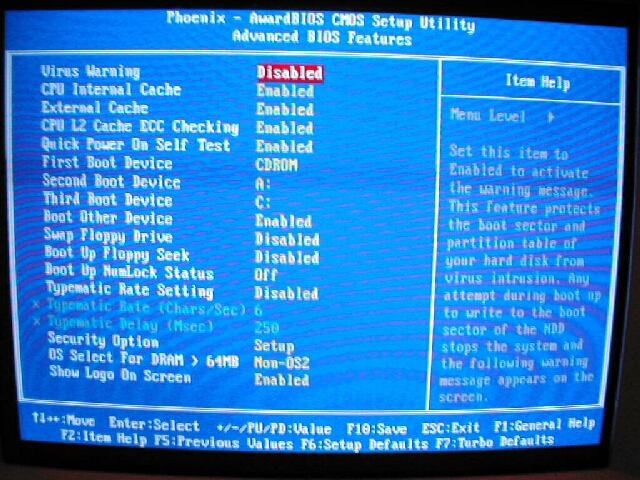
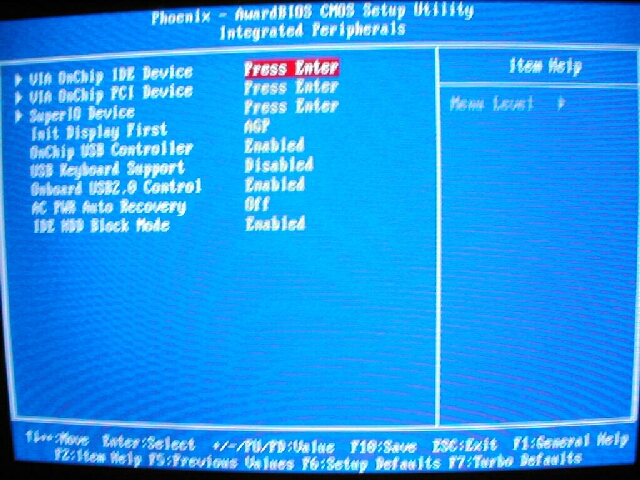
The “Advanced BIOS features” menu is the same as that of the AK 77 Pro, it contains cache options, boot order, and some other optional settings. The “Integrated Peripherals” menu has all of the onboard, IDE, USB, PCI and other option which you can pick and choose from.
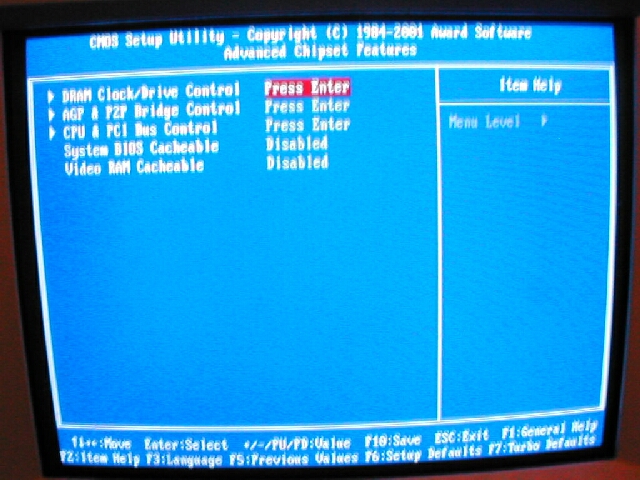
The “Advanced Chipset Features” menu has 3 submenus and 2 options. The 3 submenus are “DRAM Clock/Drive Control,” “AGP P2P Bridge Control,” and “CPU and PCI Bus Control.”
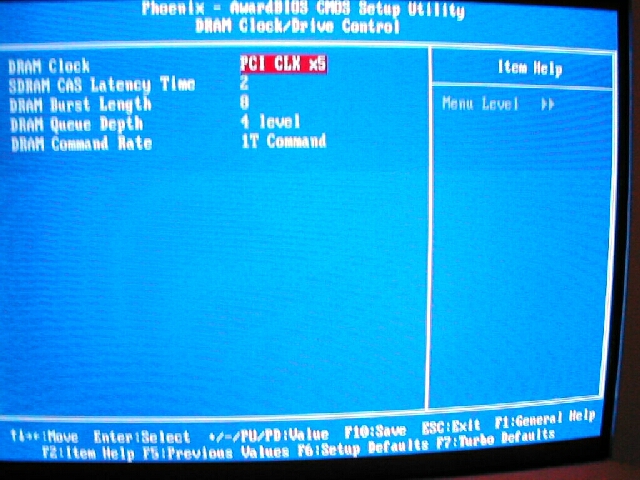
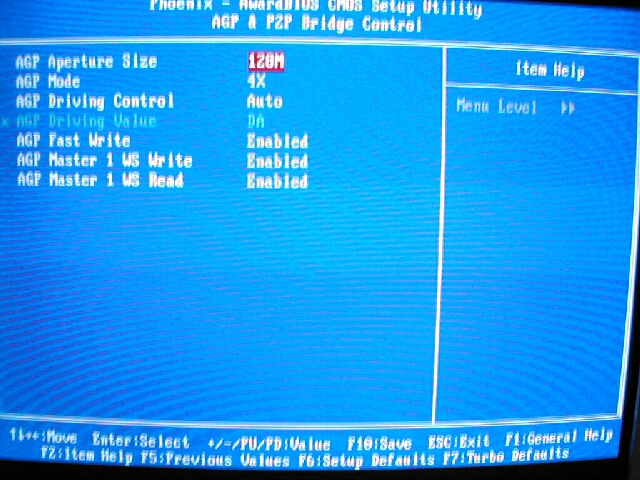
The 2 submenus of importance from the “Advanced Chipset Features” section are the “DRAM Clock/Drive Control” and “AGP P2P Bridge Control” I found the DRAM Clock/Drive Control menu was still very lacking in memory tweaking options like the AK 77 Pro was. The only thing that is in there which is useful is the “SDRAM CAS Latency Time,” “DRAM Queue Depth,” and “DRAM Command Rate.” The “AGP P2P Bridge Control” menu however is good, it has all the options you really need to get the most out of your AGP card.
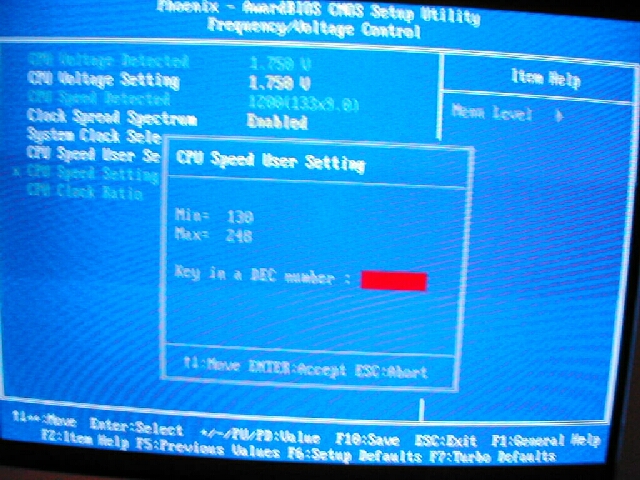
The “Frequency/Voltage Control” menu has CPU voltage which can go up to 1.85v. AOpen motherboards are not the best choice for overclockers because there are no voltage options for DIMM, AGP, or I/O which make overclocking much more stable.
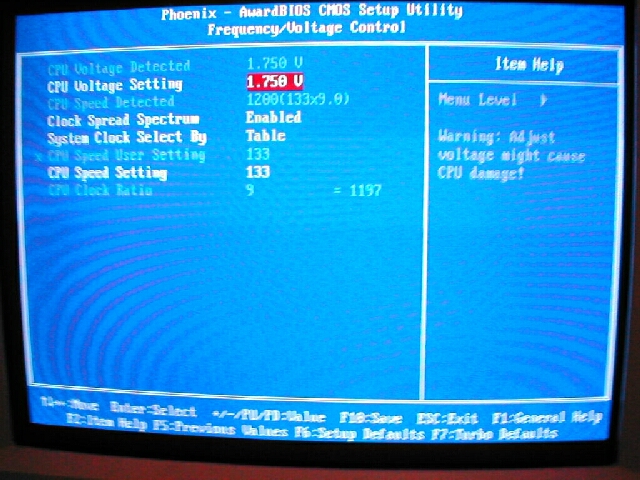
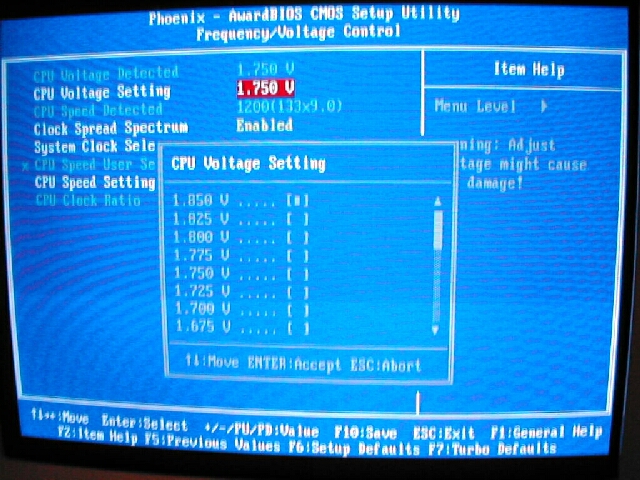
The system clock is selected by either a table or manually, the table displays a list of FSB options and the manual option lets you put in any number for the FSB from 1 to 248. I think that the table option is not needed because the manual setting is better and easier.