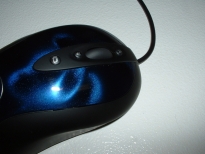
The CD that comes with the MX510 contains Logitech’s MouseWare 9.80 drivers which will allow for better configuration of the mouse. After putting in the CD the splash screen comes up allowing the installation process to begin.
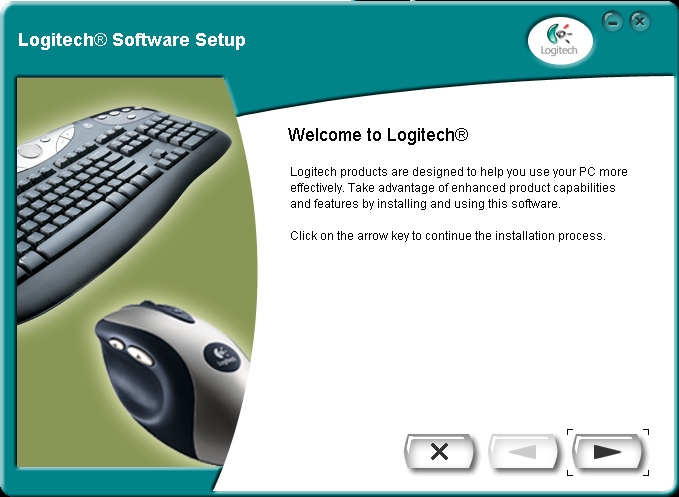
Next you choose the language that you want to use.
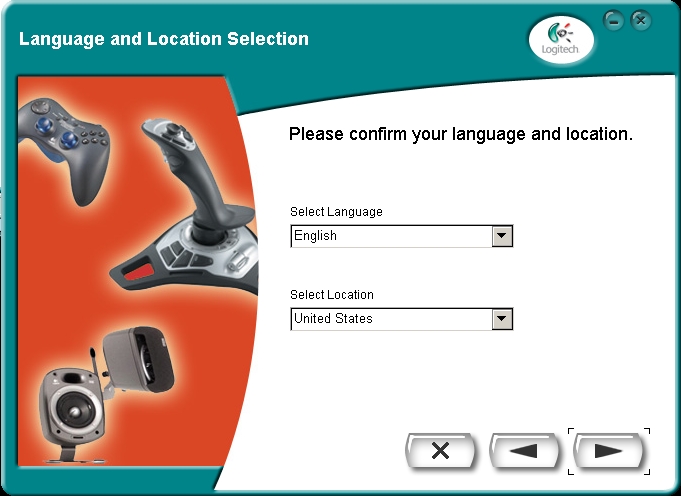
Then you choose where you want to install the software and in which program folder you would like it to go into.

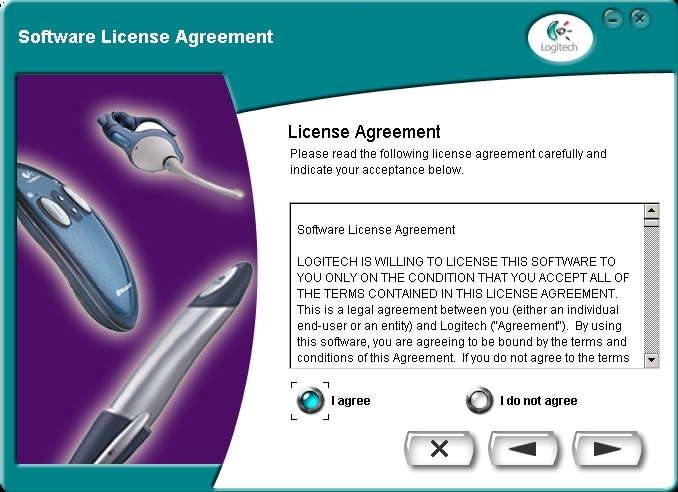
You need to agree to the licensing before continuing.
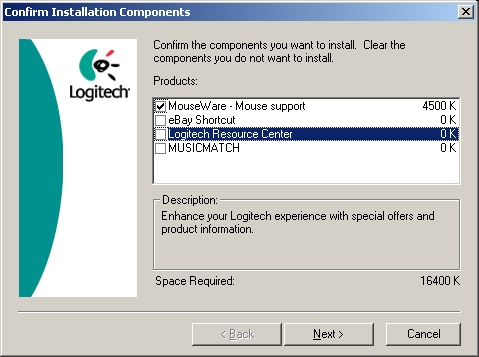
You can then proceed and choose what you would like to install. I choose to only install the MouseWare as I have no need for an eBay shortcut, the resource center, or Musicmatch.
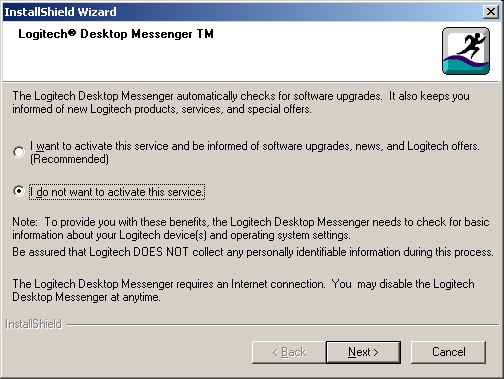
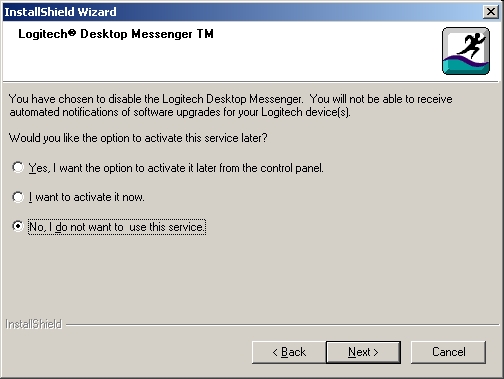
After clicking next the installation starts and when it finishes it asks if you would like to activate the desktop manager which checks for software updates. I choose not to install this service since I don’t want extra things running on my system that are not necessary.
If you choose not to activate the desktop manager it asks if you want to activate it later. Again I chose no since I still had no desire to have it running on my computer.
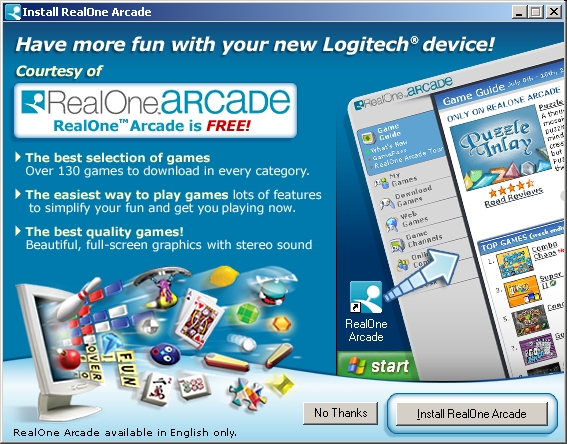
After that a RealOne Arcade offer comes up which I also declined. I understand the reasoning in adding this kind of service for a typical user however I don’t feel that something like this is necessary to add into an installation for the type of user that is most likely going to be using this mouse. Of course if they were to customize the CD for every mouse it would cost more. Either way it was just a little bothersome to have these options keep being presented to me when I simply wanted to install a driver.
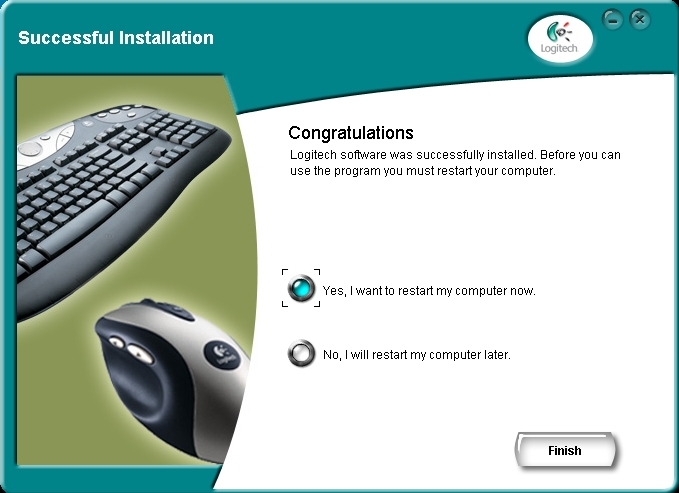
The last screen tells you that the computer needs to reboot to finish the installation. I went ahead and let it reboot my computer since I wanted to get the most out of this MX510 right away.
After logging into Windows XP Professional I received a message saying the MX510 was detected and asking me if I wanted to configure it now which I did.

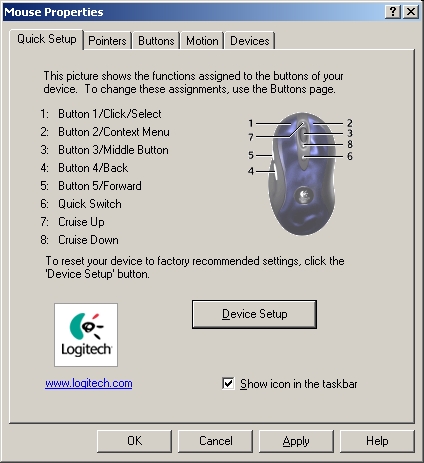
From the mouse properties you can change what each button does, how fast the mouse is, how many lines the wheel should scroll, and things of that nature. I left everything stock initially just to get a feel for the mouse and to see what it could do.