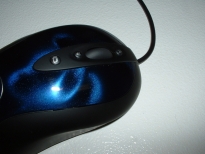
The Logitech MX510 comes in two colors, blue and red. I asked for the blue one since I am not a big fan of red. The front and back of the box are quite impressive having a great design and giving a lot of good information. I also really like how you can see the mouse before you buy it because it is truly a work of art. The picture I took does not do the mouse and justice which is the fault of my digital camera.
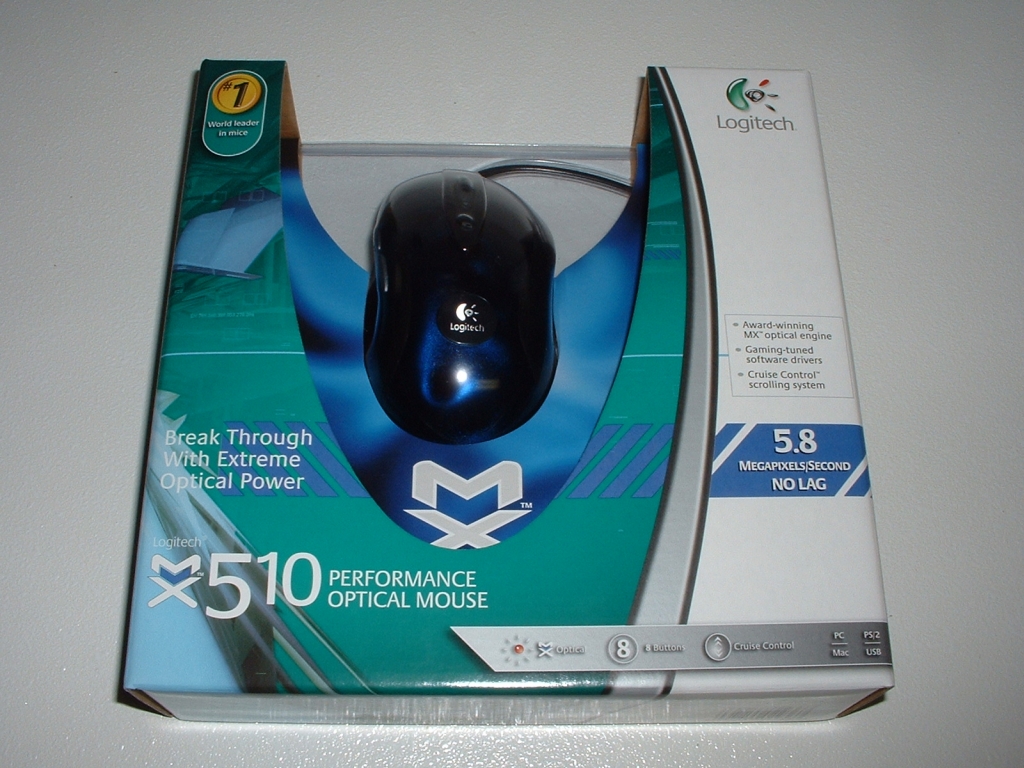
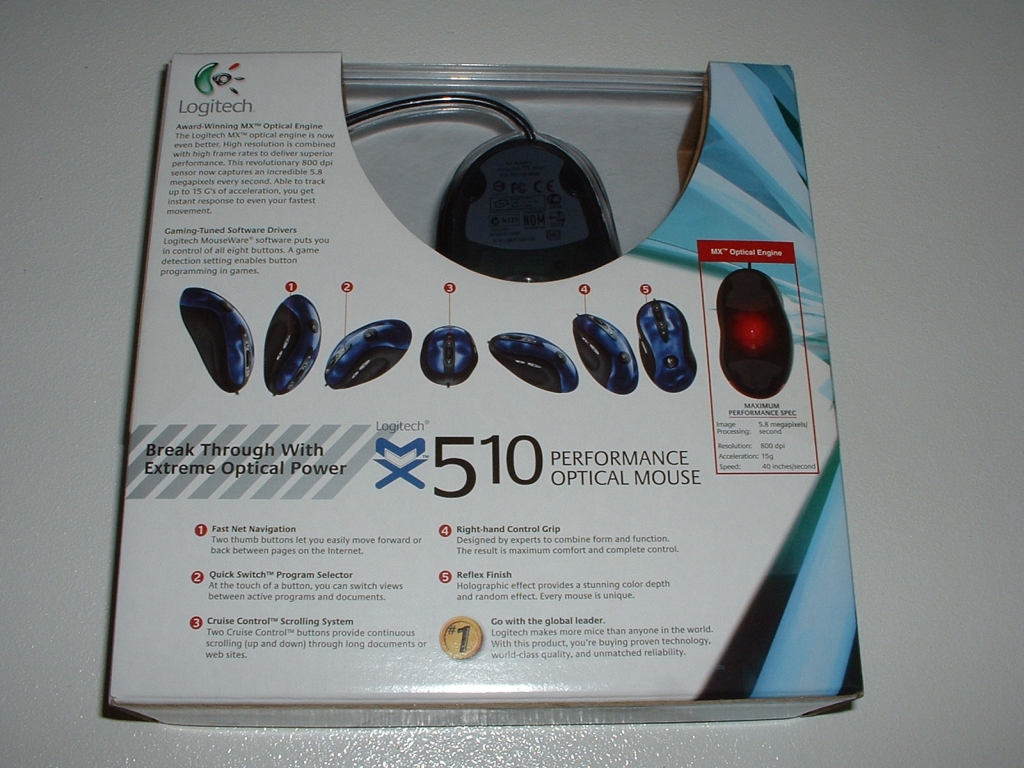
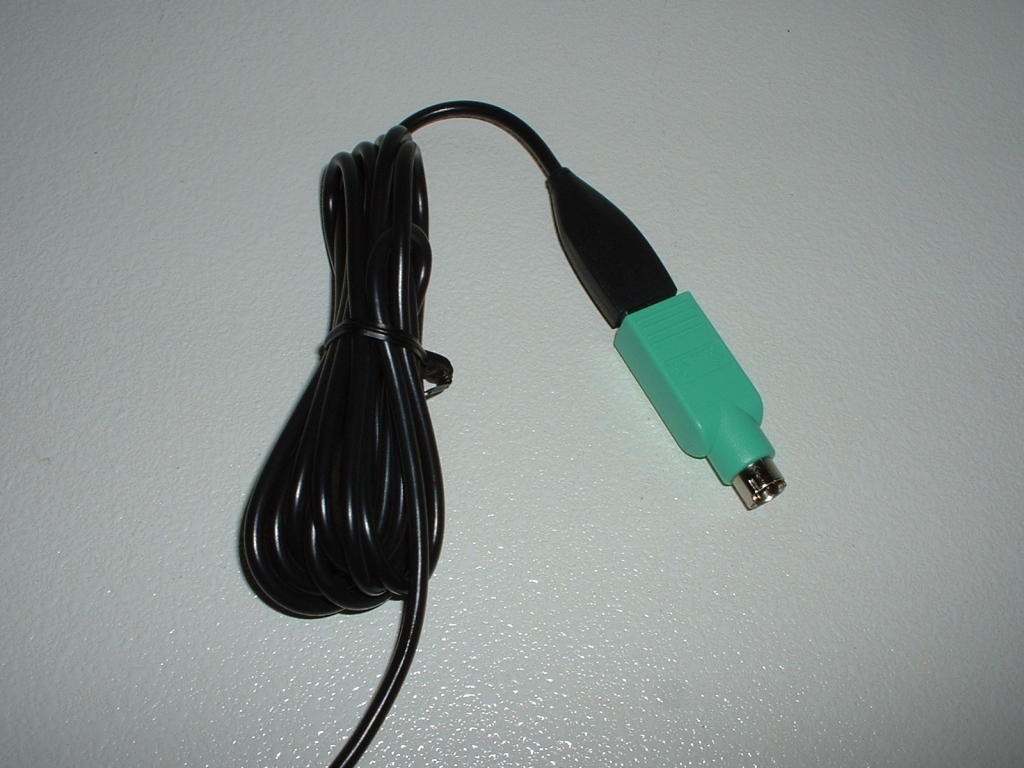
The mouse has a USB plug and also includes a PS/2 adapter if you are unable or do not with to use USB. The CD included comes with Logitech’s MouseWare 9.80 drivers which work with Windows XP, 2000, ME, and 98. Also included on the CD is Logitech’s Control Center 1.2.1 which are drivers for Mac OS X v. 10.1.2 – 10.3.2 which will make Apple users happy.
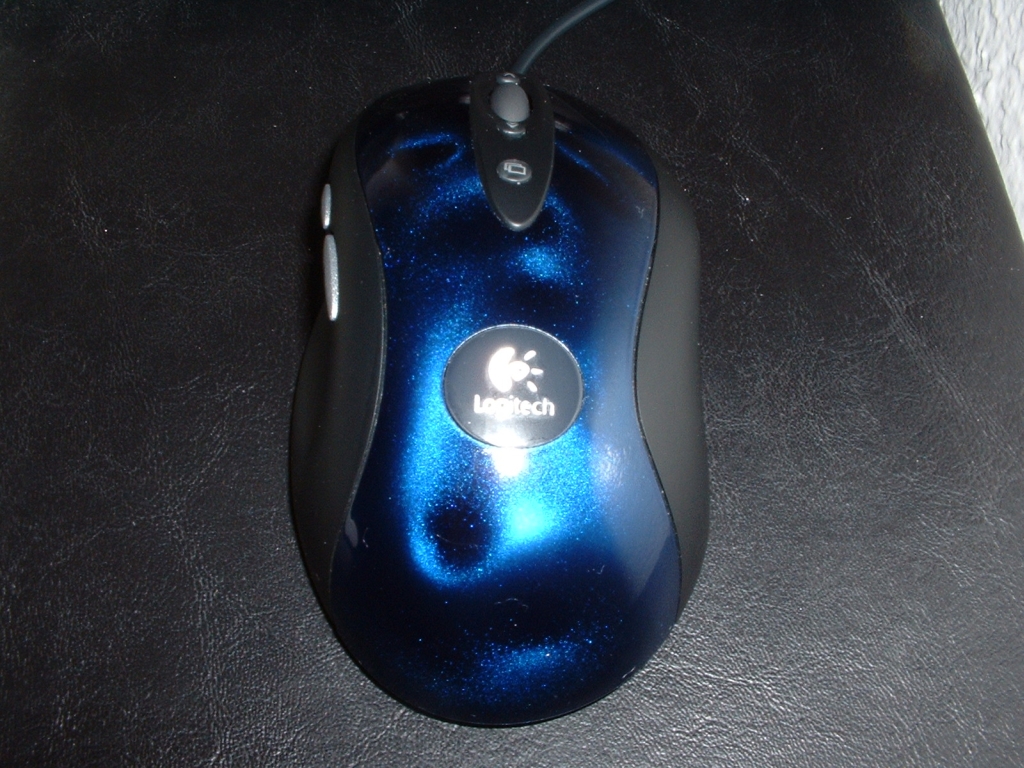
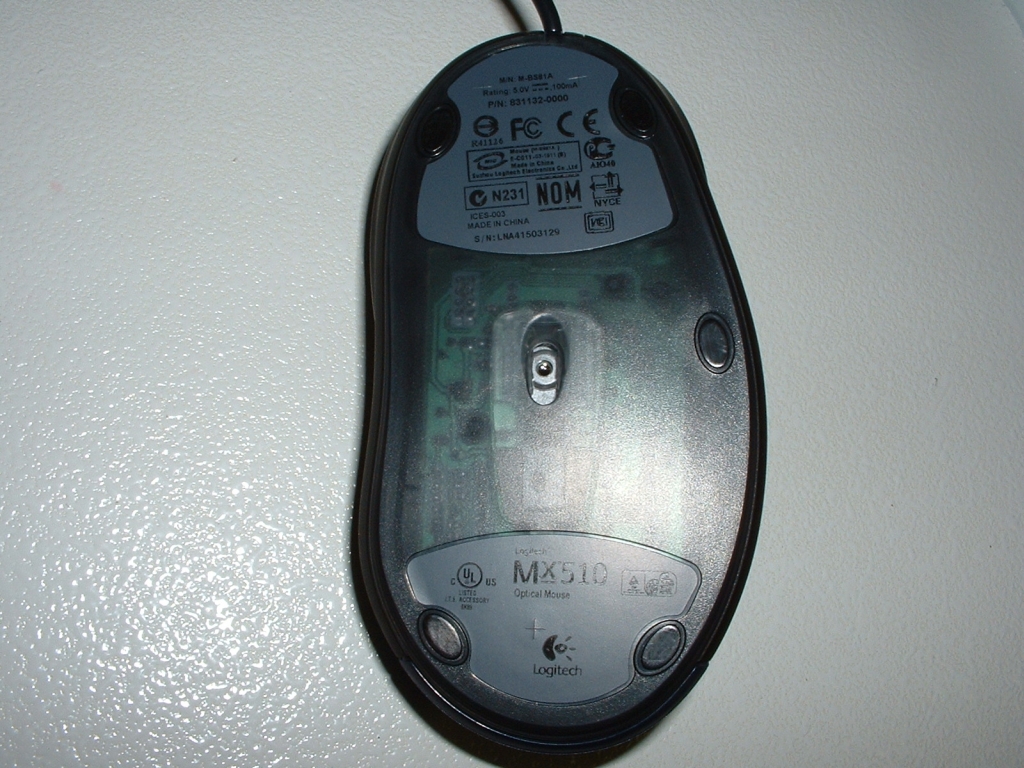
From the top of the mouse you can see that the paint job is just amazing. The blue and black mix looks really nice and the Logitech logo fits nicely into the middle. One thing that I didnt notice right away about the mouse is that the shell is one piece, the buttons are not cut away from the rest of the body. This is a very small aesthetic detail however I really like the fact that Logitech did this. I think that it makes it more comfortable to use as well as looking a lot better. The bottom of the mouse has five feet which is one more than most mice have. Adding this extra foot will help with movement by creating less friction. In the center of the mouse is the specially designed lens where the LED will shine through to track movement.
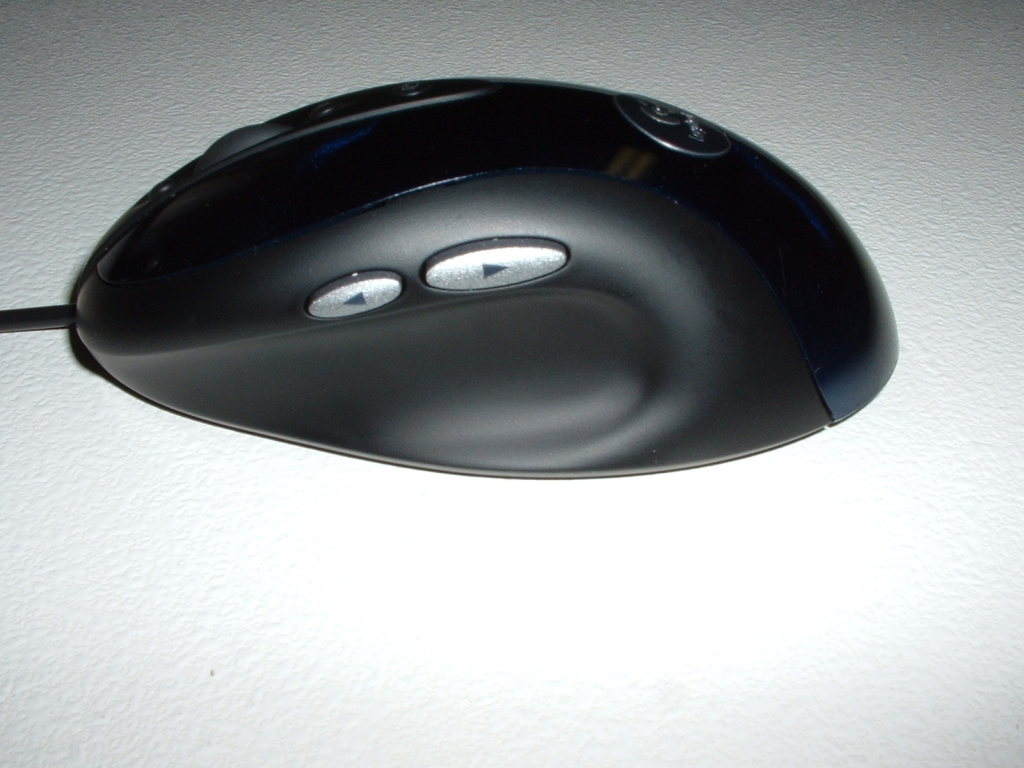
From the left side of the mouse you can see the forward and back buttons. Let me tell you, if you are currently using a mouse without forward/back buttons and switch to this mouse you will never go back. These buttons make browsing, gaming, and working so much easier to do its amazing. I currently use a traditional 2 button mouse with a scroll wheel at work and I always want my MX510. Not only are these forward/back buttons extremely useful but as you can see from the picture the mouse is concave to fit your thumb. The rubber layer that goes over this shape is very comfortable and does not stick to you. This mouse is the most comfortable mouse I have ever used and I cant stress that enough. The right side of the mouse also contours to your fingers so that it is more comfortable and easier to use.
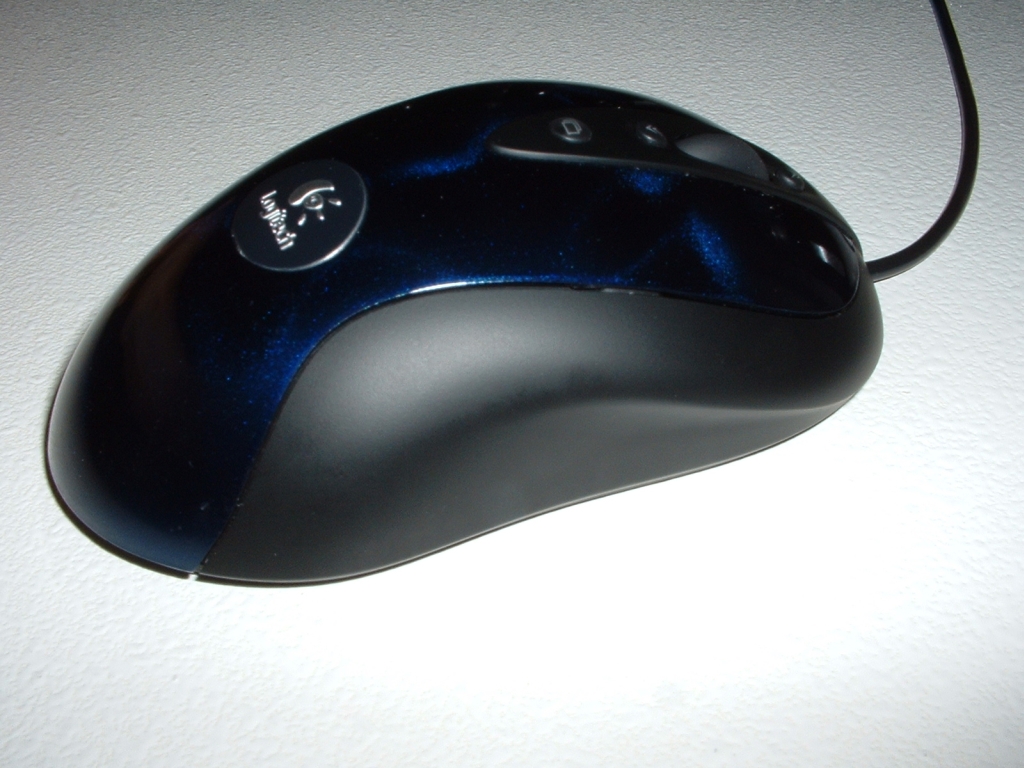
This mouse has really cool button features on the top as well. There is of course the wheel for scrolling and clicking which like everything else on this mouse is amazing. Above and below the wheel are two cruise buttons which scroll up and down. I tested this feature in just about every application I could think of and it worked flawlessly in each.
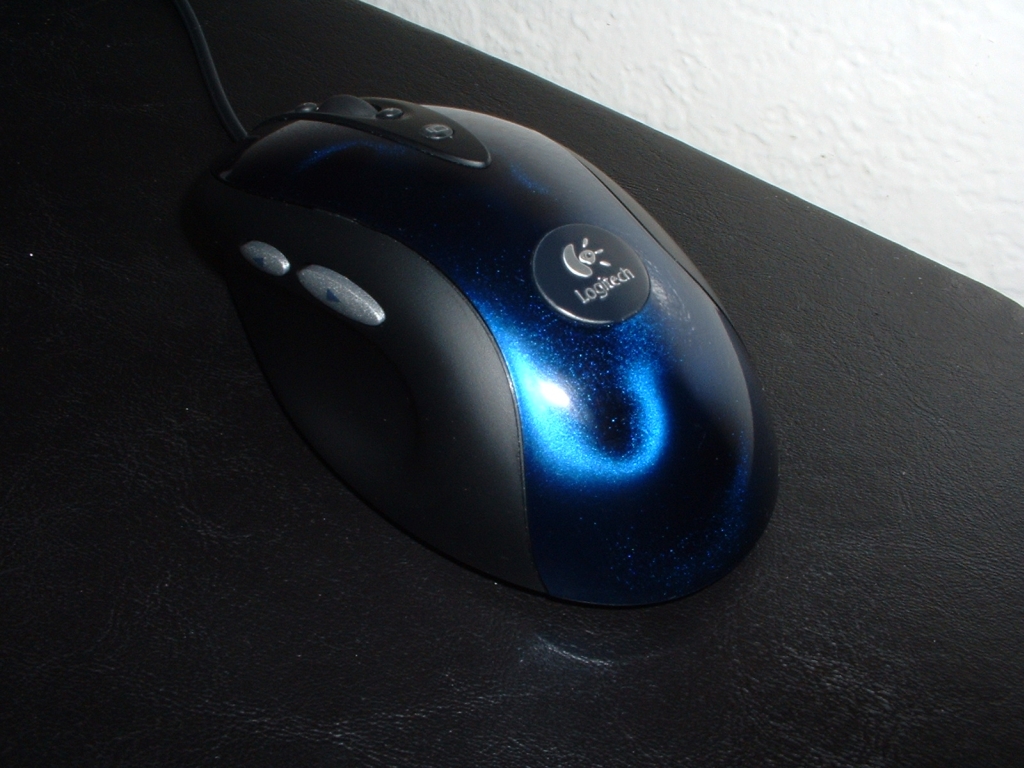
I really like this feature because it is much simpler than scrolling with the wheel. Lastly on the top of the mouse there is a quick switch button which lets you switch between running applications. This function works just like Alt + Tab except it is one button on the mouse. I think this button takes the most time to get used to because it is a little awkward to push. Also since I have been doing Alt + Tab for so many years I instinctually still use it and use it faster than the button. The last picture is just there so that you can see this mouse in all its glory.