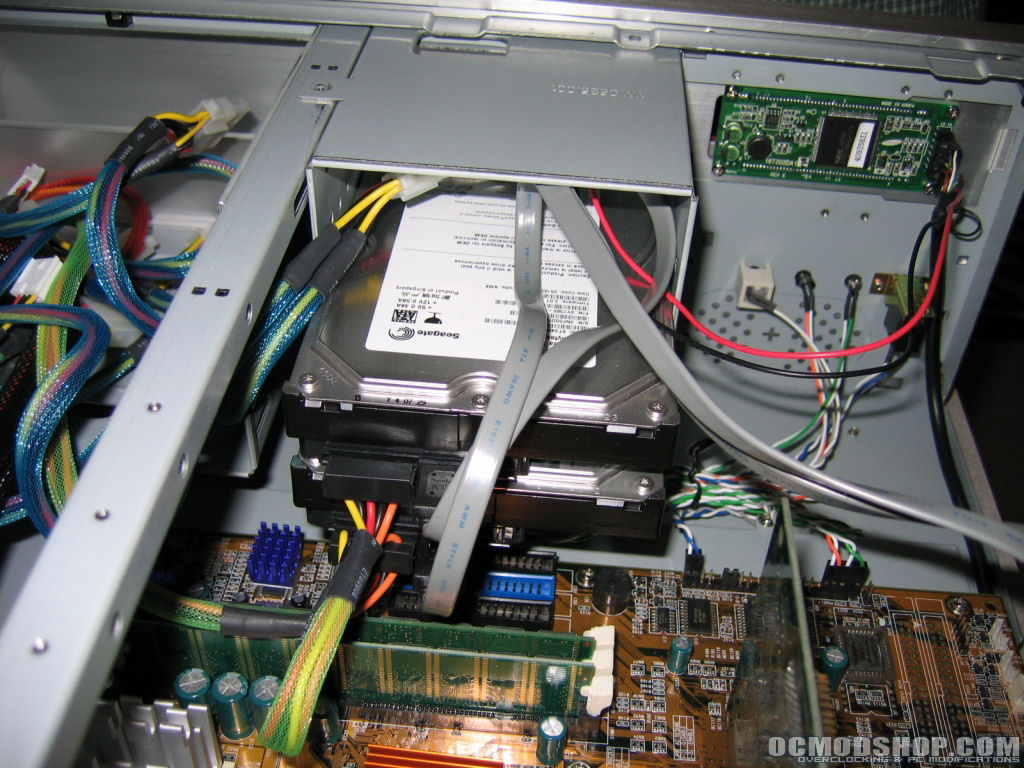
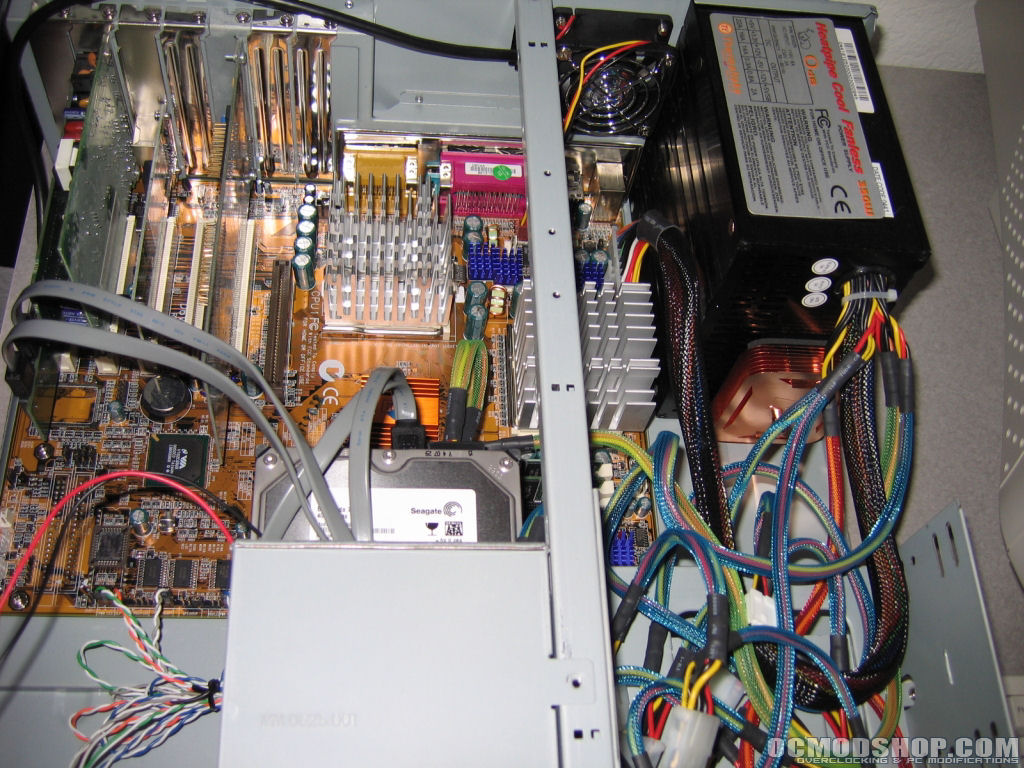
Although putting a server like this together is basically the same thing is building a regular computer I wanted to add it to this article. The order in which you decide to build a computer is totally up to you. Your way may deviate from the way I explain but this is just typically the way I go about it. The first thing you will probably want to do is install your processor(s) to the motherboard and then apply some thermal compound like Arctic Silver 5 to the core(s). Once that is done you should installed your heatsink(s), be especially careful while doing this if you have a socket A platform.
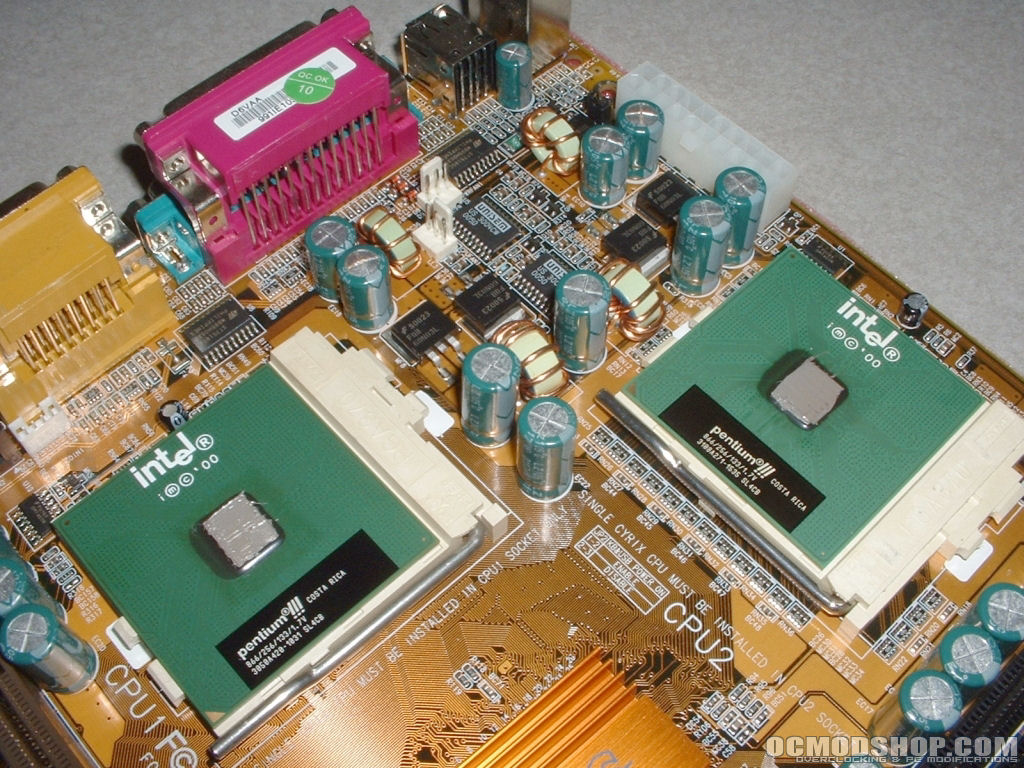
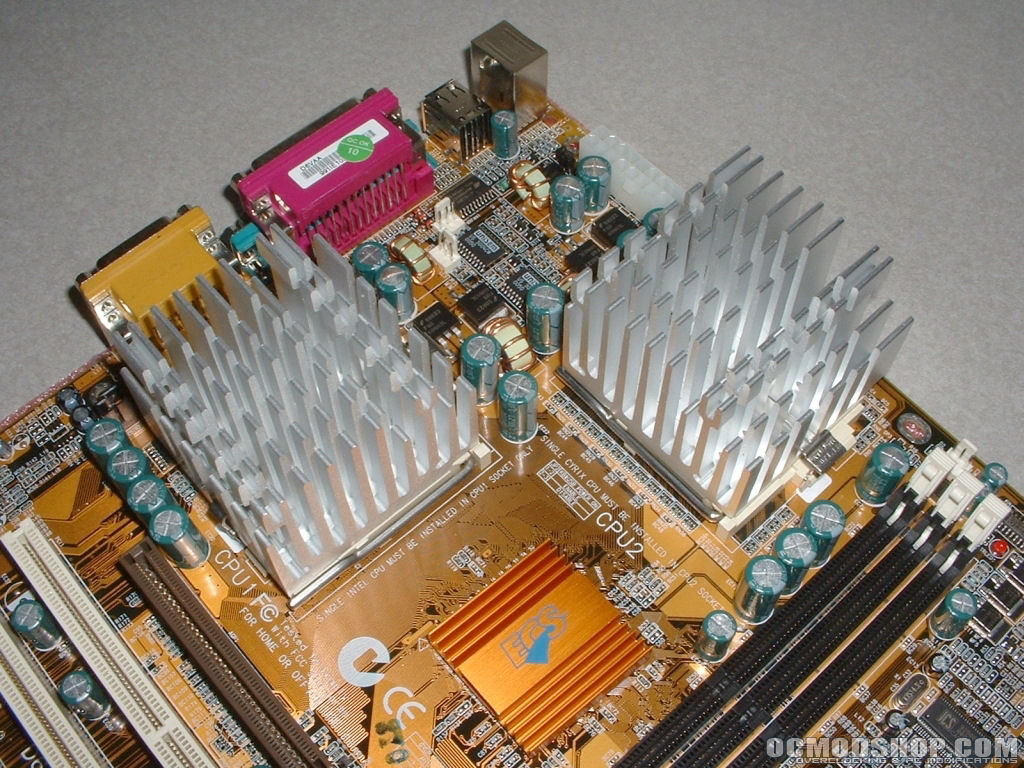
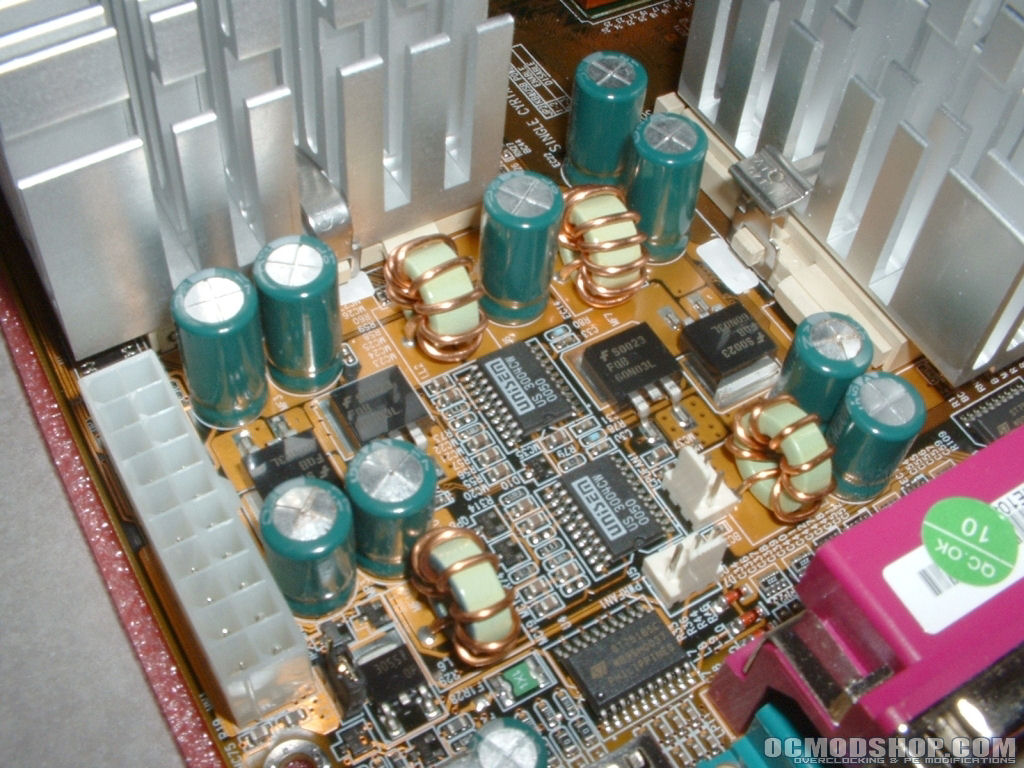
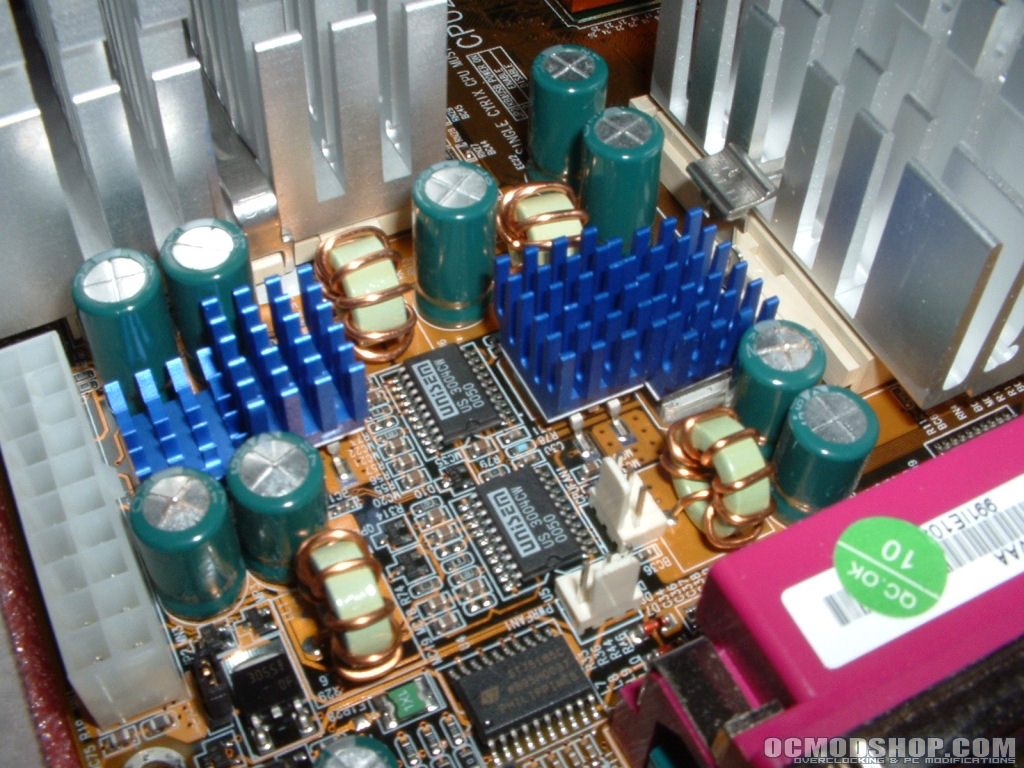
Mosfets are normally a source of heat on electronics and can get quite hot. Some extra cooling is always a good idea; I decided to use the Zalman RAM heatsinks on these mosfets all over the motherboard. Installation of these heatsinks is simple, all you need to do is peel off the plastic from the adhesive and stick them to the mosfet. Once this is done just make sure they are firmly in place and your mosfets should run a little cooler.
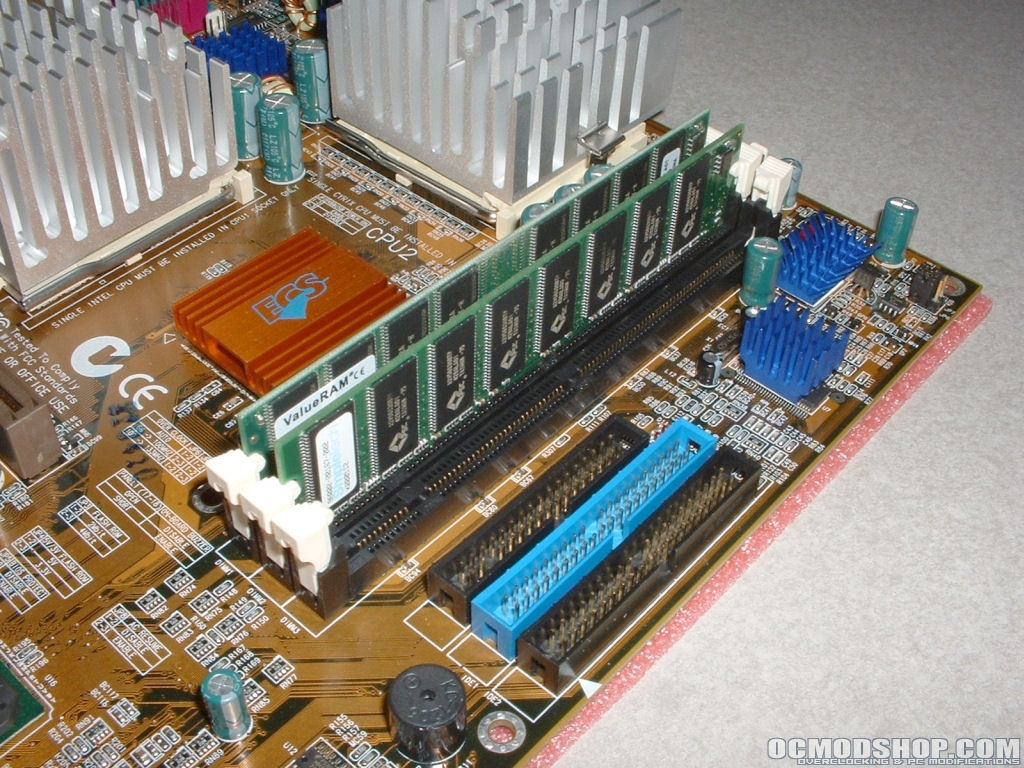
After getting all the extra cooling added you can then install your memory. If your case has a removable motherboard your build will be a lot easier. This case happened to have one so I mounted the motherboard to the motherboard tray.
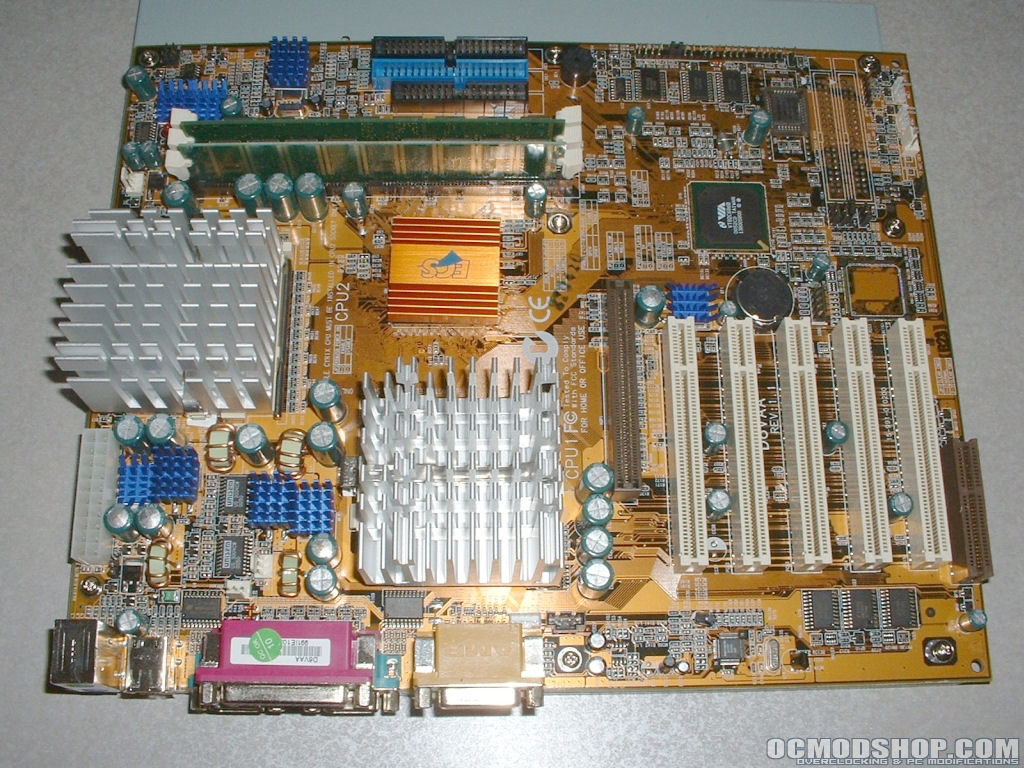
With most of the components added to the motherboard you will probably want to install the motherboard tray to the case if you have one. If you do not have one, you already have gotten most of your components into the case. Either way from here you will probably want to install your hard drives to the 3.5″ cage.

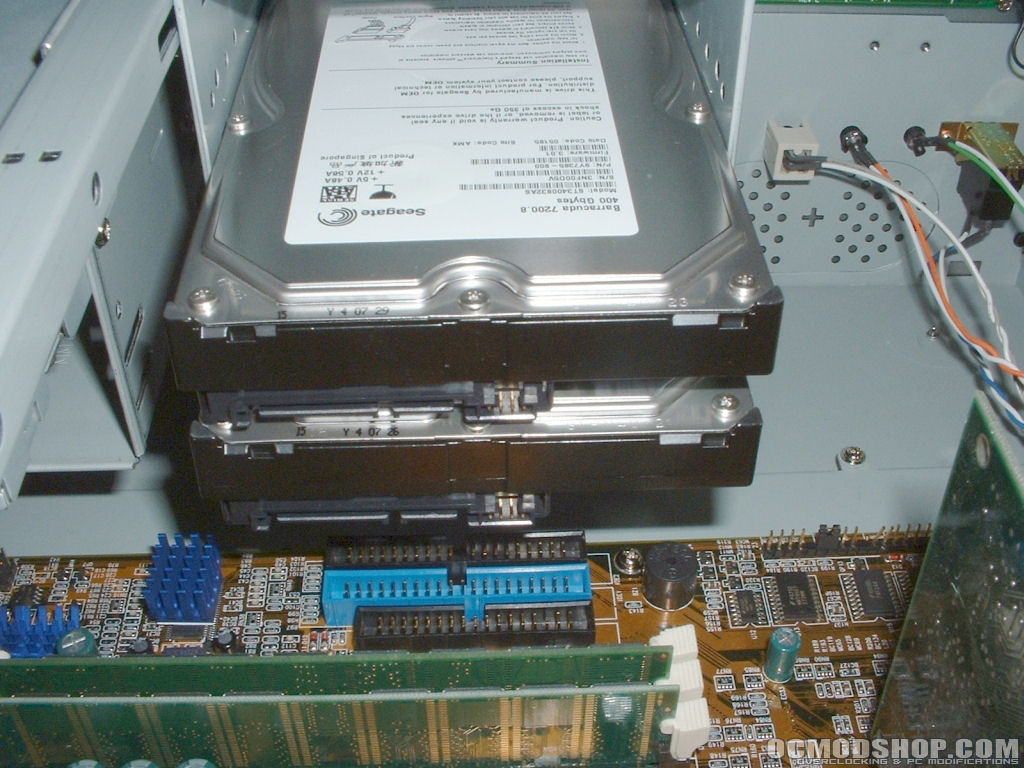
Now that most of your hardware is in your case you can install then installed all of your PCI cards. You will also want to install your optical drive to a 5.25″ drive bay. I then added my Plextor PX-708A so that I could install the operating system. This isn’t going to be the optical drive that I use for the long run. I plan on picking up a very quiet DVD-ROM since I don’t need burning capabilities. You probably want to install your power supply last because it will create a mess with all the cables and take up a lot of space. I installed the Thermaltake 0dB PSU I had into the case. Once all of that is done all you should have left to do is plugging in power, jumpers, and other cables.
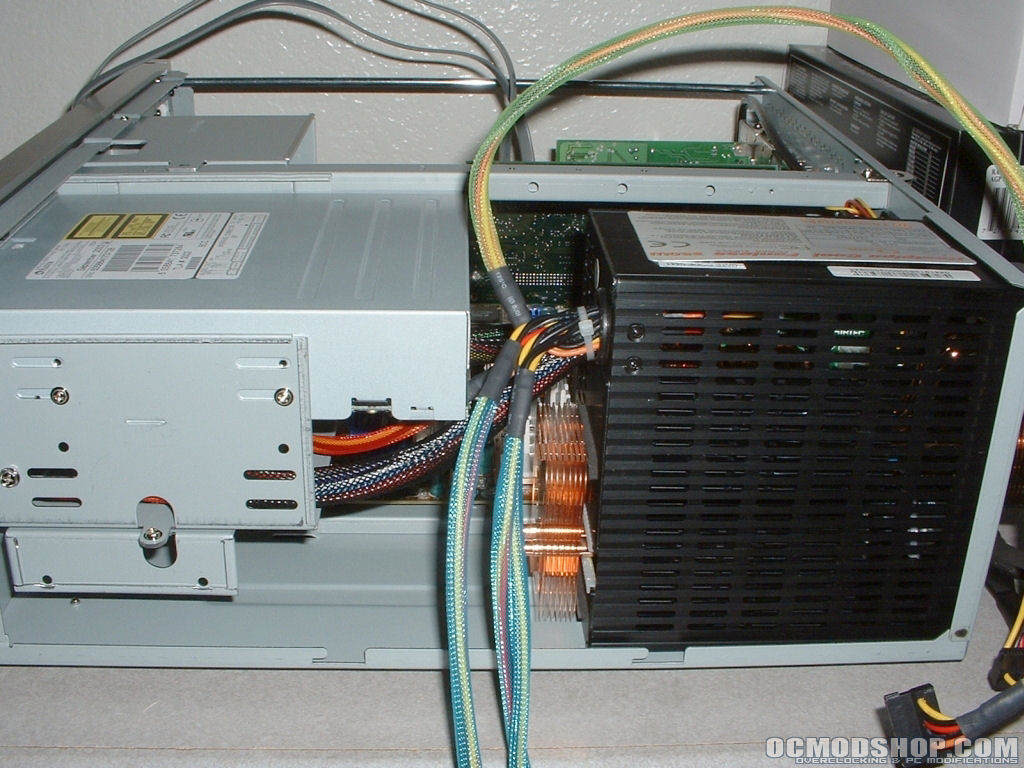
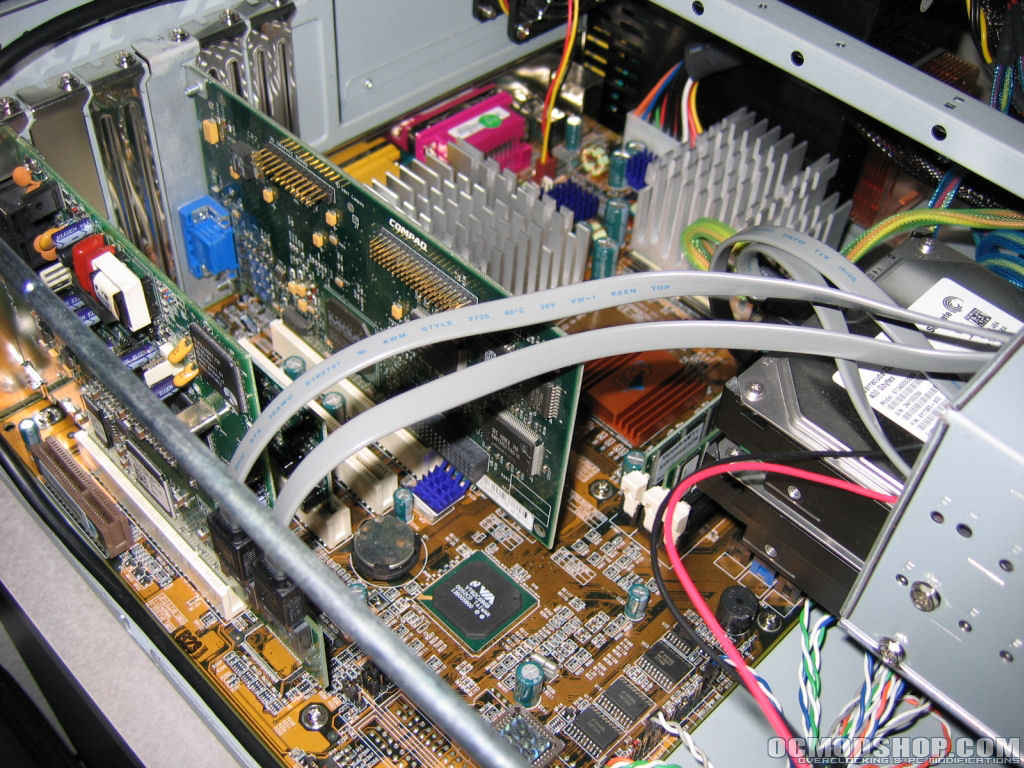
Below are some final shots of everything installed to the system. All that is really left to do is cleanup the cabling and do some testing. Not only will cleaning up the cabling within the case make it much nicer but it will allow air to move more freely. With a silent system there is normally very little or no air being moved around by fans within the case. Because of this the more natural airflow you can get through the case the better. The DVD burner is removed in the last picture because I had to pull it to use on another system.