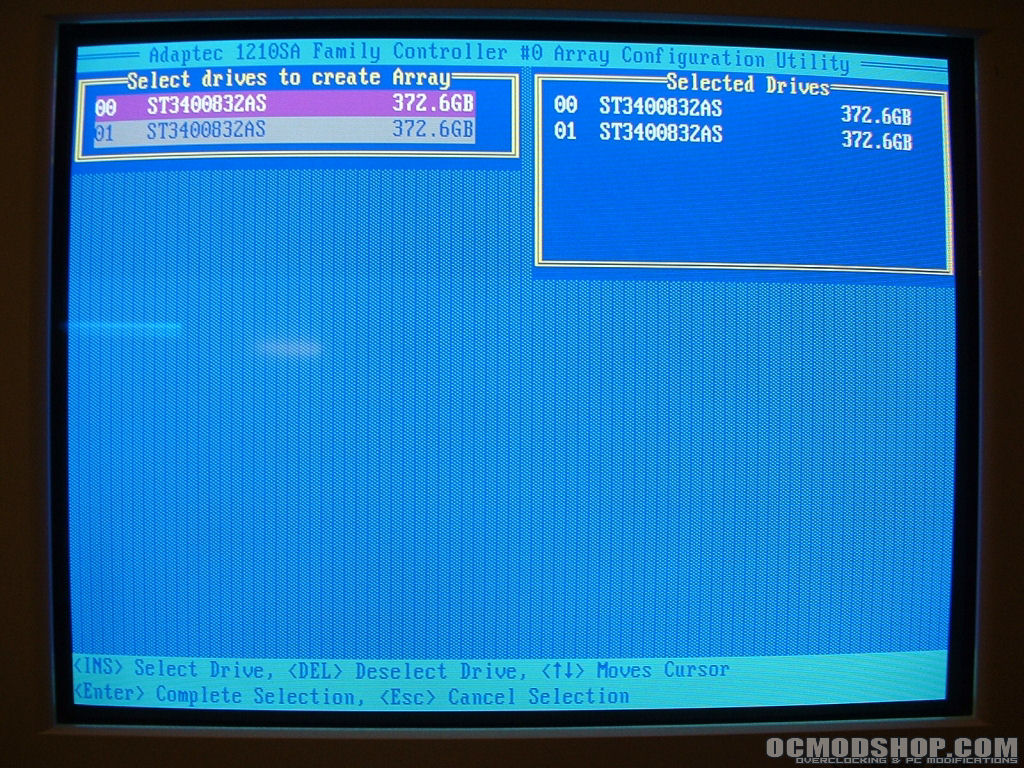
Before you can install you operating system of choice you will need to setup the RAID array assuming that you are using a hardware RAID controller. Depending on your RAID controller you will be prompted to press a combination of keys when the system is booting to setup your array. Since you may not have the exact same card that I am using the procedure for you might be a little different but you should get the general idea.
When you get into the configuration utility you should have options to manage your array. The first time around you will need to create your array so choose create array. Typically your hard drives will show up as 00, 01, 02 and so on. Select the drives that you want to make an array out of and move on to the next step, in this case by pressing enter.
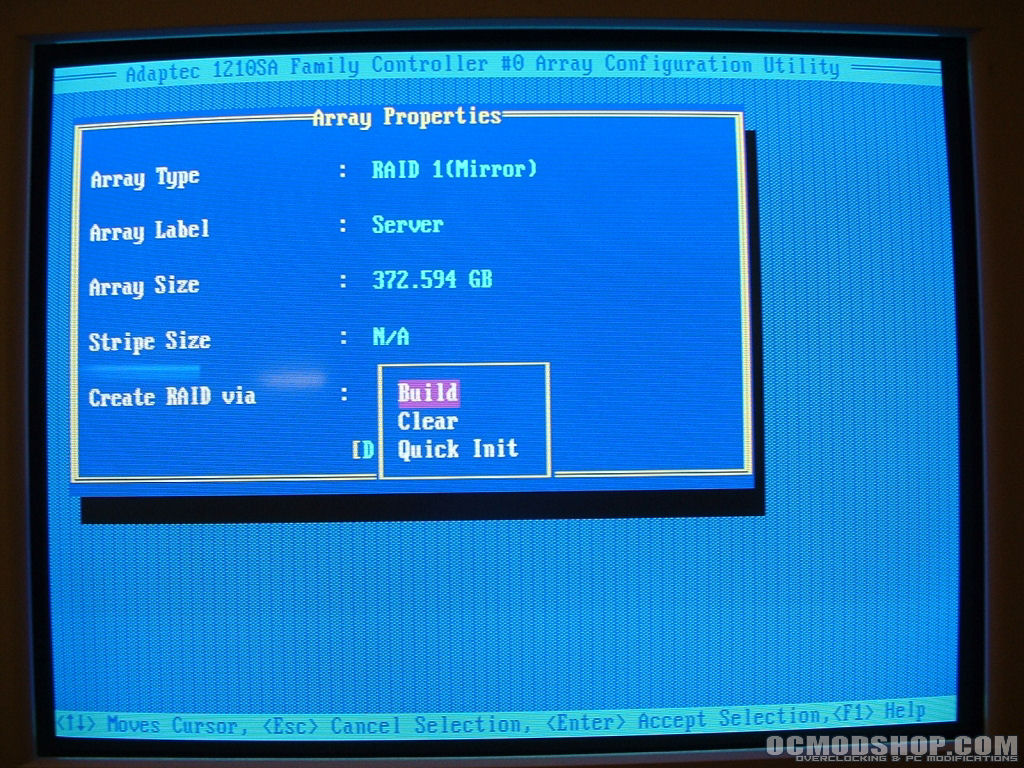
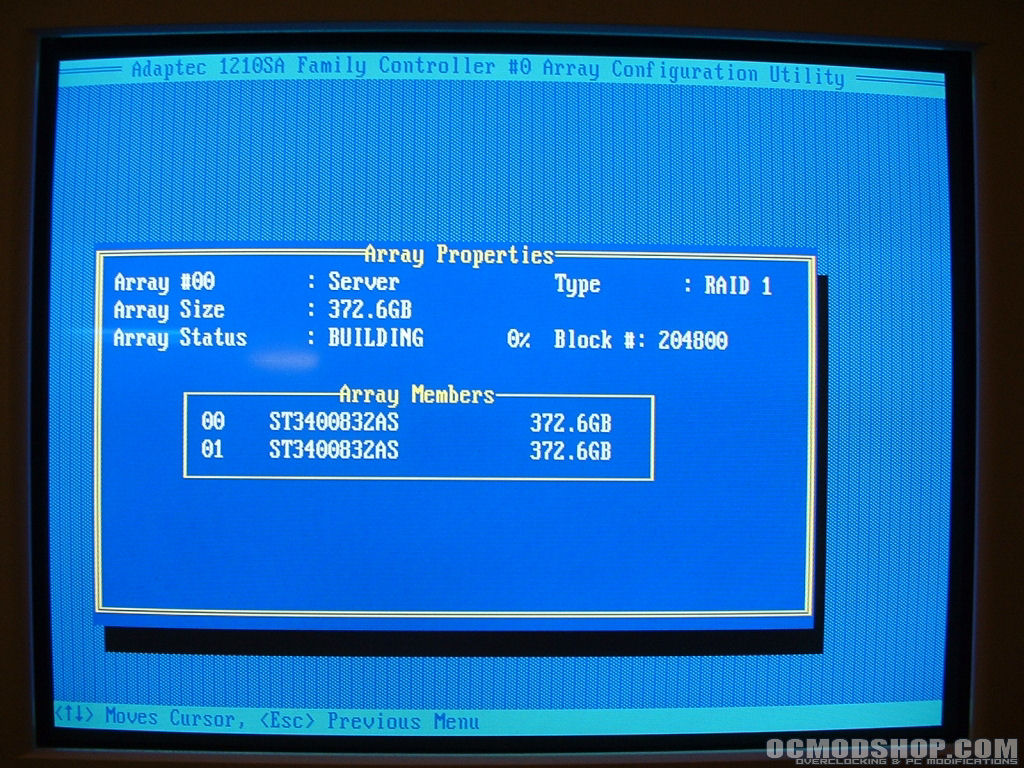
You will probably be moved to the section of the configuration where you choose type (RAID 0, 1, 5, etc), label, size, and so on. Like I mentioned on the first page I am going with a RAID 1 setup using the entire capacity of the drives and labeled the array “Server”. Once you have made the appropriate changes proceed to the next section where it will most likely ask you to verify the actions before it starts.
When the previous screen shot said it may take a half an hour or more that’s an understatement. I don’t know exactly how long it took but it had been going for about 3 hours before I went to bed and was only about 50% done. So just remember it will probably take quite a while to build the array to plan accordingly. When the process completes you will have your array complete and can move on to installing your operating system.
Operating System Setup
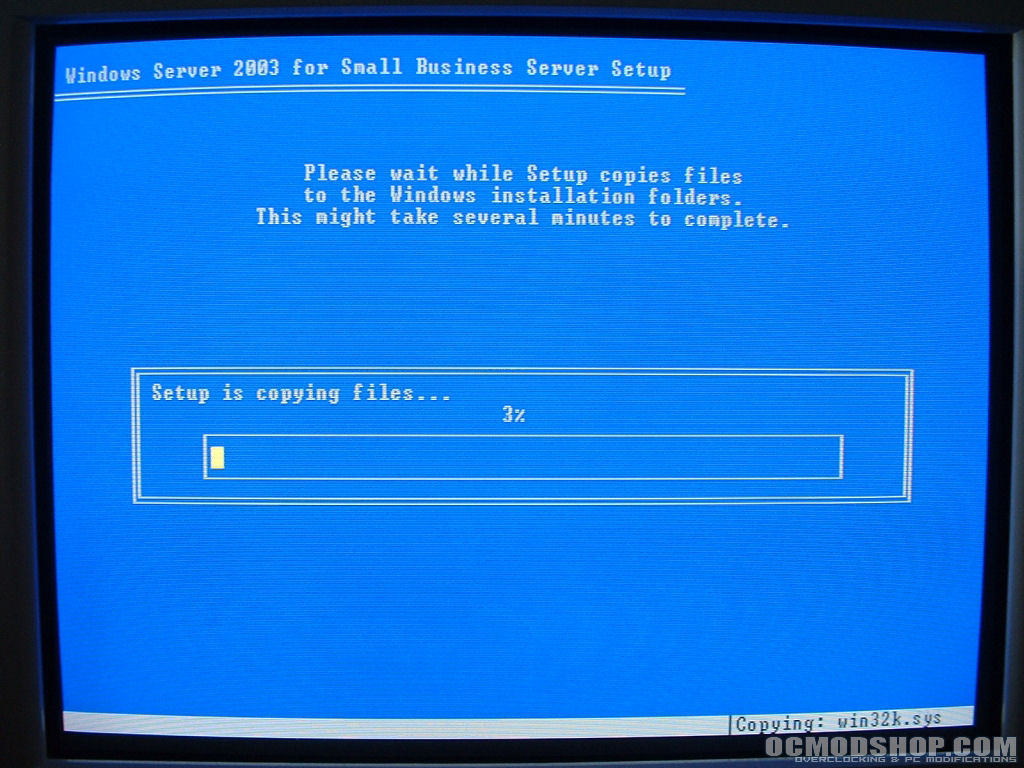
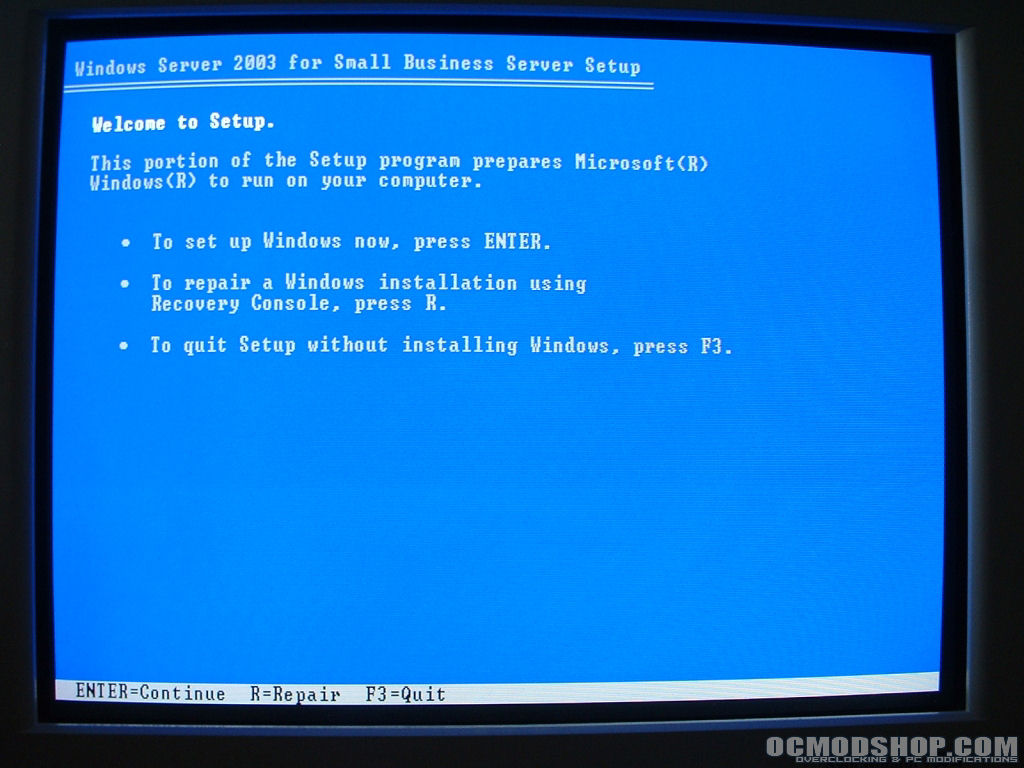
I will be installing Windows 2003 Small Business Server, but you can install whatever operating system you like of course. For the sake of this article I am going to quickly run through the installation process.
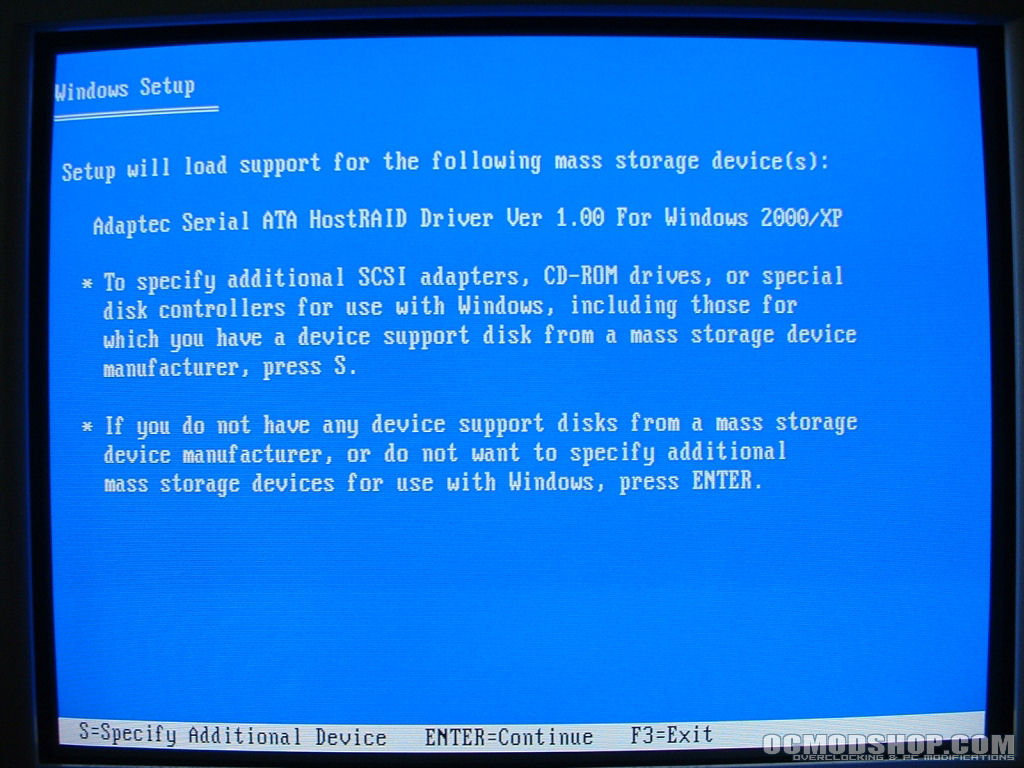
If you are using a SCSI or RAID card you will need to load the driver for it before you can install your operating system. Without the driver the operating system will not be able to see your hard drives. Before you start the operating system installation you need to load the drivers for the card onto a floppy disk. After you have done that you can start your installation. As soon as Windows starts to load, at the bottom of your screen you will tell you to press F6 to load the driver, do it when it tells you to. You will then be able to load the driver from your floppy disk and continue with the installation like your normally would.
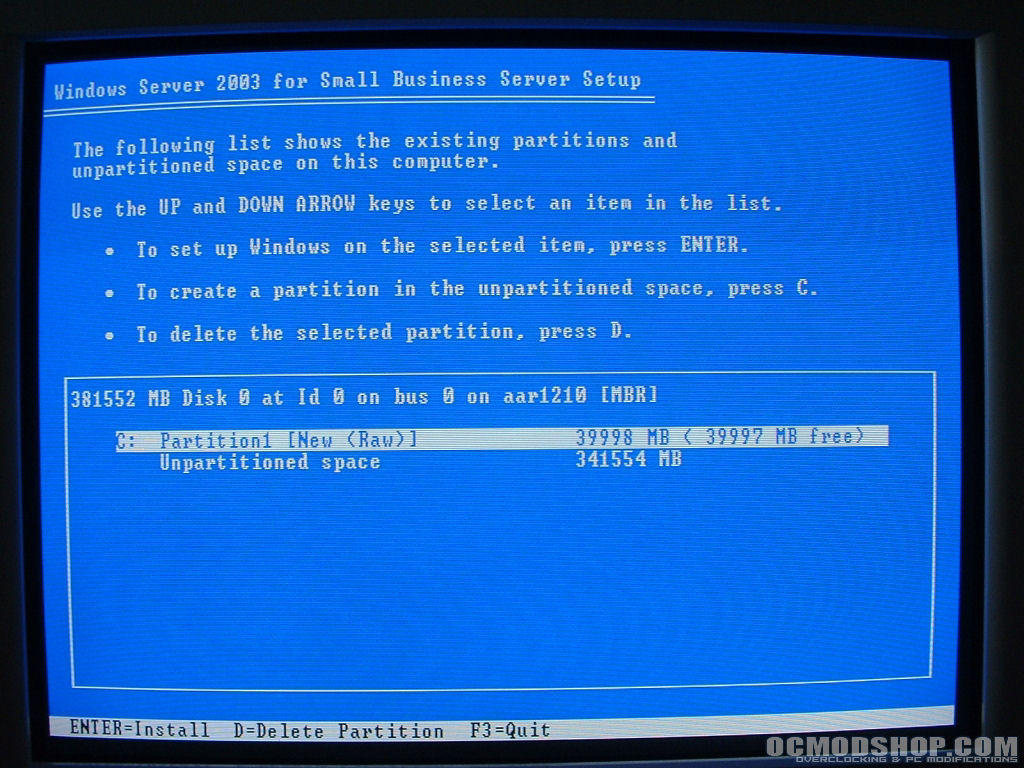
You will then need to decide how to setup your partitions. I typically create two partitions, one for Windows and the other for data. I do this in the event that Windows gets messed up, which it sometimes likes to do. If you keep all your data on the second partition there is less of a chance to loose it if Windows decides to not work correctly. So for this particular setup I went with a 40GB Windows partition leaving me with 341GB for data.
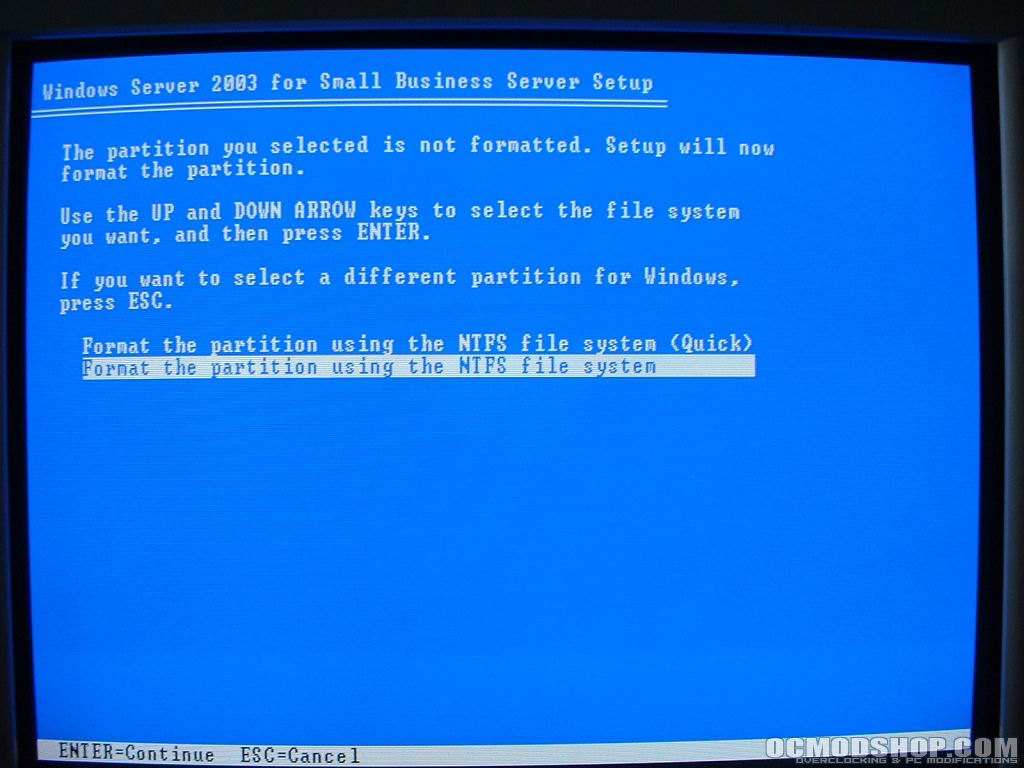
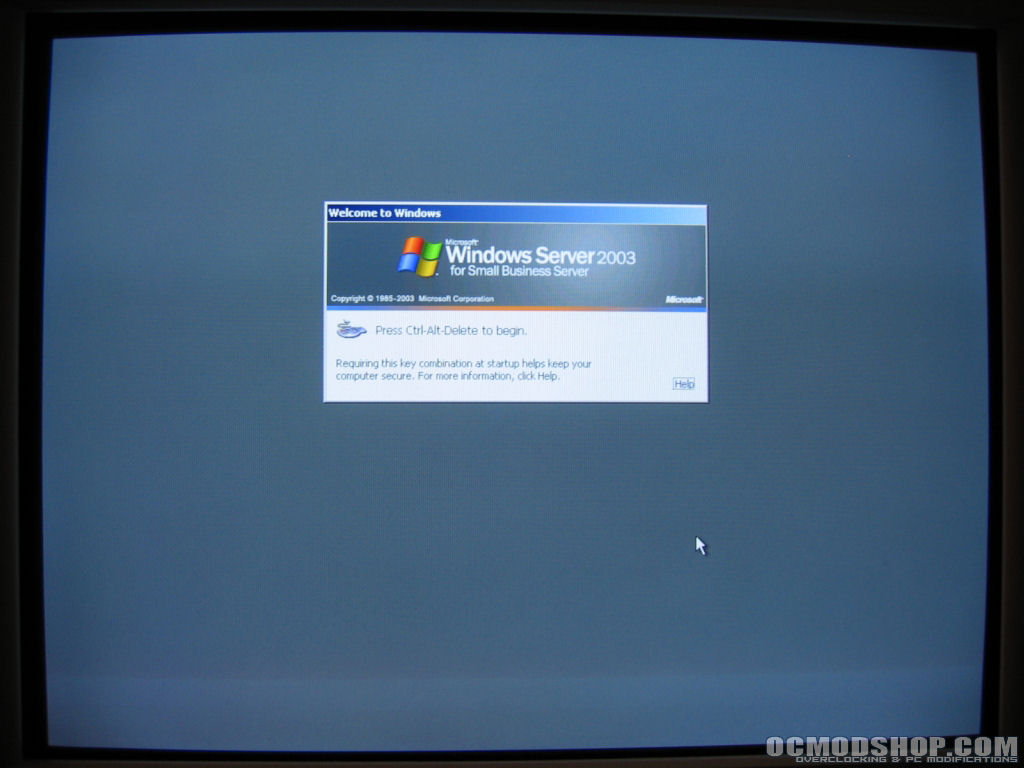
The installation progress will probably take between 30 and 40 minutes. It will first copy over all of the files it needs then reboot. From there a GUI setup wizard will appear and walk you through the process. When that completes the system will again reboot and you will be taken to the Windows logon screen.