

The first thing you want to do with any new system is get the operating system patched. Ideally what you want to do is slipstream the updates into the install or have all the patches on a CD so that you can install them before putting the machine on the network. With an un-patched Windows system it could take only minutes before your system is hit and infected with something given the right circumstances. So as soon as you have your system up and running for the first time head over to Windows Update so you can download and install the newest patches for your operating system. Once that is done I would suggest running Microsoft’s Baseline Security Analyzer. This tool will scan your system for various configuration settings and patches that you might be missing.
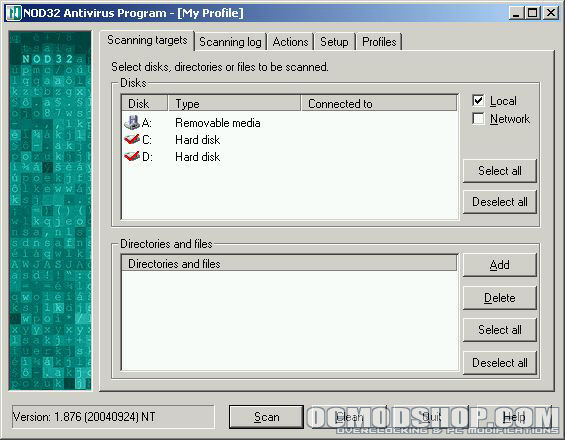
Another vital part of a healthy system is an antivirus of some sort. Eset Software was generous enough to provide us with their NOD32 antivirus system to use for this project. NOD32 is able to run on any version of Windows including the server side. I will also have a full review of this software the near future.
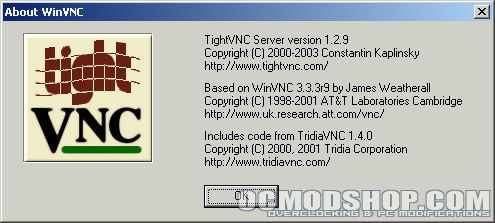
Although Windows 2003 Small Business Server has Terminal Service capabilities I also installed TightVNC to give me console control. There are many free VNC servers out there on the web so you will need to decide which one meets your needs the best. Normally with Terminal Services when you log in you get a session and when you log out it closes. An example of this is if you log in via Terminal services, start a download, and log out the download will be canceled. Connecting with a VNC (Virtual Network Computing) client will allow you to see the desktop as if you were sitting in front of it. This means you can log in, start that download, log out, and the download will continue.
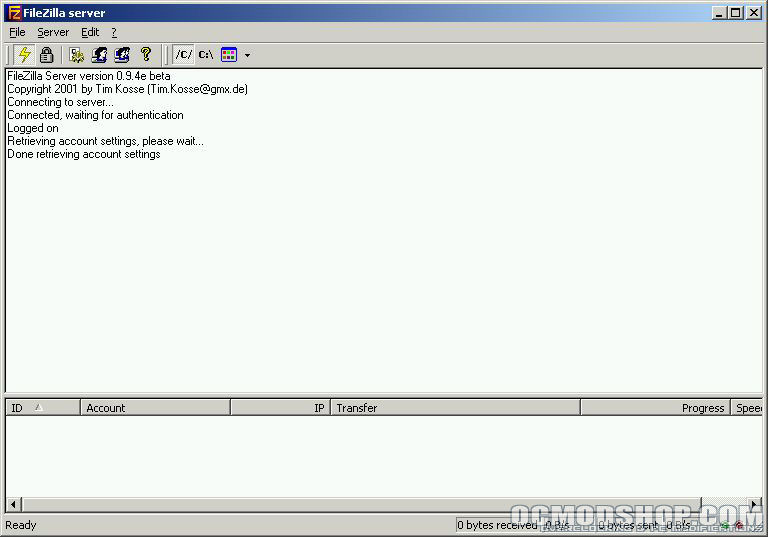
There are many FTP servers out there but there are only a few free ones that work well. I have tried out many different ones and of all the free ones I like FileZilla server the most. I like the interface and it will run as a Windows service which is something very important. I personally don’t like the built in Windows FTP which is why I went with a 3rd party solution.
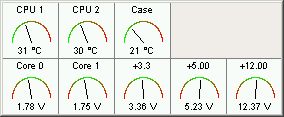
There are many programs to monitor the temperatures and voltages of the system. Most people you talk to in the overclocking community will probably suggest Motherboard Monitor which is what I decided to use.
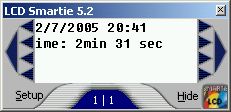
The VFD that’s built into the case did come with any software. LCD Smartie is an open source LCD/VFD program that works really well with many displays. There are tons of things that you can do with this software so don’t limit yourself. I currently have mine setup so that it tells me the time, date, CPU temperatures, and Winamp information.
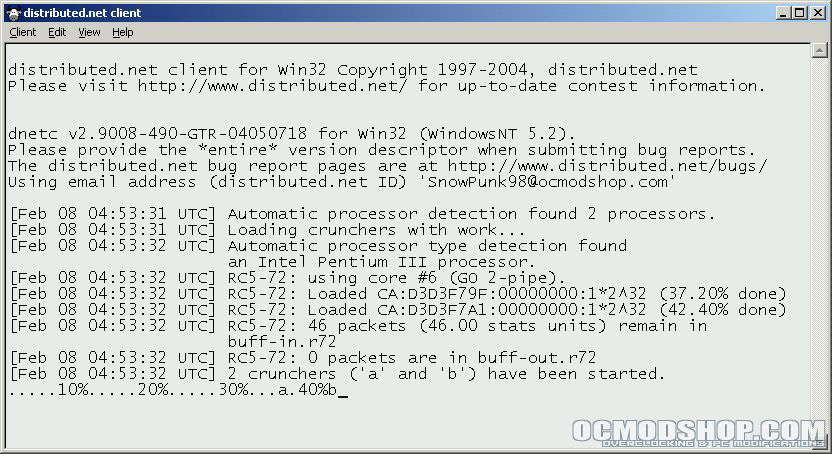
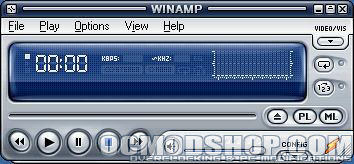
If you haven’t already joined OCmodshop’s Distributed.net team you should do so now. All you need to do is install and configure the client and it will take care of the rest. Finally, when it comes to MP3 players nothing tops Winamp in my book. I installed it so that I can have the system play music when I want it to.
Conclusion
There are so many things that you can do with something like this and so many ways to configure it. Whatever hardware, operating system, and software you decide to use you will have many ways to configure everything and do it however you like. There is really too much to write about in one article for what you can do with a server or HTPC. There is a lot that my server/HTPC will be doing in the future and I’ll probably think of some more things as time goes on. I hope this article has been helpful for you or given you some ideas on your server or HTPC. We should have some more articles coming up to build upon this one and give you some more ideas and help in building a great server or HTPC.


