

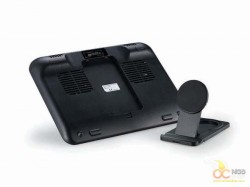
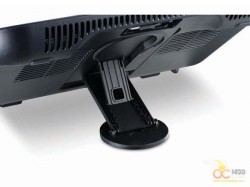
It held my tablet in place very well. The nonslip rubber “foot” on the bottom of the stand that would normally help keep the cooler in place provides plenty of resistance to keep the tablet from slipping off. It also provides three adjustable angles, but I only found the highest setting useful with my desk setup. However, if trying to watch a movie on a plane with your tablet sitting on one of those crappy folding trays you might find a lower angle much better for viewing. Either way, it does its job. My only gripe is that you have to manually force the adjusting arm into the slots rather than having a slide adjuster. But even this is only a minor inconvenience.
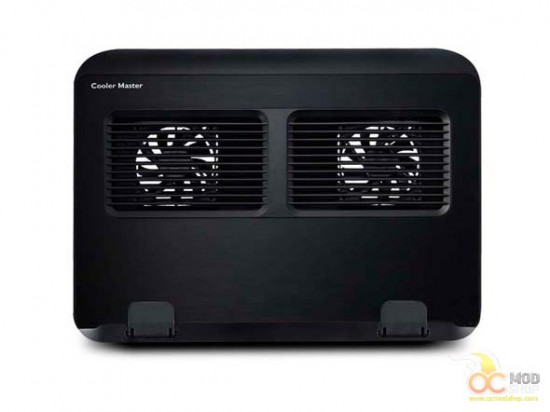
Now to the cooler. If you were to use the adjusting leg to raise it, I would suggest using the flip up retainers on the front to keep your laptop from sliding off. If not, then leave those suckers down. My laptop is thick compared to some of the newer thin models out there, and even then the retainers stuck up far enough that they cut into my wrists while writing. I believe CM could have gotten away with making them a tad shorter. But unless the cooler is raised, they really serve no purpose, so leaving them down is entirely possible.
Now to the cooling properties of the Ergo 360. I’ve always been a fan of aluminum coolers. They’ve always felt just a little cooler to me than their plastic counterparts. Aluminum does dissipate heat better than plastic, but that’s hardly its role here. It’s mostly there for stability and aesthetics. The fans are the real star of the show here. And they perform very nicely. As I said before, this laptop is an older model, and it does like to produce some heat. When I’m doing something a little taxing like editing video for OCMS or playing WoW, it can get a little hot under the collar.


