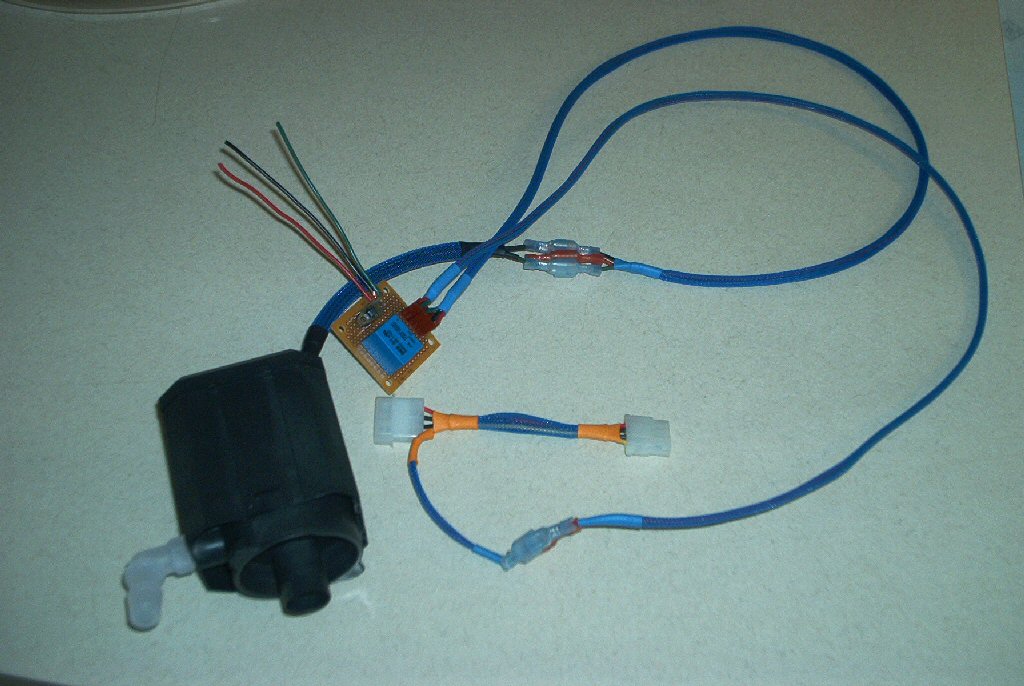
The pump for the water cooler I wanted to turn on/off when the computer did. I also didn’t want to use any store bought solution to do it, I mean hey I’m an Electrical Engineer. So what I did was head to Radio Shack and bought a cheap relay from their parts department as well as a small PCB.
I then wired the relay up in an “always on” fashion. At the same time I added in a small on/off switch that could be used to turn the pump on/off independently of the PC power for filling/draining the system of liquid.
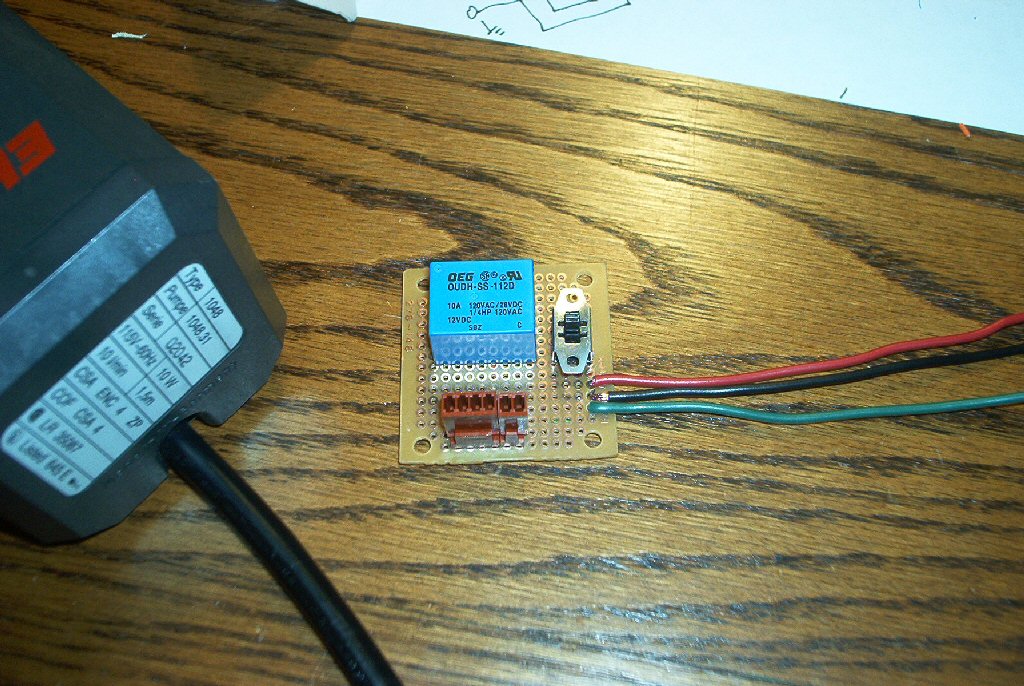
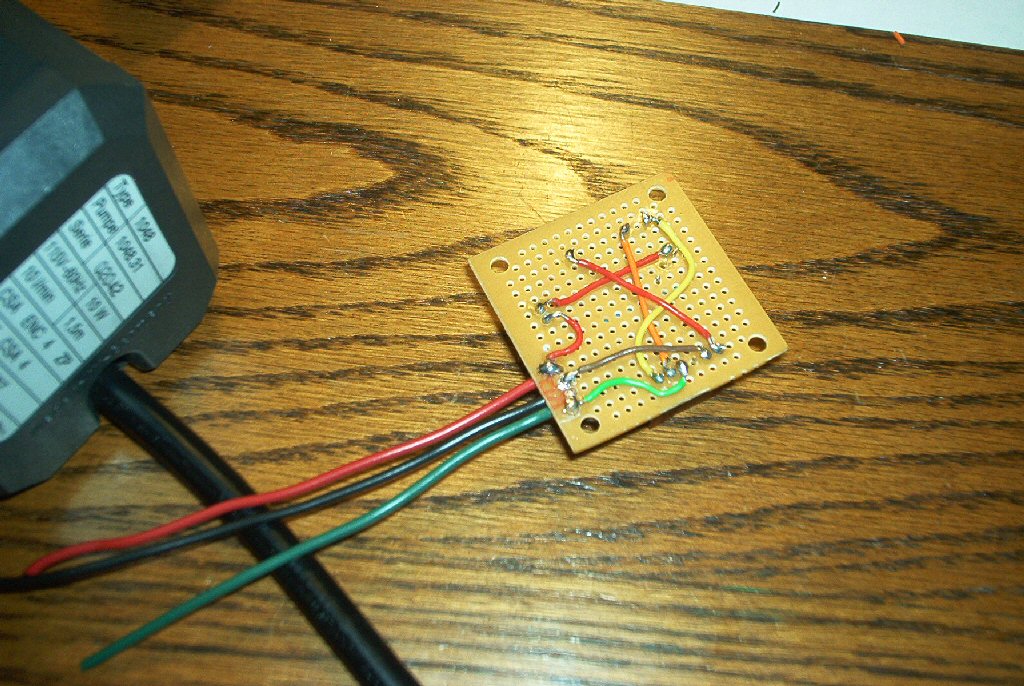
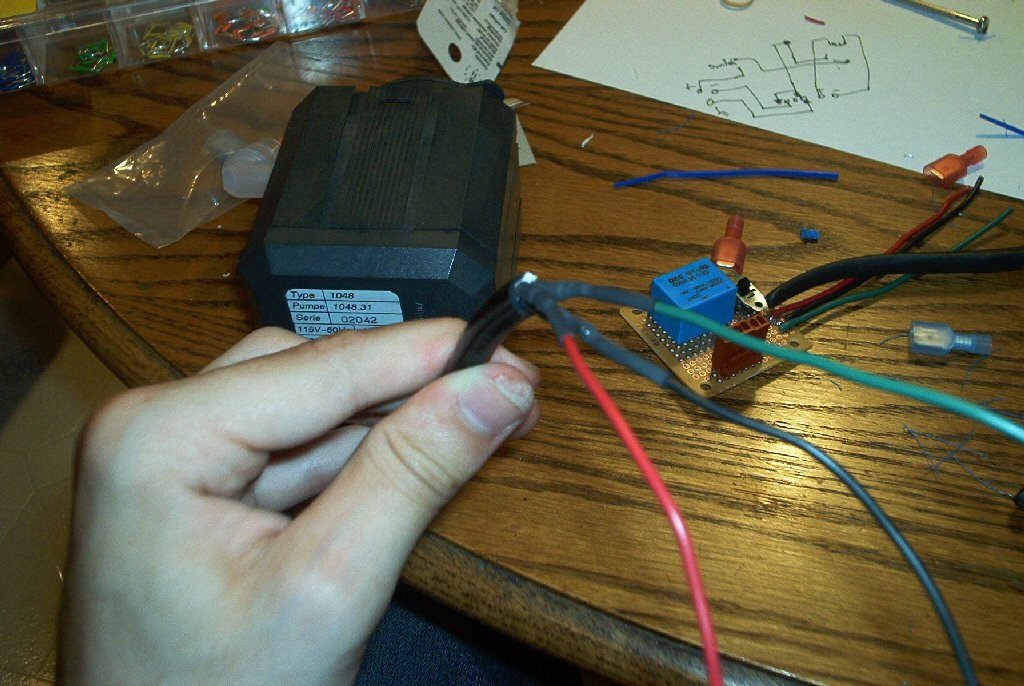
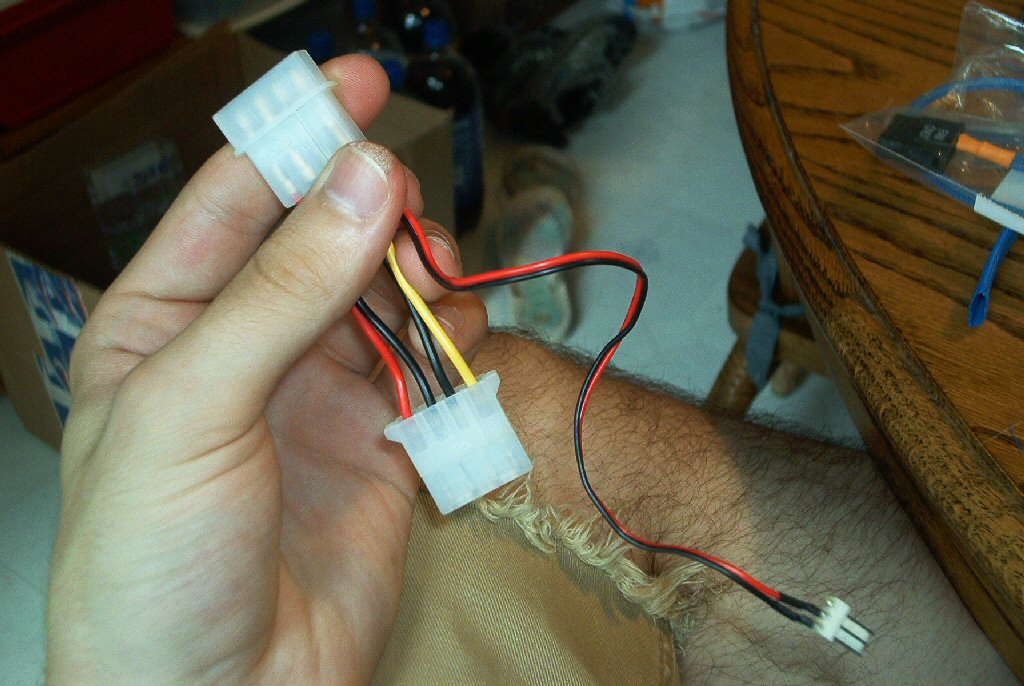
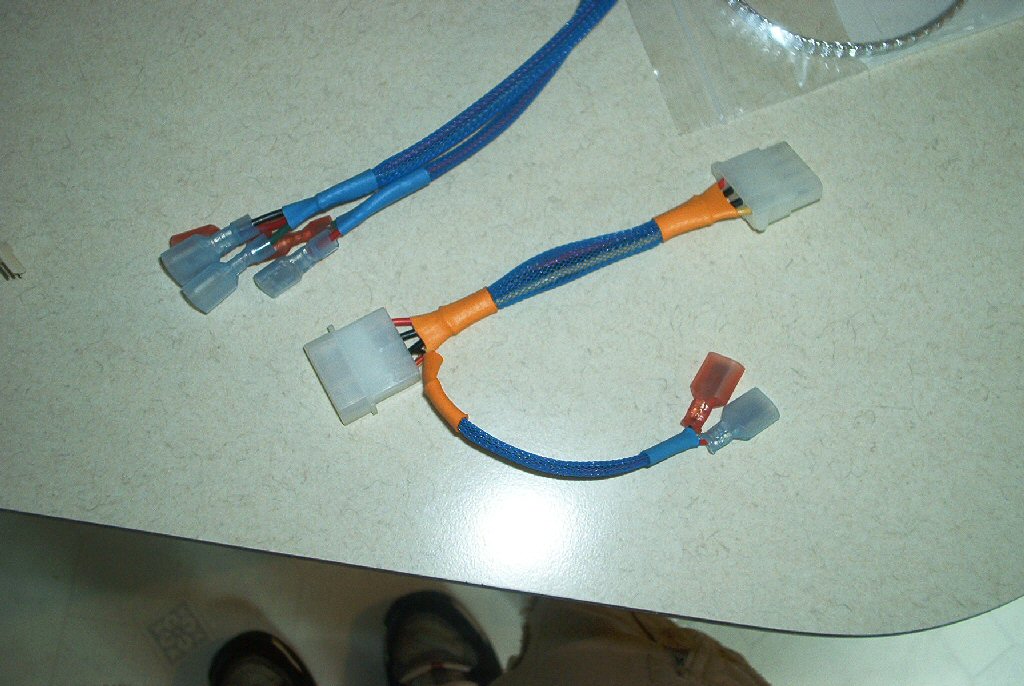
Then I cut the cord of the Eheim pump and wired it to the switch. The relay inductor was then wired to a 12 volt fan connector that I used to facilitate the interface with the PC. Finally I sleeved the entire job to follow suit with the rest of the wiring. Thus, we have a quick and easy solution for a pump switch, which cost me less than $5.
Cold Cathode Wiring
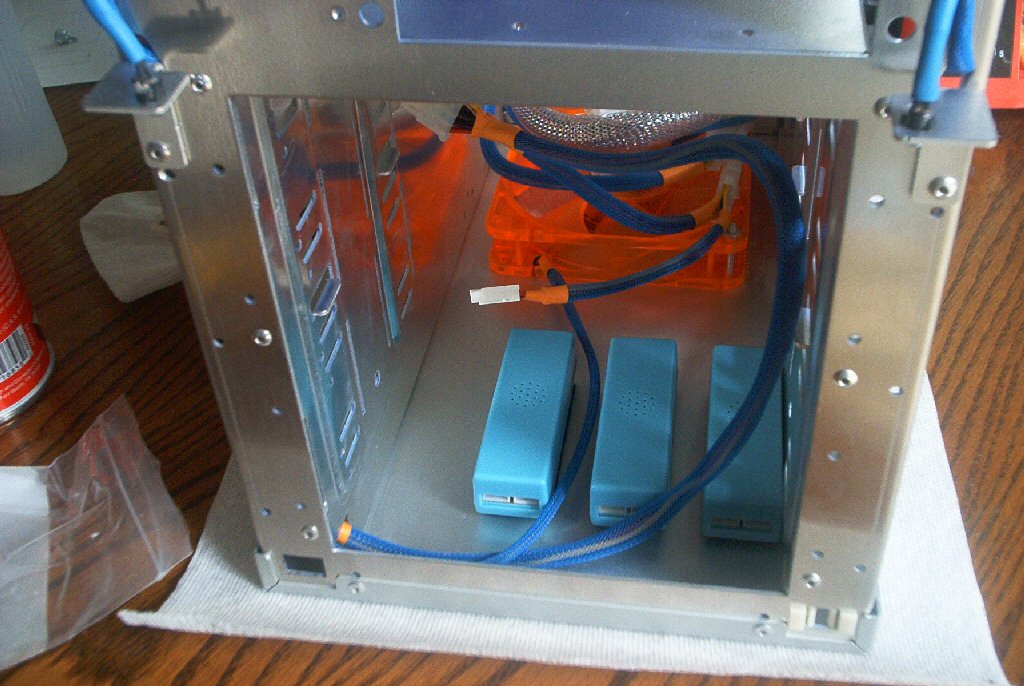
I plan on using A LOT of ultra violet cold cathodes in this case as well as the case for the Vapochill. Though, with more cathodes bring more ugly power inverters. So what I did was I found a spot in the case to hide all of those ugly little boxes. Fortunately for me, there was a small 1″ gap above the top of the highest 5 ¼” bay and the top of the case.
This was just tall enough to fit cold cathode inverters, 3 of them. So I Velcro them in place and then made a power connector to run all three of them in parallel. This allows me to use only one Molex connector for 3 switches as well as utilize one on/off switch for all of the lights in the upper Lian Li case. I also made it long enough to snake all the way around the outer edges of the case, minimizing visible wiring.