
Regardless of my gripes about the iMon’s physical installation, the solution works beautifully once the software is installed. Your system magically displays pertinent tasks on your current activities. Play a DVD, and the display shows the title and chapter. A neat graphic equalizer displays when playing music. When outside of Media Center, then the display shows statistics about your PC. There are a lot of pre-configured options, and it features just about everything a HTPC needs.
The exhaust fans and included power supply are extremely quiet. The fans light up with a little blue glow, which can be slightly distracting in a home theater rack, but they do their job very well. The front panel media buttons and volume control also work as expected. There is no HD activity or power LED, and no power button, which can be a boon for HTPC users that want an appliance that looks less like a computer. The power can be turned on by pressing the volume button.

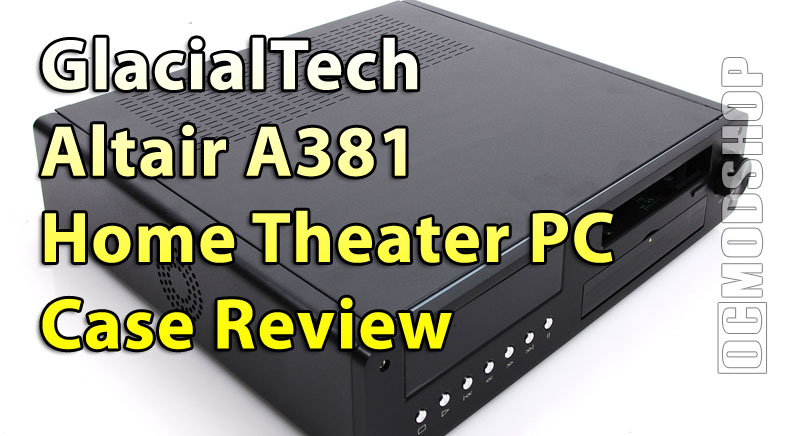
Once installed, the GlacialTech Altair A381 Home Theater PC Case is very attractive, and its low-profile design looks more like an appliance than a computer. This case may be difficult to find in the US, but you can always order it from GlacialTech’s website. If you’ve already done the homework necessary for a low-profile HTPC solution, then the Altair is a good solution.
 |
 |
 |
|||||||||||||||||||||||||||
|
|
|
|||||||||||||||||||||||||||
 |
|
 |
|||||||||||||||||||||||||||

