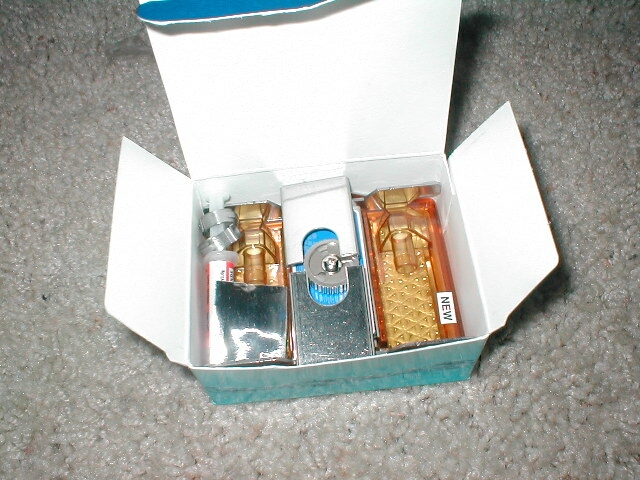
The block that I will be using along with the Koolance Exos is the CPU-200S. The CPU-200S cooler consists of a high tolerance transparent upper shell molded over a silver-coated copper cooling plate. This block works with AMD socket 462, Intel socket 370, and Intel socket 478 CPUs and can handle up to 200w of heat. The block is sold seperatly from the Exos unit so you will be able to decide which block you want depending on how much you want to spend what kind of performance you are looking for. Koolance offers three waterblocks, the CPU-100 which is the lower end block, the CPU-200S which is the middle block, and the CPU-200G which is the top of the line block. Of course the price of each block correlates with the level of performance that it will produce so you will need to make that decision. The box of the CPU-200S block is pretty compact and I was surprised to see as much stuff inside as there is.
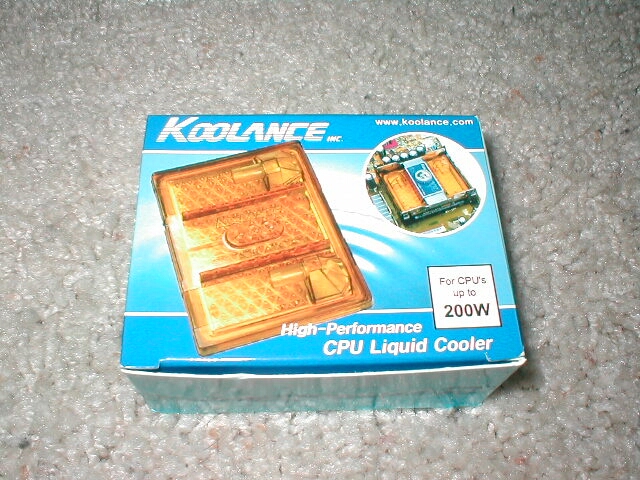
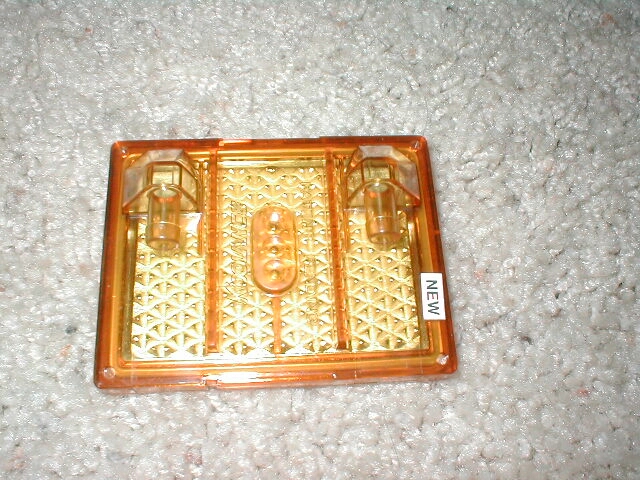
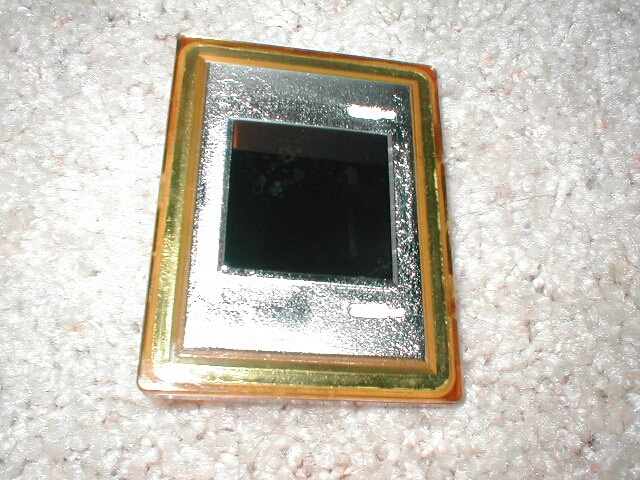
The top of the CPU-200S block has a yellow orange colored shell over it which you can see into. I really don’t like the color of it but what can I really do? It would be nice if Koolance offered a clear version or a better color. The bottom of the block comes with a warning sticker that acts as a shield for the base of the block so that it does not get scratched which will give you better contact with the core of the CPU. The base of the block has an excellent finish to it, not a single scratch on it at all. The only thing that was there is a little spot which basically looks like a water spot, this will not do anything though. You can also see that on the bottom of the block there are 2 little grooves which is where you can place your thermistor.
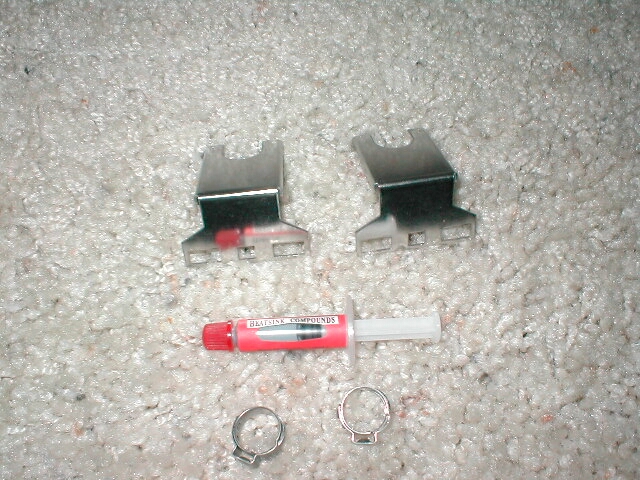
The CPU-200S comes with some two different clip mechanisms, one for socket A/370 and one for Socket 478. I like that you can use this one block for basically all newer processors because if you decide to switch CPUs you wont have to buy anything new. The block also comes with a manual, some thermal compound, and a piece of tape which you will use to attach the theristor to the block.
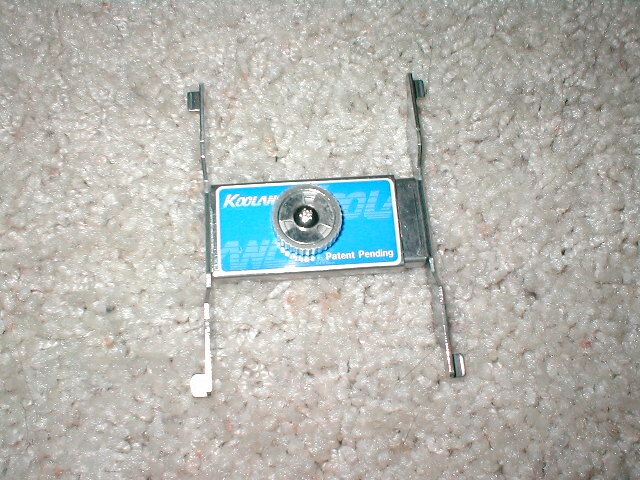
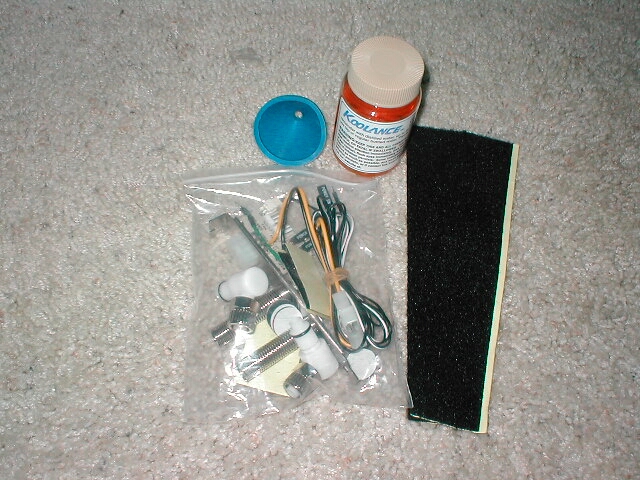
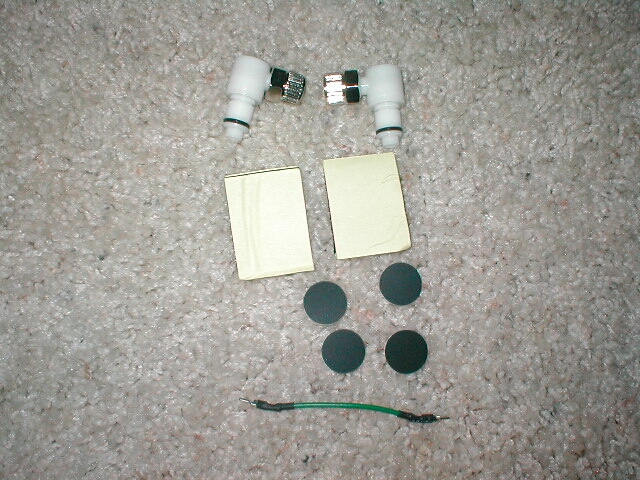
The Koolance Exos comes with a lot of accessories which is really nice, especially for the price of this system. In the first picture is the water additive that you will put in with the water of your Koolance, a funnel to aid in the process, some velcro if you want to attach the unit to your case and a bag of a few other things. Inside of the bag are two quick-connect elbow fittings for the back of your Exos, four rubber feet, an ATX power supply jumper, and two other pieces of velcro for you to use.
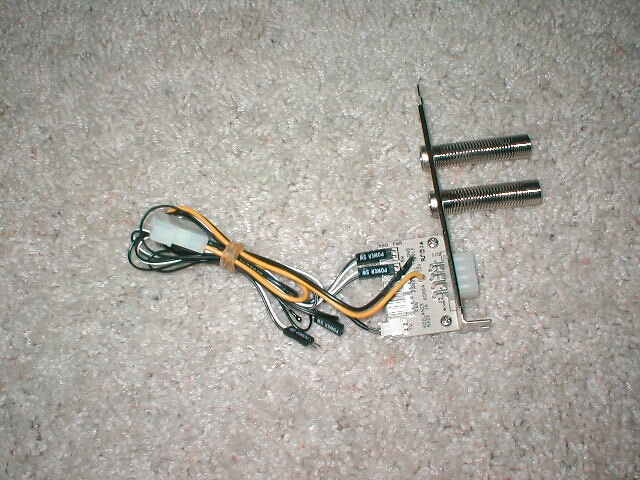
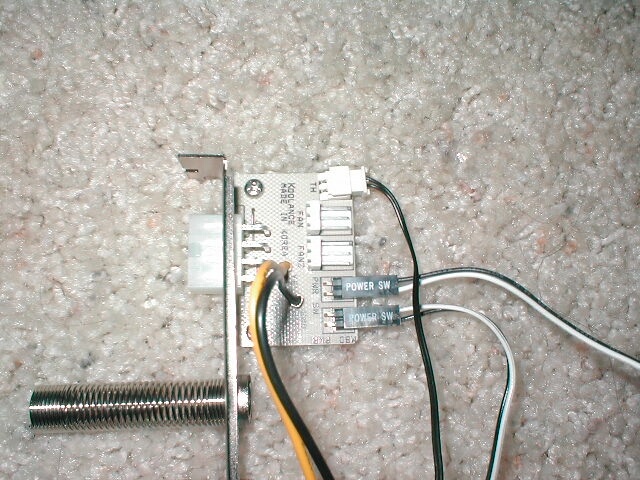
The expansion slot interface has a power connector which is to connect the Exos to the computer and two springs coming out of it. These springs serve two purposes: to guide the tubing into the case while making it look professional and to keep the tubing from crimping which would slow down or prevent water from flowing. The expansion slot interface has a PCB on the other side of it which has a a four pin Molex connector for power to the system, a thermistor, two power switch jumpers, and two headers for three pin fans.
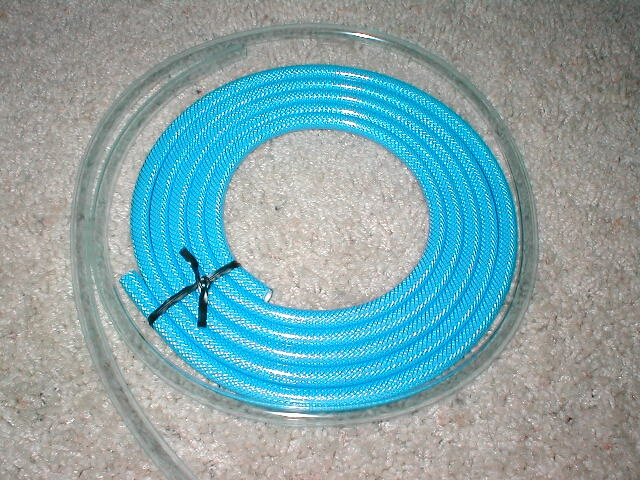
You also get two different types of tubing, the blue tubing is the main tubing which would be used from the Exos to your waterblock. If you needed more tubing for things such as other waterblocks you would use the clear tubing. I don’t really like the blue tubing because its not transparent and if you wanted to use some kind of water dye this would prevent it from glowing. So if you want to use some water dye you are going to have to pick up some clear tubing for this Exos.