

Most of the pages in the Network section deal with using your firewall with a modem, but if you’re really stuck in 1995 then you really don’t need a dedicated firewall. The Aliases section is helpful when you need to bind multiple IP addresses to your Internet port
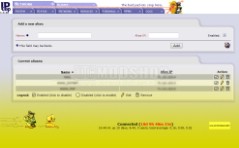
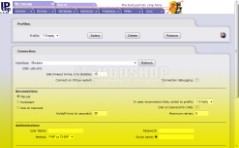
Aliases and Dialup screens
Dialup
You can use this page if you have a modem installed to your firewall, but I’m not exactly sure how useful this is. You can use your firewall as a dial-up proxy but that is beyond the scope of these series of articles. I wouldn’t recommend this if you dial in to a long distance number. I still owe the phone company hundreds of dollars when I had an automatic dial-up proxy installed over a decade ago.
Upload
You can upload firmware to internal cards inside your firewall.
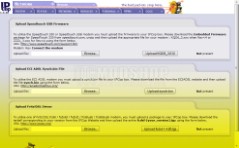
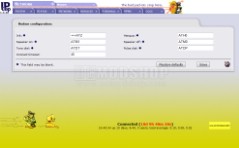
Upload and Modem Screens
Modem
This screen lets you send low-level commands to your modem, and even specify how much idle time before the modem hangs up.
Aliases
This is the only part of the Network screen that is even significantly useful. This is the screen you go to if you need to bind multiple IP addresses to the firewall. Suppose you have multiple web servers… each of them needs its own external IP address (you COULD to a reverse proxy, but that requires a Firewall software that costs a lot more money and is much harder to configure). Trust me, just pay the extra $3 a month to your ISP for 5 IP addresses and translate each one to a physical server.



1 comment
This page is needed for people like me who use a mobile broadband (3G HSDPA) modem to connect to the net. My red interface is an USB stick!
Comments are closed.