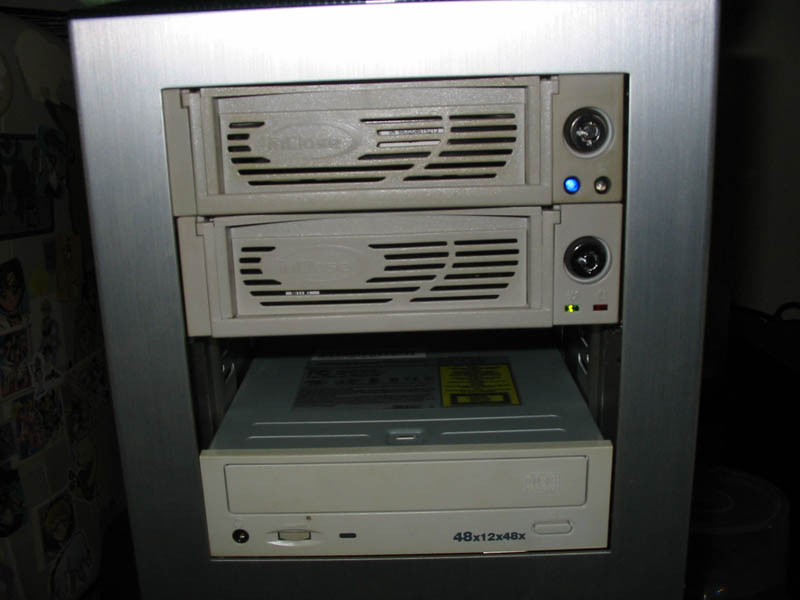
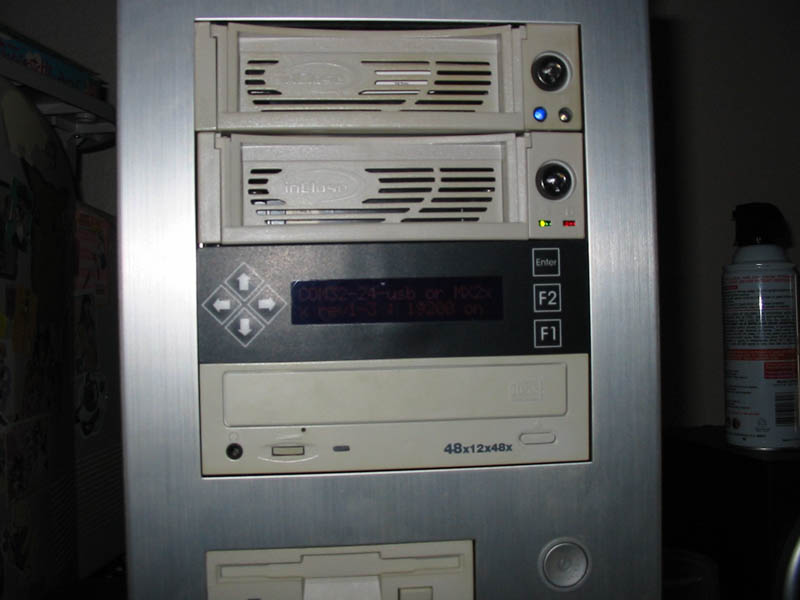
Following what I remembered from the installation card before I threw it away, I began the very simple install process. The unit is designed to fit into a standard 5.25″ bay and has 4 mounting holes to secure it with screws.
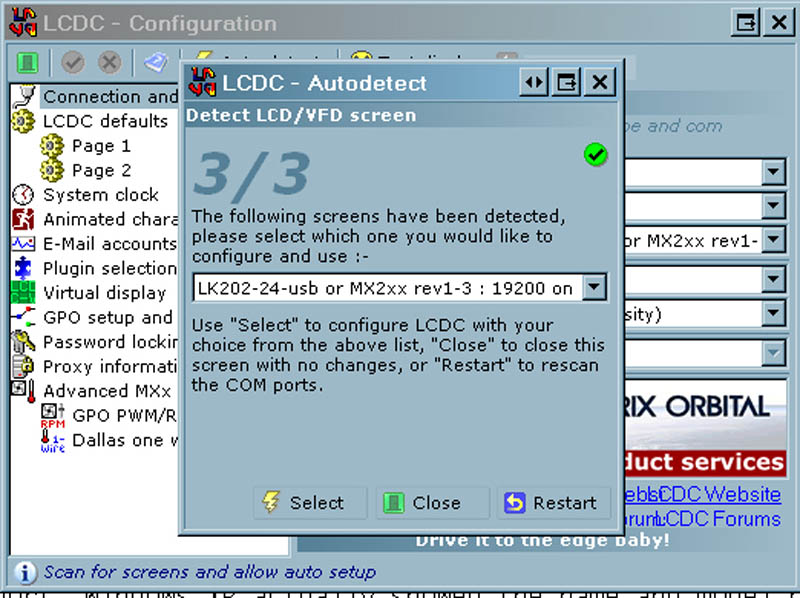
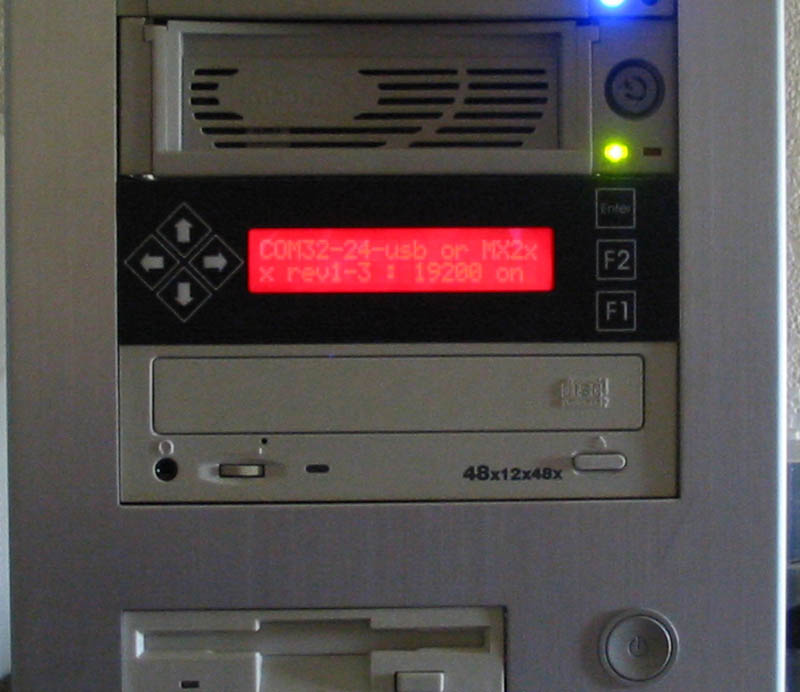
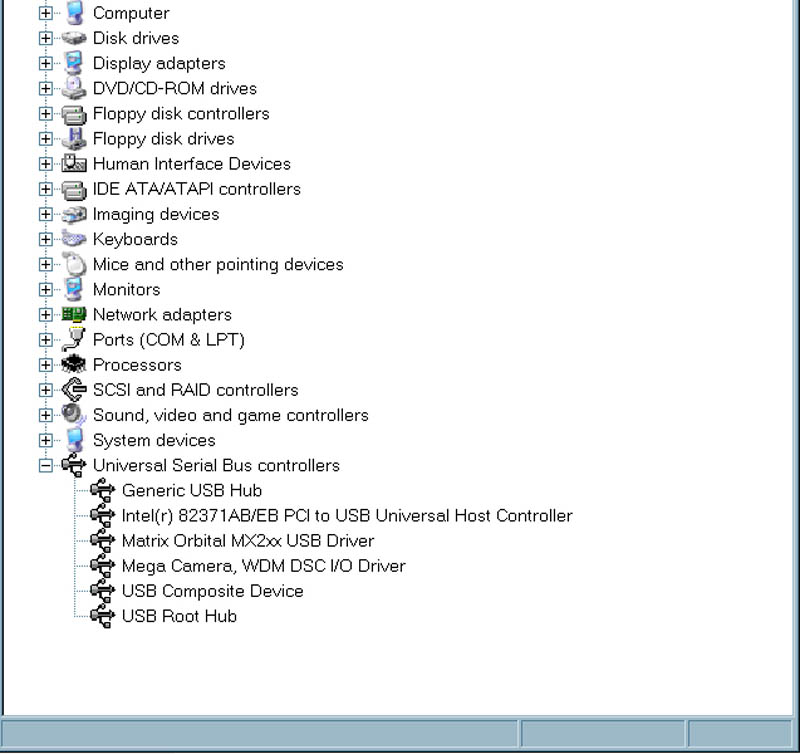
After securing the LCD I routed the USB cable out the back of my pc and plugged it into an open USB port. Windows XP actually showed the name and model number when auto detecting the hardware and a few clicks was all that was needed to get the drivers in place.
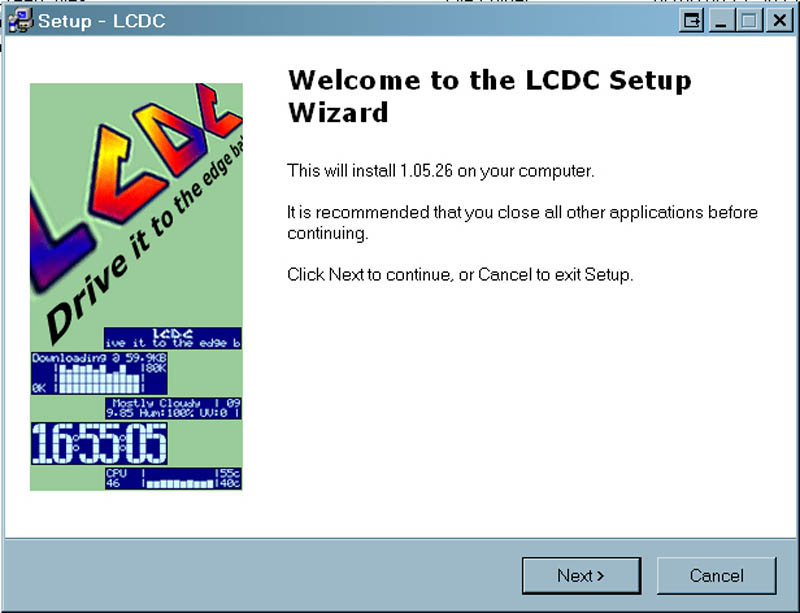
Next came the LCDC software. Since I have auto play disabled on my CD drive I had to manually run the installation from the CD. During the Installation there is a detailed version log that you can read. This log gives you a ton of information about possible conflicts and errors you may experience, along with all the stuff that’s been fixed through newer versions of the software.
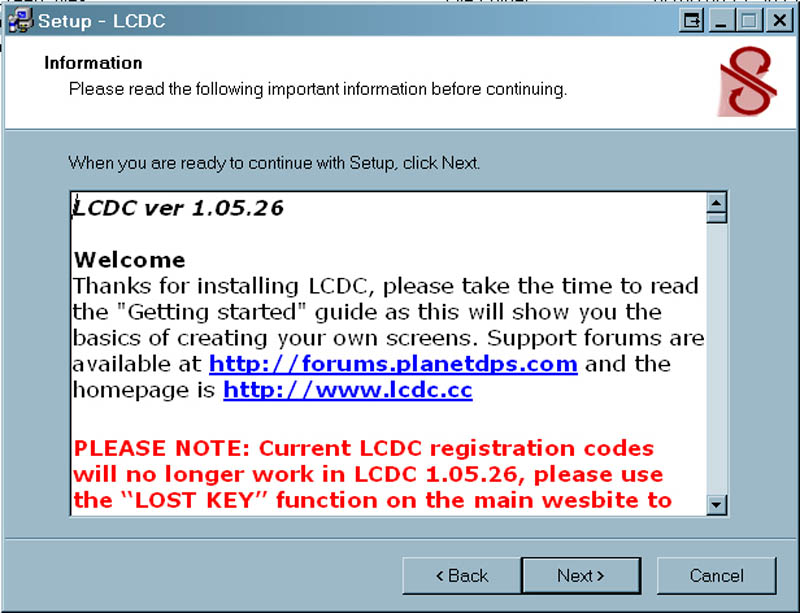
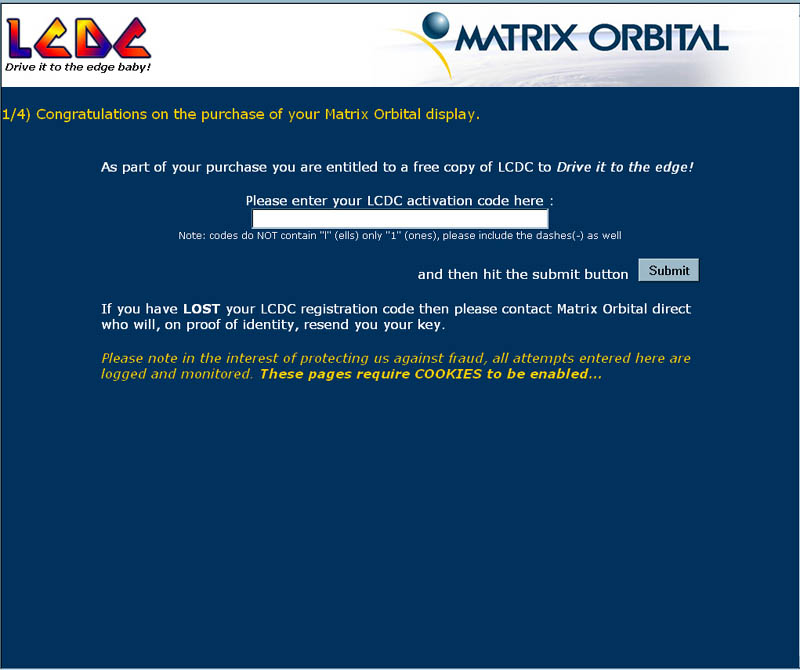
The last step on the installation card describes the software registration. A small form must be filled out at www.lcdc.cc/bundled to obtain your registration number, which you will need to complete the installation of LCDC. This was pretty painless and quick.
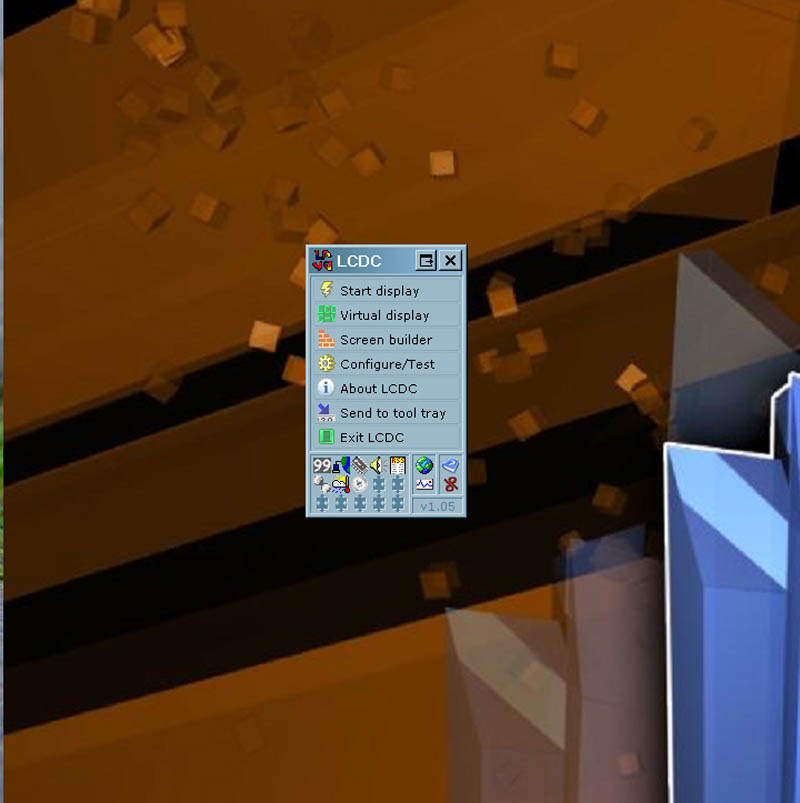
After completing the install I was greeted with a screen and the option to run LCDC. Next we take a look at LCDC a bit closer.