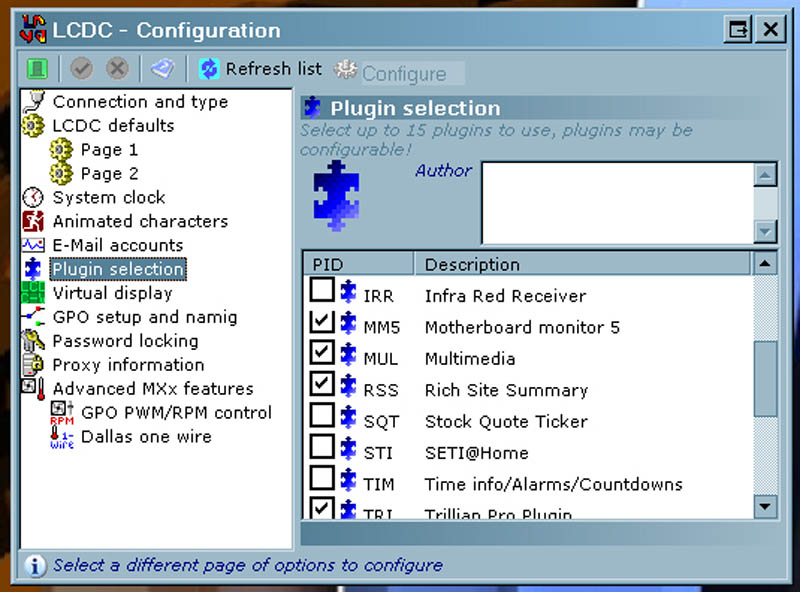
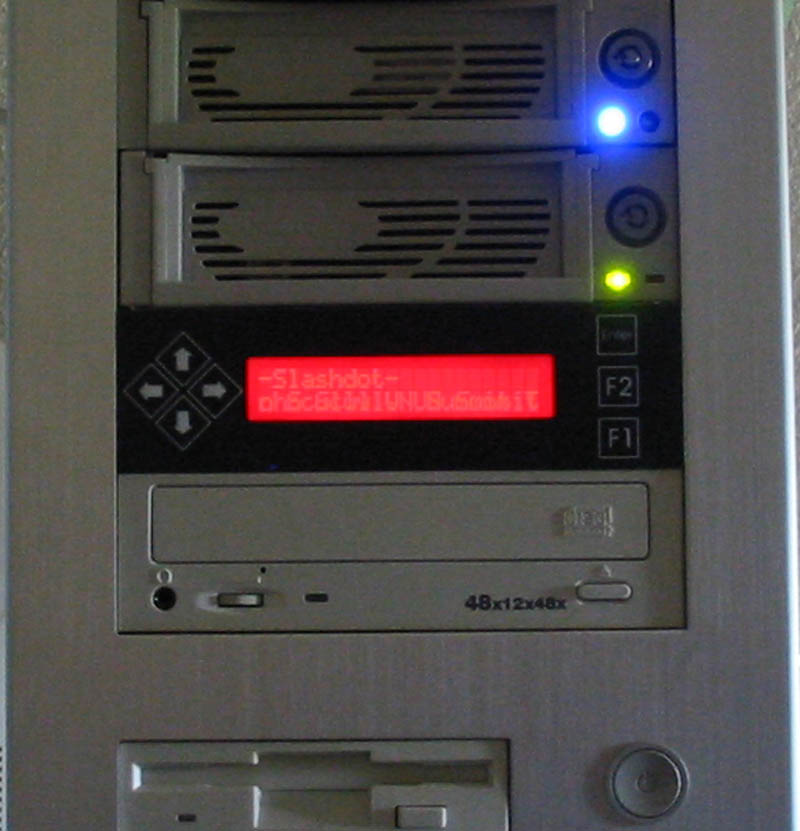
Aside from admiring the beauty of the Matrix Orbital MX213 and the simple install, most of a customer’s time spent with this product will be with the control software. After using it I can now see why Matrix Orbital has chosen to use LCDC with this product. Let’s spend a few moments going over LCDC. The tutorial and help pages that come with LCDC are easy to use and offer even the uninitiated of us an easy understanding of how to get started. In fact after only about 10 minutes I felt right at home with LCDC. The only thing that I noticed to be lacking with the documentation of LCDC was a few typos in their help file, not a big deal, but hey I noticed it.
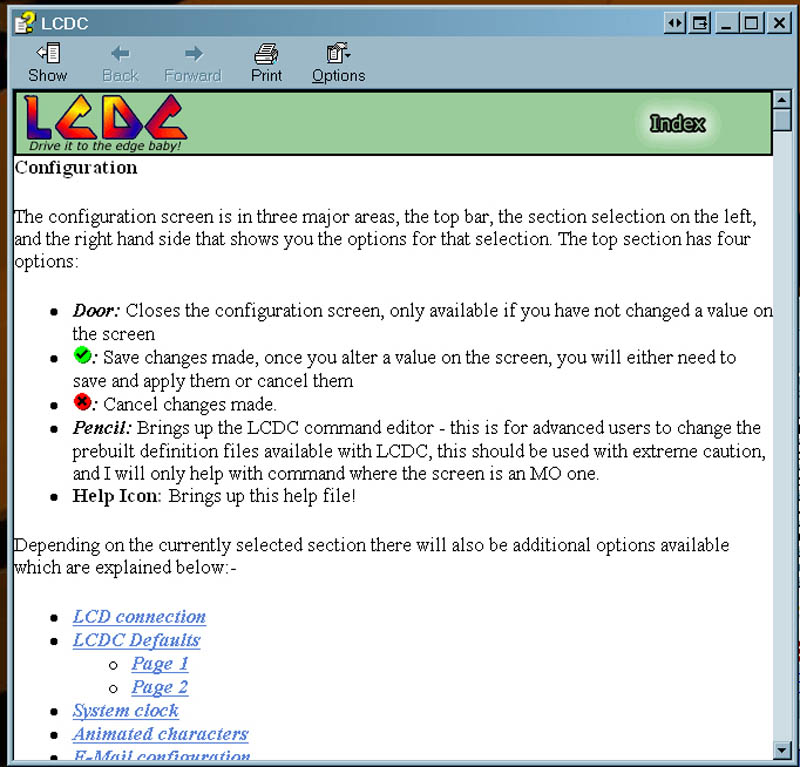
The software appears as a series of boxes. As you click an option the new box opens for you to submit changes or alter options. I must say there are enough buttons and plug-ins here to keep any gadget fiend very happy for many hours of tinker time.
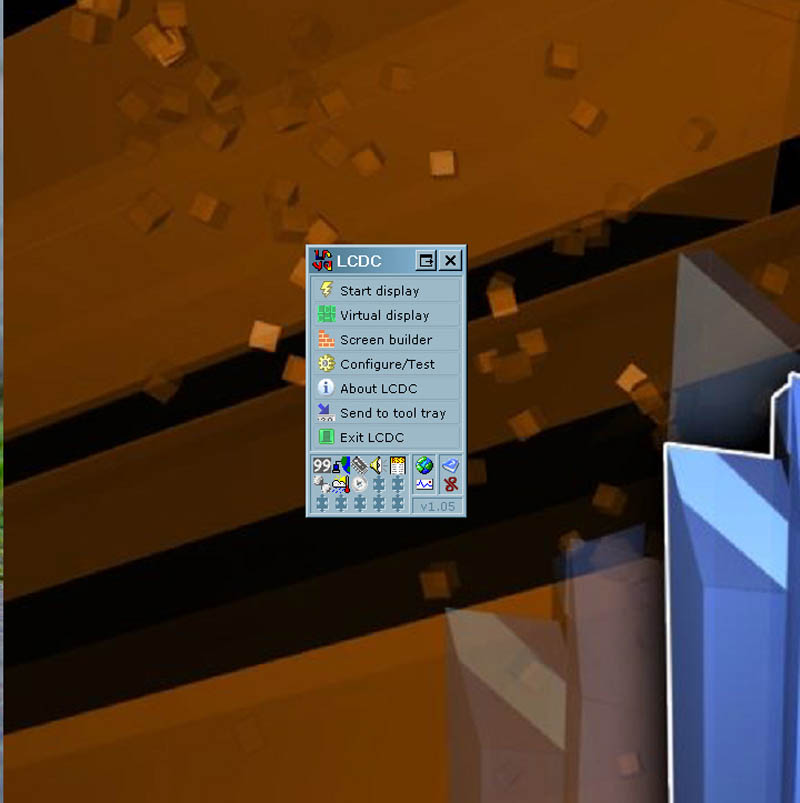
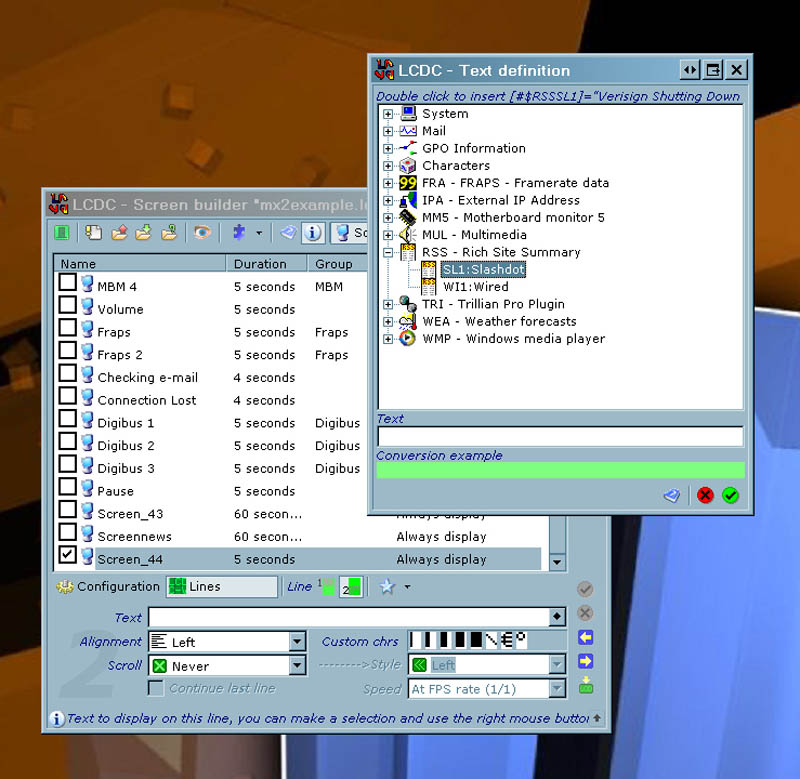
According to the tutorial most people will want to jump into the plug-ins section, this is located under the Configure/Test button. There are 19 plug-ins to chose from and configure, from weather forecasts to Monitoring the health of your PC. More plug-ins can be had from fan sites and the LCDC support forums. I chose to test out the news feed plug-in as I like to read news from Slashdot. LCDC generated the appropriate code in the box when I clicked on an option, which tells me, at one time this could have been a very complex process, but LCDC makes it very simple and pain free. As a noob I must say I feel rather un-noob like when using LCDC. You may further customize LCDC with up to 15 simultaneously running plug-ins.