

After running through the tutorial and configuration/test functions to make sure the display is sending and receiving info correctly, you will jump into the screen builder. The Screen Builder allows you to create and modify each “screen” of information the LCD will display.
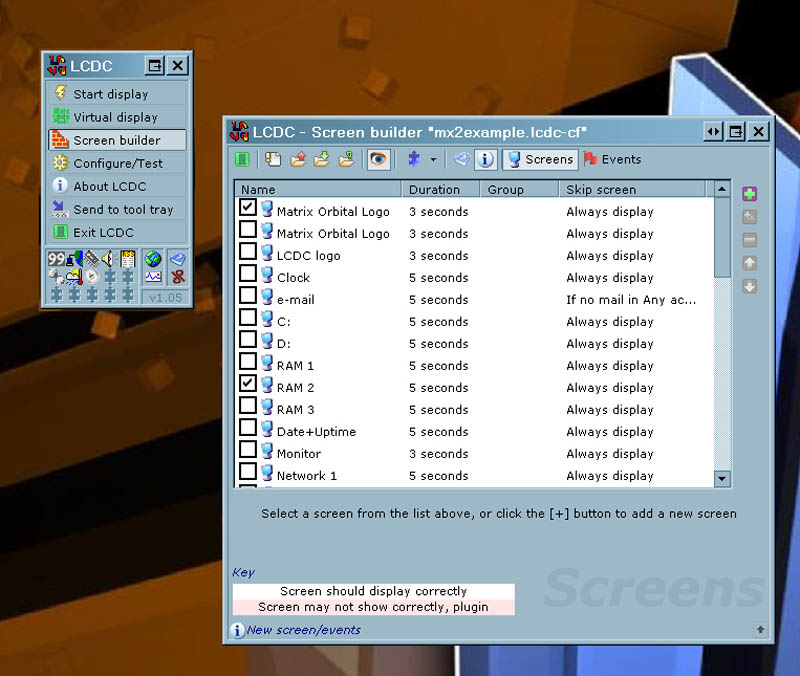
By checking a box to the left you can build a series of screens that will play in the order listed. You can also add an entirely new screen and configure it to say pretty much anything you want in any order you want. After playing with LCDC in its stock form, I wanted to see what kind of community support is out there. After visiting the LCDC forums I must say that amount of gizmos and gadgets that have been written for it are amazing. There are programs that allow you to create custom graphics and animations for your screen as well as many plug-ins, including one for Window’s Media Player 9 which I found useful. I know, I know WMP, send flames too…. I have included a small video of the unit in action below, just click play. If you are unable to watch the video below you can click here to download it.
Conclusion
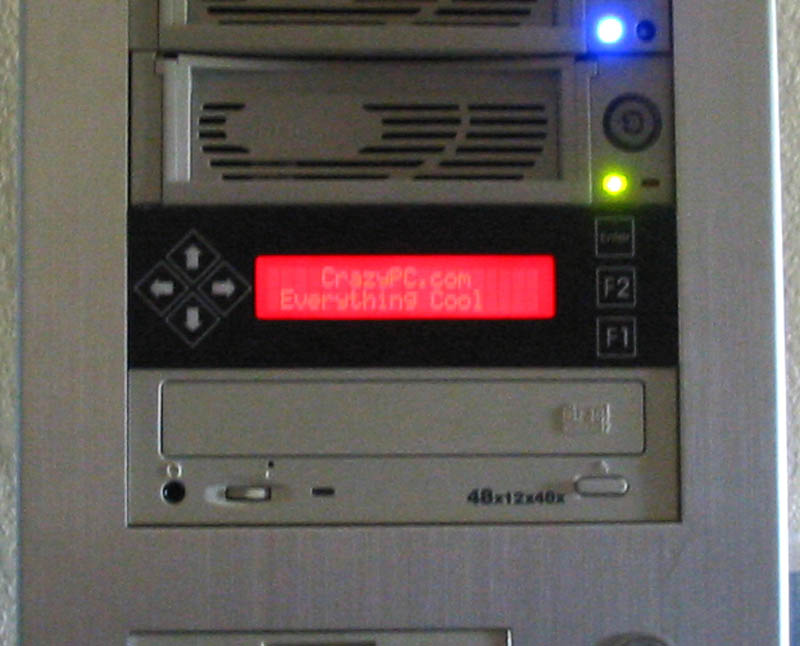
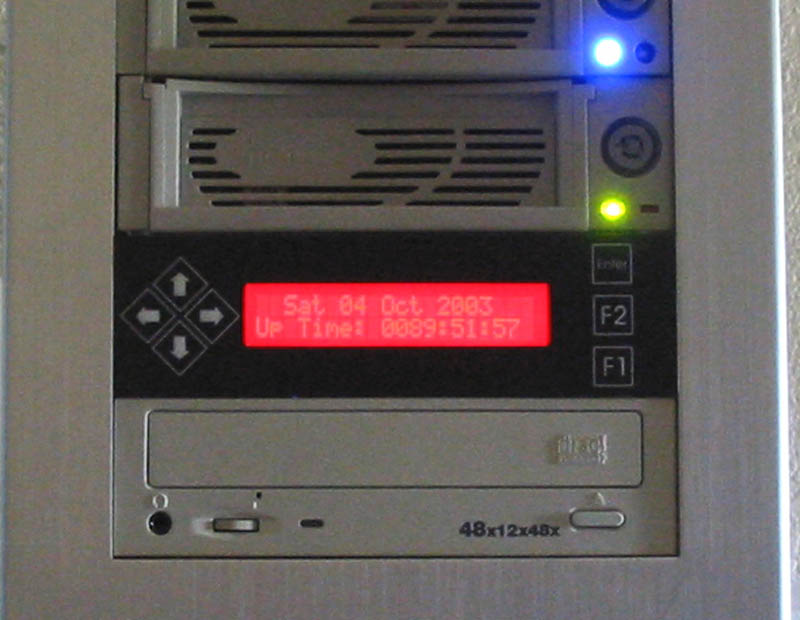
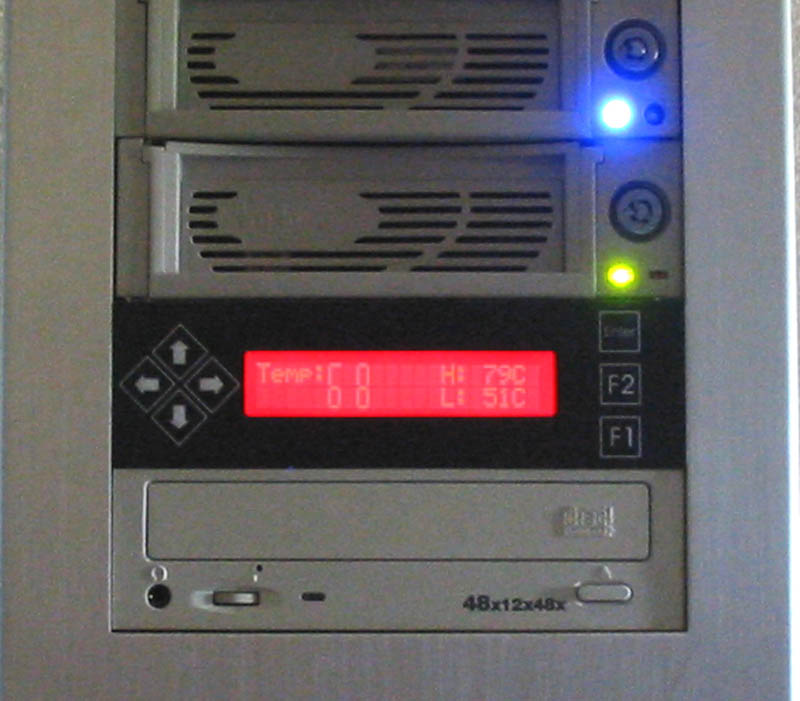
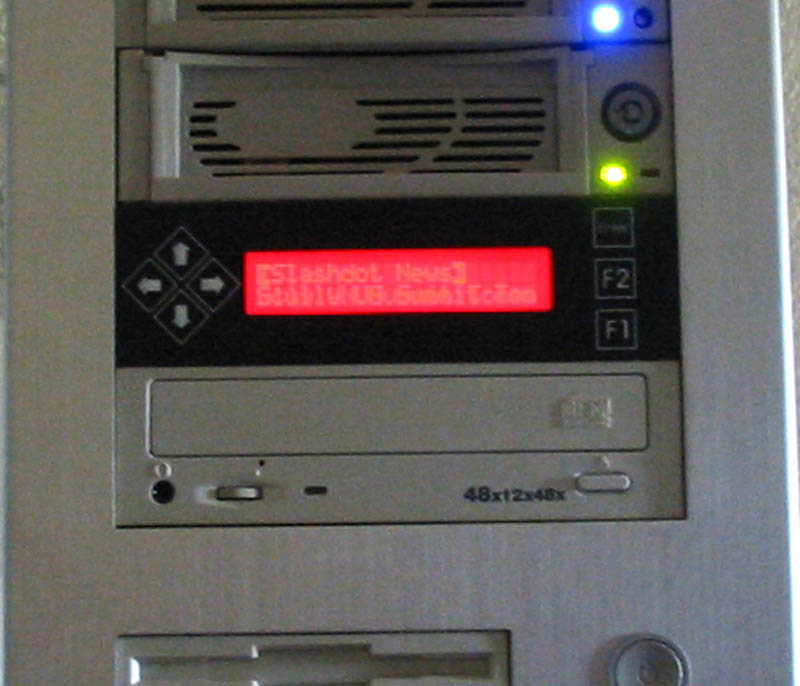
A few things pleasantly surprised me about this piece of hardware. For one the screen is very bright and the brightness can be configured through LCDC. Although it is described as a red display, it is a cross between red and a deep orange which makes it look very unique.
I have received many comments and questions from people when they see the LCD for the first time. The ohh and ahh factor is very high. I also like the random transitions between screens, from fades to wipes, this add interest and keeps things looking fresh.
The pack in software is critical to a positive experience with this product and LCDC is feature packed and easy to use. The price for this unit ranges from 85-100$ which is very well worth all the functionality it offers and the cool factor it brings. When you consider a fan controller is typically 20-30$ or more by itself and quality software included as well, the value really shines.
I have had the display running for about 5 days non stop with no visible problems or errors of any kind. The USB interface eliminates much of the complexity that is associated with setting up and running an LCD. There have been many long winded discussions on setting up and running older parallel and serial displays. Another benefit of the USB is the data transfer rates over the older legacy ports.
With all its customizing options sleek looks and well thought out design the Matrix Orbital MX213 is a great way to customize your PC. Overall I am going to give this product a 10/10 and award it the OCmodshop Seal of Approval. CrazyPC is currently offering this unit for $84.99. They also have a great selection of other model Matrix Orbital displays and accessories, head over and check them out.
Pros

- Sleek looks. Really bright red orange LCD color
- Tons of options and customization
- So simple to set up and operate
- Fast response times via the USB interface
- Top notch fit and finish
- Awesome software included
- Doubles as a fan controller and thermal monitor when used with optional thermal probes
Cons
- None

