
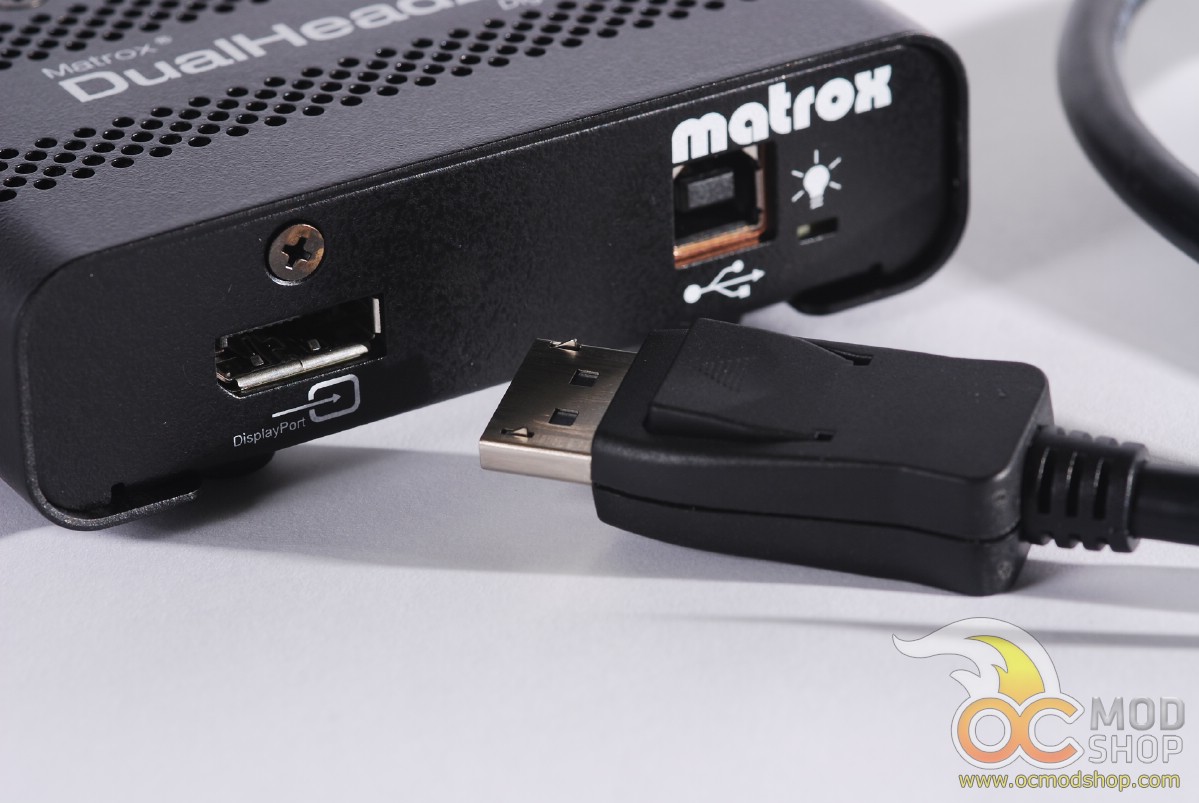
For testing, we connected the DualHead2Go Digital SE to our Lenovo W520 laptop which has both Intel HD Graphics and an nvidia Quadro 100M Graphics card. We connected up two ViewSonic VA2431 monitors, both of which support 1920 x 1080 resolution. Getting the device ready only takes a minute or less. Just connect the USB cable between your PC and the device’s USB port, insert the DisplayPort cable, and connect two monitors to the back of the unit. Honestly the part that took the most time was securing the DVI plugs with their screws.
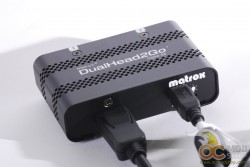
Once your PC or laptop is turned on, the power LED on the DualHead2Go Digital SE turns on but appears red. This indicates that the unit is receiving power but is not actively processing any video. Once Windows boots up then this light changes to green, and all of your connected displays are in “clone” mode. You will have to install the software and configure the device before you can set up an extended desktop display.
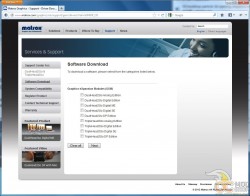 No drivers come on the CD, but must be downloaded
The included CD does not have drivers, but instead redirects you to the Matrox website to download manuals and drivers. On one hand it’s great that the user gets the most updated drivers, but on the other it appears that the CD is unnecessary. At least it takes you directly to the drivers for your product rather than having to dig through the downloads area.
Once the drivers are installed the display will work immediately, although a reboot is recommended.


2 comments
Hello..
Actually we have been purchased 10 display full HD multi touch LEC with including 4 Dualhead 2go digital SE, which 8 display connected via digital SE and 2 display connected directly to graphic card.
The issue when we group all 10 displays together, instate of resolution 9600×2160 we are getting 5760 x 2160, so then those 2 displays which are directly connected to AMD have fine resolution but those 8 displays which connected to Matorx are totally stretched.
So where is the problem?
Best Regards Daneil
I'm having trouble deciphering your broken English. Are you trying to stretch a stretched desktop? The device is limited to a maximum native desktop, and cannot be infinitely stretched. Perhaps Matrox would like to chime in?…
Comments are closed.