
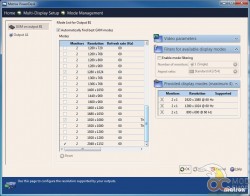
You can set up the modes of your displays in Mode Management, but you probably won’t have to mess with this much since using today’s display technology. In our previous TripleHead2Go analog review (here), we had to tweak refresh rates and other settings, but today’s digital displays are pretty much using 60Hz standard.
This setup works great if you have two matching monitors, or monitors that have the same resolution. If the resolution doesn’t match, then you will be forced to use the lowest common denominator. Suppose you have two monitors, one with 1920 x 1200, and another with 1600×1050. You will have a maximum resolution of 3200 x 1050, which will make the monitor with a higher default resolution look a little blurry, as it is not running its native pixel size. The display would also seem “off” if the monitors differ slightly, such as mixing 1920×1200 and 1920×1080. The key to good experience with the DualHead2Go Digital SE is to use matching monitors with the same resolution.
Gaming
Most games are not multi-monitor aware, and those that are only allow you to configure which single display the game will run in. Since you have one large monitor spanning two displays, you can force a game to use both displays, but it will probably not be a pleasant experience. Many games focus the main character or cross-hair at the very center of the screen, which in this configuration would be right where your two monitors meet. Real-time strategy gamers may find delight with the extra screen real estate, however.
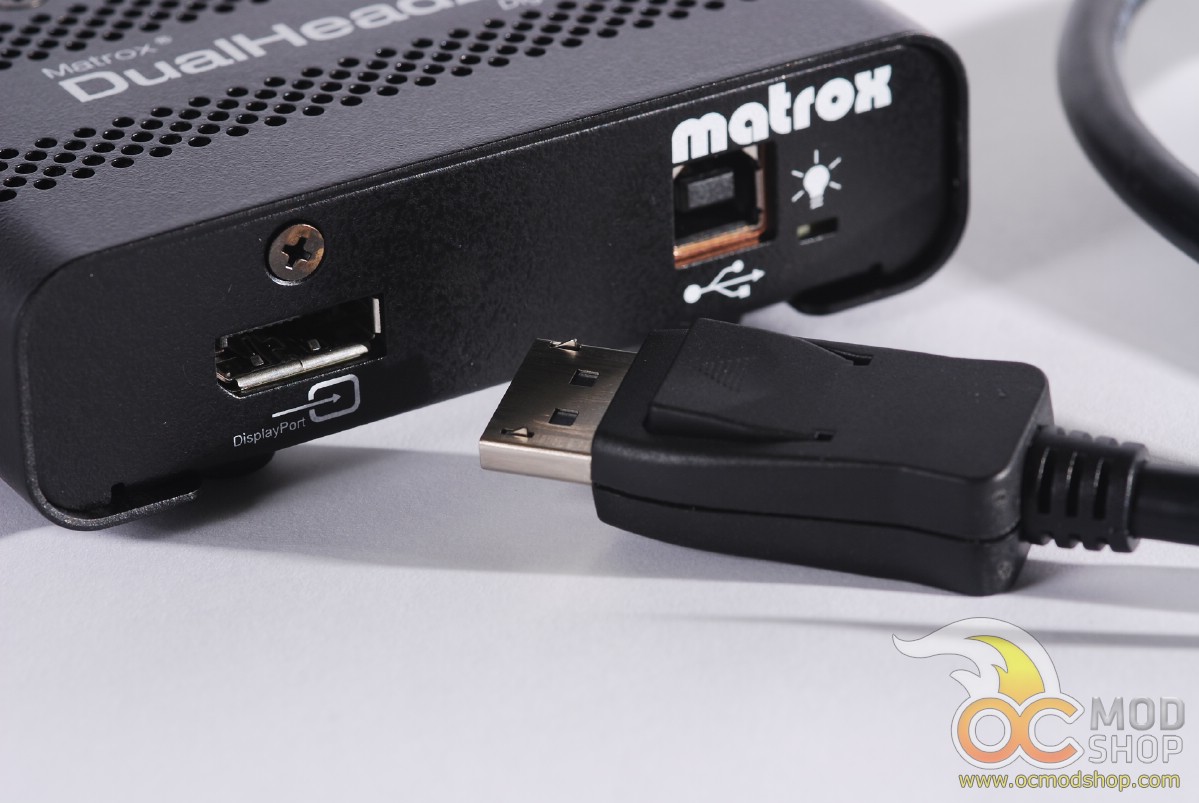
 Menu is snapped to first monitor rather than getting cut off
You really need three monitors to get a good multi-monitor gaming experience, such as Matrox’s TripleHead2Go provides. The DualHead2Go Digital SE is really optimized for productivity or kiosk applications.
On the next page we list the features, then draw a conclusion…


2 comments
Hello..
Actually we have been purchased 10 display full HD multi touch LEC with including 4 Dualhead 2go digital SE, which 8 display connected via digital SE and 2 display connected directly to graphic card.
The issue when we group all 10 displays together, instate of resolution 9600×2160 we are getting 5760 x 2160, so then those 2 displays which are directly connected to AMD have fine resolution but those 8 displays which connected to Matorx are totally stretched.
So where is the problem?
Best Regards Daneil
I'm having trouble deciphering your broken English. Are you trying to stretch a stretched desktop? The device is limited to a maximum native desktop, and cannot be infinitely stretched. Perhaps Matrox would like to chime in?…
Comments are closed.