

Users can create five different profiles for this mouse and keep them stored in the mouse’s 16KB of memory. The profiles must be edited with the included software, however. There really aren’t a lot of choices, given its configurability. The only dpi settings that can be selected are 400 dpi (red LED), 800 (purple LED), and 1600 (blue LED). We found that the 400dpi setting was practically useless, even for snipers.
The loss of granularity between the two useful settings will be missed by gamers used to control. No matter if you use your left hand or right hand, the NZXT logo (whose color indicates the DPI level) is placed where it is probably covered by your hand, so you cannot simply glance to see its current setting in the middle of battle.
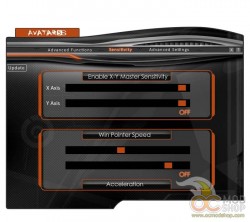
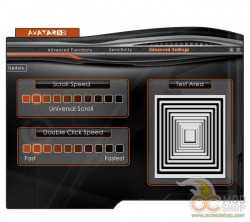
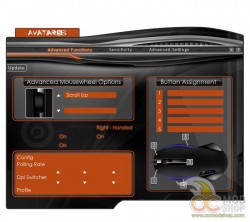
You can change the orientation of the mouse for left or right-handedness. You can also change if the NZXT logo is on, and set the DPI switch on or off. You can also change the mouse’s polling rate, but some older computers may have a problem with 1000Hz, and honestly most people will be just fine with the safe 500Mhz setting.


