

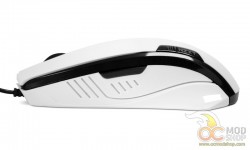
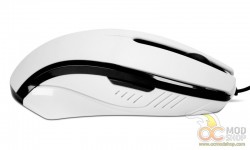
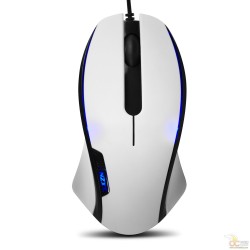
Once plugged in, a nice blue glow appears from underneath the mouse’s buttons. Since this mouse is really long, it lends itself to being controlled with the entire palm of one’s hand rather than using fingertips. Since the mouse is so light, it doesn’t take much movement for this mouse to respond, and a fingertip grip would be an advantage. As mentioned before, we found the lowest sensitivity setting practically useless, as was the fifth button. We assigned the fifth button to a lesser-used attack in World of Warcraft.
The mouse will work without drivers, but additional features are enabled once installed. With the drivers installed you can set up macros and sensitivity changes. Additionally you can configure different sensitivity for the X and Y axis, which can be helpful in many shooters where you want to keep your sights on the horizon. You can also set a different sensitivity for your mouse cursor.


