
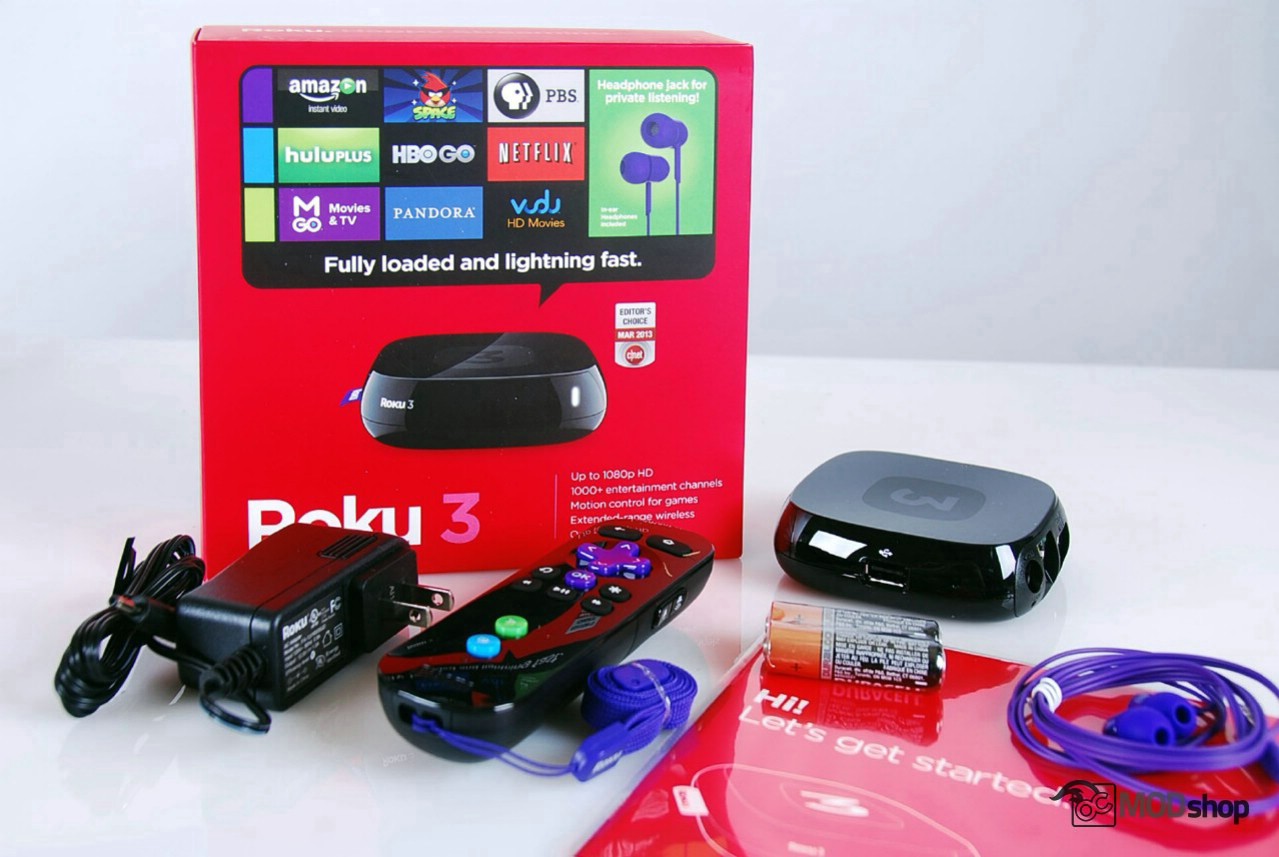
As an Internet streaming video player, it has all the support most people are looking for in one box: Netflix, Hulu Plus and Amazon Video. If you absolutely have to have Amazon Instant Video, then you only have a few options, and the Roku is one of them.
What is severely lacking is local file support, via network, uPNP, or USB. The Roku 3 just doesn’t support anything other than H.264 (MP4 and MKV).
For some, local file support may seem like a big issue. Take into consideration that the “net netruality” debate will likely force ISPs to charge for bandwith a la carte. When you don’t have a buffet of all-you-can-eat for a set price, then suddenly one becomes miserly when watching online videos. Even without this, you should be able to take the small device and a hard drive on vacation to avoid crappy Hotel cable, and this scenario just isn’t realistic with any Roku.
We chose the Roku 3 over the Roku 2 because of its faster processor. The animations on the main interface were smoother but the Netflix and Hulu apps do not currently take advantage of this. There is a much more “wow” experience from a game console like Playstation3/4 or Xbox 360/One. We can’t justify the additional cost of this processor if the power is underutilized.
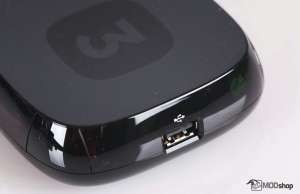
The radio-based remote is very nice, and allows using the box without line-of-sght, which is one of the main reasons still hold on to our defunct Boxee Box.
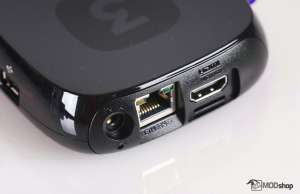
Roku’s issues with network switches becomes a very big deal because of its lack of local file playback support. If we can’t play the gigabytes of TV shows and movies on the local Synology Diskstation or QNAP servers via the Roku, then we still need our Patriot Box Office or Boxee. If the only network drop cannot be broken out to multiple devices with a network switch, then the situation is pointless.
Sure, you can install Plex or do some other transcoding proxy setup, but one of the main points of a device like this is that it is low power. It doesn’t make sense to have a 200-watt PC or NAS re-crunching videos for a 3-watt client, when other low-power appliances play them directly.
If you don’t get the Spousal Acceptance Factor under control, then you may be forced off your Cable-Cutting efforts. So far there doesn’t seem to be an off-the-shelf, low-power, low-cost appliance that supports Hulu, Netflix, Amazon AND robust local video formats.
The Roku 3 does make it easy to watch recent shows without hunting them down on torrents, which makes the spouse very happy. In that aspect, you absolutely have to get a Roku 3. Your best bet is to just get one online (why not here?) instead of sorting through the open-box returns at Fry’s.
Roku 3 Streaming Media Player


2 comments
You should look at Plex. It is based on XBMC, is easier to use, and has an app on Roku (as well as Android, iPhone/iPad, etc.). The Roku app is $4.99. Plex will transcode any media in your Plex library to a format that an app can handle. In other words, you can have AVI or WMV files in your Plex library, and it will realtime transcode them to H.264 for a Plex client running on a Roku.
Nate, I’m aware of Plex and mentioned that in the article. My point is that I shouldn’t have to have a 300W PC just sitting around to transcode video. If I wanted to do that then I’d do XBMC and have a PC transcode Hulu and Netflix.