

The Ikari’s unusual shape cradles and supports the entire hand in a natural way, and the textured surface reduces hand perspriation. These two simple but practical design features make the Ikari more comfortable than even “super-ergonomic” mice, and is easily the most comfortable gaming mouse available.
Some of the features of the mouse seem to confuse me. On one hand, SteelSeries provides an unheard of level of control by implementing ultra-fine DPI granularity, but doesn’t provide additional buttons that a serious gamer would use. The Ikari’s low-key design is streamlined to allow extreme customization without sacrificing usability.
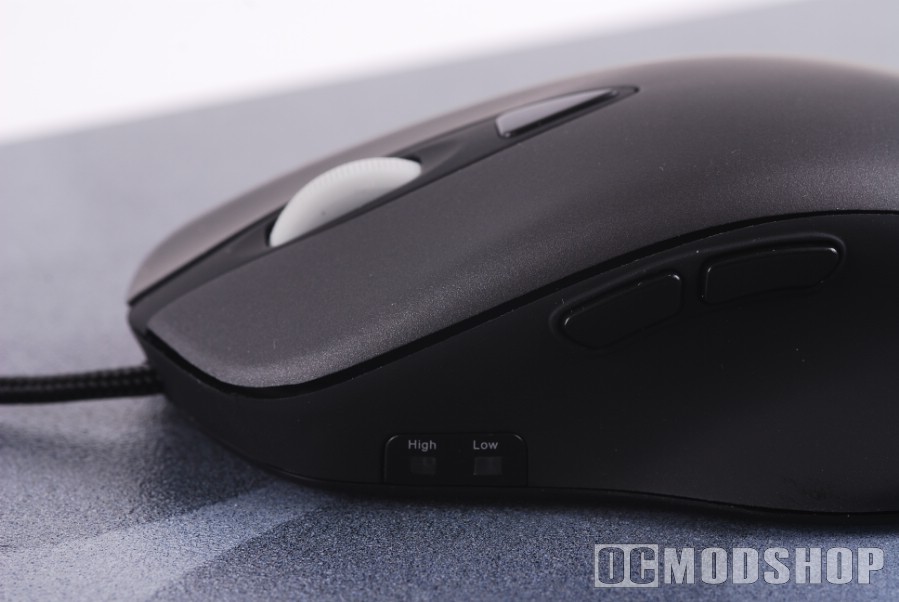
The whole idea of a “driverless” mouse is that you can take your custom mouse settings to any computer without any setup. You can only switch profiles and assign macros using the Ikari software, so the point of this mouse being driverless is absolutely moot. Ikari’s LCD display shows you the actual name of the current profile, but there’s no way to change it without the software.
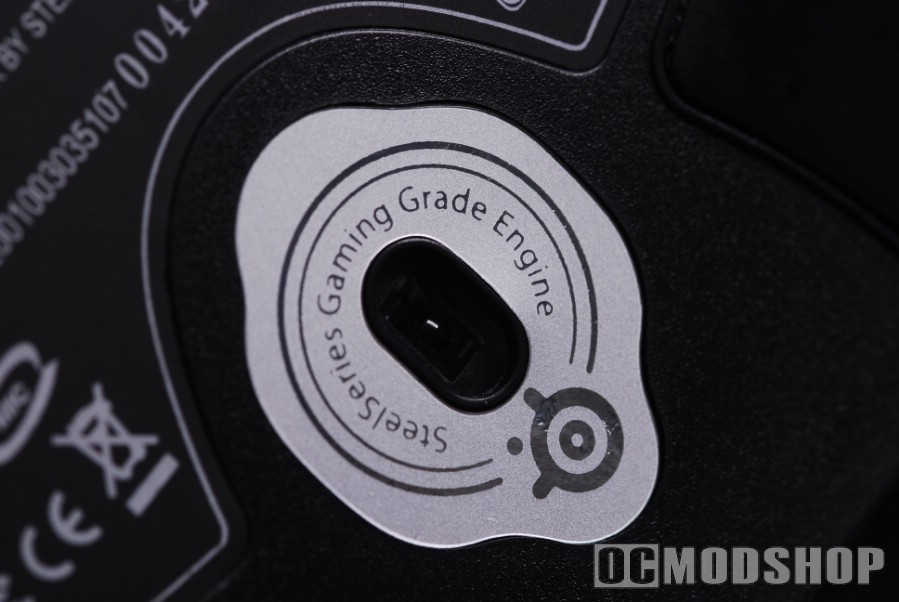
Since gaming mice support on-board memory, why can’t there be a user-writable area where we can store the configuration program? In lieu of a profile-switching button, at least allow users to take the configuration software with the mouse.
There are a few improvements that could be made, but these are minor gripes when compared with other gaming mice. The fact of the matter is that the SteelSeries Ikari Laser mouse is streamlined to truly improve in-game reaction time and is the most comfortable gaming mouse available.
 |
 |
 |
|||||||||||||||||||||||||||
|
|
|
|||||||||||||||||||||||||||
 |
|
 |
|||||||||||||||||||||||||||


2 comments
Unlike you said, it is possible to change the sensitivity setting without the program. One must hold down the switch button for few seconds and then use the scroll button to change the value. Which value (high or low) is changed depends on which one is active at the moment.
That may be true… but it's obviously not very intuitive. There should be readouts or some other visual indicator.
Comments are closed.