

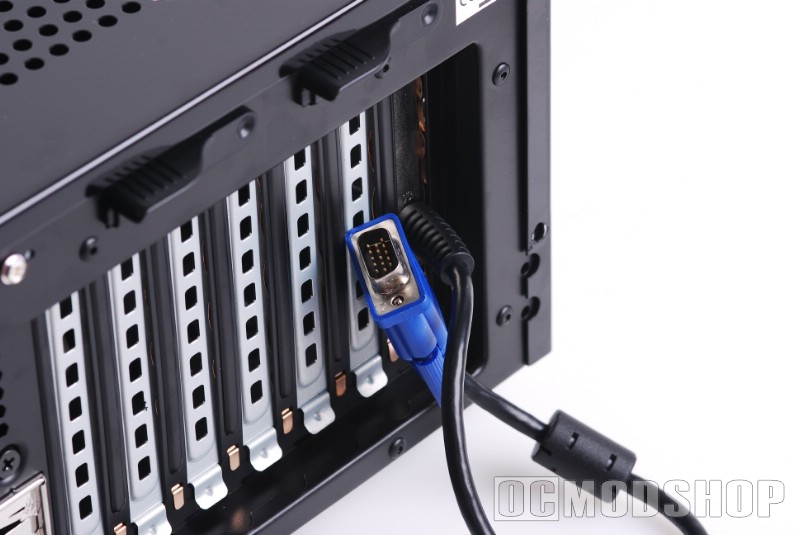
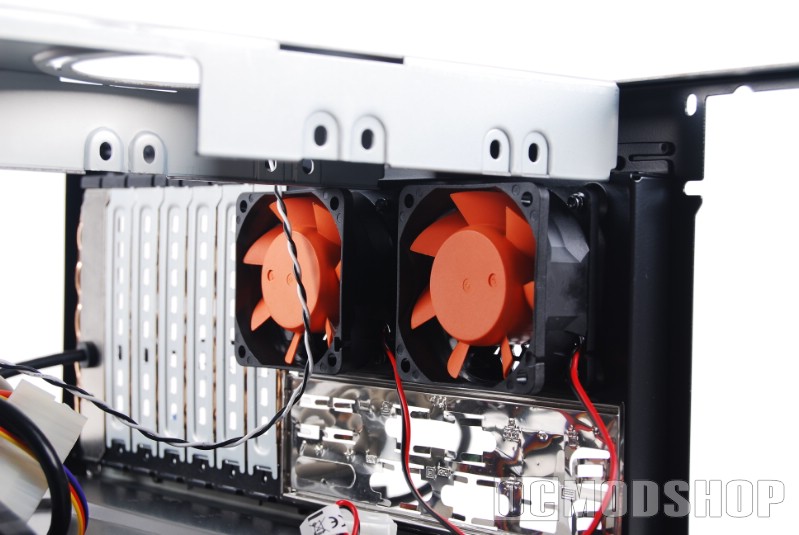
First appearances make this case truly stand out the moment you look at it. The U-shaped case cover is painted in a shiny piano-black coating, and has a ventilation grid stamped out of the top and sides. The back looks like a typical PC, with square holes for a standard Power Supply, motherboard connectors, dual-60mm exhaust fans, and eight card slot covers. Poking out of the last bay cover is a VGA cable which powers the front LCD.
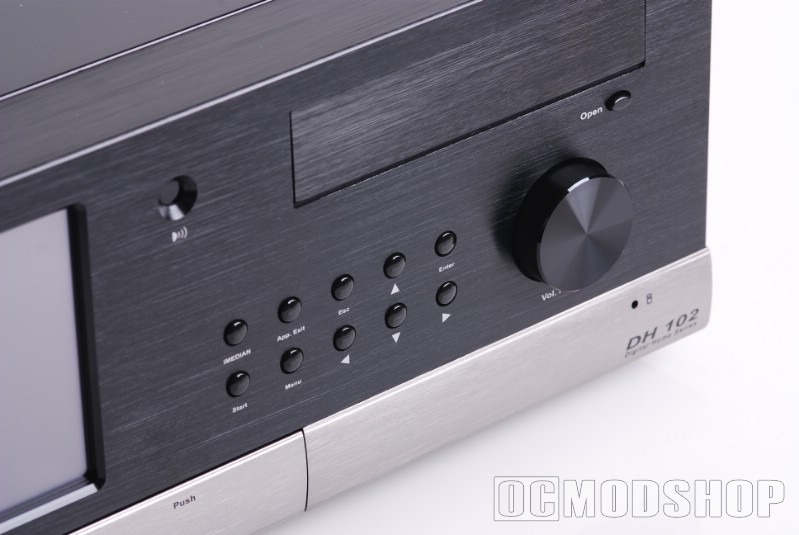
The front panel is what makes this case truly shine, and is what justifies most of this case’s expense. The entire front panel is made from thick brushed aluminum, which has been anodized black. The left side of the front panel is dominated by a large 7-inch LCD touchscreen. The center of the panel has a hole for the internal PC speaker. The right of the panel houses a stealthed DVD drive cover, ten media control buttons (iMedian, App. Exit, Esc, Up, Enter, Start, Menu, Left, Down, and Right), and a large aluminum volume knob.
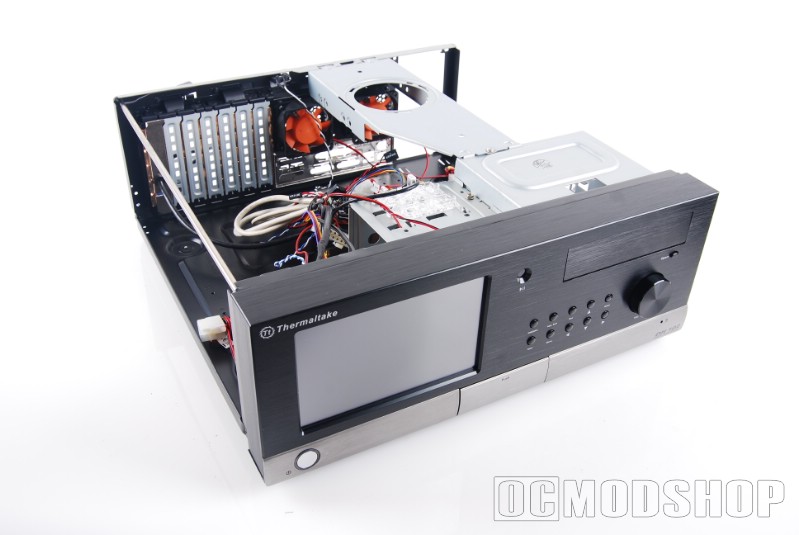
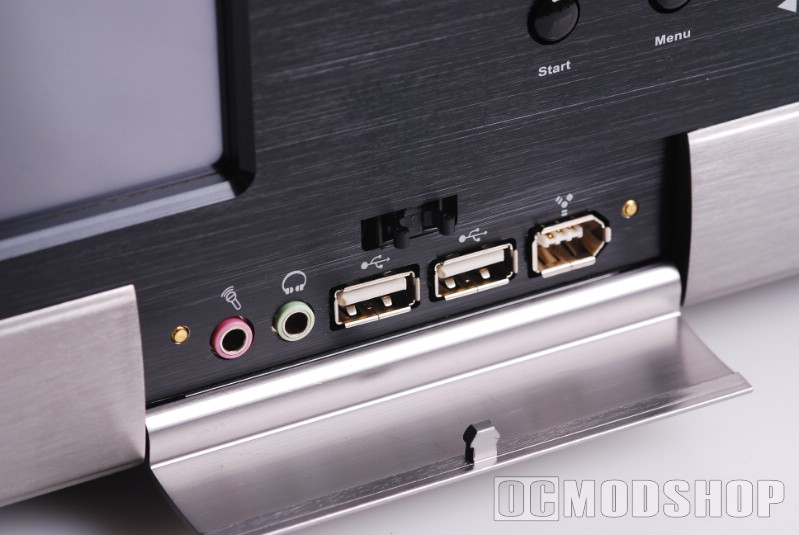
The bottom of the front panel is not anodized, having a natural grey aluminum color. On the left of this part of the panel is a large power button. The center of this panel is a door which conceals two standard USB ports, a firewire port, and two 1/8″ jacks for microphone and headphones. The right-most part of the bottom panel has a single red hard drive LED and a the name of the DH 102 printed below that.
Opening her up
The top of the case is a “U” type cover, which I’m usually not a fan. To open the case you must remove several thumbscrews from the back, slide the top back (which usually takes a bit of force), and then lift up (which usually means bending the sides slightly to get a grip). With the case cover off, we can see all of the internal wires, drive bays, and motherboard mount. The front-left side of the case has a large 120mm intake fan (with Tt’s typical orange blades), and there are two 60mm exhaust fans above the motherboard’s I/O panel. All of the fans use a 4-pin molex connector (everyone hates fans with molex connectors: I wish manufacturers would take the hint). A VGA cable is tethered to the front panel and leads behind the case.
The cage layout is really not much better than a typical desktop case. On the right side of the case is a 5.25″ bay cage, which can take three 5.25″ devices (although only one is accessible from the outside). To the left of the optical drive cage it the hard drive cage, which has been oriented parallel to the front and can acommodate three hard drives. A stability bar is mounted to the 5.25″ drive cage and extends to the rear of the case. The stability bar also has a hole with slots to acommodate an air-intake duct direct to the processor, but no duct is included. Incorporated into the cages are “toolless” plastic pins which secure your drives without screws (more on this later).


