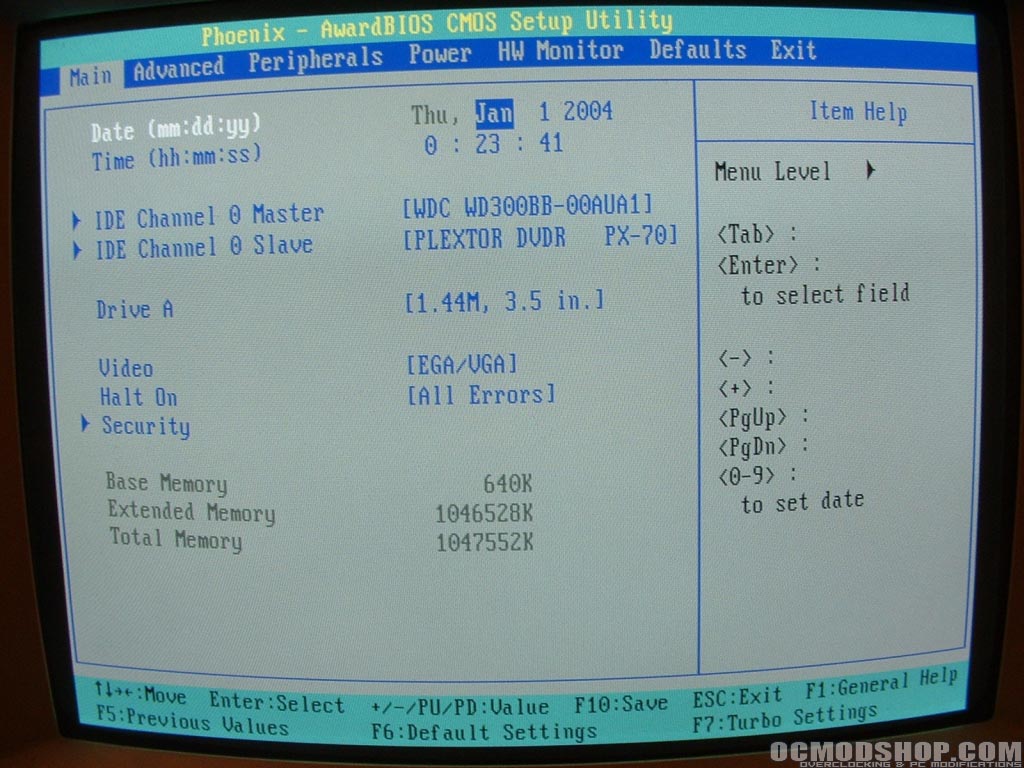
This Phoenix AwardBIOS main screen is like that of most motherboards allowing you to get information on and change the time/date, IDE channels, A & B drives, halt on, and get some memory information. In the advanced section you are able to change the boot order and go into four sub sections which are: advanced BIOS features, advanced chipset features, PnP/PCI configuration, and frequency/voltage control.

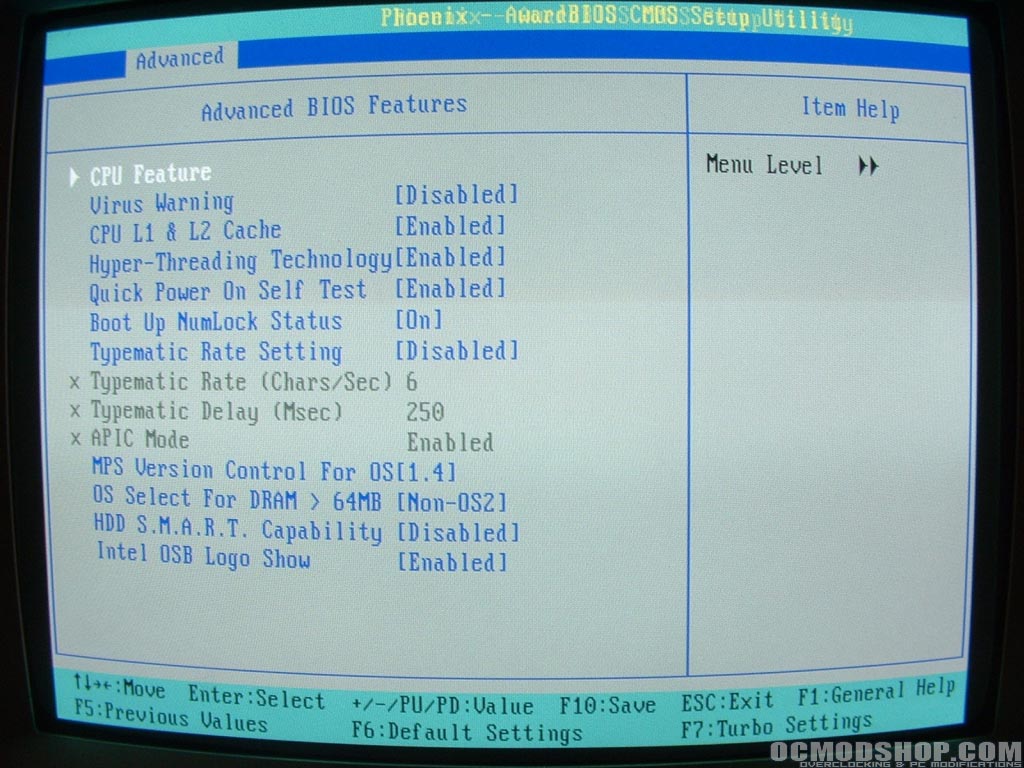
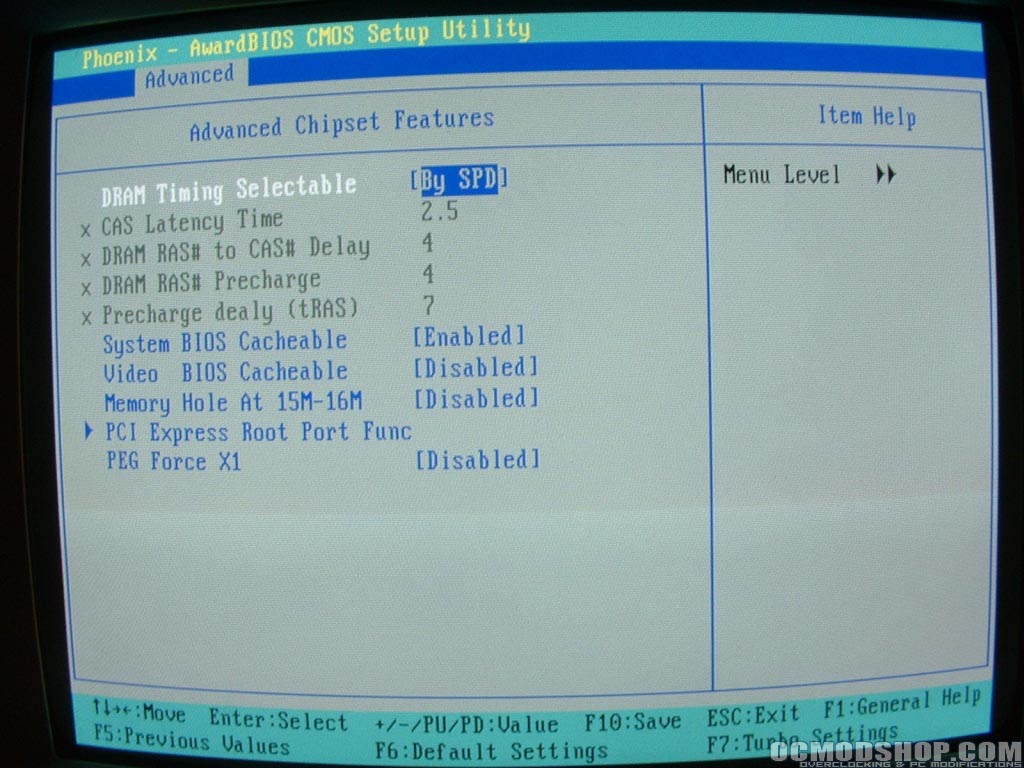
The advanced BIOS section is where you can make some changes to Hyper-Threading, Virus Warning, and some other items. The only thing I did in here was to turn the Intel OSB Logo off. The advanced chipset section is where you will do all of your memory tweaking and CAS adjustments. This section of the BIOS is important and doesn’t look to be lacking any functionality and should assist in overclocking.
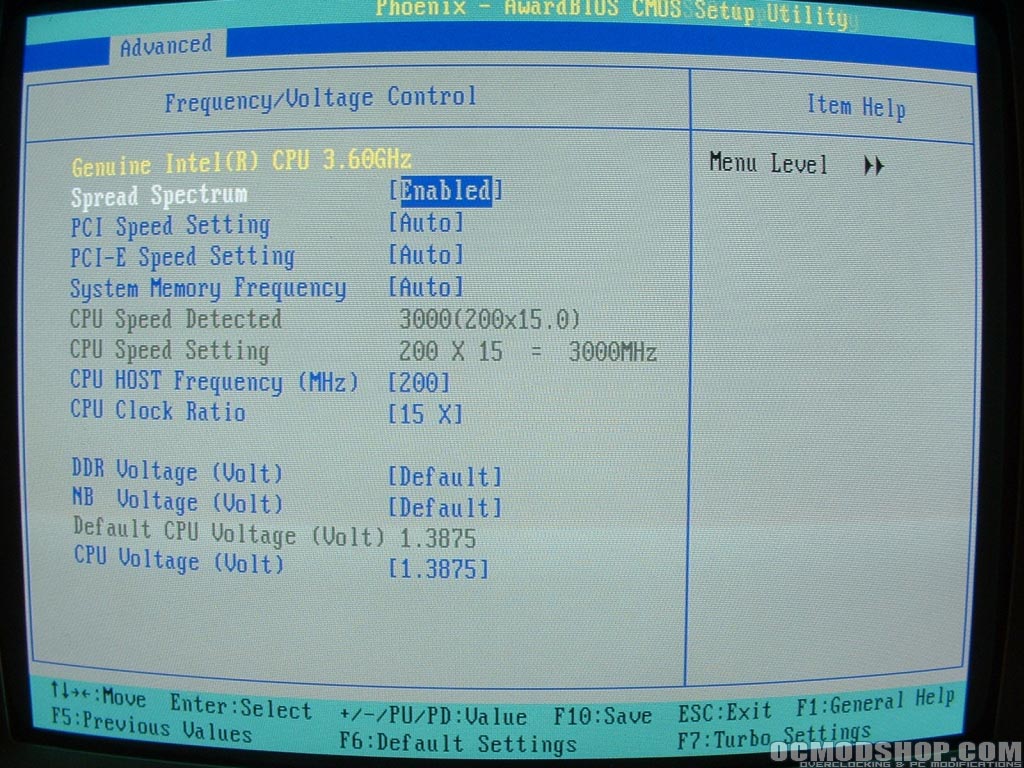
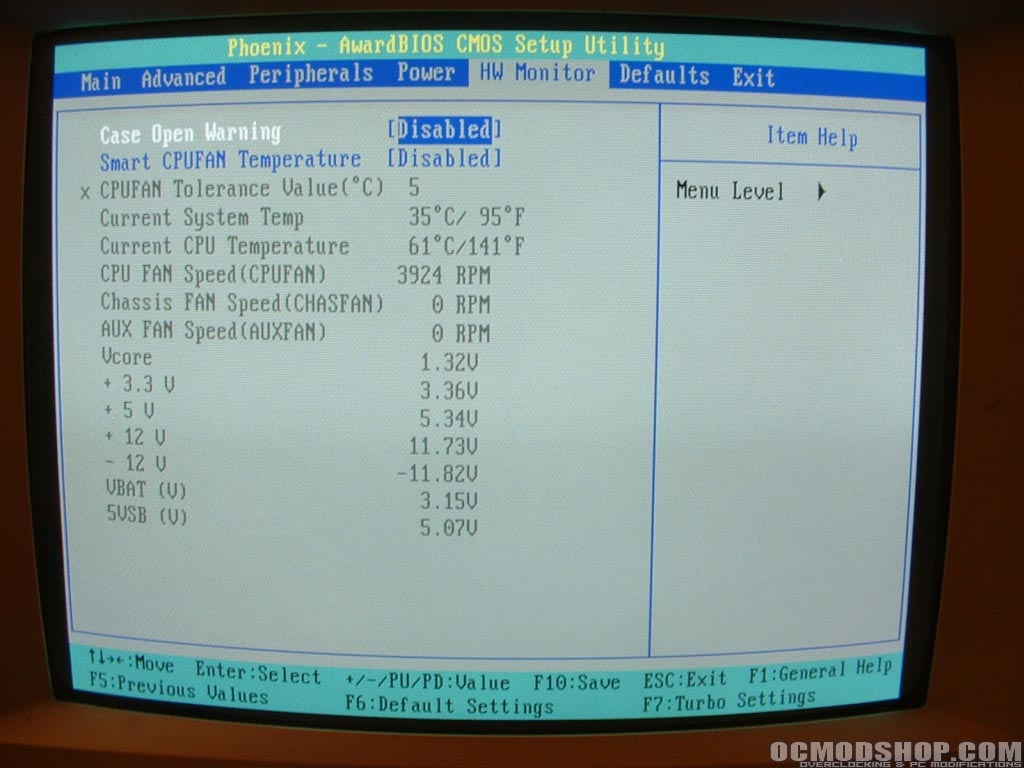
The frequency/voltage control menu is where you will do all of your overclocking. You have the ability to change the multiplier, FSB, and PCI speed settings. You can also change the voltage for the DDR (+0.4v), northbridge (+0.3v), and CPU voltage (1.9v max). Overall I would say that the overclocking section is pretty basic, the biggest thing missing I think is a CPU:DDR divider. There is no where in the BIOS to change this so you will be stuck overclocking at a 1:1 ratio. The hardware monitoring section allows you to view your systems temperatures, voltages, and fan RPM all of which is very useful and helpful information.
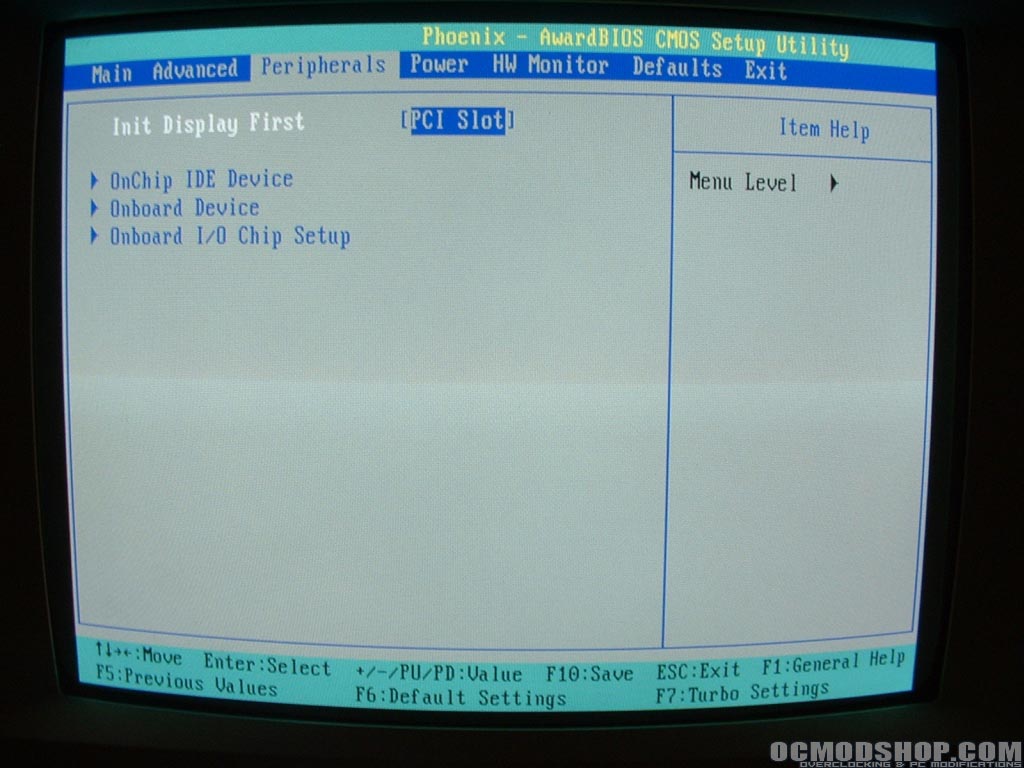
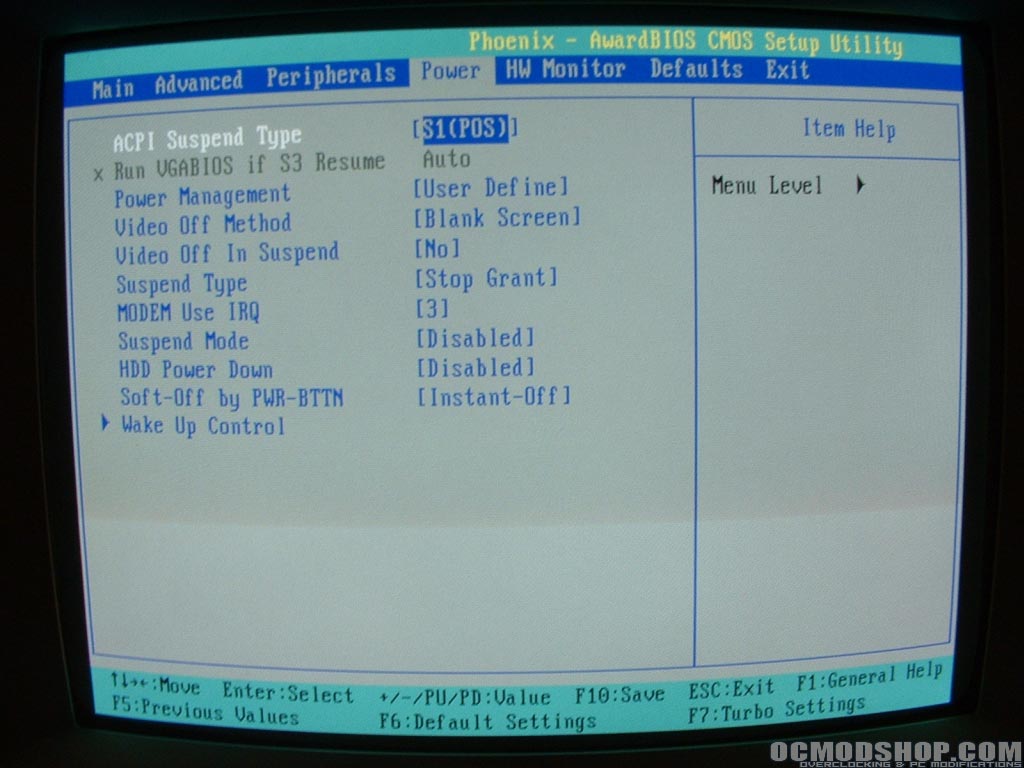
The peripherals section is where you can change the first input device and enable, disable, or modify onboard devices such as RAID, video, and sound. Finally the power section is where you are able to set how the system is powered on and off and what kind of suspend settings you want.