
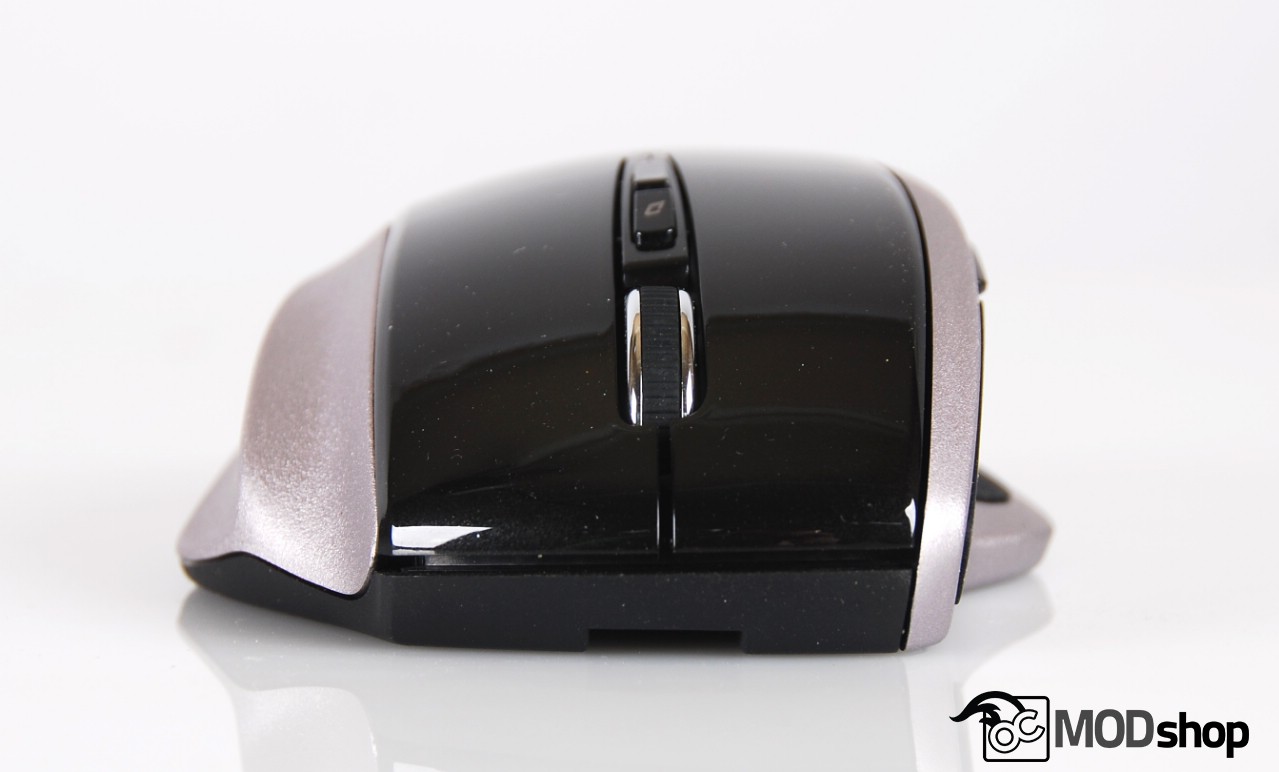
The other buttons to change the DPI aren’t easy to reach, which again does not make this a choice for gamers. The scroll wheel toggle button is software-only, so you really can’t scroll a really long web page and have the momentum of the wheel carry.
A small red LED below the middle buttons (which isn’t viewable when your hand is using the mouse) blinks when the dpi toggle switch is clicked.
- 1 blink: 800dpi
- 2 blinks: 1200dpi
- 3 blinks: 1600dpi
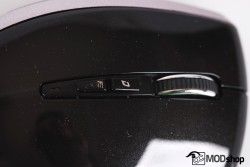

The modes work exactly as you expect, and are great for office users but not so much for gamers. There really isn’t enough of a difference for me between 1200dpi and 1600dpi and I would prefer to toggle directly between low and high modes, like this mouse.
Windows 8 mode
The problem with Windows 8 is that its interface is excellent for touch screens and horrible for traditional mouse input. The “Windows 8 button” functionality of this mouse really isn’t that useful. If you wanted to open the Start screen then most people will just use keyboard shortcuts. I suppose if you were navigating solely by mouse and had no touchscreen then this could be an advantage.
When in this mode, pressing the forward thumb button opens the Charms panel (which is easily opened from a touchscreen or keyboard shortcut). If you’re using a mouse, then you’re probably using the Desktop, and the Charms panel (same as Win + C) is practically useless. Pressing the back thumb button toggles between open applications (same as pressing Alt + Tab).
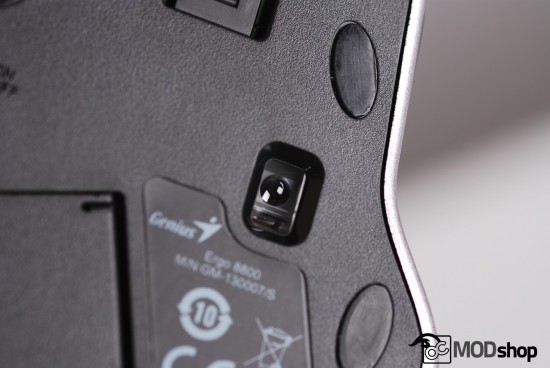
The only mappings that change between Windows 8 mode and regular mouse mode are the thumb buttons. You can switch between them by clicking all three of the top-facing mouse buttons at the same time (left-click, middle-click, and right-click). Unless you move the cursor to a blank area of the desktop then you might accidentally click something inside a window or put your browser into free-scrolling mode. My advice is to avoid this altogether and just use regular mouse mode.
Battery Life
The battery life is pretty decent. We weren’t able to test the 36-month battery life claim the company makes, however. Alkaline batteries are a better choice for long-term low-power devices anyway, as many rechargeable batteries tend to lose a significant portion of their charge after a month, even without use!
You can use the mouse just fine with only one AA battery, but it may not last as long. If you want your mouse to be as light as possible, then this may be the way to go.
