

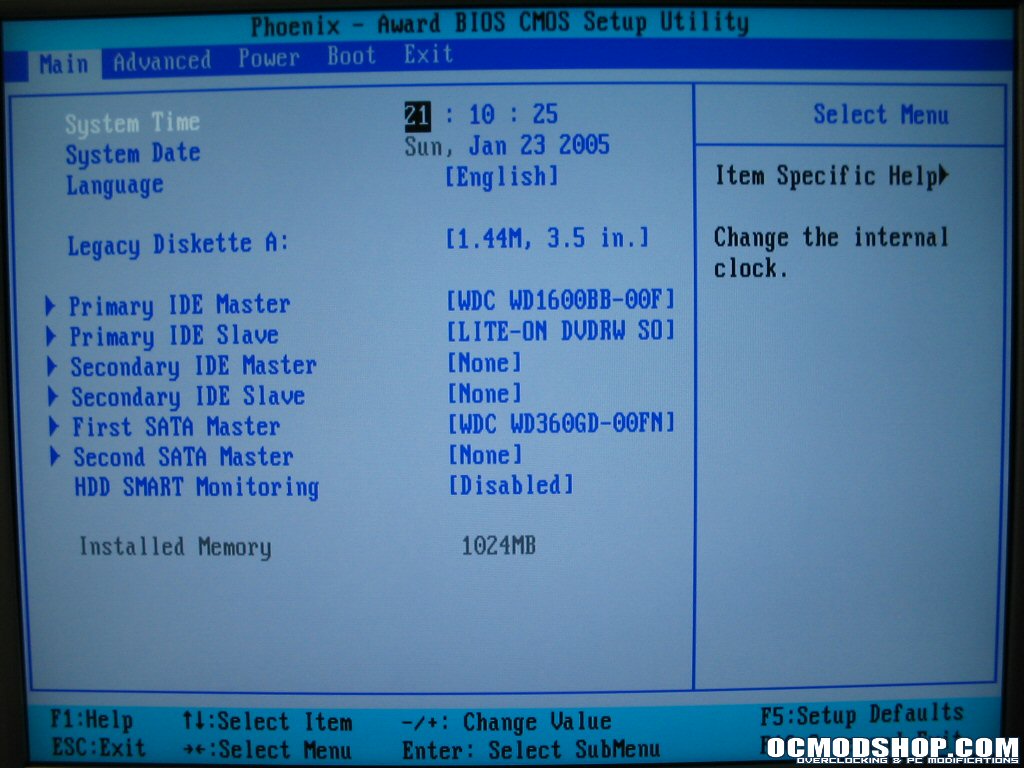
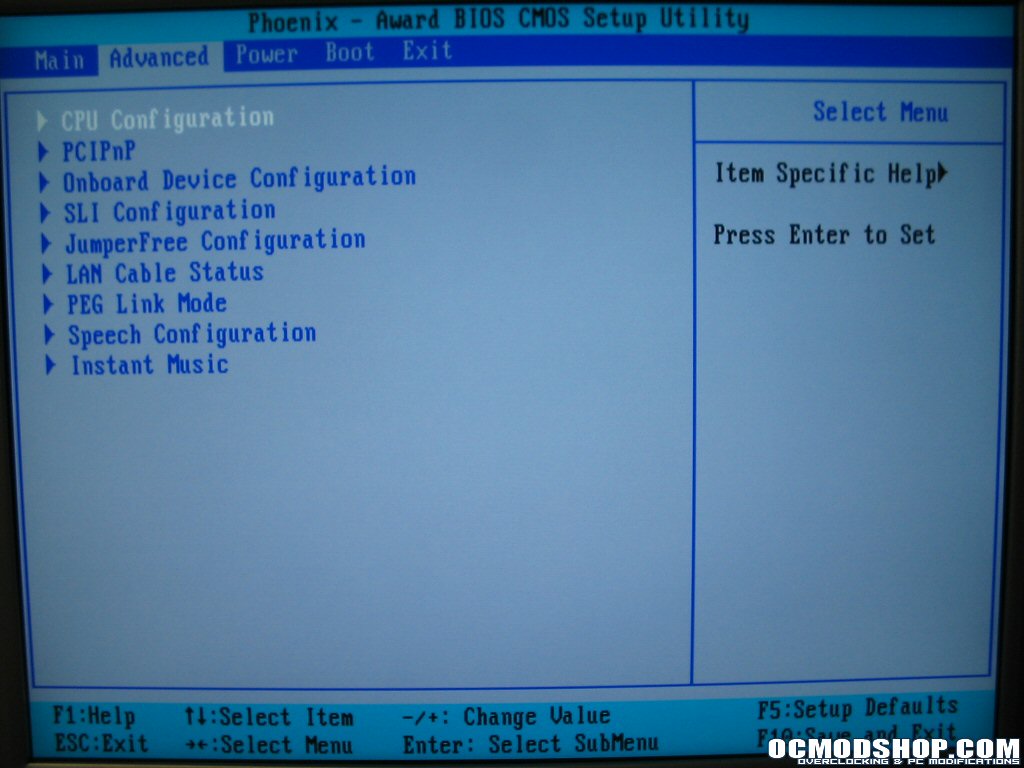
The BIOS on this board was updated to the latest AMI – Phoenix AWARD BIOS version 1003.06 Beta. The Bios has been split into several major tabs, the first of which is the Main tab which contains basic Time/Date information and disk information. Any line in the BIOS that has a triangle bullet to the left of it can be opened into a submenu. The next tab is the Advanced tab which contains many submenus. This is where you will find all the major settings for things like clock speeds and memory settings. There are also tabs for extra features like the Asus audio POST reporter, and the Instant Music feature.
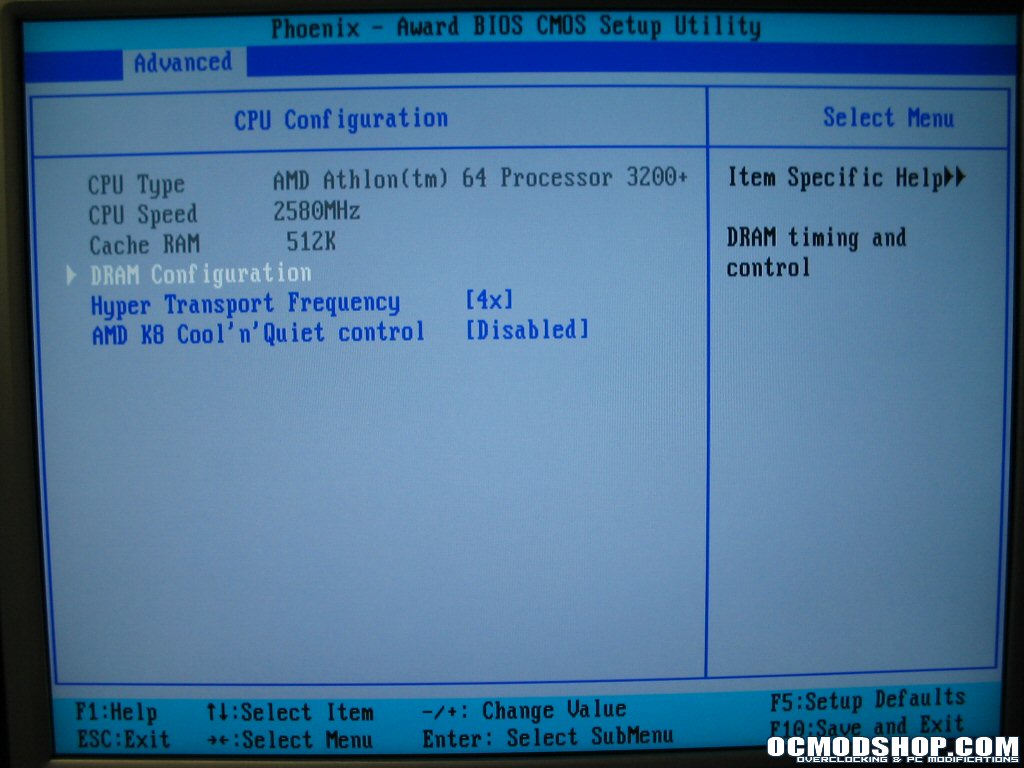
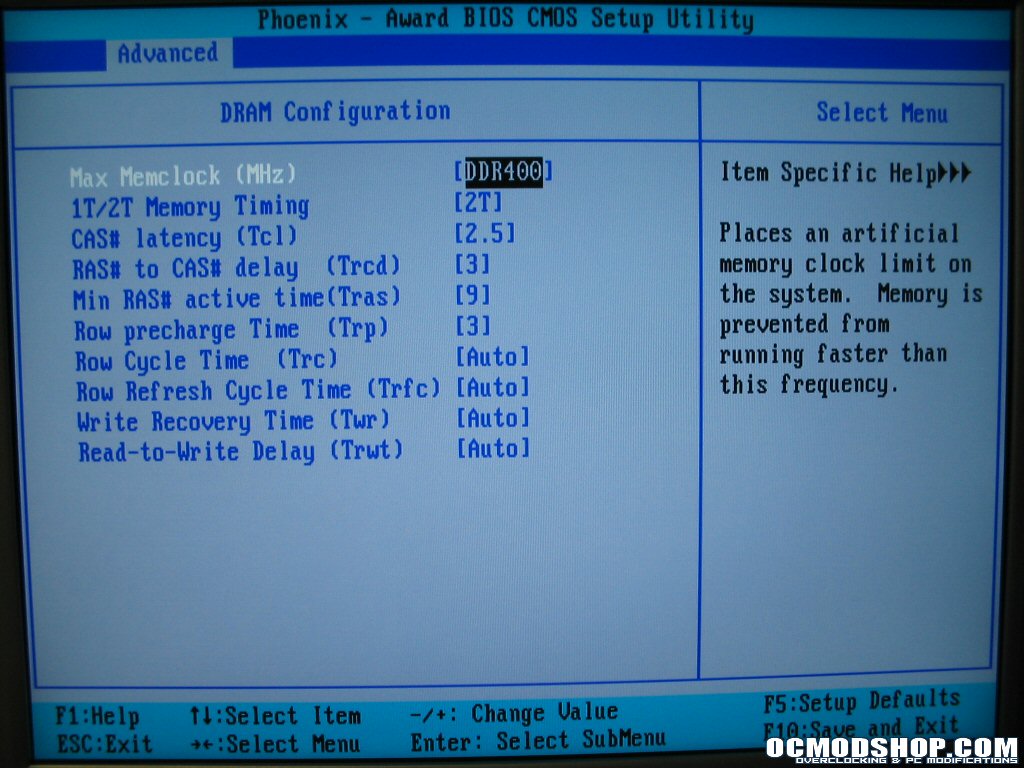
In the CPU Configuration submenu you will find basic CPU information, settings for the HTT multiplier (1-5x CPU Frequency in JumperFree Submenu), turning Cool and Quiet technology on/off, and a submenu for memory settings. In the DRAM Configuration submenu are the memory timings and latency settings. All the timings in are similar to any other enthusiast motherboard so you should have no problem tweaking memory to your hearts content. In addition there are memory/CPU FSB ratios indicated by DDRXXX ratings. The actual ratios can be determined by using a stock CPU FSB of 200MHz in relation to the rated memory speed (DDR:CPU): DDR200 (1:2), DDR266 (2:3), DDR333 (5:6), DDR400 (1:1), DDR466 (7:6), DDR500 (5:4), DDR533 (4:3), DDR550 (11:8), DDR600 (3:2).
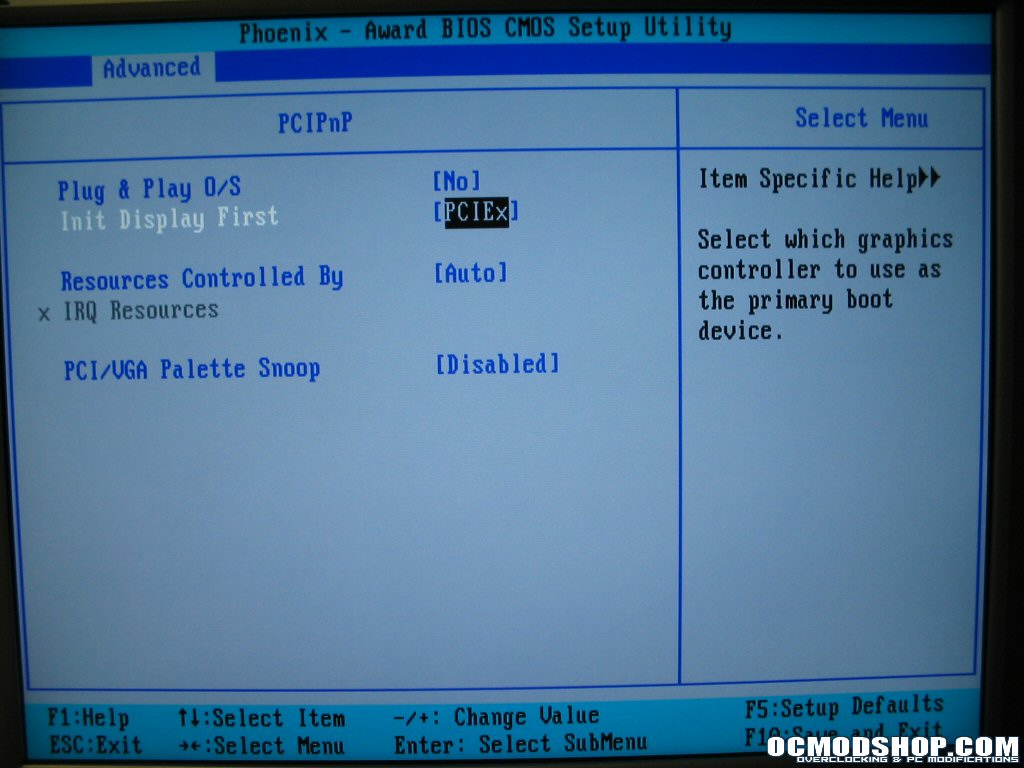
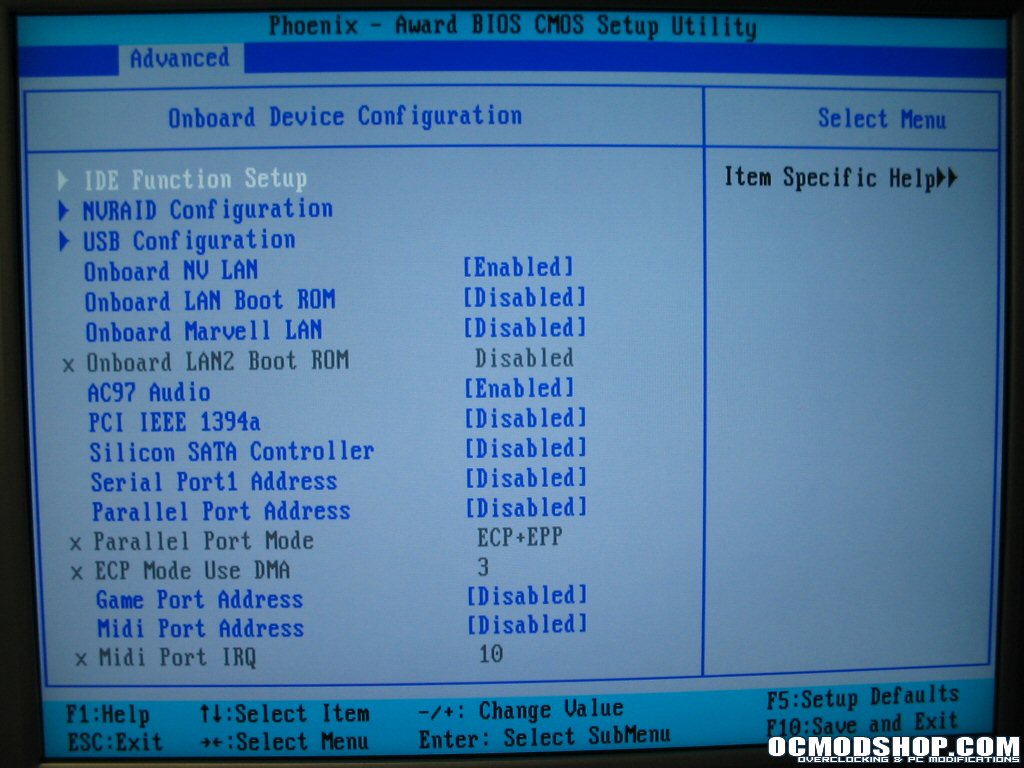
The PCIPnP submenu allows you to select a plug and play OS, set video card priority between PCI and PCI-X, set IRQ resources and perform PCI/VGA palette snoop for ISA graphics cards. In the Onboard Device submenu you will find settings to turn selective onboard hardware on/off and submenus for the onboard IDE, NVRAID, and USB controllers.
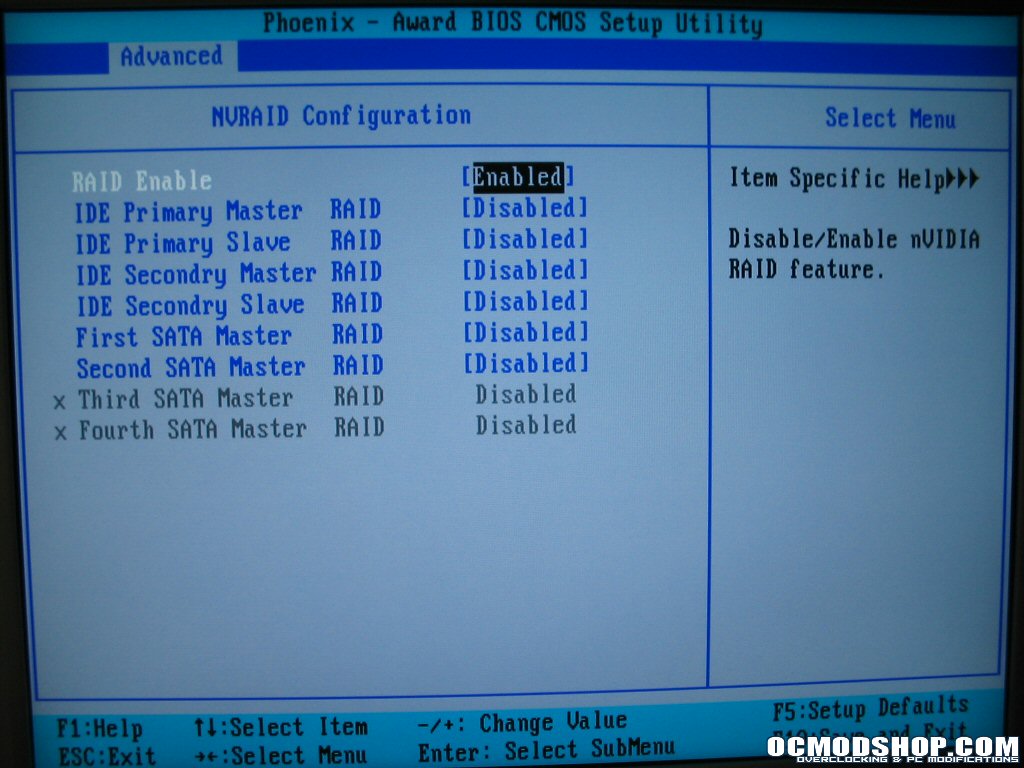
In the NVRAID submenu you can select specific drives connected to either PATA or SATA ports dedicated to the NVRAID controller. Here drives can be individually selected for the controller to oversee. Back to the advanced tab and the JumperFree Configuration submenu you will find the majority of tweaking and overclocking settings.

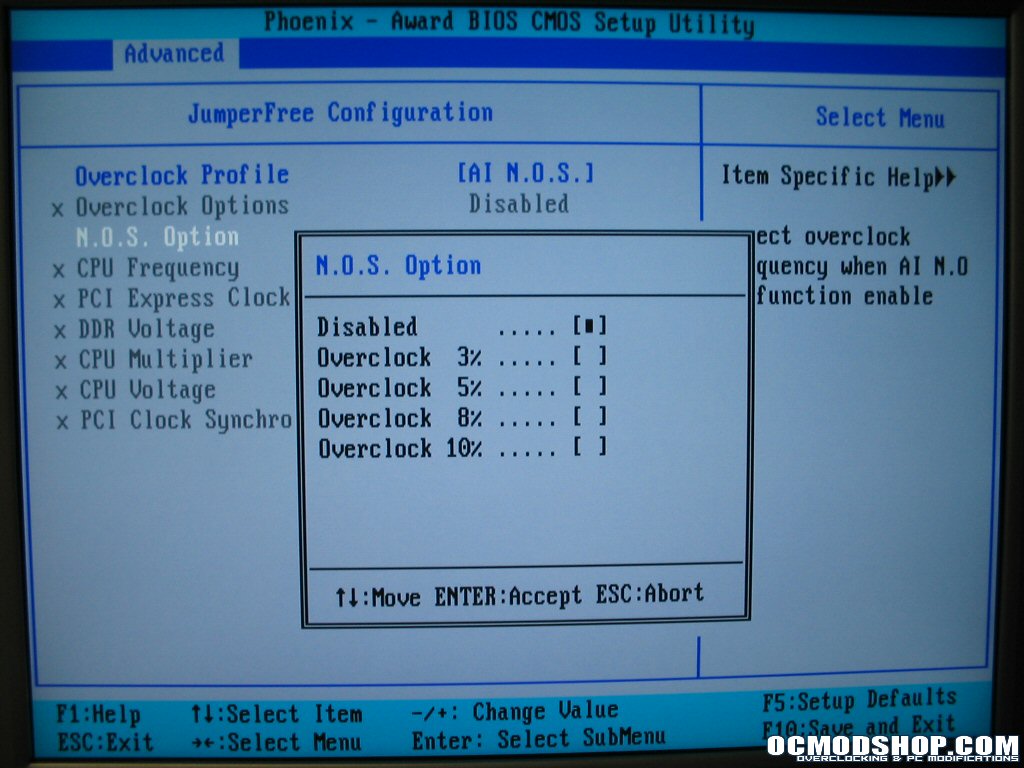
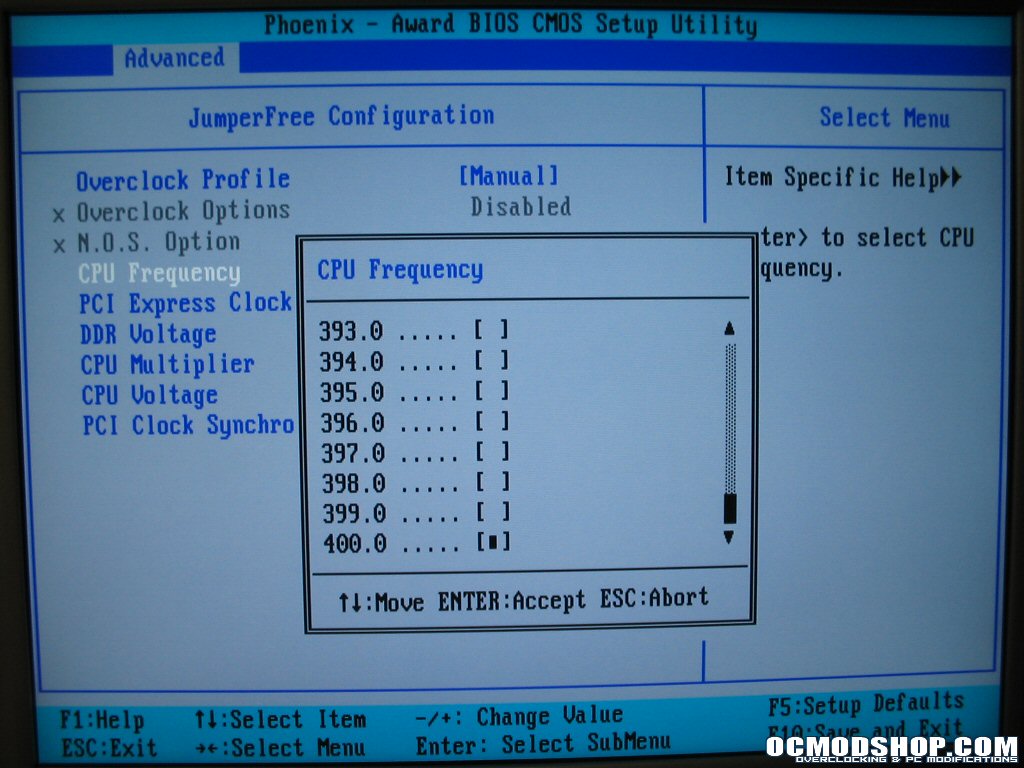
Under Overclock Profiles you will find several predetermined overclocking profiles which open up their settings below to allow the board to overclock by 3, 5, 8, and 10% of the stock CPU speed or leave the settings off. With the profile set to Manual you have access to CPU voltage (max of 1.65v) memory voltages (max of 3.00v), PCI-X frequencies (max of 145MHz), CPU multiplier, PCI lock, and the CPU speed. CPU speed is the CPU FSB and will determine you HTT, CPU and memory clocks based off their respective multiplier or ratio (Note: HTT multiplier and memory ratio is in CPU Configuration submenu. I would have liked to see them all in one place, makes overclocking much easier). The CPU FSB can be scaled to a maximum of 400MHz FSB.
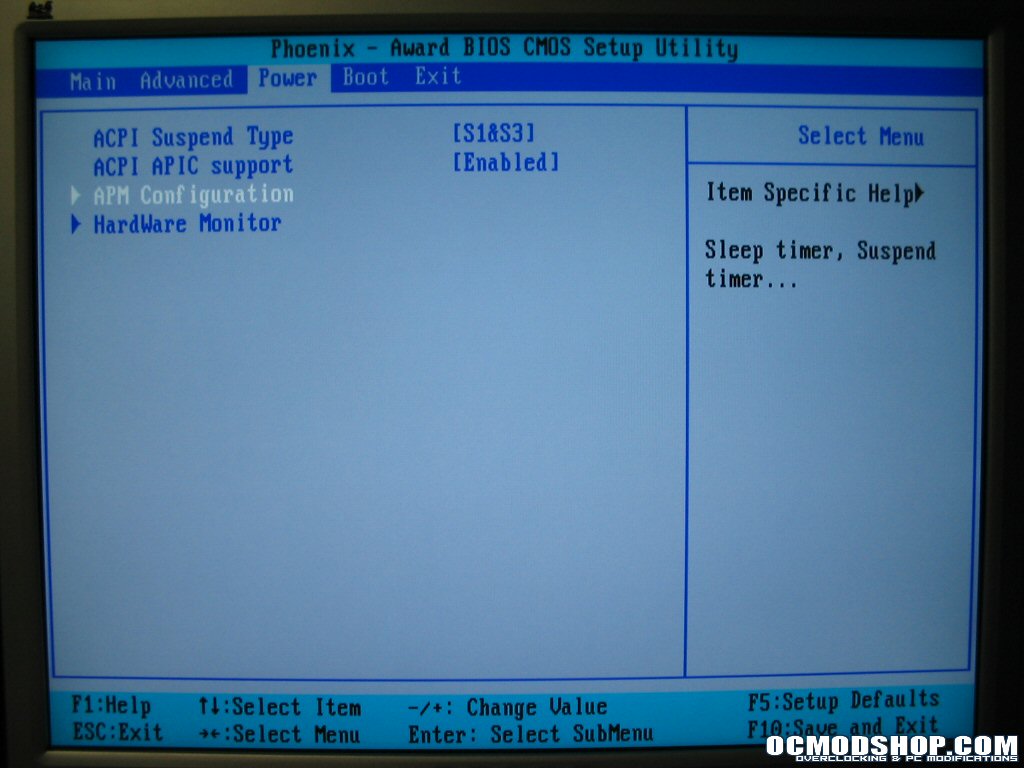
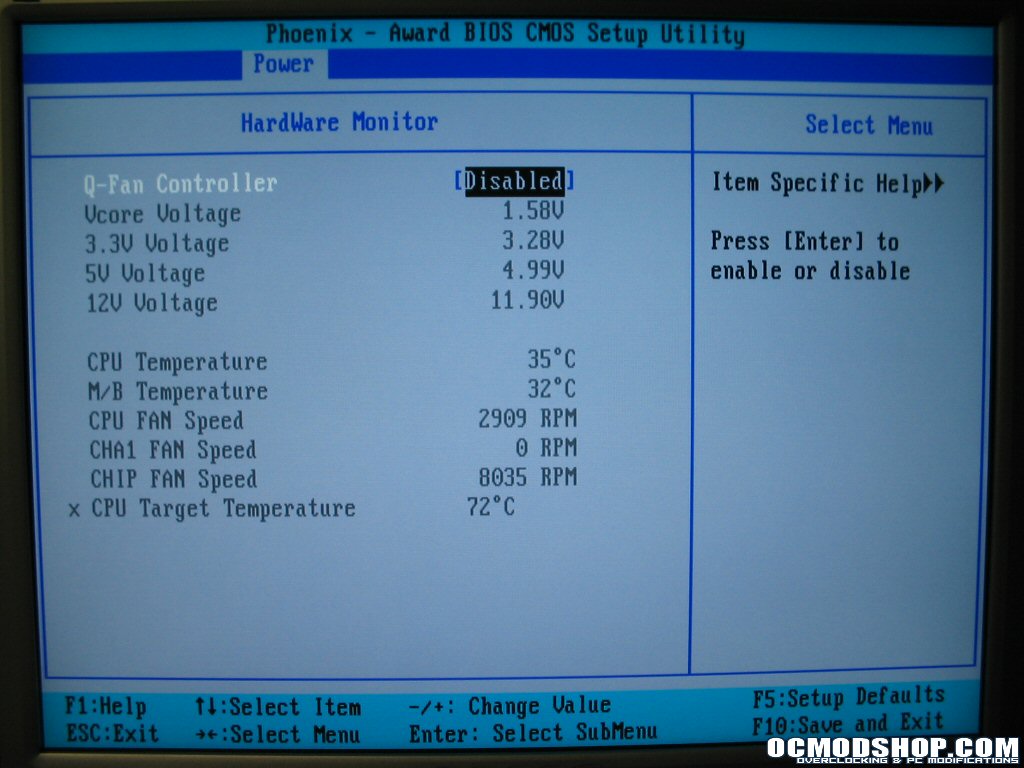
Under the Power main tab and its submenus you will find all of the power-on wakeup events and power switch modes. In the Hardware Monitor Submenu are real time temperatures and voltages so you can monitor the system before boot-up. You can also turn on the Q-Fan controller and set the threshold temperature for the controller to target. If the temperature breaks that threshold the fan is run at full speed.
Under the Boot main tab you can set the major boot priorities for each device. To change all of the boot settings like num-lock, quick boot and change the halt-on errors you can go to the Boot Settings Configuration submenu.
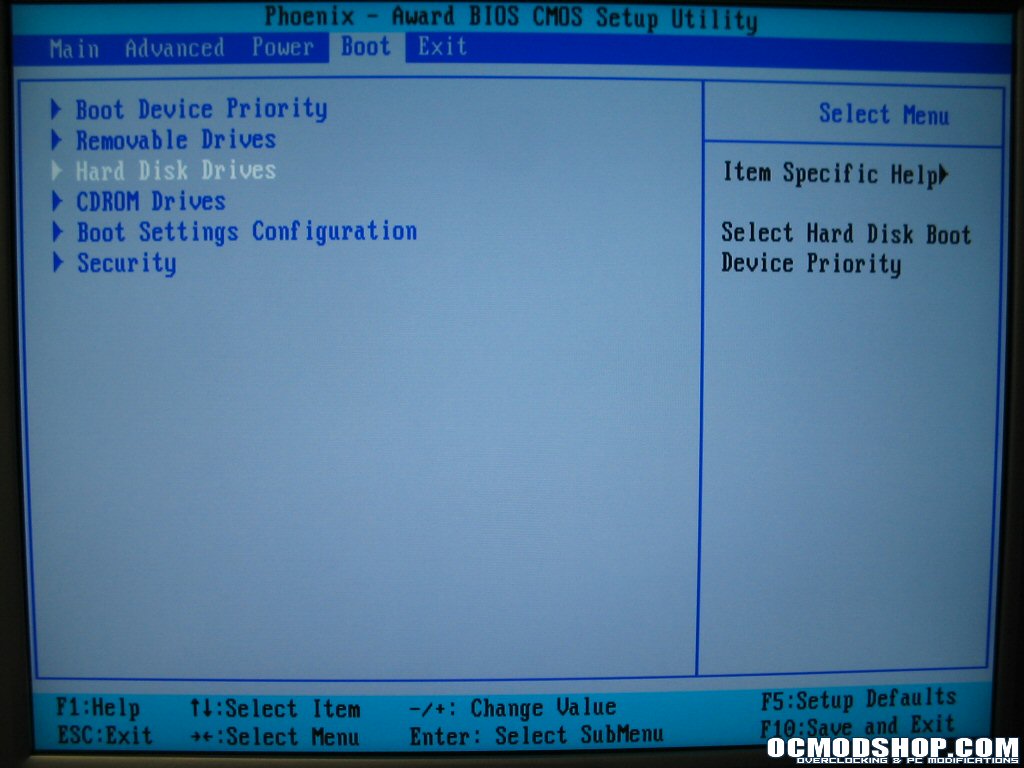
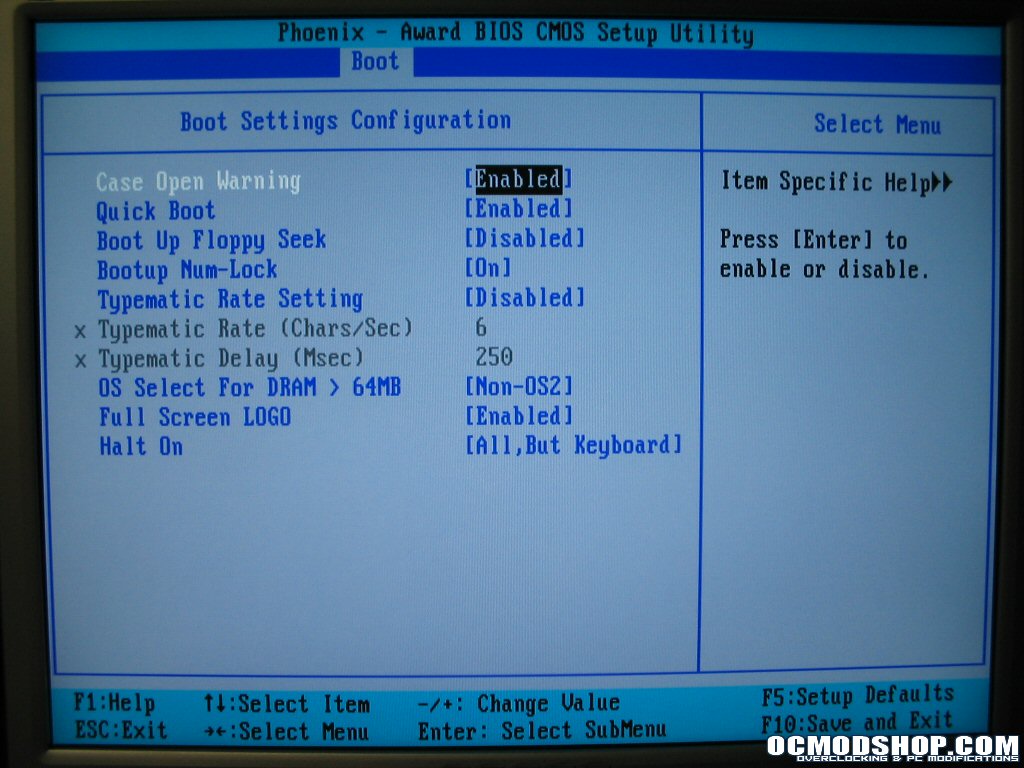
You can set the overall device boot priority in the Boot Device Priority submenu. This will set the device order in which the system will search for bootable OS’ or applications. Lastly there is the Exit main tab which allows you to save changes, reload defaults and exit the BIOS.

