

Asus included quite a few programs with this board to allow interaction with hardware and tools for updates and various customizations. Here are some previews of the included software.
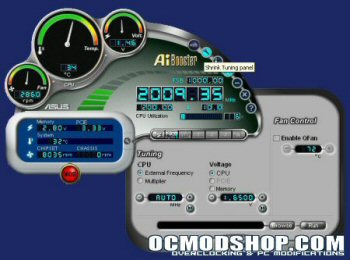
AI-Booster – The AI-Booster is an Asus developed program that allows control over various clock frequency and voltage settings from Windows. You can monitor in real time basic temperatures, voltages, fan speeds, clock frequencies as well as change the settings for the AI-NOS features. AI-NOS allow dynamic overclocking settings using various profiles. The profiles are based off modest percentage increases over the stock processors settings. The tuning menu gives control over CPU multiplier and FSB, memory and CPU voltage, and also threshold temperature for the Q-Fan control. Once everything is set you can also save your own settings profile and apply it whenever you want.
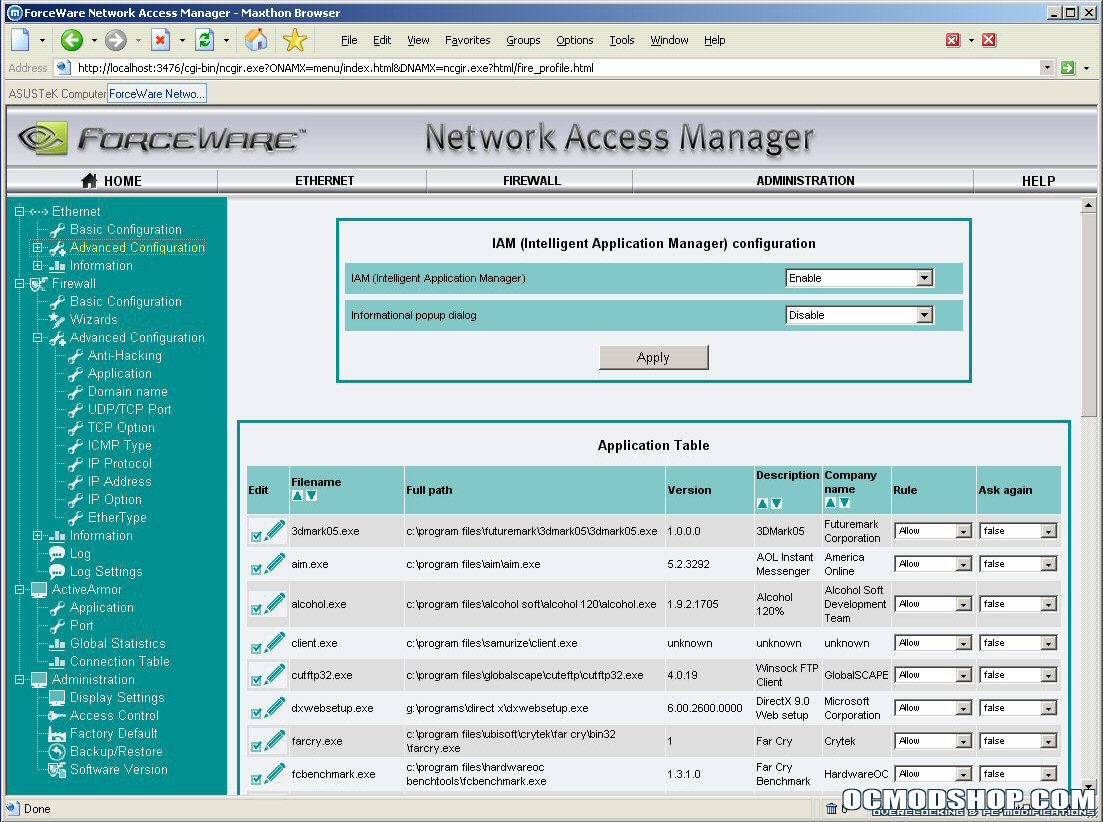
nVidia Firewall – This program you can install along with the chipset drivers. One of the key features of the nForce4-SLI chipset is the onboard firewall. Similar to 3rd party programs like ZoneAlarm, the nVidia Firewall adds an extra level of protection for your PC. Allowing you to block ports and limit access to your computer over all the incoming connections as well as monitor and block any outgoing connections from Spyware or Viruses. The great thing about the nVidia Firewall however is that it does the majority of this in hardware, similar to a hardware router with a firewall built in. This relieves the stress on your precious CPU cycles so protecting your system doesn’t become a hated resource hog. The nVidia Firewall runs a small application in your system tray that lets you select from basic profiles on the fly. When you open up the nVidia Firewall Summary it uses a small Apache service to load up in your web browser with a basic visual showing the blocked and allowed connections, incoming and outgoing. There are configuration settings for all your applications so you can customize the firewall any number of ways.
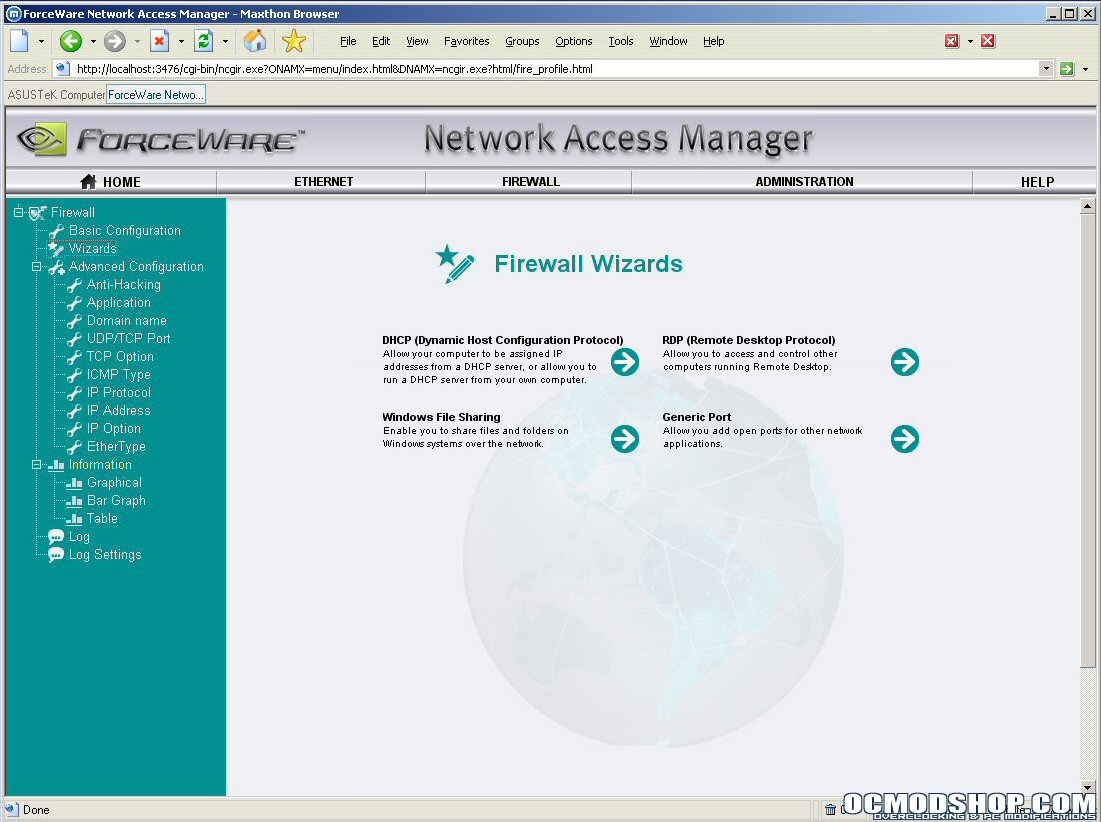
There are also basic configuration wizards if you find yourself getting blocked from your own windows shares, or need to release specific ports. There are an incredible amount of settings and you can save them all into your own specific custom profiles which can be loaded on the fly later via the system tray icon.
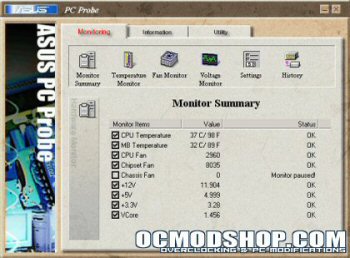
PC-Probe – Asus also included their PC-Probe which allows users to monitor all the temperatures, fan speeds and voltages of the system from windows. You can keep data logs and set alarms for if voltages drop, fans stop spinning or temperatures spike. PC-Probe can also display quite a bit of system information such as BIOS and board revisions, memory usage and processor information.
Asus Update – The Asus Update utility is used to check for new BIOS revisions and safely re-flash the onboard motherboard BIOS chip from windows. The program connects over the internet to an Asus hosted FTP server and allows you to select from whatever new or even beta revisions are available. I used this program to successfully flash the motherboard to the BIOS used in this review.

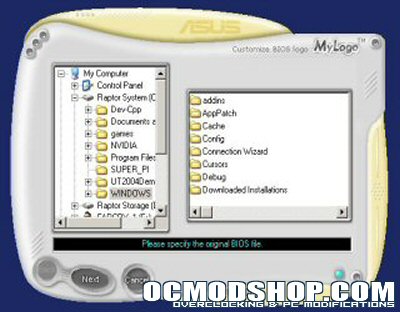
MyLogo2 and Winbond Voice Editor – MyLogo is a program that can edit the full screen boot logo’s contained in the BIOS files for this motherboard. This allows you a bit of extra customization. This board also features a vocal POST dialogue that while the computer boots will output to the speakers and audibly mark each step of the POST procedure and any boot errors. The Winbond Voice Editor allows you to import your own recorded sounds to replace the stock voice. Again, allowing for some more customization.
Test Setup
To help run the Asus A8N-SLI Deluxe through its paces, we will be comparing it against a similar setup using what some may tout as the nForce3 GB “King of the Hill”, the MSI K8N Neo2 Platinum. Both setups will use the same components, but vary the motherboard and video card due to the Asus board using PCI-Express and the MSI using AGP 8x. The system specs are as follows:
Asus A8N-SLI Deluxe (nForce4-SLI, BIOS 1003.06 Beta), AMD64 3200+ Winchester, Crucial Ballistix Tracer PC4000 2x512mb (DDR400 @ 2.0-2-2-5), Asus EN6600GT (Forceware 66.93), WD Raptor 360DG 36GB, WD 1600BB 160GB, Lite-On DVD-RW SHOW-1213S, Windows XP Pro (SP1 and DX9C)
MSI K8N Neo2 Platinum (nForce3 GB, BIOS 7025v1.41 Beta), AMD64 3200+ Winchester, Crucial Ballistix Tracer PC4000 2x512mb (DDR400 @ 2.0-2-2-5), Asus EN6600GT (Catalyst 4.12), WD Raptor 360DG 36GB, WD 1600BB 160GB, Lite-On DVD-RW SHOW-1213S, Windows XP Pro (SP1 and DX9C)

