
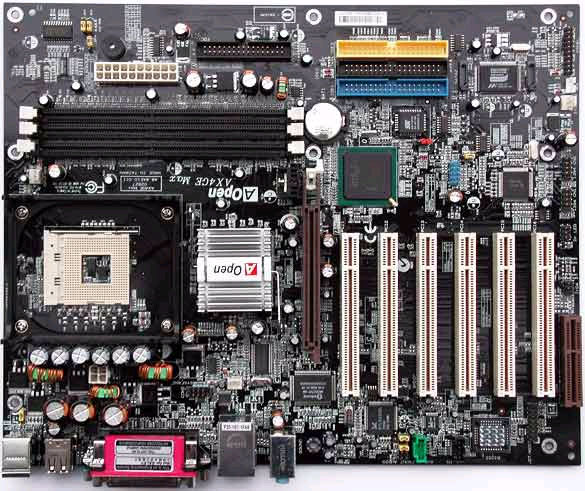
I had a few issues installing this board. To ensure smooth installation, the user must be aware of a few caveats.
Upon initial installation of the board and preliminary testing, I received horrible benchmark scores (like a 7000 3dMark 2001 score in Windows XP). After installing the Intel chipset drivers did I reach the expected performance levels for a high-end Pentium 4. Installation of the Intel Application Accelerator only crashed my system, and had to be removed.
Memory issues
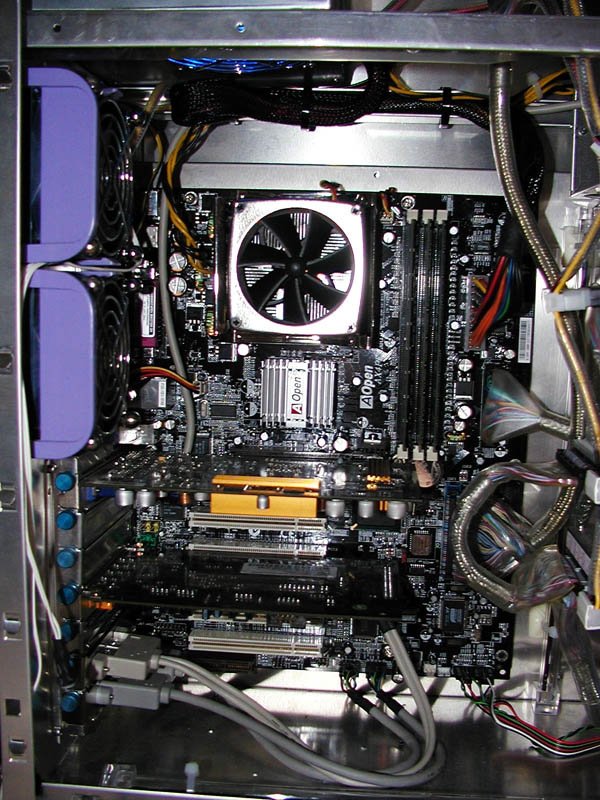
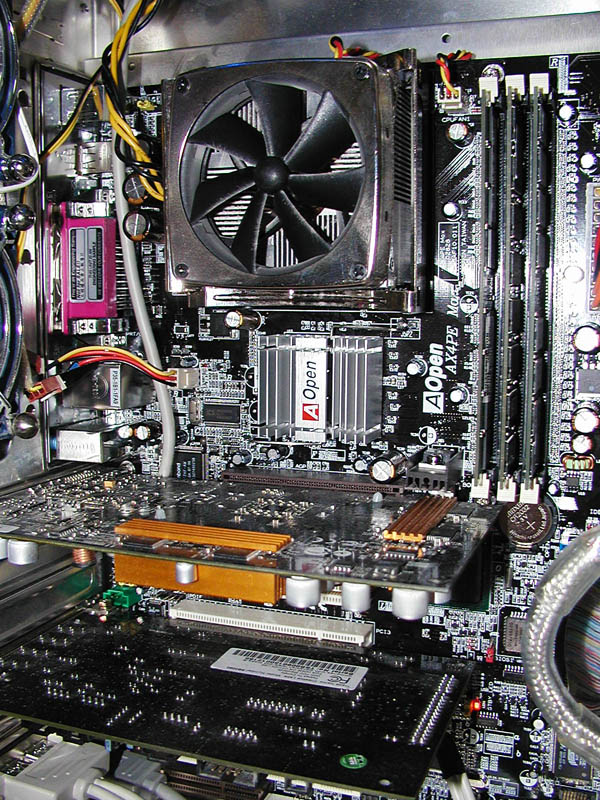
I initially had problems getting all of my memory recognized. Any time the this occured, Dr. Voice would tell me there was a “problem with AGP”. This isn’t very accurate, as I should have received a memory error message. After trying different memory modules with varying results, I consulted the manual, which states that only the first slot could handle double-sided RAM. Since most of my RAM was double-sided, I had to go and buy new single-sided RAM.
After only using 1 double sided module in the first slot, and 2 single sided modules in the remaining slots, the system finally posted all available memory without a single error. I do not know the technical reasons why Aopen felt it necessary to skimp on this feature, but I feel cheated that so many extras were added to the board, and yet some of the more critical features are half-assed.This is just one more thing to have to remember when troubleshooting the board.
Also, the only way to achieve a 533FSB is by using DDR333. PC2700 memory runs at 166MHz, while the quad-pumped CPU bus is running asynchronously at 133MHz. The motherboard is running at a 4:5 ratio between the CPU and RAM. AOpen has a BIOS update that now supports an 800MHz FSB, getting around the 4:5 limitation.
ATA133’s dependancy on SATA
There are 3 parallel ATA ports, for a total of 6 IDE devices! This seems like a super bonus until you realize that only 1 of those ports are ATA133. I know that ATA133 is really more of a marketing gimmick than anything else (there isn’t a noticeable performance difference between ATA100 and ATA133), but still, if you’re going to include ATA133, why not make all of the ports capable? I can understand the technical reasons for this, as the ATA133 port is tied to the serial ATA chip, so a cheaper ATA100 chip is used for the other ports to control costs.
Since the ATA133 port is tied to the Promise PDC20375 SATA chip, enabling this port uses additional resources and slows boot time (any devices on this line are found after POST). The serial ATA driver must be installed to utilize this port, even if no SATA devices are present, and must be installed when installing Windows 2000 or XP, else no drives will be found. This seems like an additional caveat that the user must remember when troubleshooting the board.
Other boards “simply work” without any additional configuration or installations. Also, the system would not boot completely using the drivers that come with the driver CD. I had to download and install the latest version (version 1.06) of the Serial ATA driver before ATA133 would boot properly.
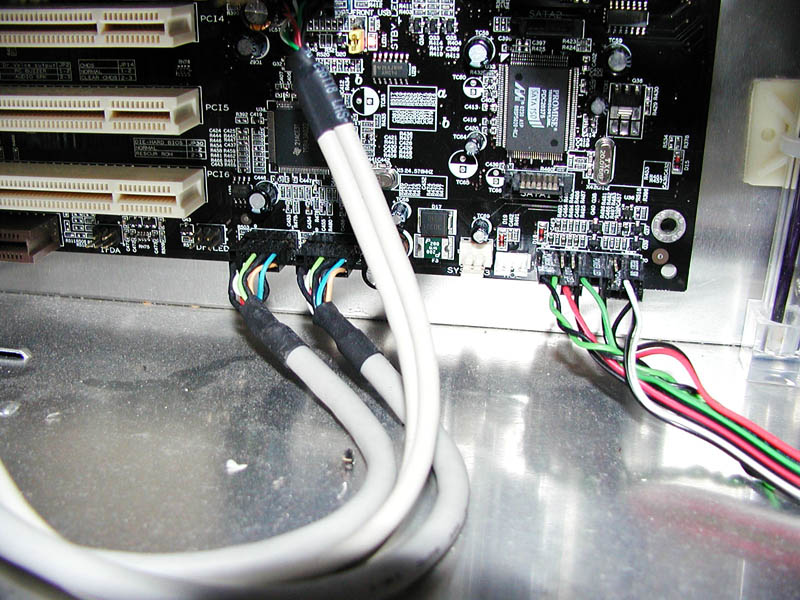
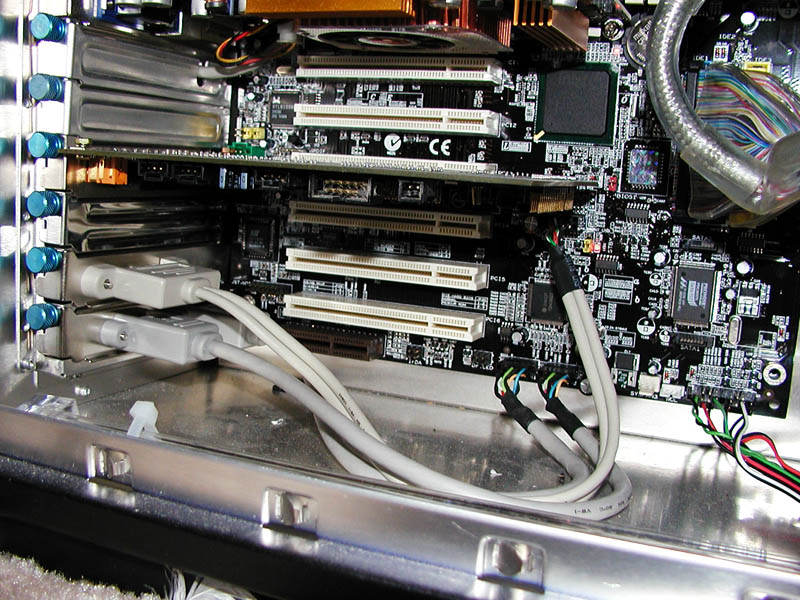
The keyboard fuse
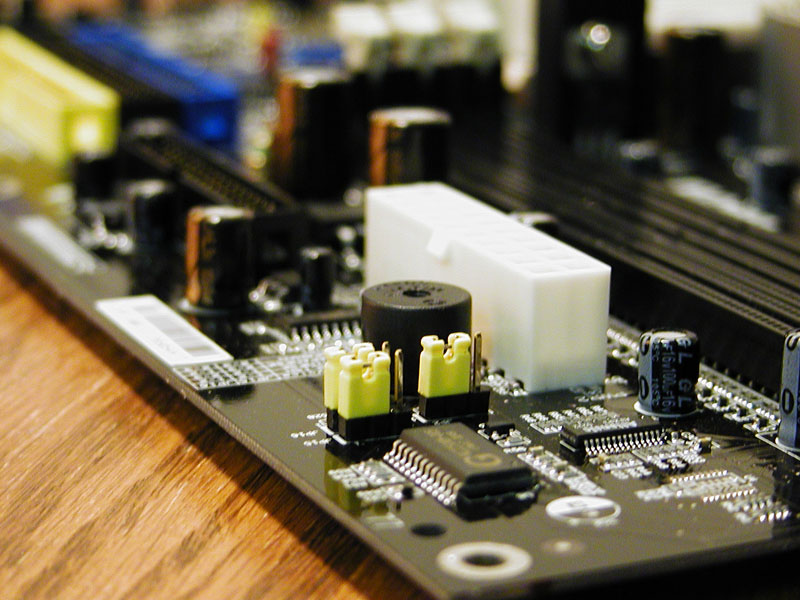
I also had problems with the keyboard whenever the system was soft-reset (when rebooting from BIOS or the CD Jukebox). Dr. Voice would constantly complain that the keyboard had a problem. It appeared that the special “keyboard fuse” had been tripped, but I could not figure out how to reset it, and the manual does not mention how to do this, or if a reset is automatic. I could press F1 to continue (clearly the keyboard was working), but the keyboard would simply not register in Windows (not even Ctrl+Alt+Del would work). This persisted until I changed the jumper that controls wake-on-keyboard functionality.
Once these initial problems were resolved, I had a pleasant experience with the board. It is very easy to overclock, and is rock stable.
