
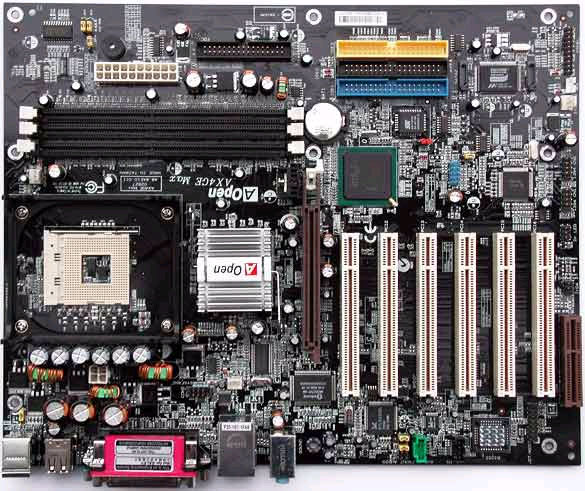
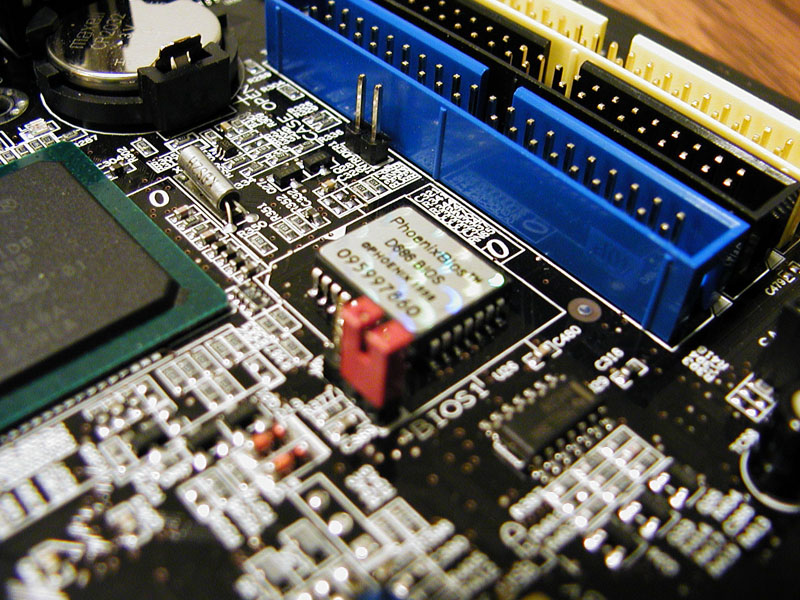
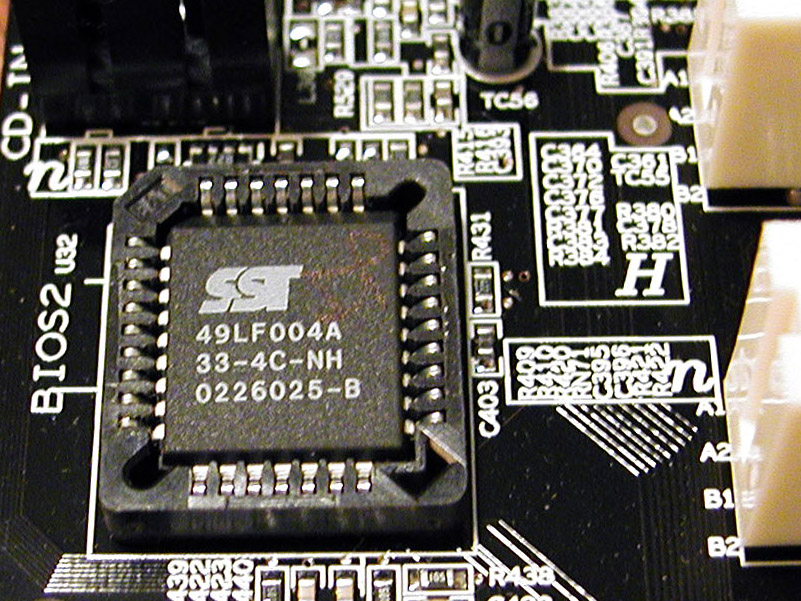
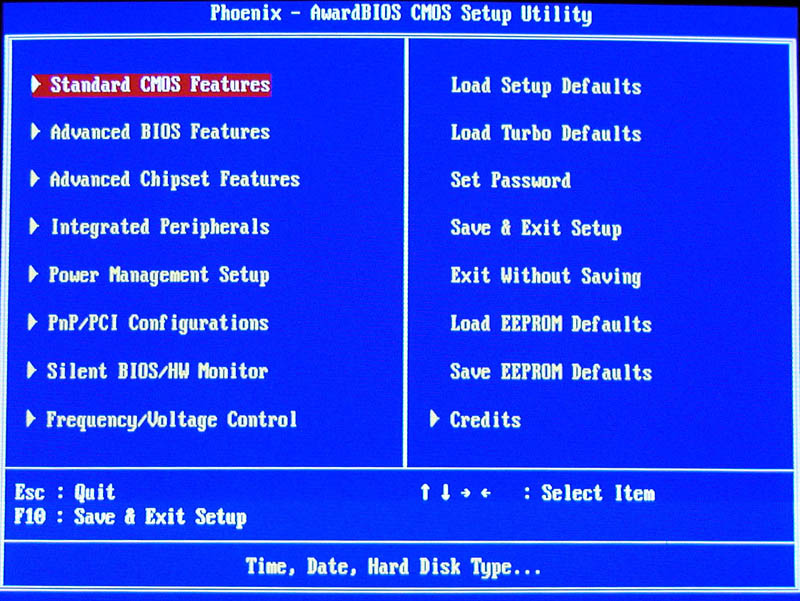
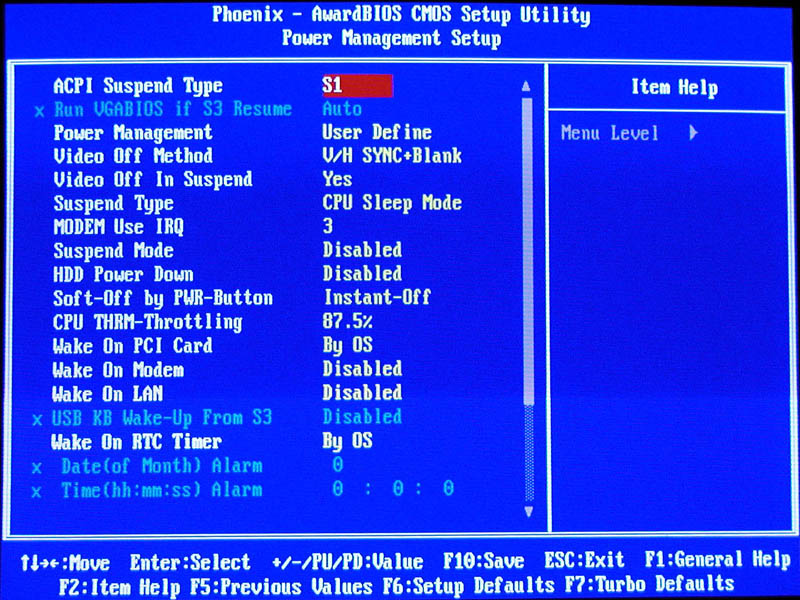
AOpen has chosen the Phoenix AwardBIOS for this motherboard. The BIOS menu should be familiar to most users. Some settings have been customized to achieve the board’s full potential. The user can save or restore the Die-Hard BIOS through the menu’s “Save EEPROM” and “Load EEPROM” menu options. This feature allows the overclocker to tweak every little bit of power from their board and then save those settings, and is a nice feature that the enthusiast target should appreciate.
AOpen has added a feature called the “Vivid BIOS” which basically just displays a 256-color .GIF image during POST (yes, the .GIF can even be animated). In the manual, AOpen appears very proud of itself to achieve graphics and text on the screen simultaneously. This image can be updated using the included EzSkin utility.
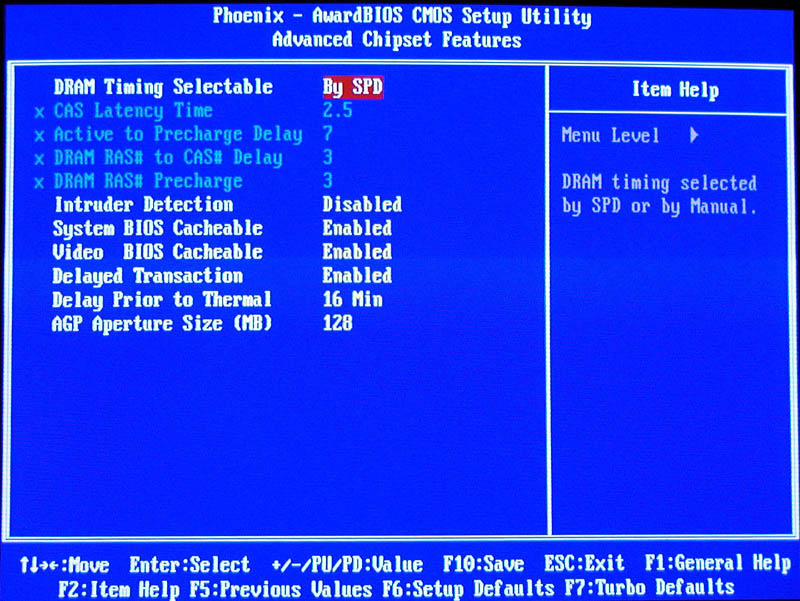
The Advanced Chipset screen is where most of the board’s overclocking power can be exploited. The user can manually configure every possible memory setting, including CAS Latency, Active to Precharge Delay, DRAM RAS and CAS Delay, and RAS Precharge. Changing the memory timings can offer vast improvement in memory performance, but can lead to system instability.
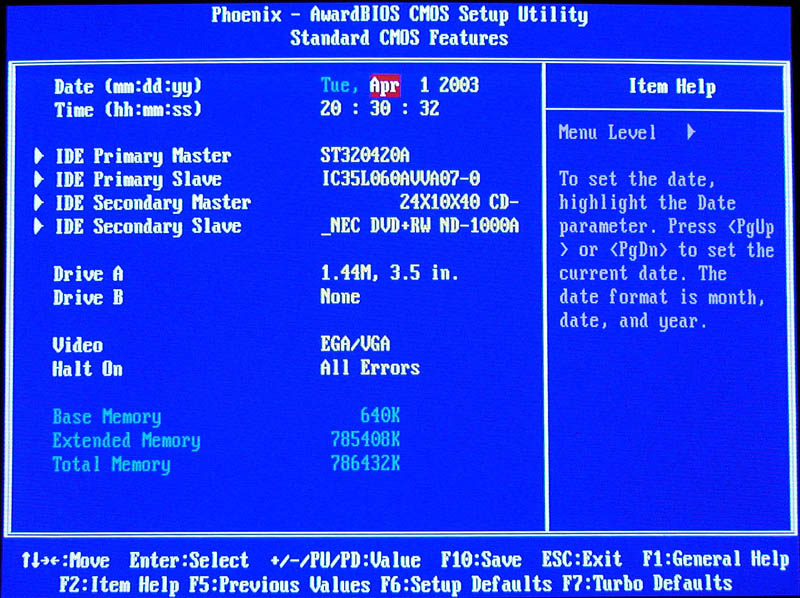
The board supports a feature called AC Power Auto Recovery. Basically you can set the PC to power back on after a power failure, which is a handy feature if you are running a server or any other PC that needs to keep the power on.
The board does not permit the manuall assignment of IRQs.
The board features hardware monitoring within the BIOS, and can even silence the system. Fan voltage can be set to a certain percentage within the bios, which lowers fan speed, and thus system noise. The hardware monitor menu can also be set to respond to various catastrophic events, such as a CPU temperature threshold. If the threshold is exceeded, then a warning sounds and the CPU speed is automatically throttled down.
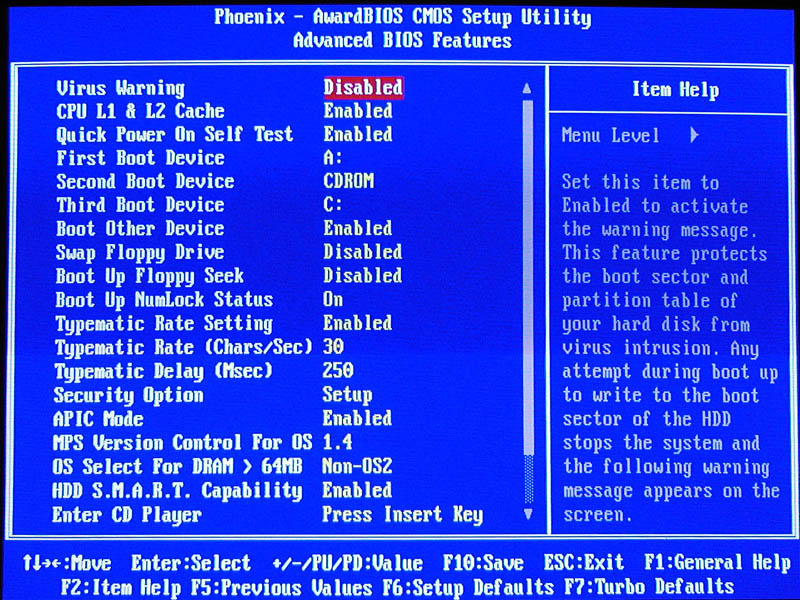
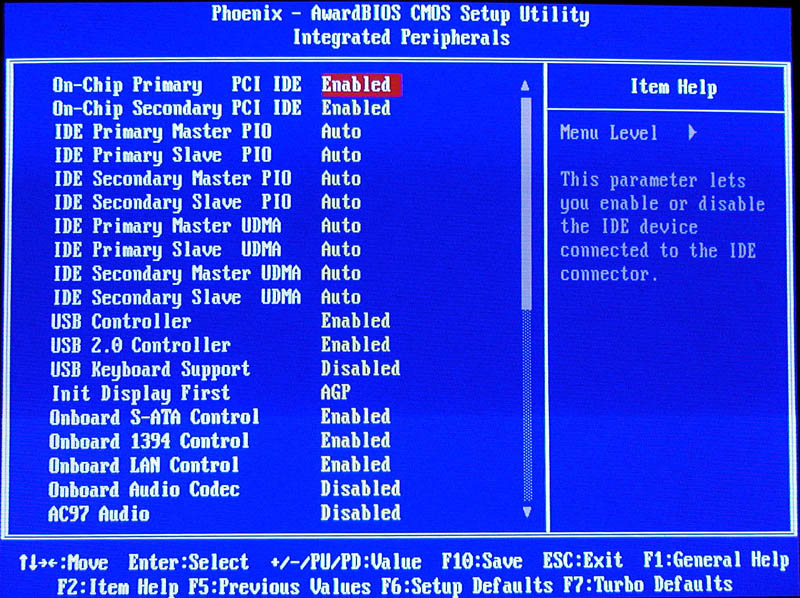
The fans can be set to various modes of operation. When set to full speed, the monitored fans run at their default rating. When set to Smart Control, the monitored fans are run at a lower speed until a determined temperature threshold, at which point the fans speed is increased. The user can also select a fixed fan speed, and is adjustable between 50 and 100 percent. Note that FAN3 is omitted from this feature.
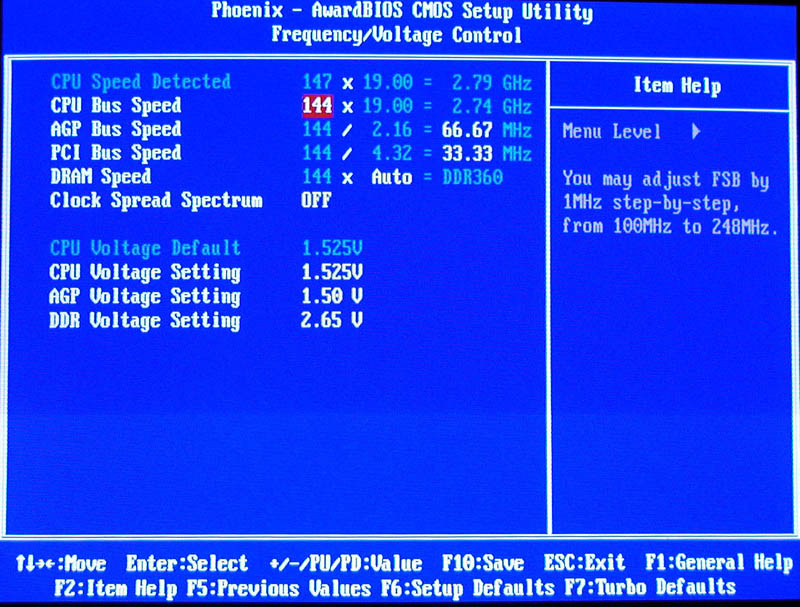
Using the Frequency/Voltage Control menu, the user gains full control over CPU FSB and voltage, RAM FSB and voltage, and the PCI and AGP bus frequency and voltage. Most motherboards are not flexible enough to clock the peripheral timings independently of the FSB, using a fixed multiplier. Thus, if the CPU FSB was increased, the AGP and PCI bus would also increase, causing instability with cards that were not tolerant of these specs.
This BIOS automatically adjusts the bus multipliers so that any FSB increase will keep the PCI bus at 33Mhz, and the AGP at its default 66Mhz. This automatic adjustment minimizes the possibility of system instability and hardware damage, although it can still occur. Of course, the user can independently change any of these settings manually.
You can set your AGP bus to 70Mhz if you want, and it will not adversely affect the other system buses. The FSB can be changed in 1Mhz increments from 100 to 248Mhz, the PCI can be set to between 33.33 and 48.25Mhz, and the AGP frequency set between 66Mhz and 96Mhz. These overclocking features far exceed anything that AOpen has offered to date, representing their first big push into this market.
The “Watch Dog Timer” feature makes unbootable BIOS configurations a thing of the past. This feature keeps track of the last batch of valid bootable settings. If the system refuses to boot after a bit of tweaking, the Watch Dog Timer will wait 5 seconds before restoreing the BIOS settings to a valid state. I have not had to clear the CMOS during my overclocking adventures with this board.
As most enthusiasts know, the voltage of some components must be increased to maintain signal strength while overclocking. The board plays it safe when it comes to voltage options, being only mediocre given the vast amount of frequency selections available. The CPU can be set within the range of 1.10v to 1.92v. The AGP voltage is pretty weak, and only adjustable as high as 1.6V. The RAM voltage ranges between 2.50v and 2.65v. This maximum may keep you from frying your RAM, but will not be enough to push stubborn RAM into achieving a high FSB.
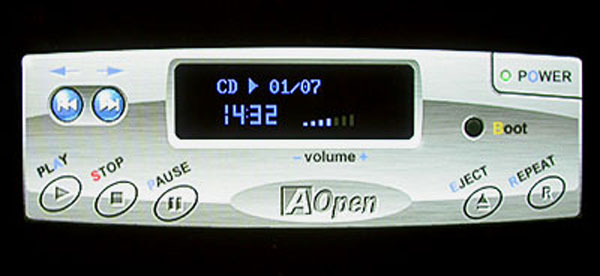
The board also features an interesting built-in CD player, which can be skinned using the included EzSkin utility on the Bonus CD. The user can enter the Open JukeBox by pressing the Insert key while the system is in POST. This is a hardware driven utility that allows the user to play CDs in any attached CD-ROM drive. This is a neat little bonus, but not really very practical. The CD will only play through its own onboard sound card, however, and an audio cable must connect the CD drive to the CD_IN port of the motherboard. There is also no mouse support, as all commands are sent through the keyboard. Pressing “B” will continue the boot sequence without resetting the system.
