
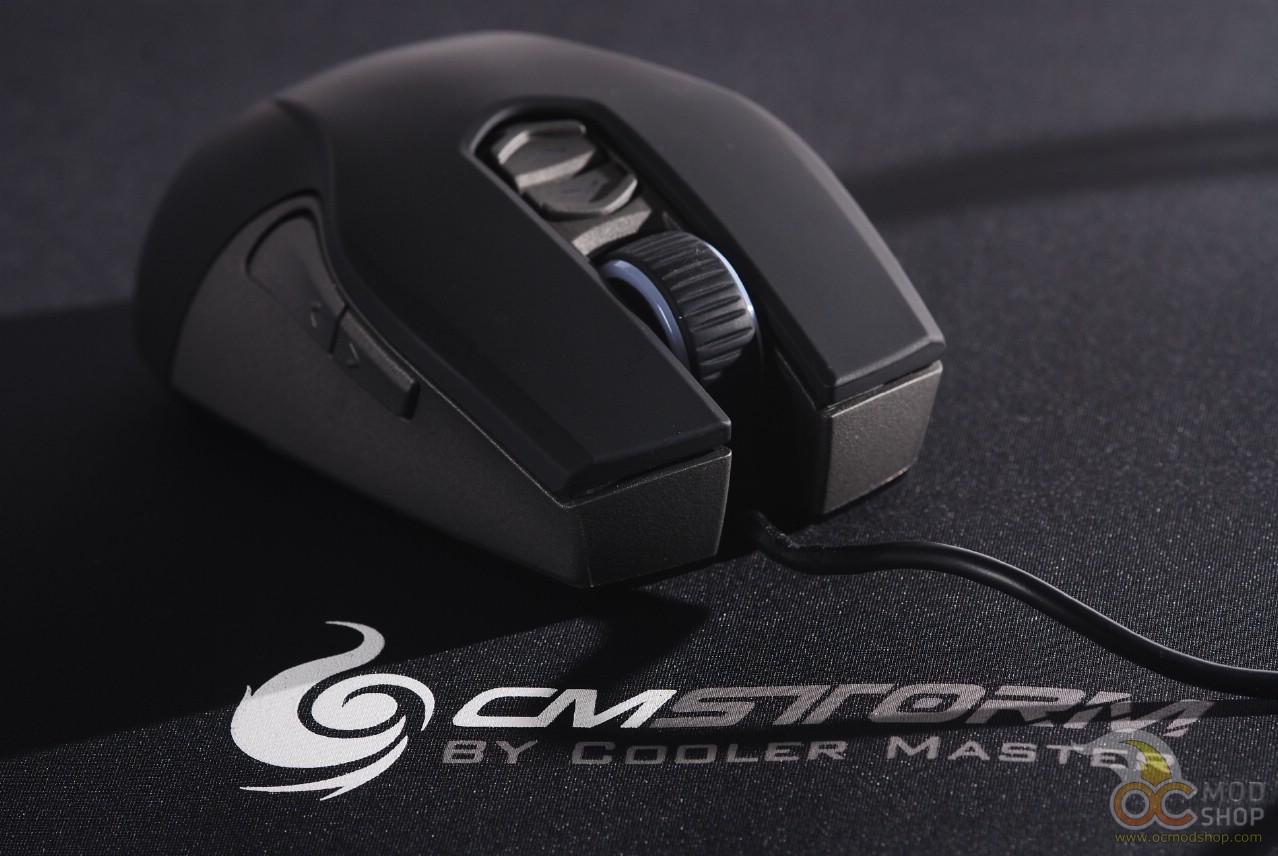
When we first placed the Cooler Master Storm Recon mouse in our hands, we noticed how extremely light it was. Gamers that frequently have to pick up their mouse will delight in its weight. The balance is also evenly distributed, which again aids when having to re-position the mouse.
The scroll wheel is very comfortable and easy to use, especially if you use the claw grip. The third mouse button is also very easy to use without accidentally scrolling (which usually switches weapons in first-person shooters). Many people have this button assigned to grenades, and an overly sensitive mouse wheel can cause your weapon to switch before throwing the grenade.
One complaint that we have of most ambidextrous mice is also retained on the Storm Recon. The alternate thumb buttons (buttons 7 and 8) register accidental clicks with one’s pinky. We tried several different grips (palm grip, fingertip grip, and claw grip), but we kept registering accidental clicks. The Claw Grip helped prevent accidental thumb-button clicks, but was traded off by accidental right-button clicks, as the main mouse buttons take very little effort to click.
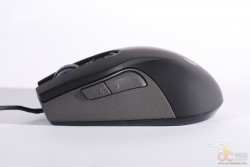
Like most mice with “mirrored button” designs, you will probably have to disable two of the mirrored thumb buttons, which negates some of the functionality of the peripheral.
On the next page we configure the Recon with software…


1 comment
I like this mouse. Nicey nice.
Comments are closed.