
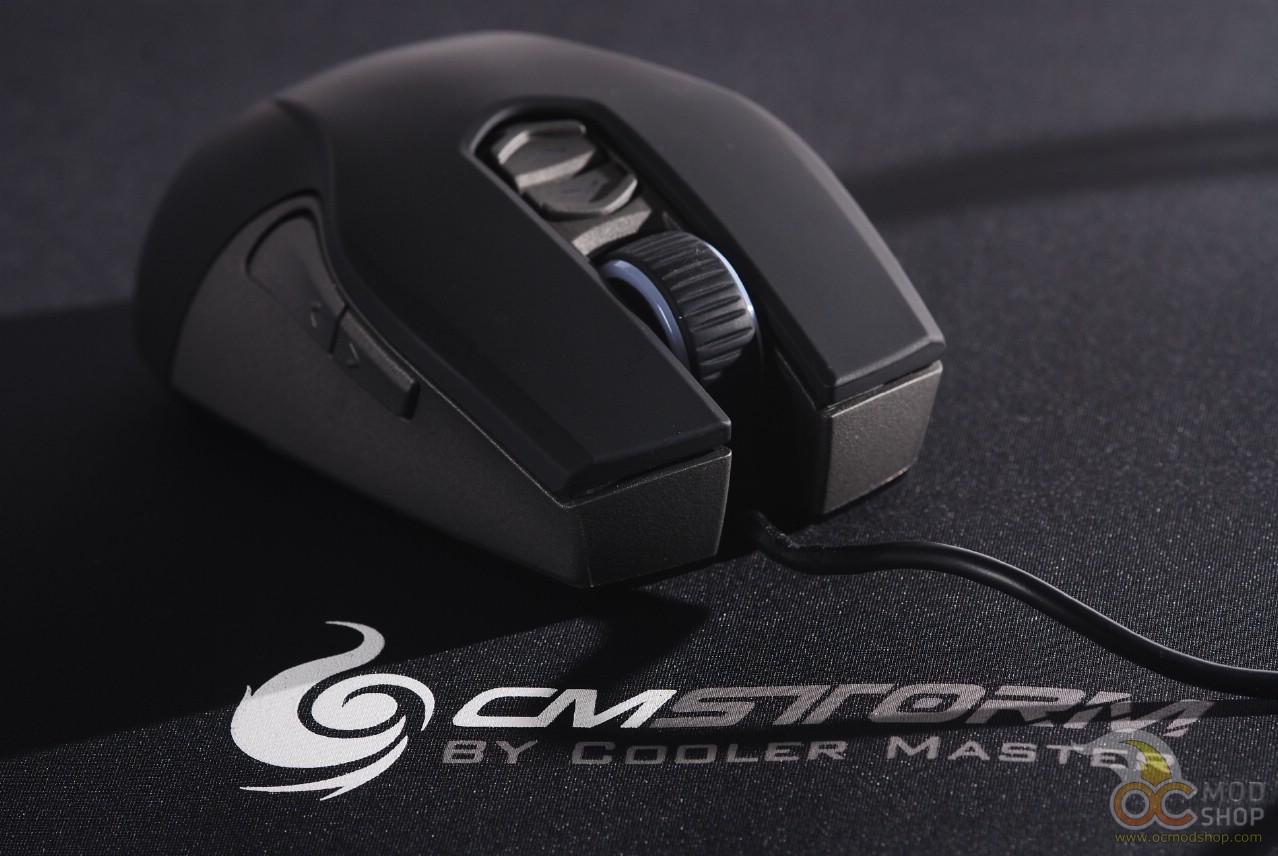
You can use the mouse out of the box, but to get the most out of it you need to use Cooler Master’s software to configure the mouse. Unfortunately no software CD is included, but it can be downloaded over the internet. If you don’t have the slip of paper that came with the mouse then the drivers can be really hard to find.
If you go to Cooler Master’s main website you will not be able to find the software for the Storm Recon. You have to go to Cooler Master’s Storm website to find them. A Google search for drivers is not very helpful, either.
Drivers: http://www.cmstorm.com/en/products/peripherals/Recon/
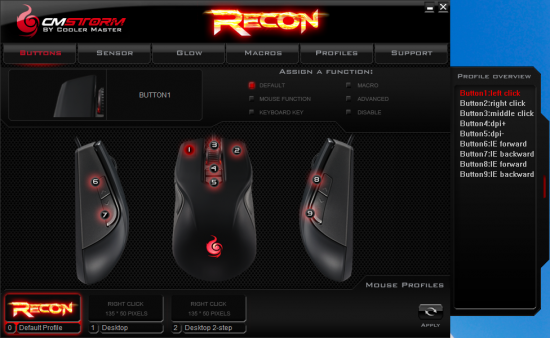
The window to configure the Recon mouse is laid out with a tab of functions along the top, the content of each tab in the center, and along the bottom are five profile slots along with an “Apply” button. You can not see any of your changes in real time and must click Apply before you can test the features on the mouse.
The software is not the most intuitive thing to use, and I found it rather difficult to program this mouse. Most of the functions do not support tooltips like most other software does, so get no definition or any context whatsoever about what some of the features do. For example, it took me a minute to figure out that “LOD” is “Lift Off Distance”, and a helpful tooltip would have been most welcome. You do get a popup balloon when selecting Playback Options when selecting a mouse function, which provides you with repeat options.
We customize the buttons on the next page…


1 comment
I like this mouse. Nicey nice.
Comments are closed.