
Physical installation is rather easy and straightforward. The unit is designed to fit in a standard rack, so standard rails can be attached to the sides. Sadly, no rails are included with this unit, but it does come with two front mounting brackets. Unfortunately, the weight of the unit is so heavy that the brackets will bend without some sort of support (preferably side rails).
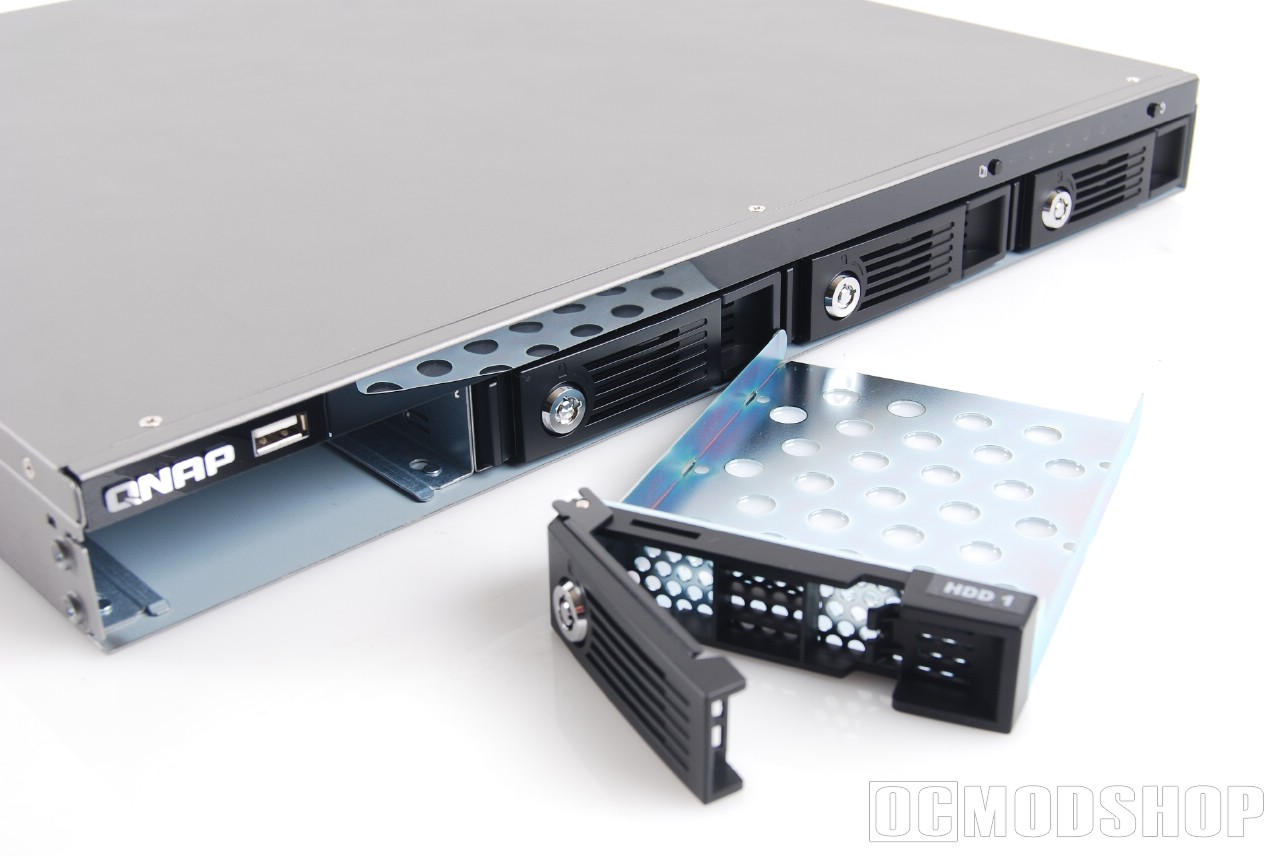
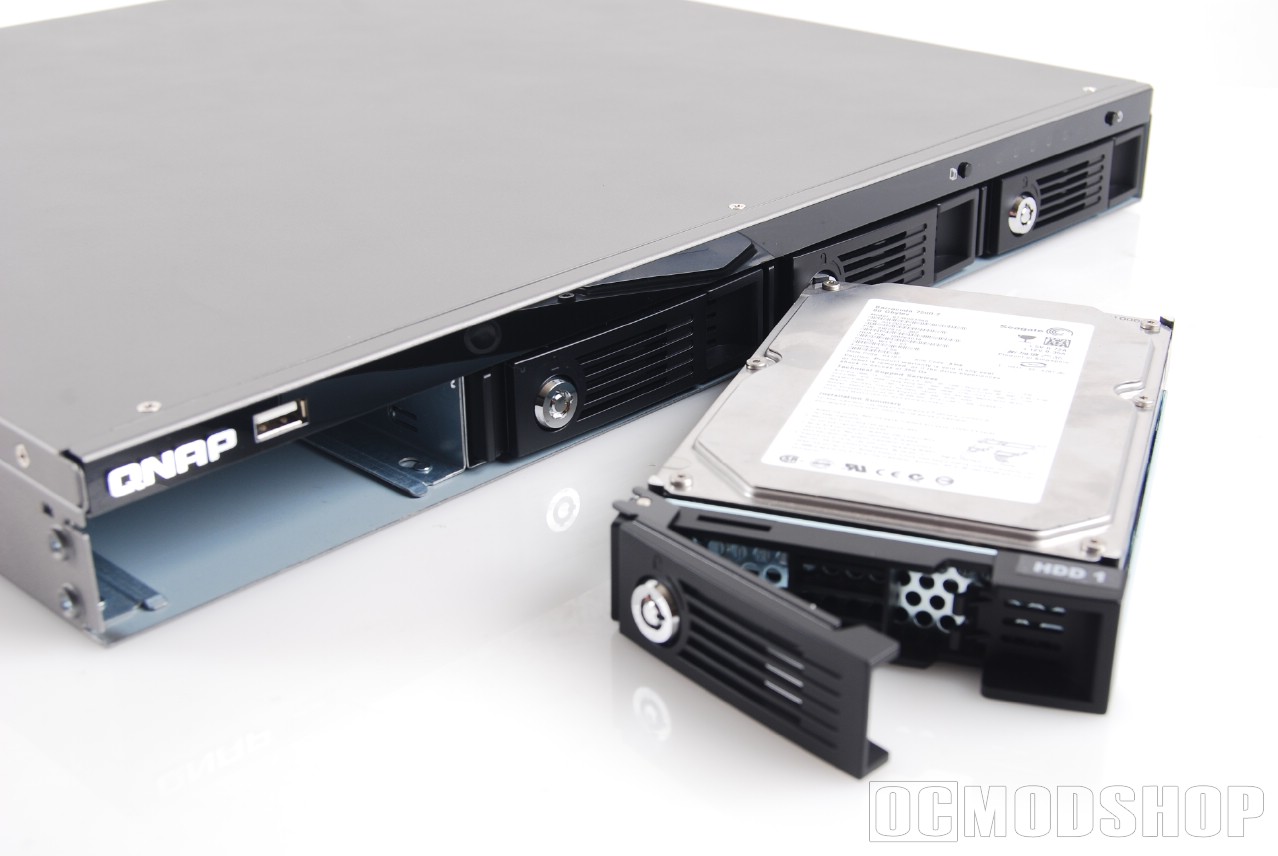
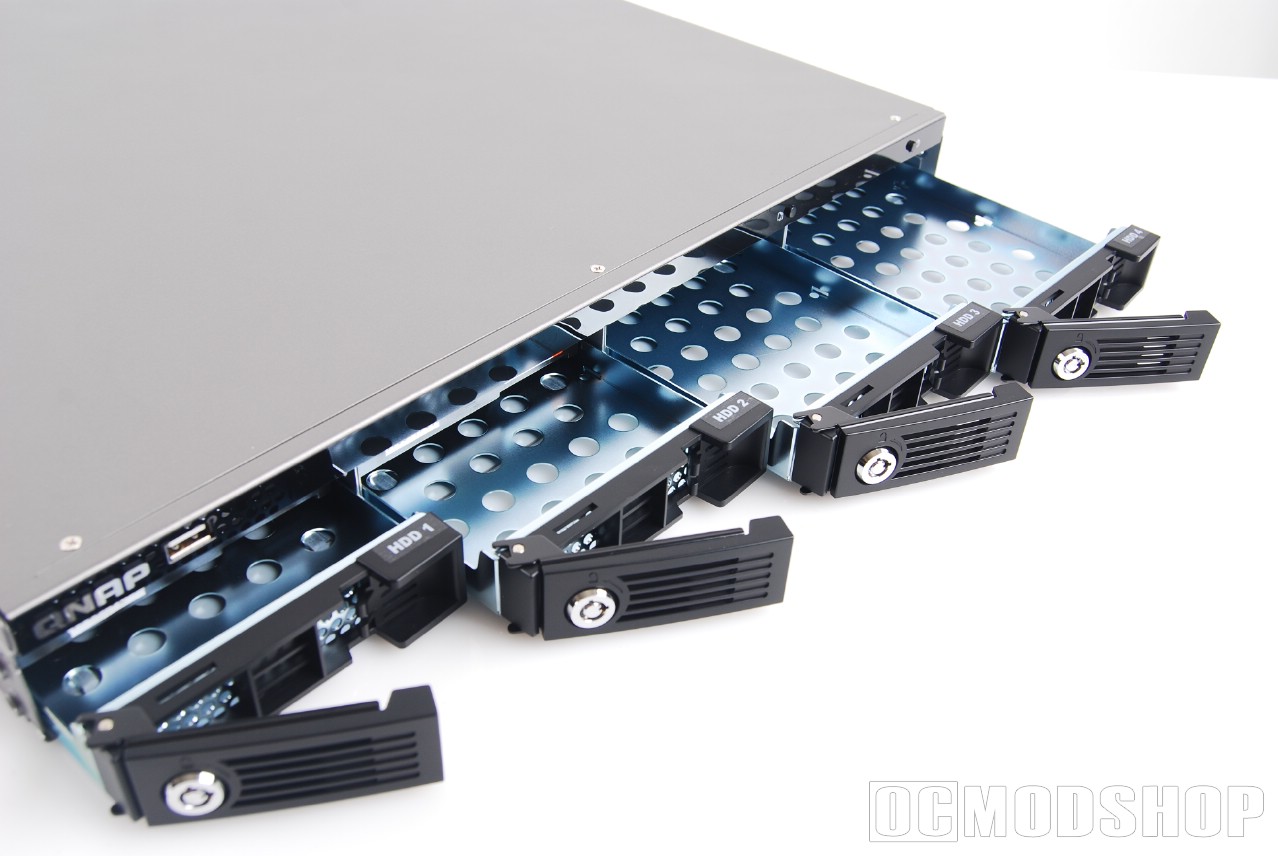
Installation of the drives should be familiar to any IT professional. Each of the four drives are accessible from the front of the unit, and can be pulled out in hot-swap fashion. To unlock a drive, simply insert the included key. You can then pull on the front pastic hinge, and pull the drive bay out.
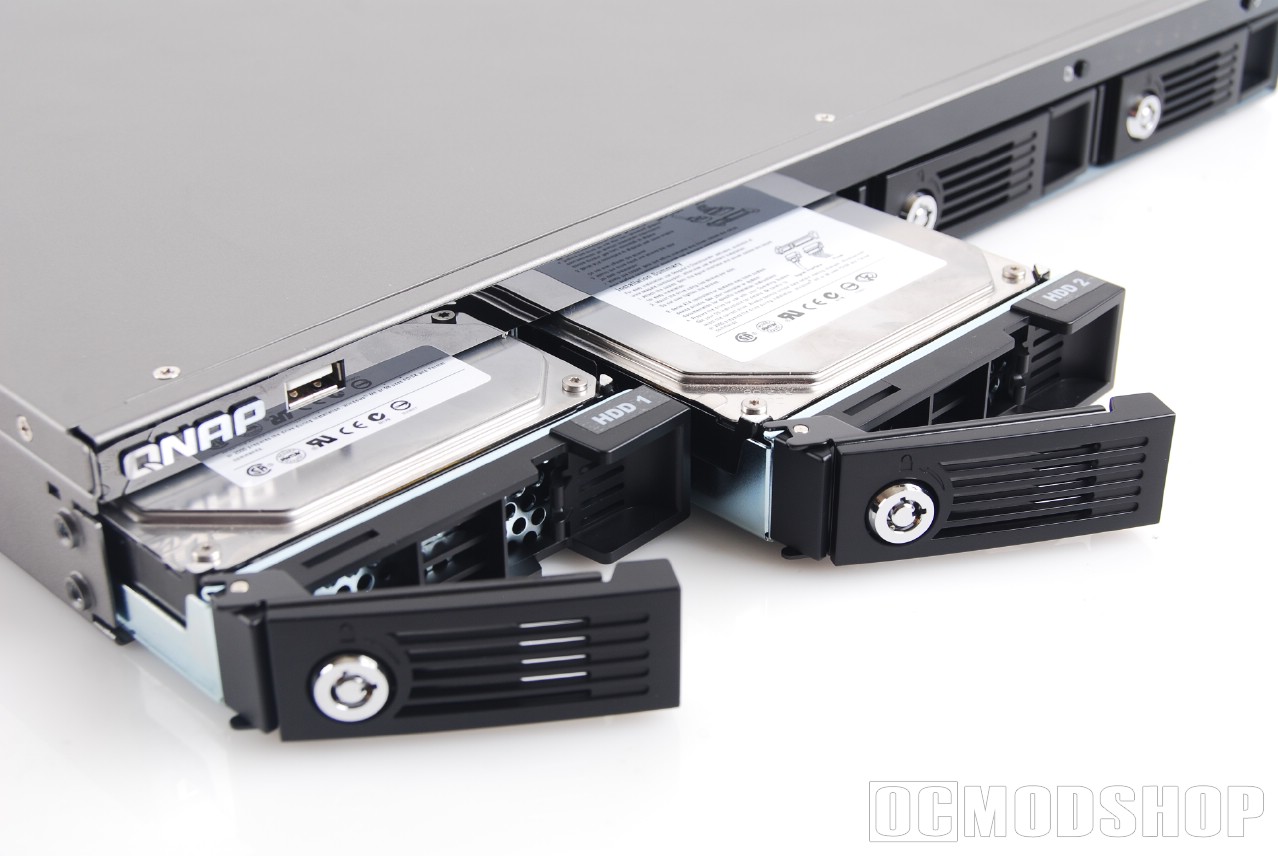
Any standard 3.5″ SATA hard drive can be mounted to the empty drive bay. Screws are included, and are mounted to the drive’s underside. Once the drive is mounted, it’s all a matter of sticking the cage back into the unit and locking it. The drive is recognized as soon as it makes contact. I’ve seen some hot-swap mechanisms that cut power to the drive when the bay is unlocked (like the Vantec EZ-Swap bays reviewed here), but QNAP’s bays do not function in this way.