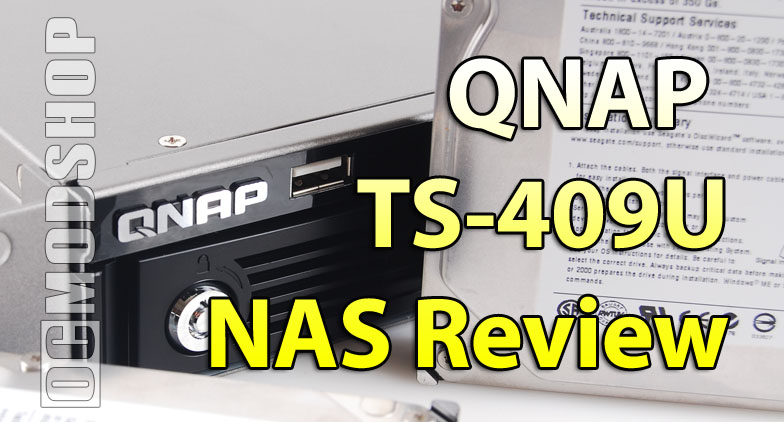
Nearly every home office needs most of the features this NAS delivers. The TS-409U functions as a file server, data depository, backup server, print server, download client, web server, multimedia server… and much more. There can be much debate as to which type of NAS to buy. Some prefer the Linux appliance route, while others prefer Microsoft’s flexible Windows Home Server.
If you need reliability and 100% uptime, then you’ll probably want to go the Linux route. The whole point of a multi-drive NAS is that you will never have to deal with a data recovery scenario. The NAS has many RAID options, but if you ever think you’ll need to upgrade capacity, then you better start off with a RAID 5 array, which will ensure 100% uptime, even during the migration. The tradeoff to RAID 5 is that you can only access 66% of the total array.
Windows Home Server uses a differnt methodology: it has a huge JBOD array, and does a daily backup of only the files you specify. The advantage to this method is that you can mix and match drive capacities, and utilize up to 100% of your drive capacity. Of course, the disadvantage comes when a drive fails.
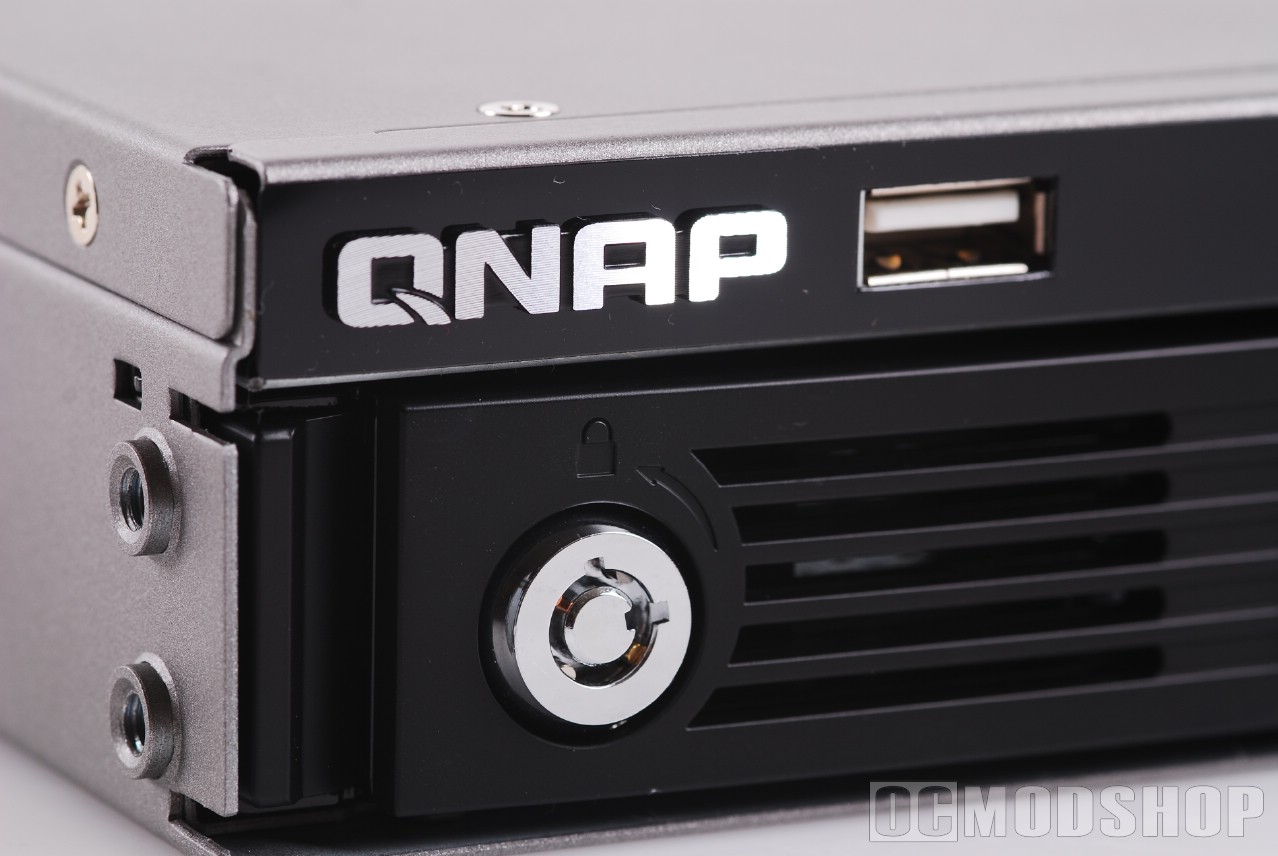
If the TS-409U were priced about the same as its bulkier brother then it would be a much better value. The TS-409 U costs nearly $200 more than the TS-409 Pro. The Pro version is nice and cute, but doesn’t lend itself well to fitting in a rack. If space consolidation is a concern to you, then the extra money may be worth a 1U appliance. The unit’s performance targets the SOHO market, but any small business that needs a 1U will desire more performance than this NAS delivers. For about the same price, you can buy an entry-level (or used) server that will perform many times better.
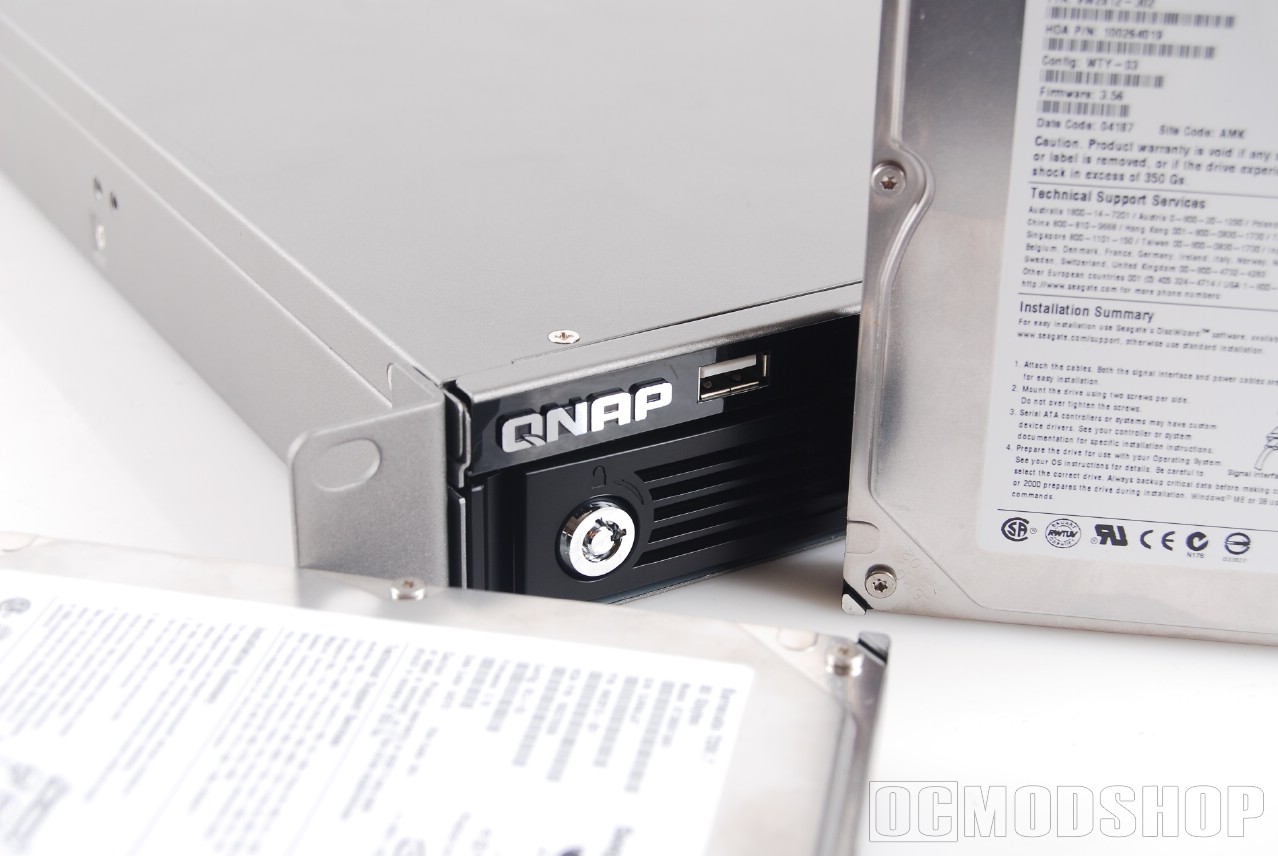
If you absolutely have to have a 1U server, using the TS-409 over a standard server will save you about $100 a year in electricity. Although a traditional entry-level server costs about the same as the TS-409U, it will be much noisier, produce more heat, and cost more to operate. Over 1U servers, the TS-409U has a much lower total cost of ownership.
Of course, the flip side of using a standard server is that you would have to build all the functionality into the unit and maintain it. Home users would fare better by using a Windows Home Server, which uses a different method of backing up data, but is more flexible and gives you more usable drive space.
The TS-409U is a great unit: just like the TS-409 Pro. The killer is the extra price for the 1U case, which doesn’t make it as good a value as the Pro version.
 |
 |
 |
|||||||||||||||||||||||||||
|
|
|
|||||||||||||||||||||||||||
 |
|
 |
|||||||||||||||||||||||||||