
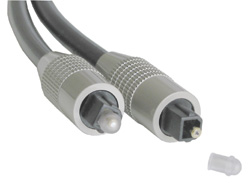
Selecting the right sound card can make or break your home theater PC, and your choice depends on your speaker configuration. If you have an external amplifier, you will probably be using a SPDIF connection (a wire or optical cable that streams digital audio information directly to an external amplifier).
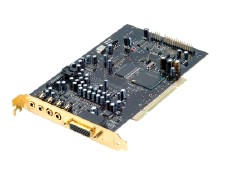
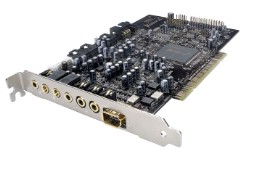
If you are using SPDIF, then you might think that the quality of the chips or Codec doesn’t matter. Even though the audio bypasses conversion to analog audio, cheaper chips (generally those integrated into motherboards) can cause audio skips, crackling, or video sync problems (even with Microsoft’s new MPEG audio decoder). If you are experiencing any of these issues, then you may want to check if SPDIF is enabled, even if you aren’t using it. Some audio software has the SPDIF option even if the motherboard doesn’t have a digital audio port! I have resolved nearly every one of my audio issues by using an add-on audio card and/or disabling SPDIF.

You may also choose analog connections to your speakers. Some sound cards support up to 7.1 speakers and decode Dolby Digital and DTS right on the card! You will need to set your amplifier to “External Decoder” mode, or use directly connected speakers.
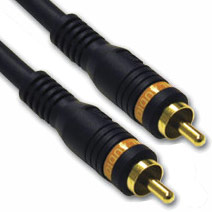
DVI, HDMI, and VGA
Most video cards available today include a DVI and VGA port. Many HDTVs today include a DVI port, with newer ones favoring HDMI, and may even include a VGA port. If your new HDTV is an LCD, then there’s probably little difference between that and a computer monitor, as they are both progressive technologies. It’s best to use DVI or HDMI on an LCD or plasma display, as the video signal is completely digital from the card to output.
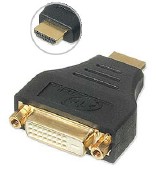
DVI or HDMI is the preferred video connection because the signals are completely digital from the card to final output. You want to try to minimize the conversion of digital to analog as much as possible. You will need to buy a DVI to HDMI conversion cable to connect a typical video card to your new HDTV monitor, and you will lose the audio capabilities of the HDMI cable. There are some exotic HDMI PC cards that have the audio and video integrated, but right now these are limited to OEMs.
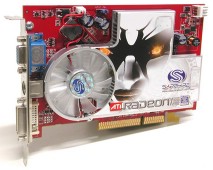
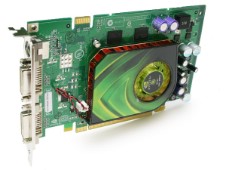
Both ATI and nVidia’s support of HDTV has been getting better over the past few years, but the quality of older generation cards are debatable. ATI always had the lead on HDTV signaling until the nVidia 7×00 line. Prior to this, nVidia’s cards produced inconsistent HDTV output, and the 5×00 line’s HDTV support was horrible. Nowadays, any modern card will work fine on any modern display. If you have an analog HDTV (like the first rear-projection CRTs), then I would recommend ATI’s cards, as they have better HD signaling support, and have component adapters to complement the CRT’s analog nature.
Selecting your drives
If you’re planning a large media server, then you should consider that the more hard drives you add can potentially increase the noise produced. From my experience, the latest Seagate drives are the quietest ones available. Not only are the spindles quiet, but the drive mechanism can barely be heard. If you have the money, buy as large a drive as you can so that you don’t end up with 3 or 4 hard drives in your HT appliance.
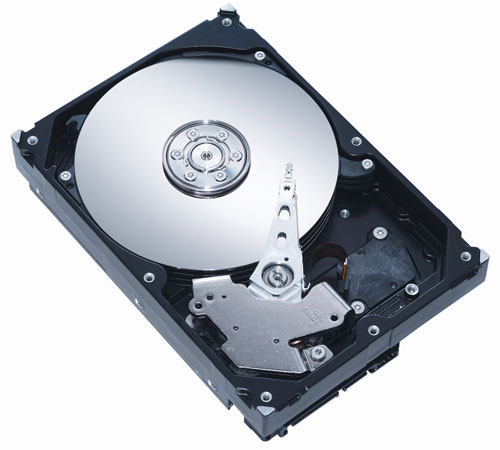
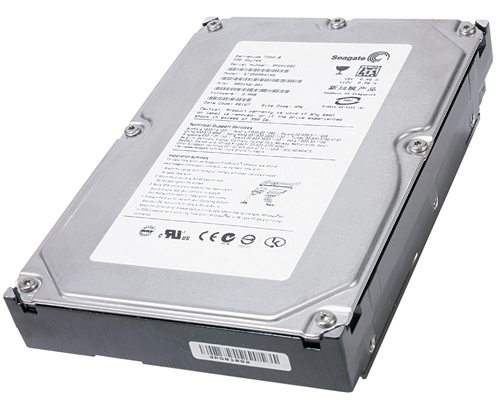
If you’re really concerned about noise and heat, then use 5400 RPM drives (if you can find any). 5400RPM drives are plenty fast for media applications. Some people even use laptop hard drives in their home theaters, as they are the ultimate in silence, and produce very little heat. You can even RAID two or more laptop hard drives to get the same performance and capacity as a desktop drive, but without the noise or heat. I really wouldn’t recommend using a disk array in a HTPC, as even the slowest drives are capable of streaming even high definition content.
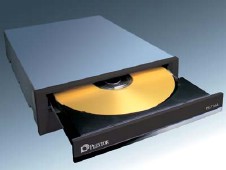
DVD drives can be another enemy of silence, and some are noisier than others. Newer drives spin the disc according to the data being read, so streaming video from a DVD should never sound like a plane taking off. DVD drives are so cheap nowadays that you can buy a new one if you need to, so look for a brand that has “quiet track” or other silencing technology stamped on the box somewhere.

