
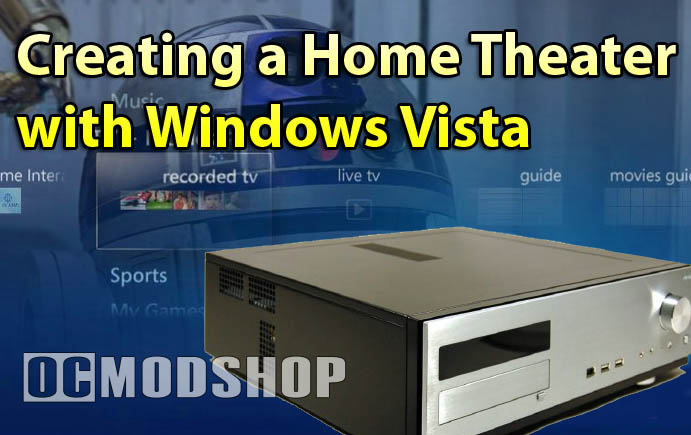
Now that the software and drivers are installed, you can begin to tweak Vista’s new Media Center. One of the first things you’ll notice it the improved interface. It looks a little more complicated at first, but the usability is greatly improved. Basically instead of drawing each pixel on the screen, Vista draws window and video information to an off-screen “texture”, which can be manipulated by 3d acceleration hardware (which is why you will never see any more window “tearing” in Vista).
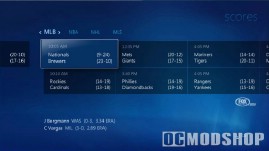
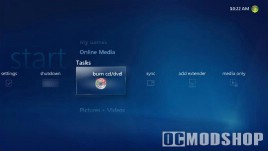
Sports scores and DVD burning
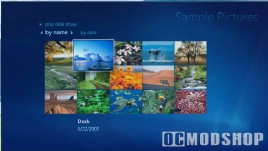
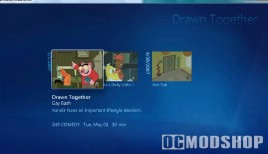
Photos and videos
Media Center can now take advantage of Vista’s new UI system, which uses your video card’s hardware acceleration for everything. Tactile response is greatly improved, as selected video thumbnails fluidly shrink and grow like a button when selected, and support awesome overlay and transparency effects, all without taxing the main processor.
Digital music is also greatly improved. Media Center 2005 had major problems with it’s MP3 database, and could literally take 5 minutes or longer to load up the audio catalog, and would automatiacally insert its own genres of music (I have my music organized into 15 general categories, but Media Center would introduce 100 more).. Radio support was also very limited, only allowing 9 station presets, with no labeling.
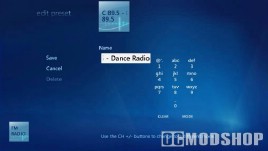
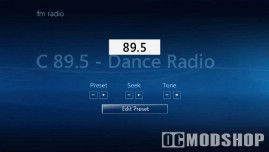
Radio interface is still simple, but much improved
Vista’s Music support is greatly improved… the MP3 catalog loads up instantly, has better search and organization options, and album art is now an essential part of the interface. Over-the-air Radio support is now much more enjoyable. The interface allows for labels of station presets, time-shifting, and is actually a functional radio rather than a novelty. There are many more features that make Vista’s Media Center better than any other Media package currently available. Microsoft has done an excellent job and fixed nearly every gripe I had with Media Center 2005.
In Media Center 2005 I would install extra games, patches, DVD writing support, configure video options, and do many other tweaks to get Media Center functional. None of these things are required with Vista’s Media Center. Nearly everything you could want is included. You may want to install a third-party web radio program onto Media Center, but that’s really about it.
Game Ex
The one essential third-party Media Center component is GameEx, a front-end interface to MAME (Multiple Arcade Machine Emulator). This thing has so many features that it can be a standalone media center, and even supports video features that even Media Center doesn’t have (like FFDShow).
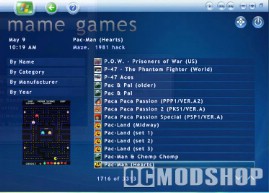
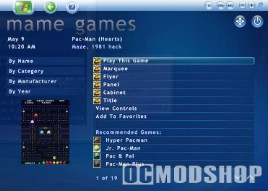
GameEx requires the dot net framework 2.0, which is included with Vista so installation is very simple. Configuring MAME can take a little time, as there are lots of options, but the step-by-step configuration wizard walks you through it. It even supports Daphe (an emulator for laser-disc games like Dragon’s Lair) and can be configured to support any other command-line emulator.
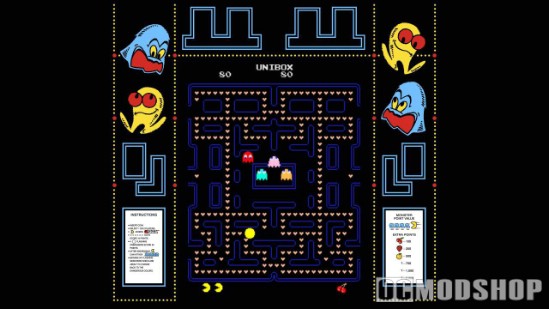
GameEx’s MAME interface is expansive, and is a virtual database of arcade information. Not only can you find games by genre, manufacturer, year, controller type or graphic type, but it also supports photos of the arcade cabinets, marquees, manuals, flyers, and even intergrates screen artwork with the game! If anything else, GameEx is the Encyclopedia Galactica of classic video games.
Oh, and since it’s Windows Vista, your Xbox 360 controllers plug right in and just work without any additional software.
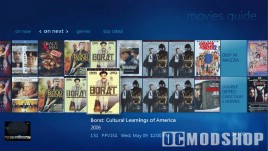
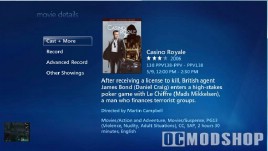
Find movies and get details
Conclusion
Most of the time to install your Vista Media Center is in choosing and installing the right hardare.
At first I had my doubts about this new Media Center. I did run into a few problems with Vista initially (mostly getting Dolby Digital to work without skipping), but even these “beta” drivers installed more trouble-free than some of XP’s “mature” drivers. Installing Media Center 2005 used to be a weekend ordeal, even when I knew everything to be done. I can now get a Vista Media Center up and working from start to finish within 3 hours. The only problem to iron out is a crash when Media Center tries to create a thumbnail of a video without the proper codecs.
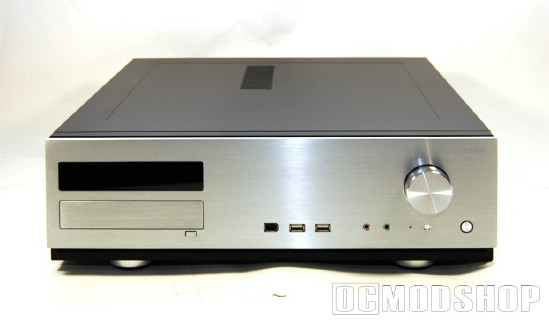
Vista Media Center is not just a minor improvement from Media Center 2005, but a worthwhile and substantial upgrade, and is much easier to configure and manage. It is the most stable version yet, and has lots of eye candy and usability improvements. If you have a Home Theater PC, then Vista Home Premium Edition is worth the upgrade.

