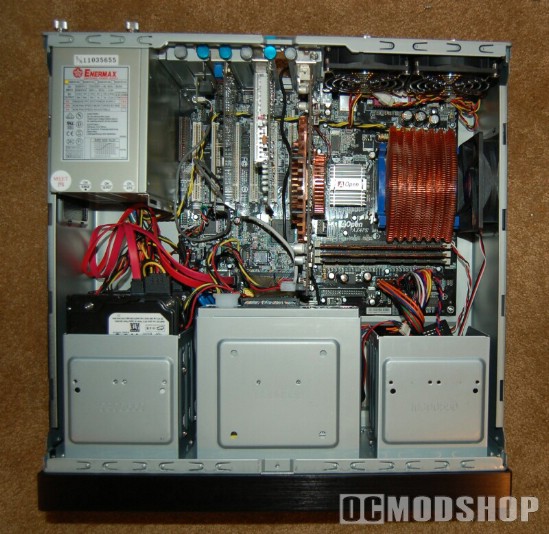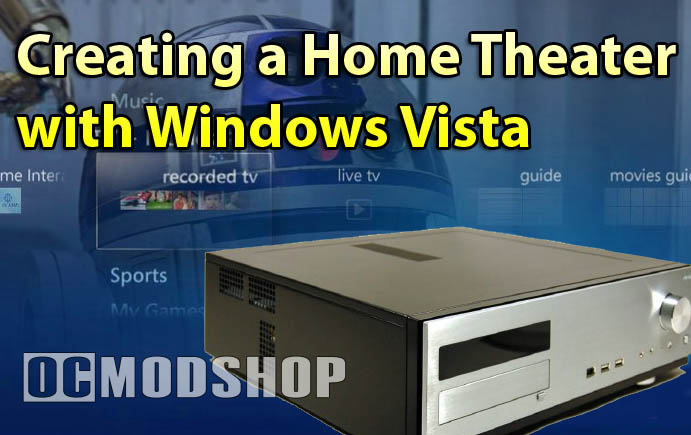
Making a HTPC that doesn’t make a lot of noise is mostly a matter of the equipment you choose. Some modders really go overboard by using Dynamat (or other noise insulation) and rubber grommets, but most noise reduction can be achieved by choosing the right fans and third-party heatsinks. The Silverstone GDMX16 integrates silent fans and rubber insulation into its design (you can read more here).
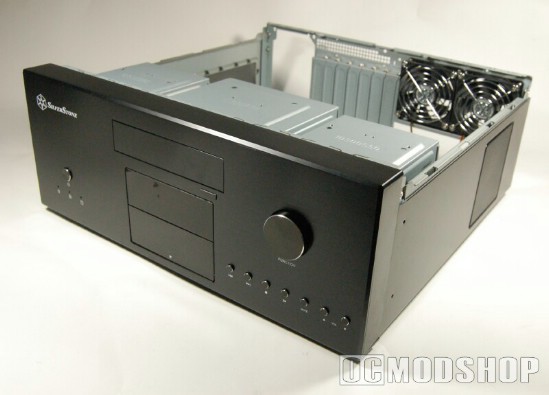
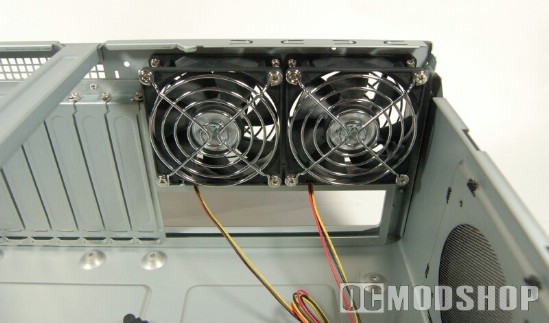
The rule of thumb of fans still rings true in the home theater world: the bigger the fan, the quieter it is. I would consider a case that had 80mm exhaust fans over 50mm any day, no matter how silent the 50mm fans were. If you have a particularly noisy fan, they can always be silenced with a rheostat or fanbus (I wouldn’t use any 7-volt tricks or any other “ghetto” methods that could damage the power supply).
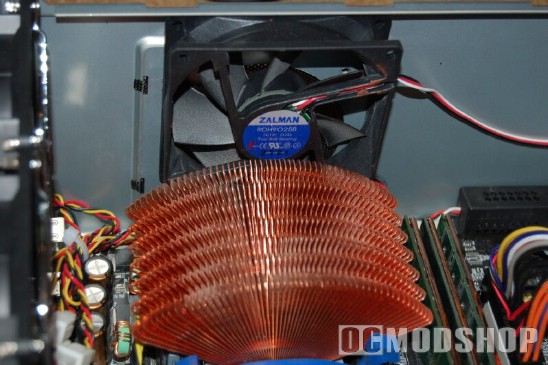
Active heatsinks are another source of noise, as they usually have very small fans. You should use a high-quality third-party heatsink over any OEM heatsink (which usually are made of aluminum). Copper heatsinks are much more efficient at sucking heat away from the chip, meaning that it can be cooled with less airflow (i.e. quiet fans). You can consider passive heatsinks if you have some creatively-placed fans that blow across several components. The copper Zalman flower coolers are silent and effective, and can be mounted on just about any motherboard. You can also find good third-party heatsinks for your video card that are quiet, and some even exhaust hot air direcly outside the case.
Pretty up the insides
Take the time to route your cables and tie them down with zip-ties or Velcro. Not only will you be satisfied that you did a professional job, but you will maximize the potential airflow in the case. Airflow is much more important in HTPCs because space is at a premium and they tend to get cramped very quickly. I would recommend using SATA drives because of their space-saving cables, but you should use rounded cables for any classic ATA drives (like your DVD drive).
Proper case placement
Make sure your HTPC is placed properly to ensure that the exhausted heat does not build up and damage any equipment. Your home theater PC should never be behind a closed door (unless you have some exotic system that draws air from your cabinet), and you should leave at least 1 to 2 inches of space at the back of the cabinet. Your HTPC should not be touching any other equipment and should be separated by shelves. If there is a shelf above your PC, make sure that either (a) there are at least 2 inches of space between the PC and the shelf, or (b) that the shelf does not touch the back of the cabinet. If your case overheats then you will experience application errors, a system crash, or even hardware failure.