
Now that the hardware is installed and prepared we can begin installing Windows Vista Home Premium. We chose Home Premium edition because it includes everything we need, and nothing we don’t (the Media Center application, but don’t need remote desktop or any other of Vista’s expensive features).
If you have any parallel ATA drives, I would recommend installing Windows to that drive. Although you can install Windows to any drive you like, the boot sector must be written to the first partition of the first physical drive, and parallel ATA drives take this slot before any SATA drives are initialized. I’ve had several problems when installing Vista on SATA drives when there was a PATA drive present.
Fortunately, Vista is now included on one DVD and has the latest hardware support. The installation procedure is much quicker and incredibly simplified when compared with Windows XP. After answering a few questions, it runs pretty much unattended until it’s time to create a login account.
Installing drivers
Now we need to install the audio, video, and capture devices. This is another area where installation is greatly improved over Windows XP. Even though many Vista drivers are currently in beta, they provide enough functionality for a Media appliance. In Windows XP, I sometimes would have issues getting a particular device configured, but devices in Vista work with little or no configuration.
If using an ATI card, you will need to download the latest Catalyst drivers. Catalyst uses the dot Net framework 2.0, which conveniently has been included with Vista! You may also want to download ATI’s AVIVIO add-on for Catalyst, which allows any X1000 series card to encode and decode video in hardware (although I’m not sure if Microsoft’s decoder uses it).
If using an nVidia card, you will need to download the latest GeForce drivers for Vista. In the past you had to download (and pay for) nVidia’s MPEG decoder to enable PureVideo. I’m not sure if Microsoft takes advantage of PureVideo, but Microsoft’s MPEG decoder does a great job, and the video looks very good. Only nVidia’s 6600 line and above support PureVideo in hardware (but not the 6800 AGP as this chip was developed before PureVideo was released; 6800 PCIe works, though).
Owners of Creative’s audio cards are going to be very disappointed. The Live! Line of audio cards are no longer supported, which means no Vista drivers. You can find hacked versions of a Live! Driver online, but they only enable 2-channel audio and no EQ settings. The Audigy line and above have beta Vista drivers, but currently offer only the minimum of support. The drivers do support SPDIF audio streaming to your amplifier, but do not support onboard decoding of Dolby Digital and DTS streams (as the XP drivers do).
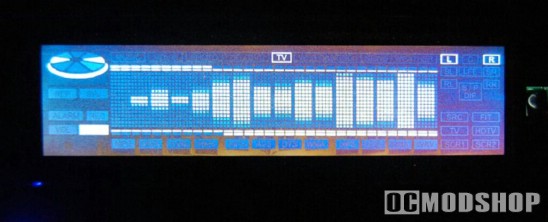
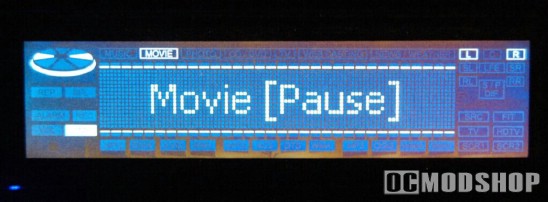
I eventually had success when using SPDIF with my Audigy card in Vista. When I first installed the drivers I had audio and video sync problems, but I will comment on how to troubleshoot that in the Configuration section.
One of the best front displays for home theater are the Soundgraph iMON displays, which are included with higher-end enclosures. The iMON software is tuned for home theater applications, and displays pertinent information about what is going on with Media Center… at least it does in Windows XP.
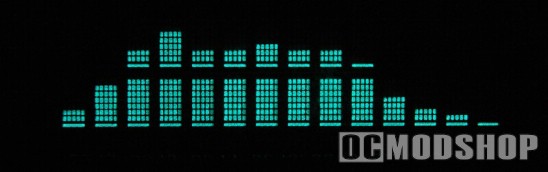
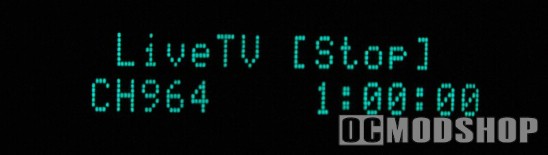
I downloaded Soundgraph’s iMON driver for Vista, and while it does install and work properly, it doesn’t seem to catch everything from the new Media Center, even when you manually switch the display mode from Auto to Media. I couldn’t get it to display the graphic equalizer either, no matter which audio channel is being monitored. The only thing the iMON will now do is cycle through system information and news. I hope this will be fixed in a driver update, as this is the only component not working on my Vista Media center.

